




Understanding how to program a 2014 BMW X4 smart key with Lonsdor K518 PRO is essential for automotive locksmiths looking for an efficient OBD-based solution. This technical guide covers the complete procedure for adding a new key to the CAS4/CAS4+ system without the need for complex pre-processing in most cases.
Preparation & Tools Required
- Lonsdor K518 PRO Key Programmer
- OBD Communication Cable
- Original Working Key
- New BMW Smart Key
Step-by-Step Instructions
- System Identification
- Connect the K518 PRO to the vehicle via the OBD communication cable.
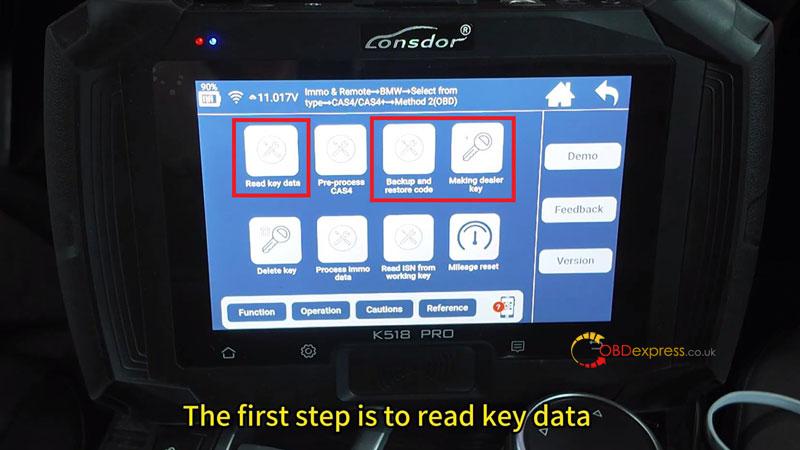
- Navigate to the menu: Immo & Remote > BMW > Select from type > CAS4/CAS4+ > Method 2 (OBD).
- Read CAS & Key Data
- Select “Read Key Data” to allow the tool to analyze the current vehicle status.
- Turn on the ignition switch when prompted.
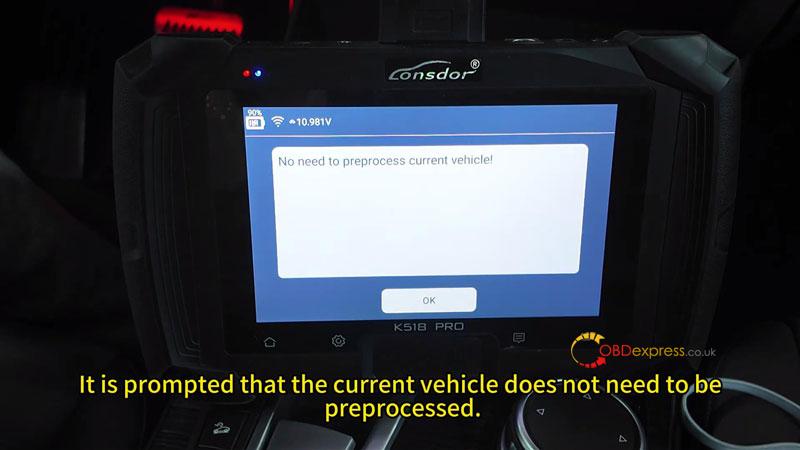
- The system will automatically check if the vehicle requires pre-processing; for the 2014 X4, this is typically not required.
- Backup Coding (Safety Step)
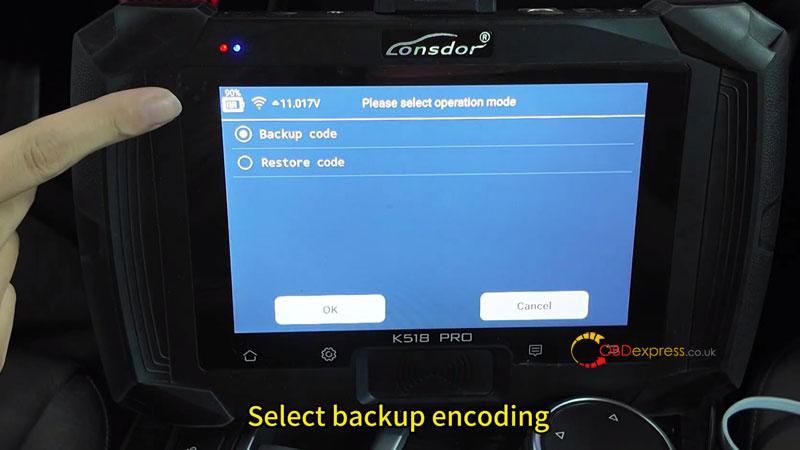
- Select: Backup and Restore Code > Backup Code.
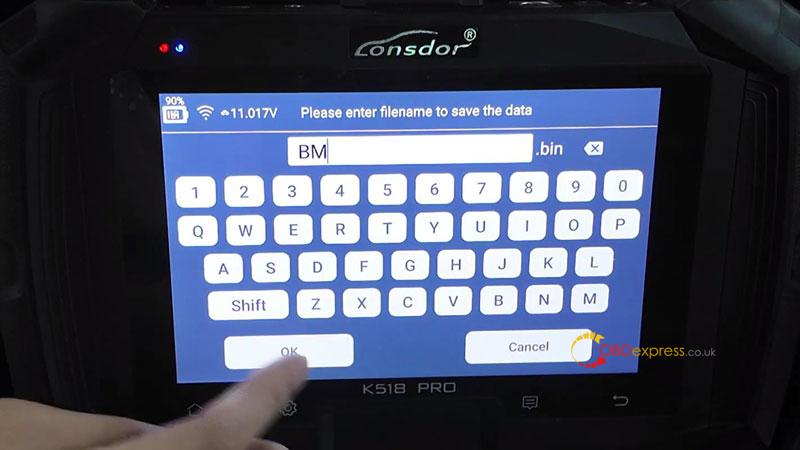
- Ensure the ignition is on and save the file with a recognizable name.
- Once the “Backup Successful” message appears, return to the main menu.
- Generate Dealer Key
- Select “Make Dealer Key”.
- Turn on the ignition switch and the hazard warning lights.
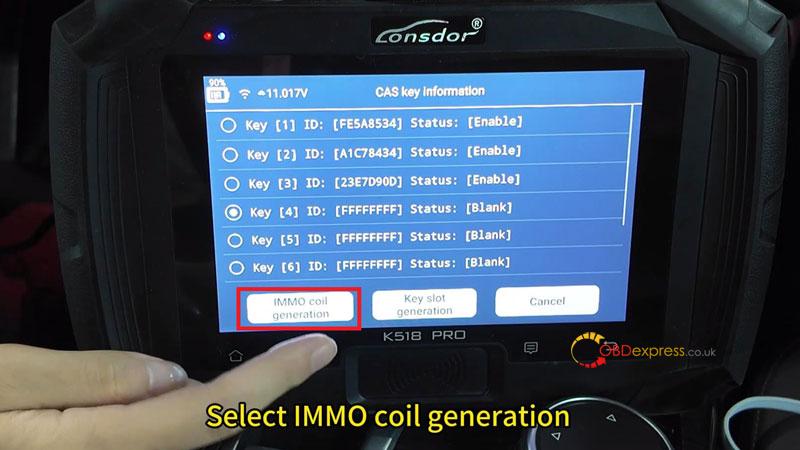
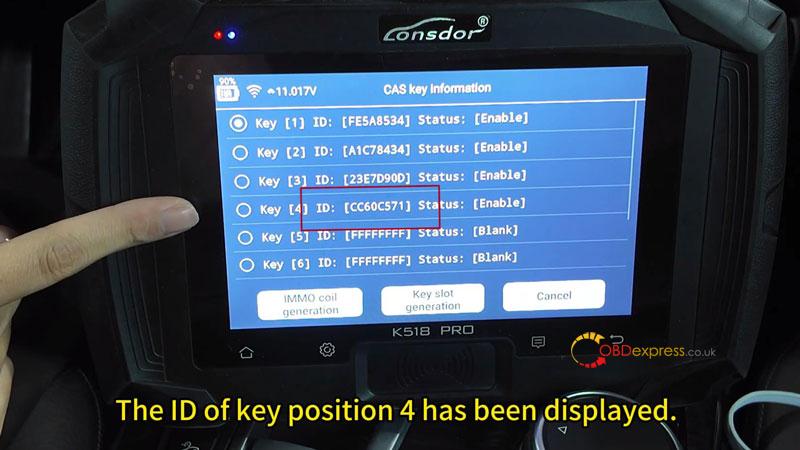
- Choose an empty key position (e.g., Key Position 4).
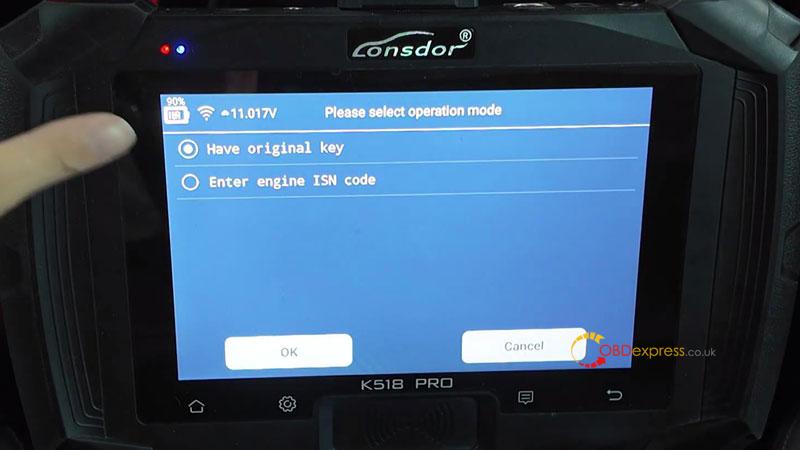
- Select: Immo Coil Generation > Have Original Key
- Key Induction & Learning
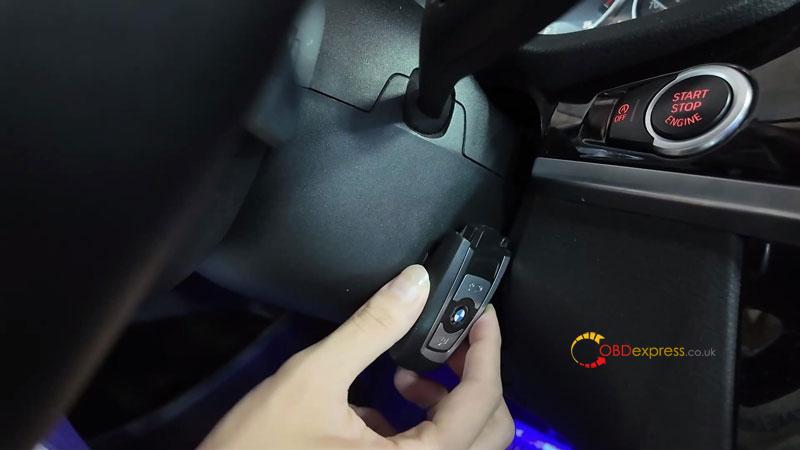
- Place the original working key near the car’s induction coil and click OK.
- Immediately hold the new smart key close to the induction coil.
- Wait for the device to finish “Writing New Key.” Do not move the key during this process.
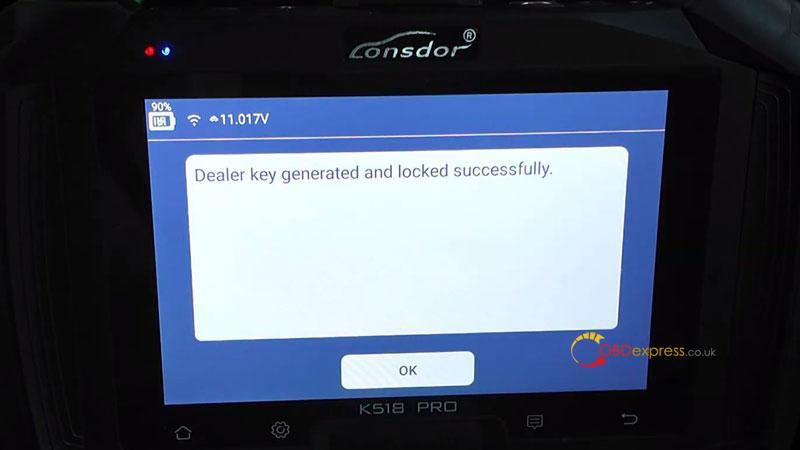
- A success message will appear once the dealer key is generated and locked.
Verification & Testing
- Check the device screen to ensure the ID for key position4 is now displayed.
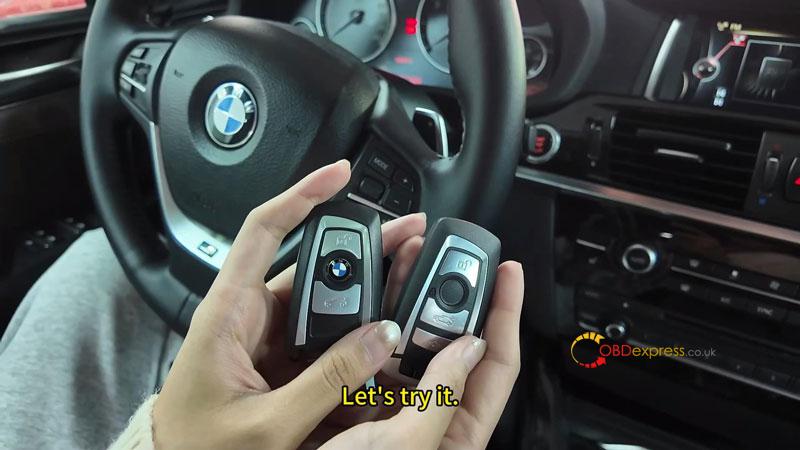
- New Key: Press the brakes and the Start button. The engine should start successfully.
- Original Key: Repeat the process to ensure the original key still functions perfectly.
By following this OBD-based method, adding a smart key to a 2014 BMW X4 with the Lonsdor K518PRO is a streamlined and secure process.
(Visited 125 times, 1 visits today)
