






This guide shows how to successfully program a UWB smart key for 2025 BMW X3 using the Lonsdor K518 Pro.
Tools Required:
Lonsdor K518 Pro Key Programmer
One original car key
One new smart key
Lonsdor BDC3 Solder-free Clip(optional)
Lonsdor BMW BDC2 / BDC3 / BCP License
Quick Steps:
- Connect the Lonsdor K518 Pro to Wi-Fi.
- Go to: Immo & Remote → BMW → U chassis → Making dealer key.
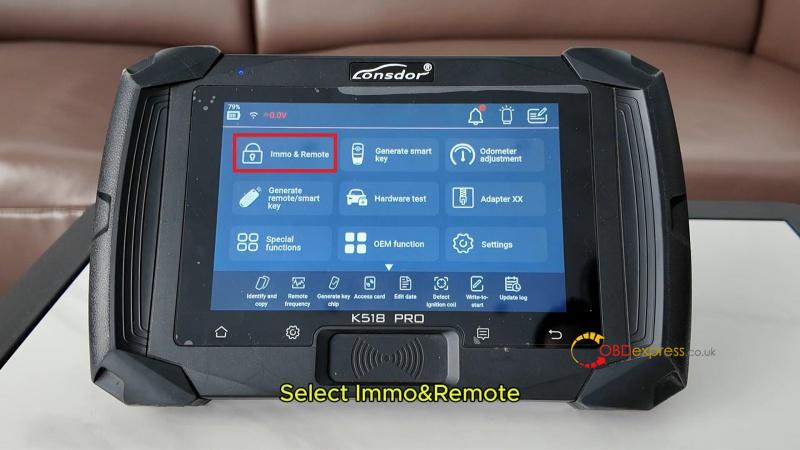
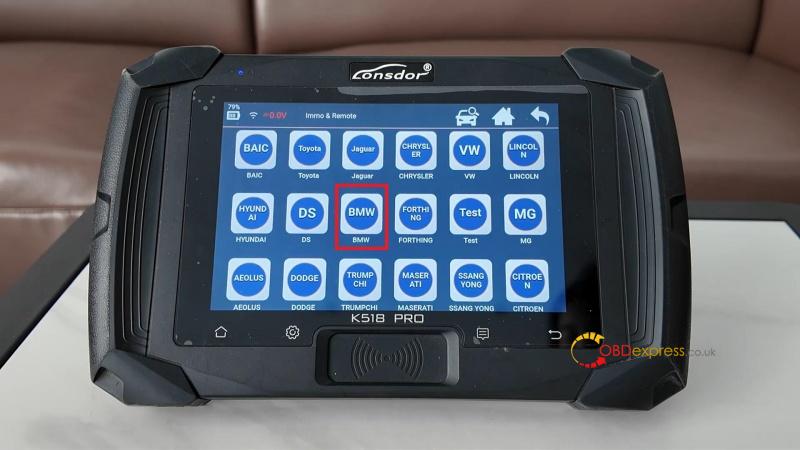
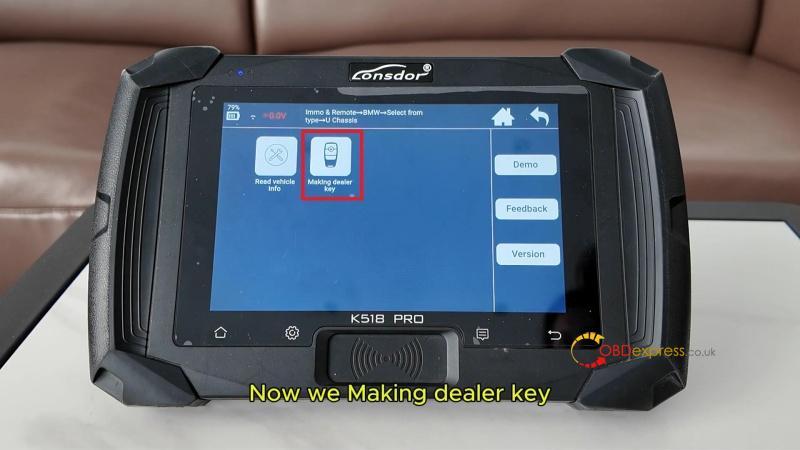
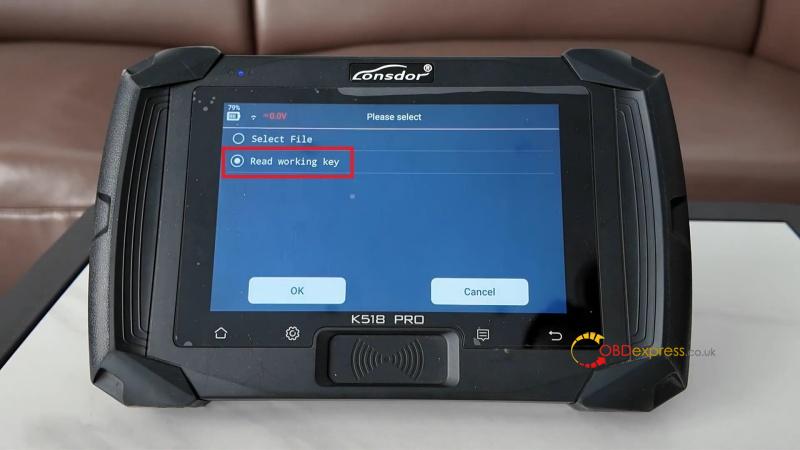
- Choose “Read working key” and connect the original key using the programming cable.
- Save the data file when prompted.
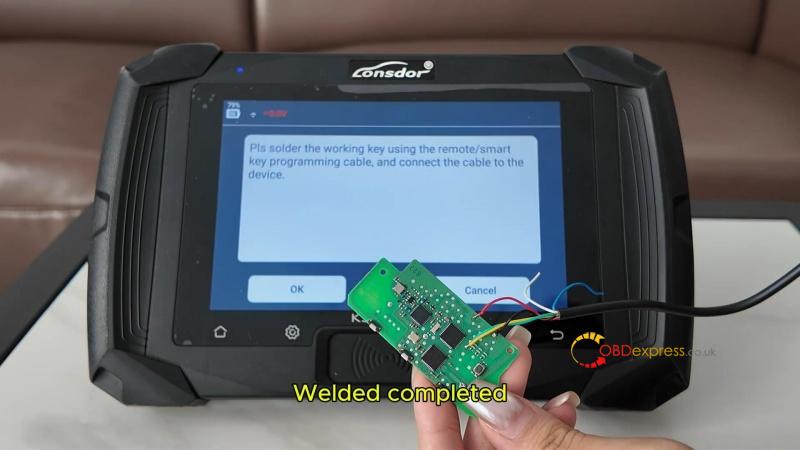
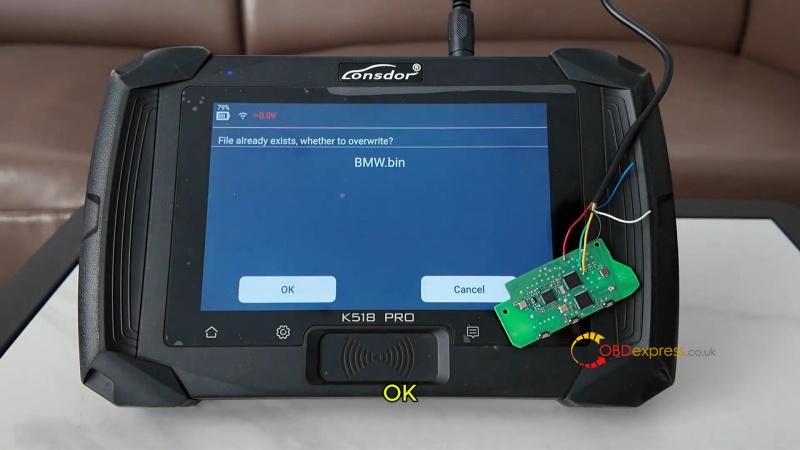
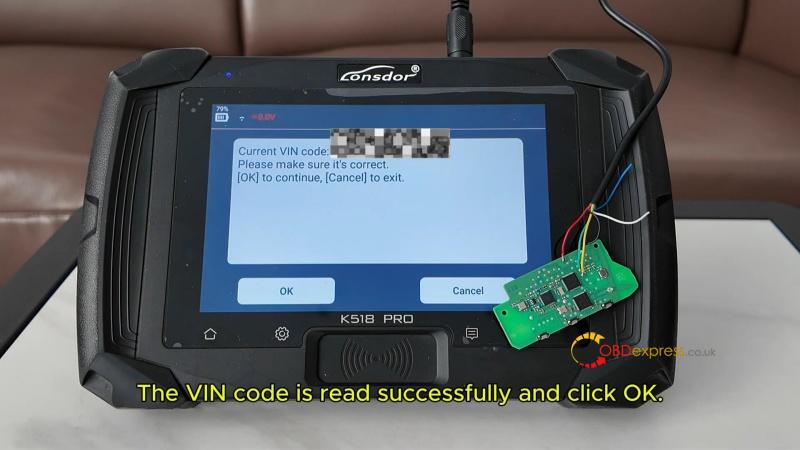
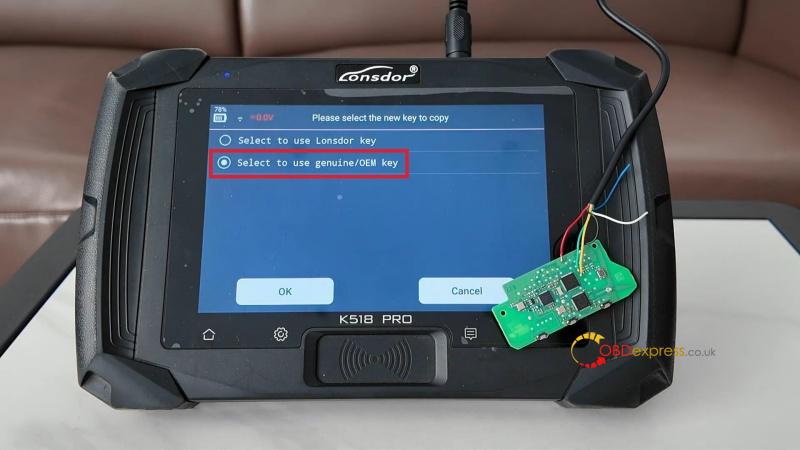
- Once the VIN is read, select “Use genuine/OEM key” for UWB models.
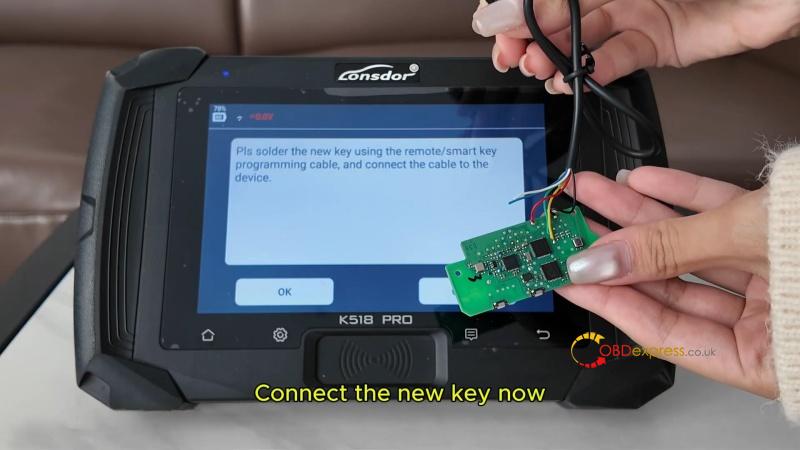
- Connect the new smart key using the same cable.
- Wait for the “Operation successful” message.
- Test both keys: they should start the vehicle and work remotely.
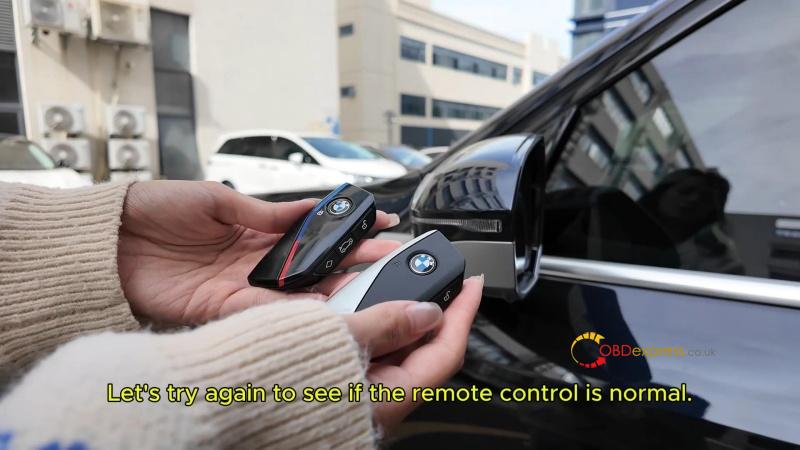
Result:
Both the original and new keys will start the car and operate the remote functions normally.
This clear and concise guide helps automotive technicians and DIY users program a BMW X3 smart key quickly using the Lonsdor K518 Pro.
(Visited 108 times, 1 visits today)
