





How to program a new smart key for a 2018 Buick GL6 using Lonsdor K518 Pro?
You will need Lonsdor special key, a security PIN, and technical knowledge. Programming incorrectly can affect your car’s security system.
Check the details below.
What You Need:
- Lonsdor K518 Pro FCV/Full version
- OBD-II cable
- Compatible new smart key (e.g., Buick BU30)
- 4-digit security PIN for your vehicle (get this in advance using your VIN)
- 2018 Buick GL6 (ignition off)
Step 1: Generate New Smart Key
Connect K518 Pro key programmer to the car’s OBD-II port (under the dashboard).
Turn the ignition ON (do not start the engine).
On the K518 Pro, go to:
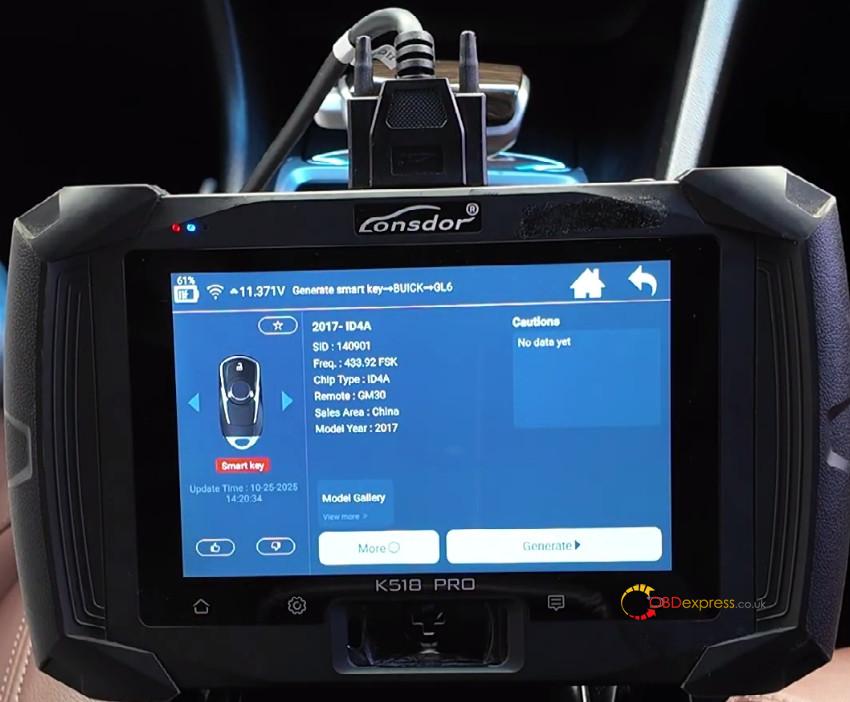
Generate smart key → BUICK → GL6 → 2017- ID4A
Place the new BU30 smart key on the programmer’s induction coil.
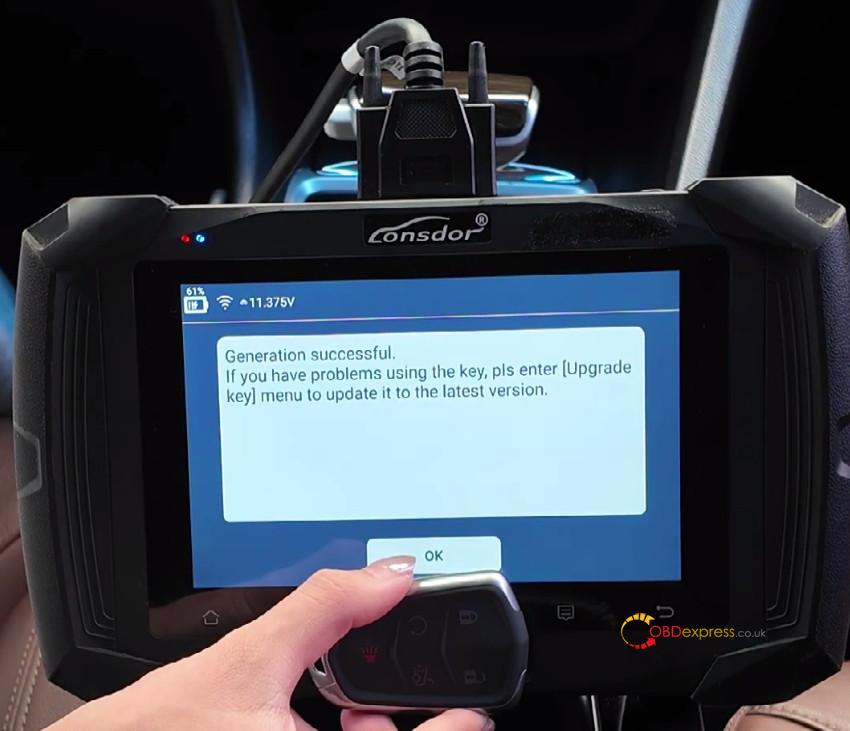
Select “Generate” and wait for the “Successful” message.
Step 2: Program Key to Your Car
Return to the main menu.
Navigate to:
Immo & Remote → BUICK → China → GL6 → Smart key → 2017-2019 → Add smart key
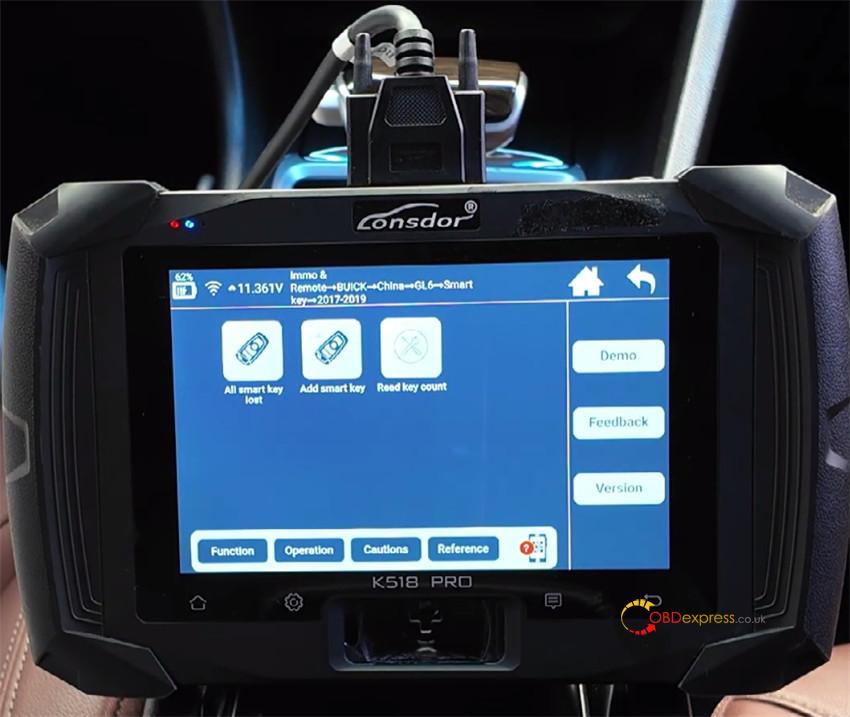
Follow the on-screen instructions:
Turn the ignition OFF and click Start.
Obtain VIN code
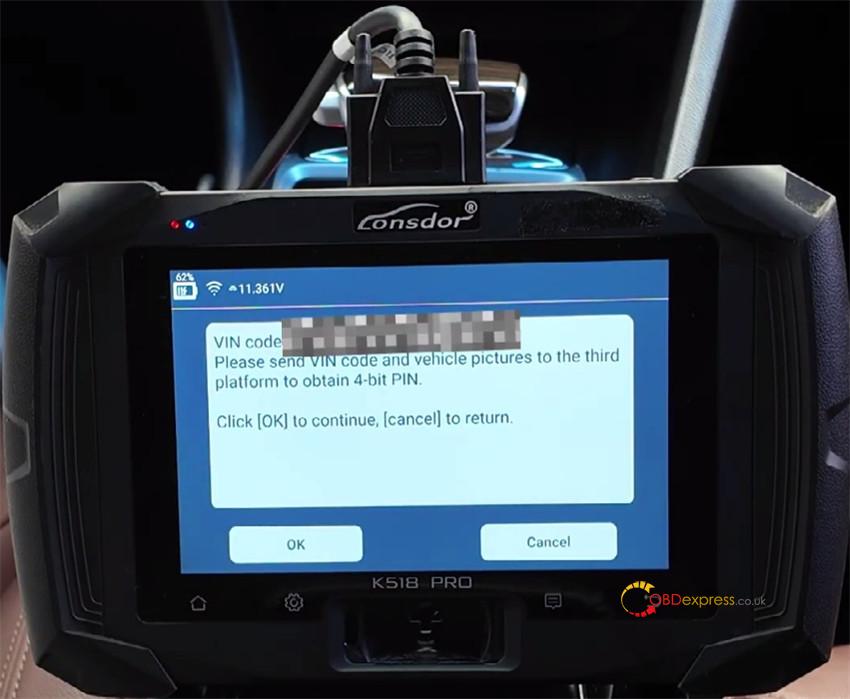
Enter the car’s VIN when asked.
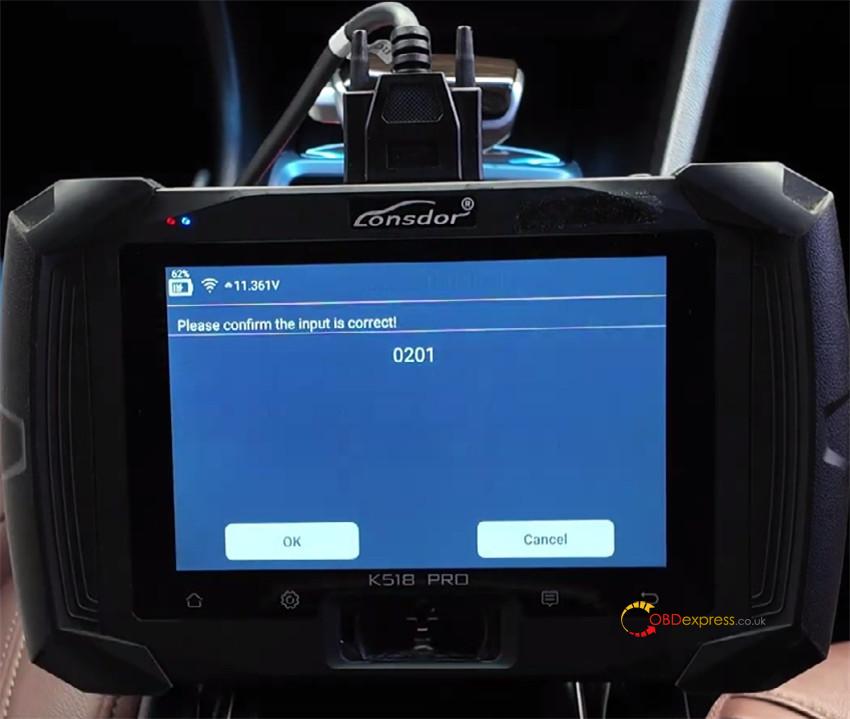
Enter the 4-digit security PIN (e.g., 0201).
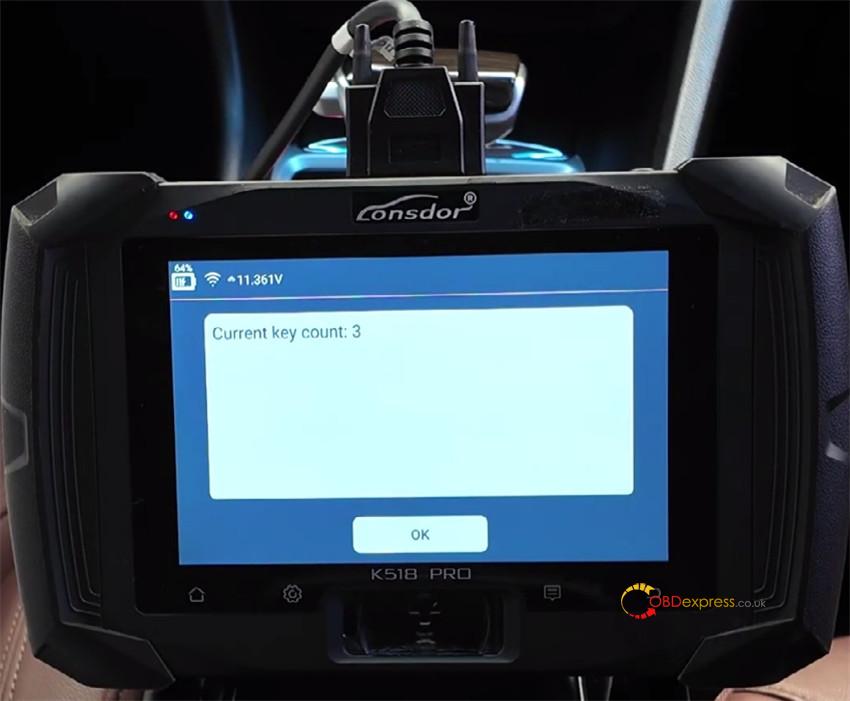
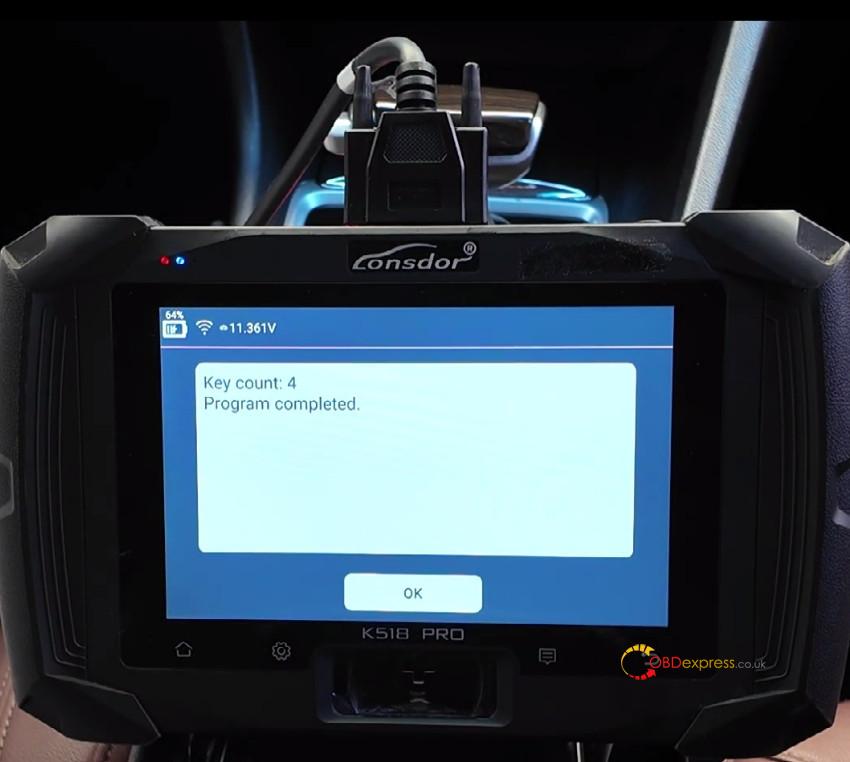
Confirm the current number of keys programmed (e.g., 3 keys).
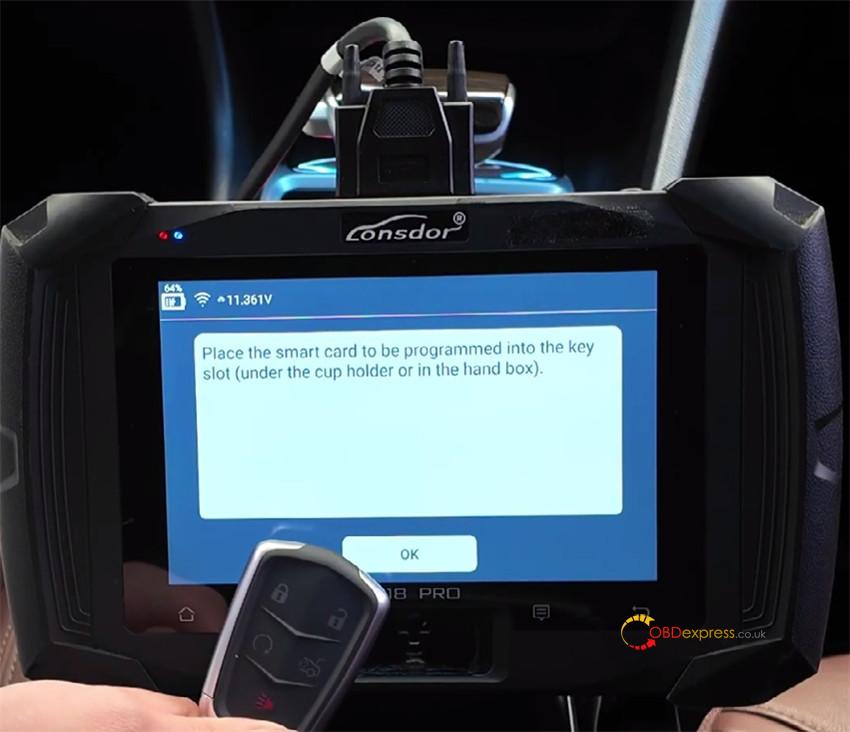
When prompted, place the new smart key on the car’s key induction area (steering column or console).
Press OK and wait for programming to finish.
After completion, press and hold the Start button for 2 seconds (no brake).
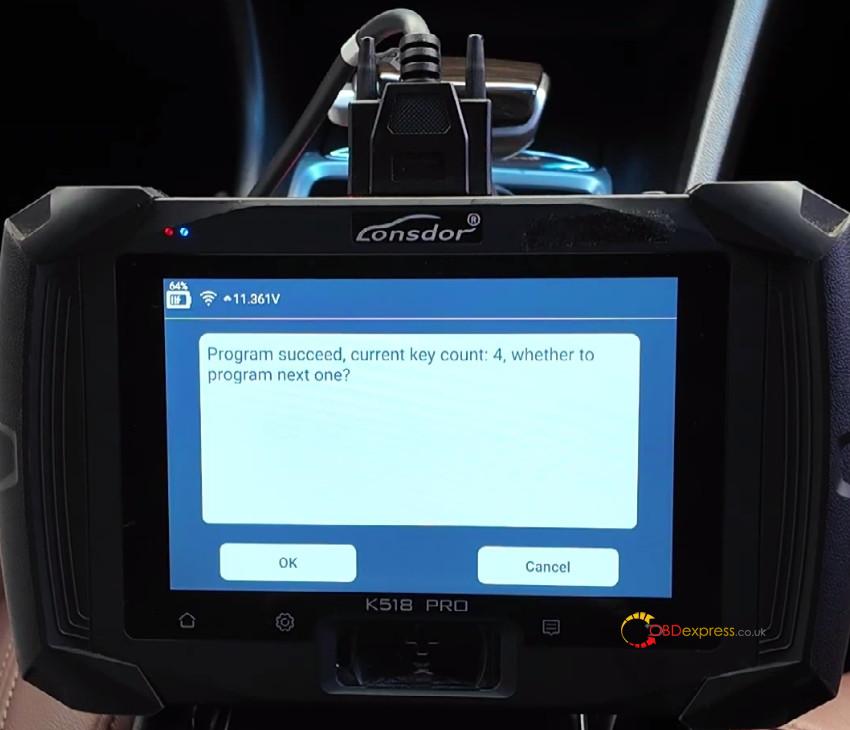
A “Programming Successful” message will appear. Exit if no more keys need adding.
Step 3: Test the Key
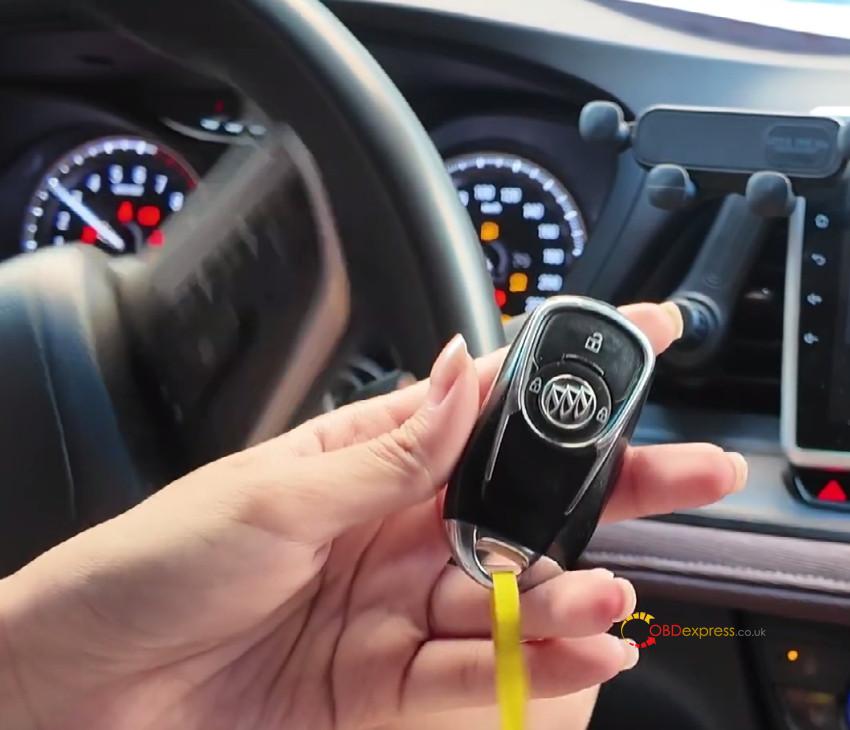
Start the car with the new key:
Press the brake, then the Start button. The engine should start.
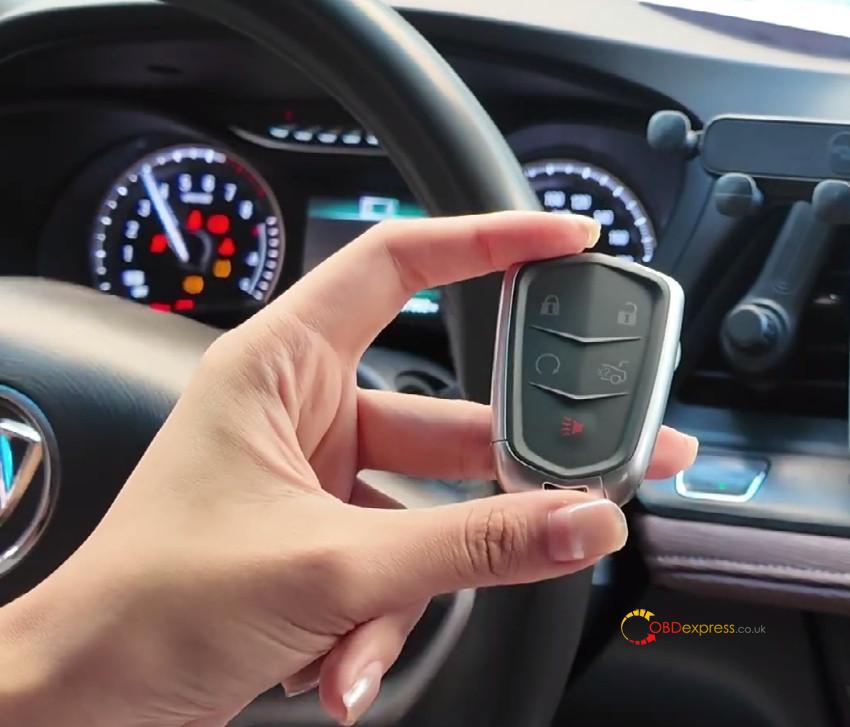
Test the original key:
Turn off the engine and restart with an original key to confirm it still works.
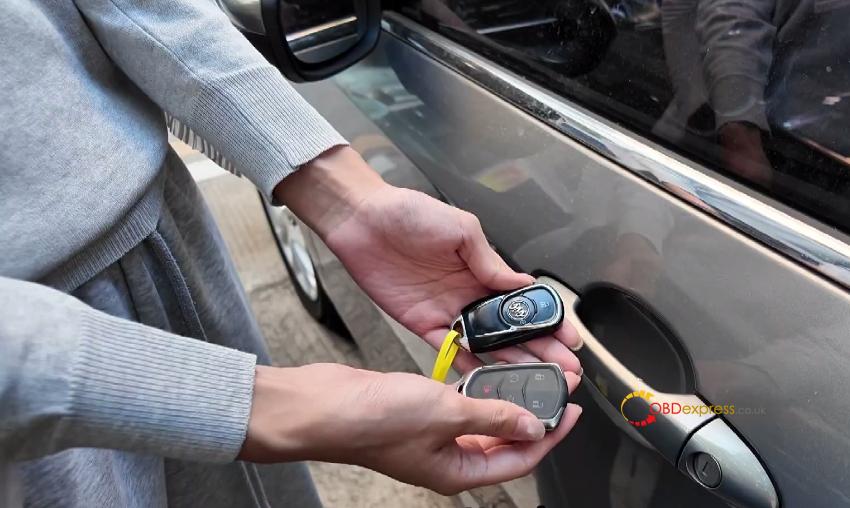
Check remote functions:
Use the Lock and Unlock buttons on both the new and original keys. Lights should flash and doors should respond.
Finish:
Turn ignition OFF and disconnect K518 Pro from the OBD port.
Done!
Your new smart key is now ready. Keep all original keys and the security PIN for future use.
