




Learn how to clone BMW G/U Chassis BDC3 keys using Xhorse VVDI Key Tool Plus. This feature supports both original key generation and VVDI dedicated key generation. Follow these simple steps to get started.
What You’ll Need
MCU Cable & DB15 Cable
Xhorse BMW-G License Activation
Original Key or VVDI BMW Key
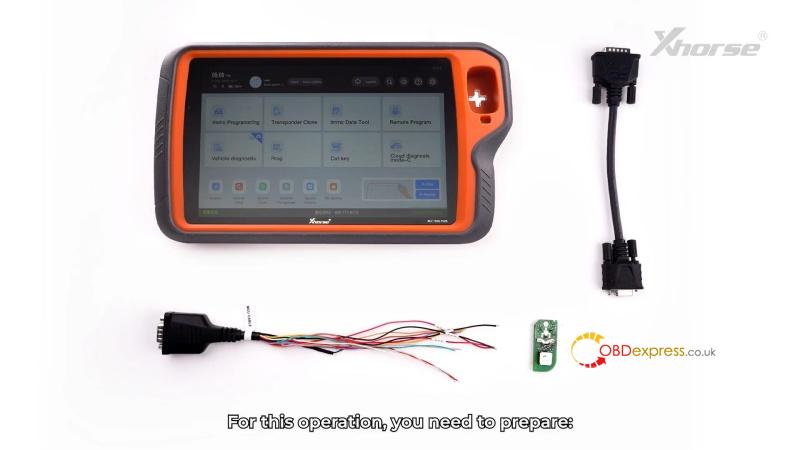
Step 1: Read Vehicle Information
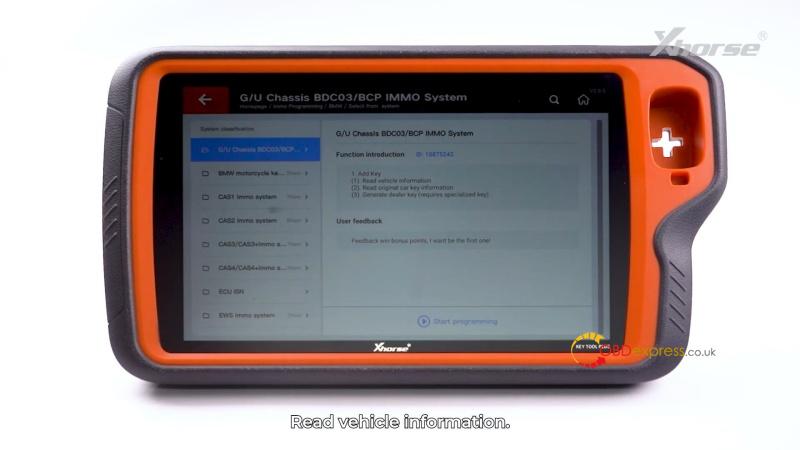
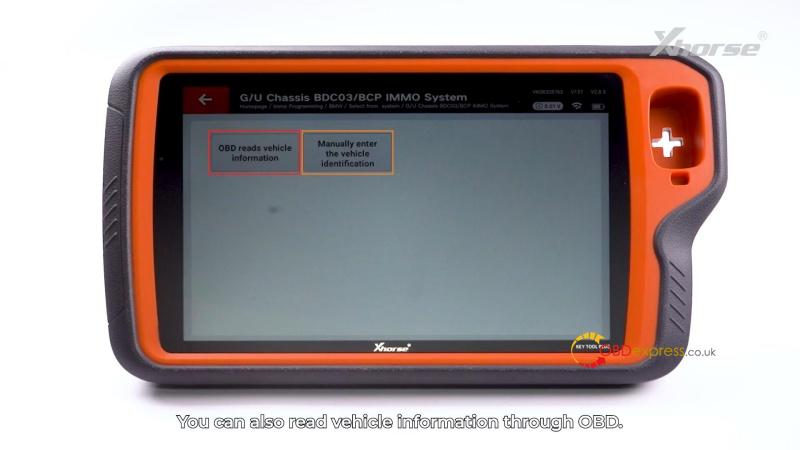
Immo programming >> BMW >> Select from system >> G/U Chassis BDC03/BDC IMMO System >> Read vehicle information >> OBD reads vehicle information/Manually enter the vehicle identification
Save the vehicle data once successfully read.
Step 2: Read the Original Key
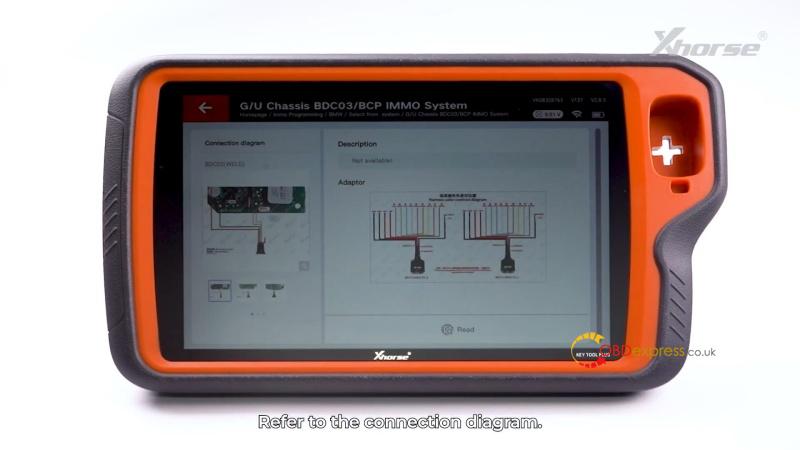
Read original car key information >> OK >> Read
Carefully solder the MCU cable to the original key, matching wire colors correctly – especially MSDA and MSCL. Connect the cable to Key Tool Plus.
Save the original key data file.


Step 3: Generate a Dealer Key
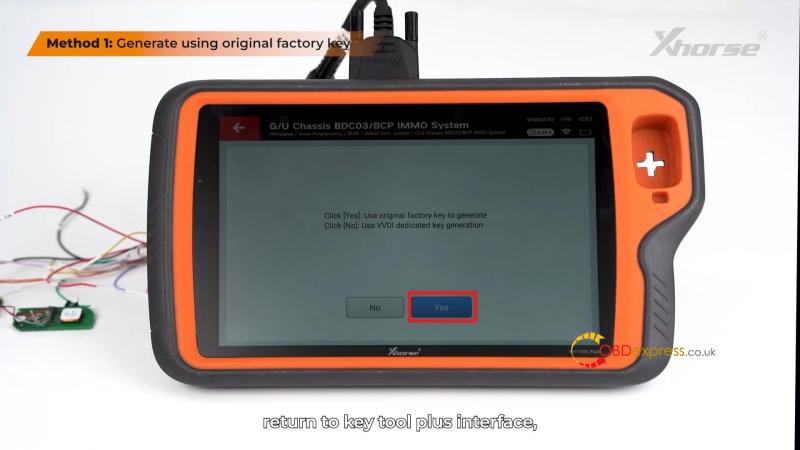
- Option A – Using an Original Factory Key
- Remove the MCU cable from the original key (use a soldering iron, do not pull).
- Solder the cable to a new original factory key.
- In Key Tool Plus, select Generate using original factory key and load the saved service file.
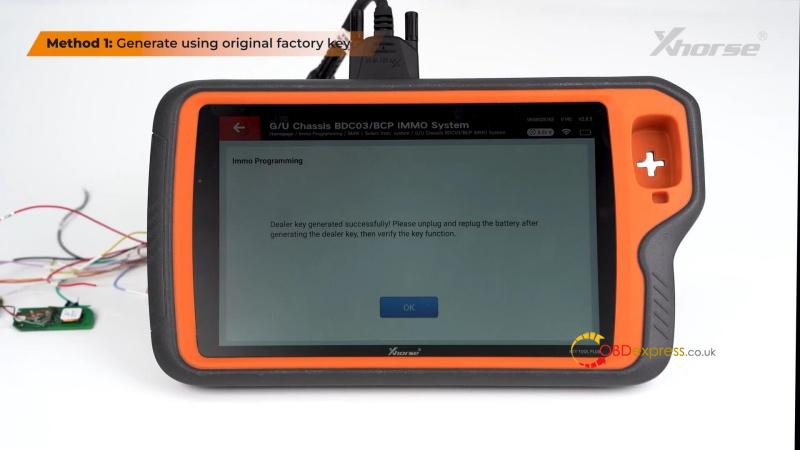
- Click Write to complete key generation.


- Option B – Using a VVDI BMW Key
- Generate the key remotely via the tool’s BMW remote programming menu.
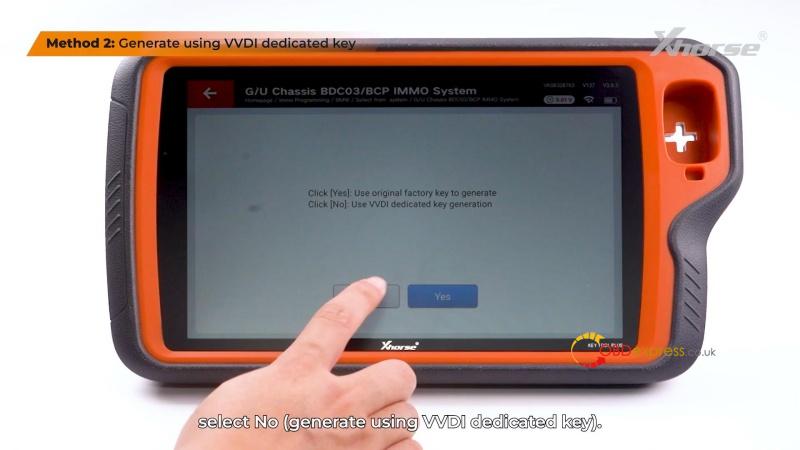
- Return to the dealer key menu and select Generate using VVDI key.
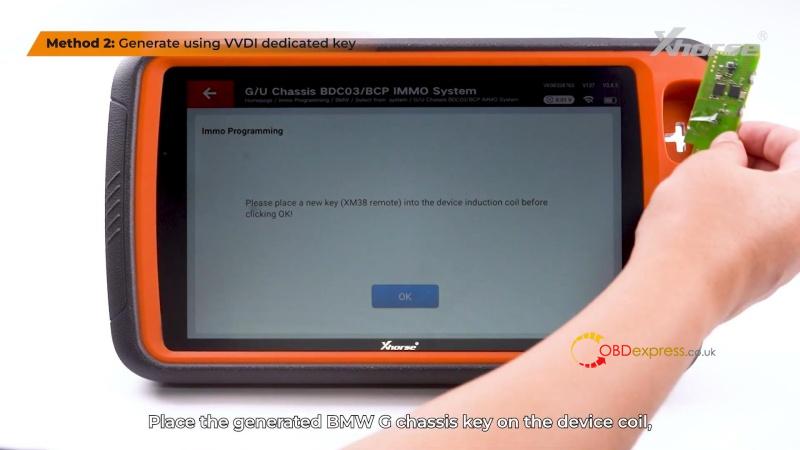
- Load your saved service file and place the new key on the device coil.
- Follow prompts until key generation is complete.

Final Tip
After generating the key, disconnect and reconnect the car battery before testing the key’s functionality.
