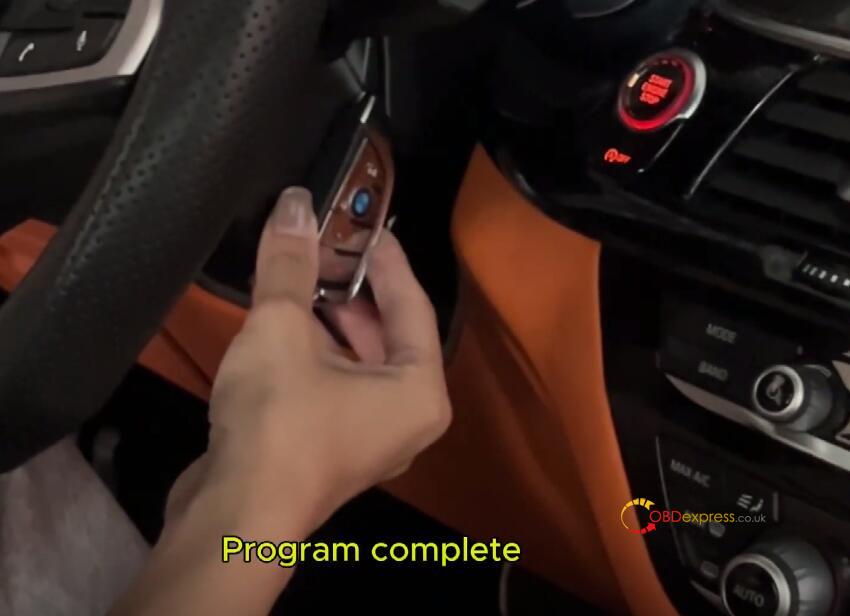
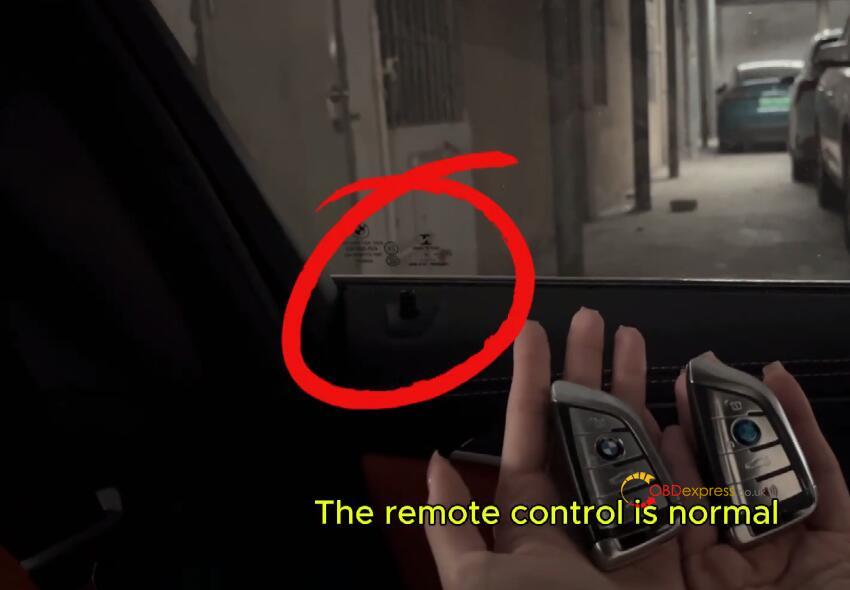
This guide will show you how to program a smart key for a 2019 BMW 5 Series using Lonsdor K518 Pro.
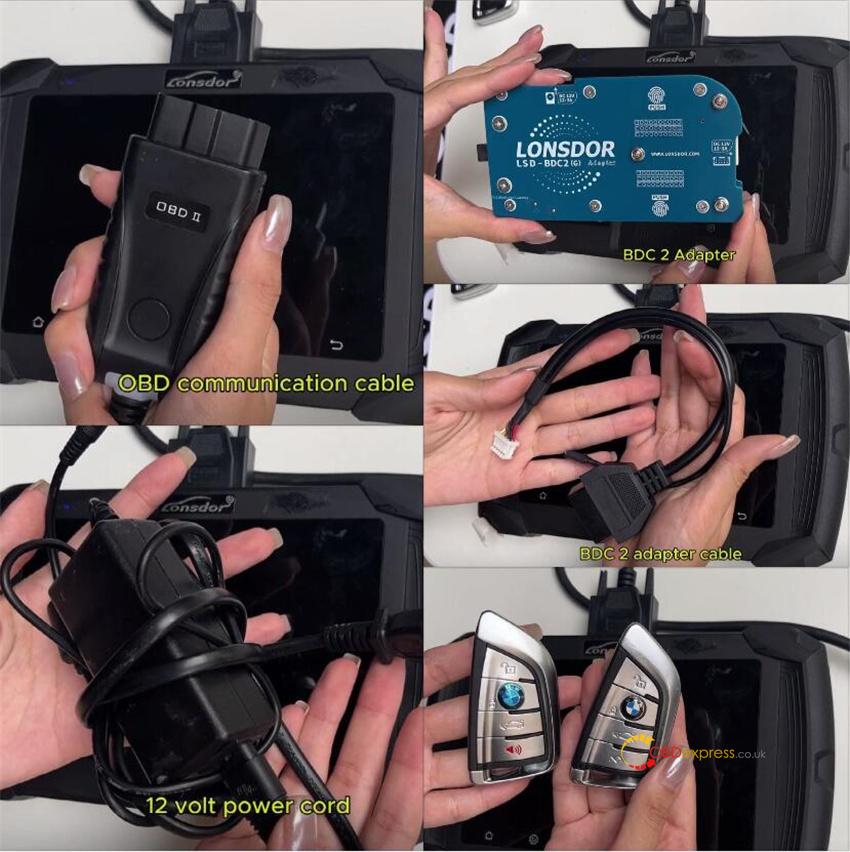
Preparation:
- K518 Pro key programmer
- OBD communication cable
- Lonsdor LSD-BDC2 (G) Adapter
- Lonsdor BDC2 adapter cable
- 12V power cord
- Original vehicle key
- New BMW smart key (by Lonsdor)
Procedure:
Step 1.Read Key Data
Connect Lonsdor K518 Pro and the vehicle via the OBD communication cable.
On the device, navigate to:
Immo & Remote → BMW → Select from type → BDC02 → Program smart key.
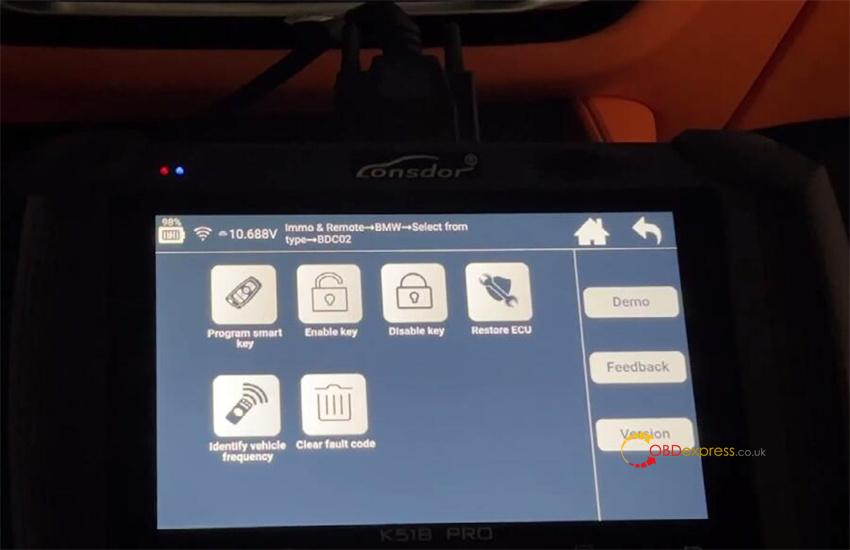
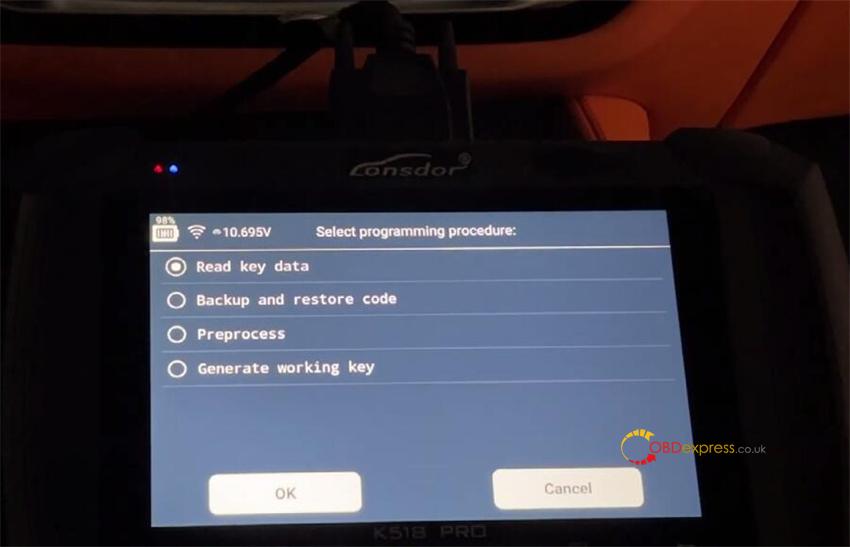
Select “Read key data”
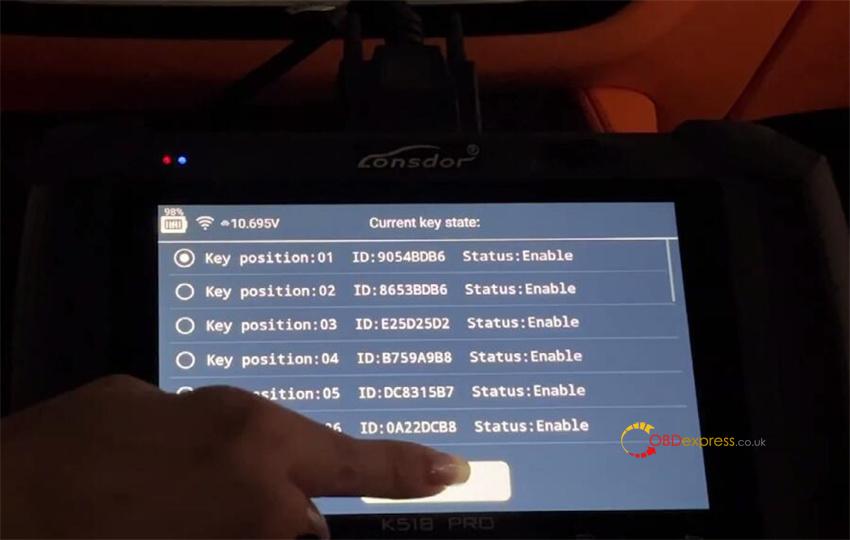
Check the current key state
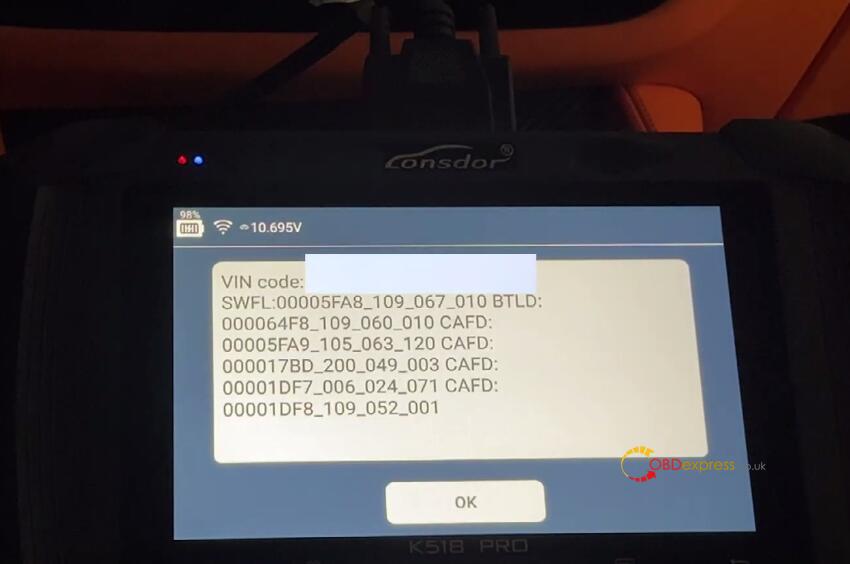
Confirm VIN recognition.
Step 2: Backup & Restore Code
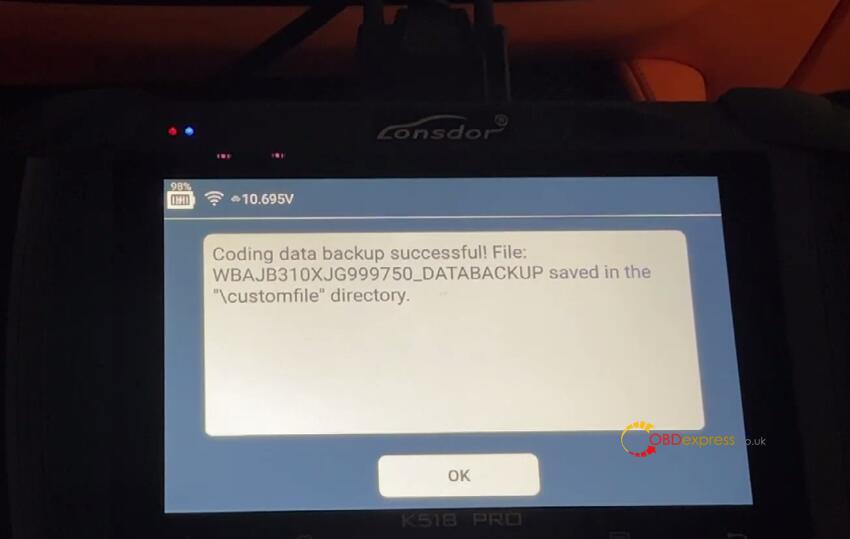
Select Backup & Restore Code→ Backup code
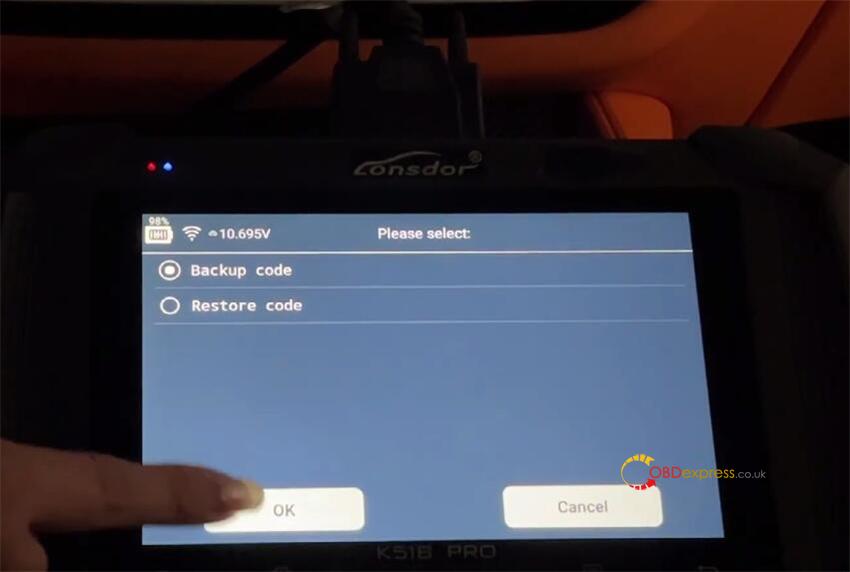
Back up coding data successfully.
Step 3: Generate Smart key
Connecting the Adapter:
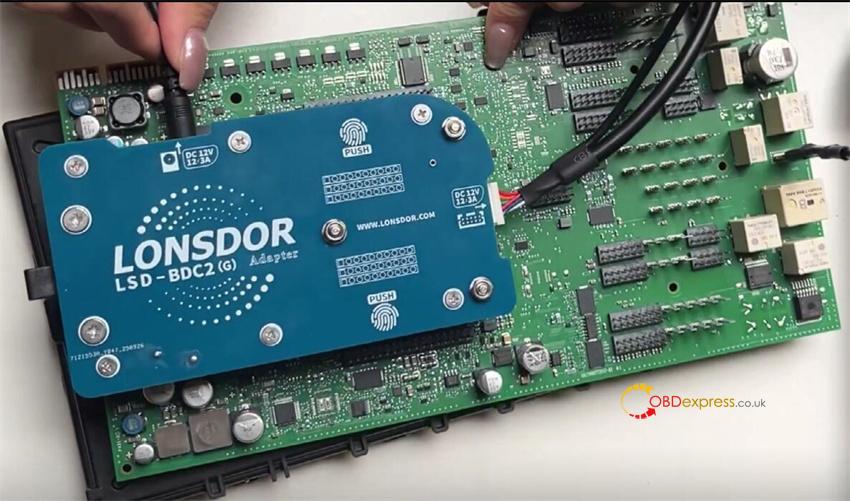
Disconnect the OBD box and connect the Lonsdor BDC2 adapter to the BDC2 module.
Attach the adapter cable and 12V power cord to the BDC2 Adapter.
Back to the main menu of K518 PRO key programmer
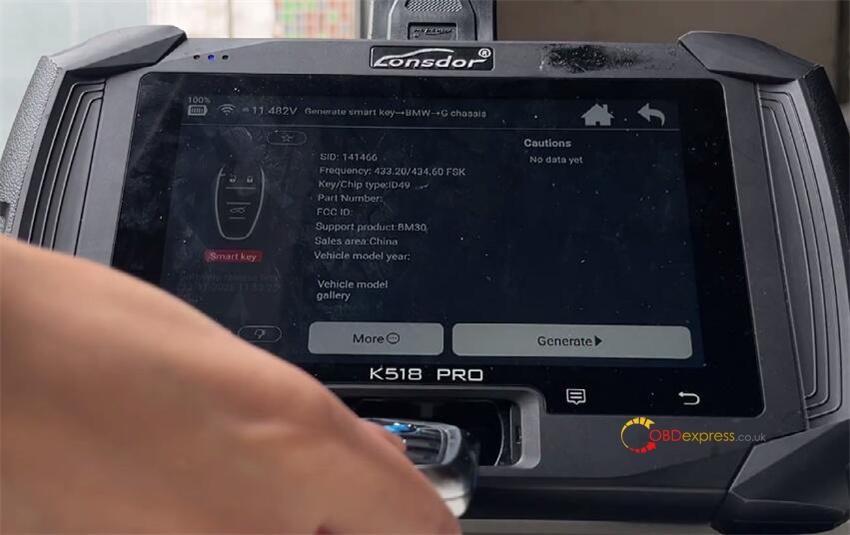
Select Generate Smart Key → BMW → G Chassis (first menu).
Insert the new BMW smart key into the card slot and start the generation process.
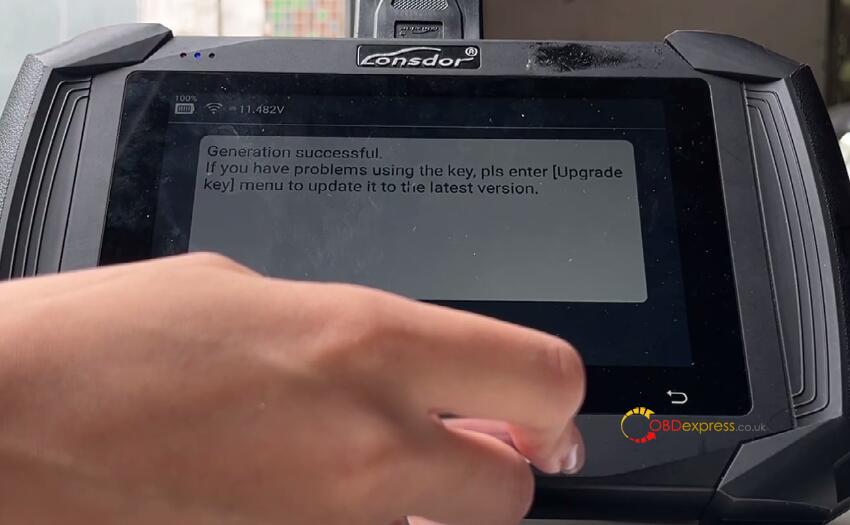
Key generated successfully.
Step 4: Preprocessing
Return to main menu:
Immo & Remote → BMW → BDC2 → Program Smart Key → Preprocess.
Note: WIFI connection required for preprocessing.
Wait the preprocessing procedure is completed
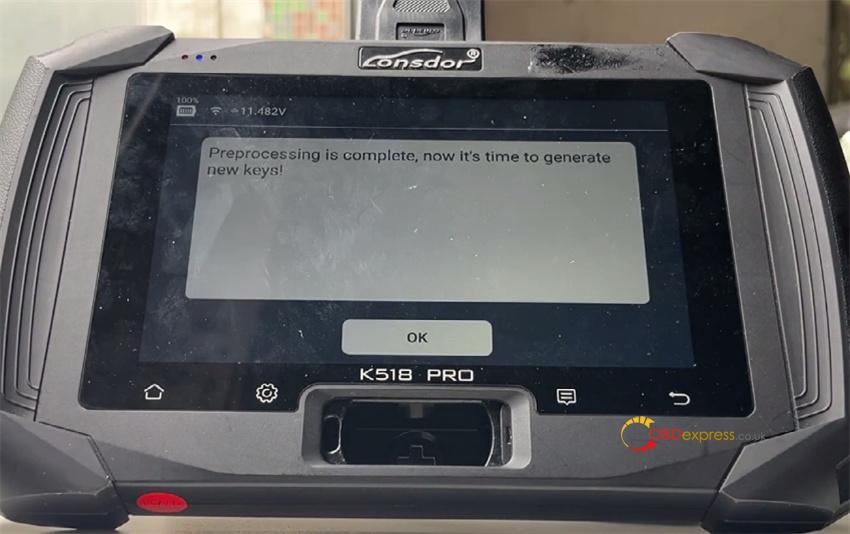
Step 5: Generate Working Key
After preprocessing, select “Generate Working Key”
Select one blank key position (e.g. key position 14)
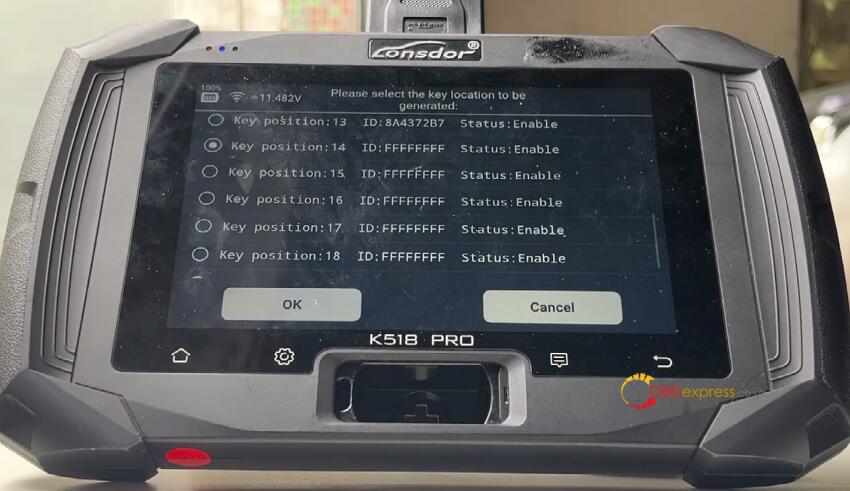
Insert the original key into the slot, then remove it.
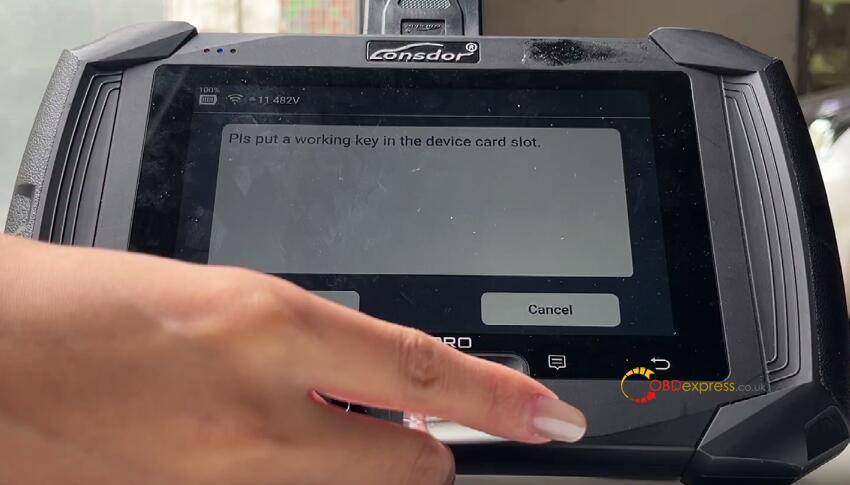
Insert the new key into the slot.
New key generated and locked successfully.
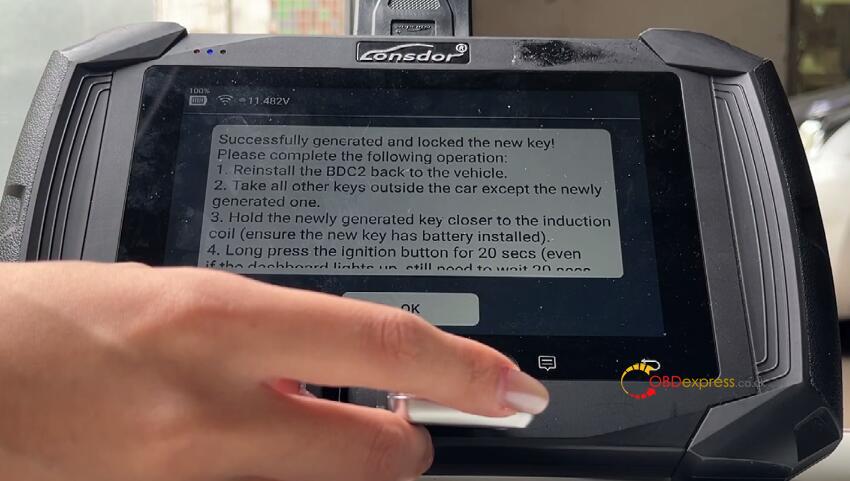
Final Step: Test Key Function
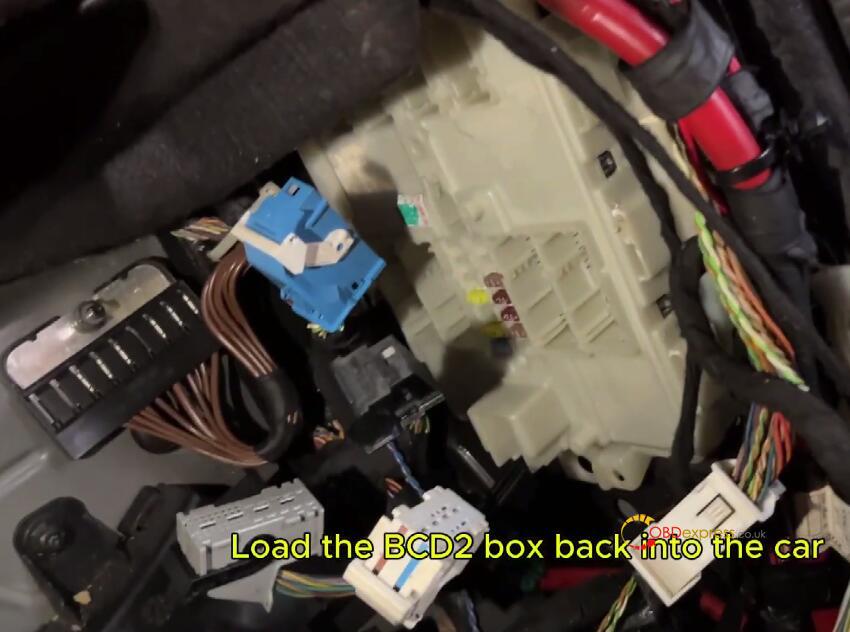
1.Reinstallation & Testing:
Reinstall the BDC2 module into the vehicle.
2.Test the original key: Start the vehicle → Confirm normal operation → Turn off the engine.
3.Test the new key: Place it in the key recognition area, hold the start button to complete programming.
Functional Verification:
New key: Start the vehicle, test remote lock/unlock.
Original key: Start the vehicle, verify remote functions.
Smart key programming for the 2019 BMW 5 Series is now complete by Lonsdor K518 Pro key programmer.