




The KEYDIY KD-X4 is a powerful key programming tool for automotive locksmiths and DIY enthusiasts. In this guide, we’ll walk you through programming a 2025 BYD Qin Plus smart key using the KD-X4 and a compatible KD remote.
What You’ll Need:
Compatible KD ZB Smart Remote
Vehicle: 2025 BYD Qin Plus DM-i
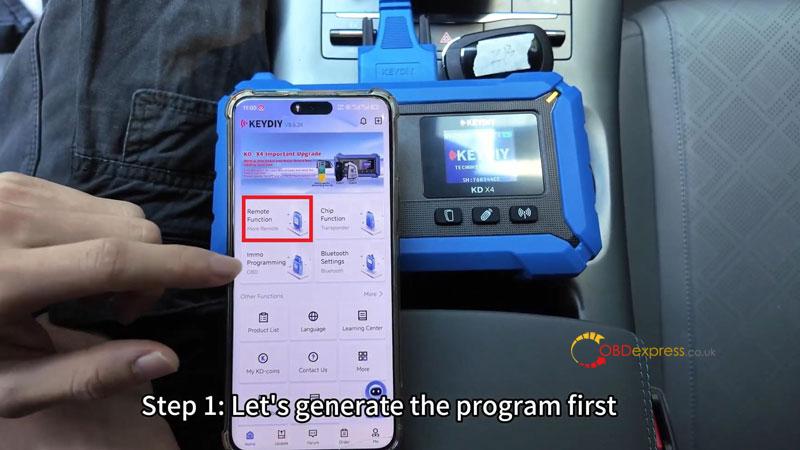
Step 1: Generate the Remote Program
- Navigate to Remote Function → BYD 2025 ID46
- Place the KD remote on the induction area of the KD-X4.
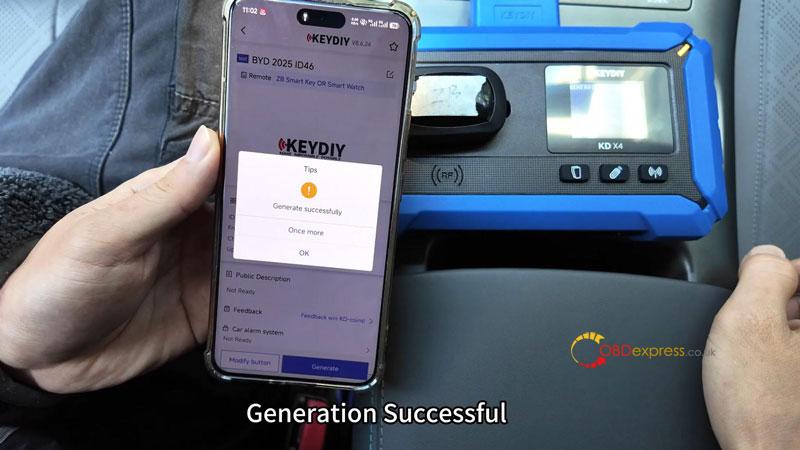
- Select Generate → Wireless Generation and wait for the process to complete.
- Once generation is successful, you’re ready to program the key to the vehicle.

Step 2: Program the Key to the Car
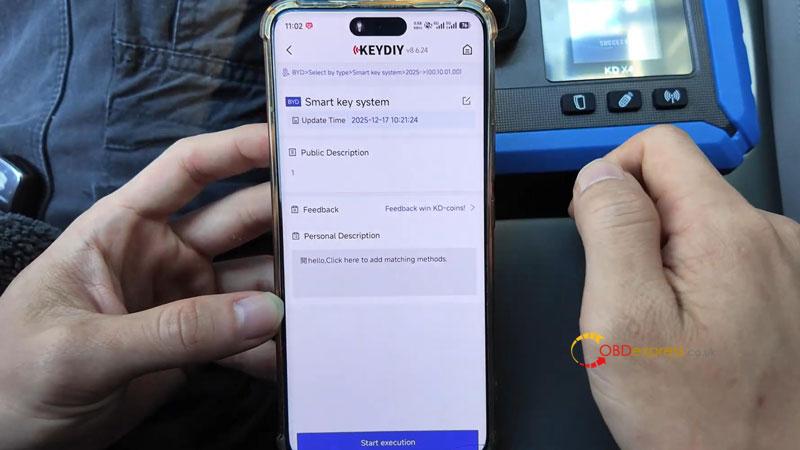
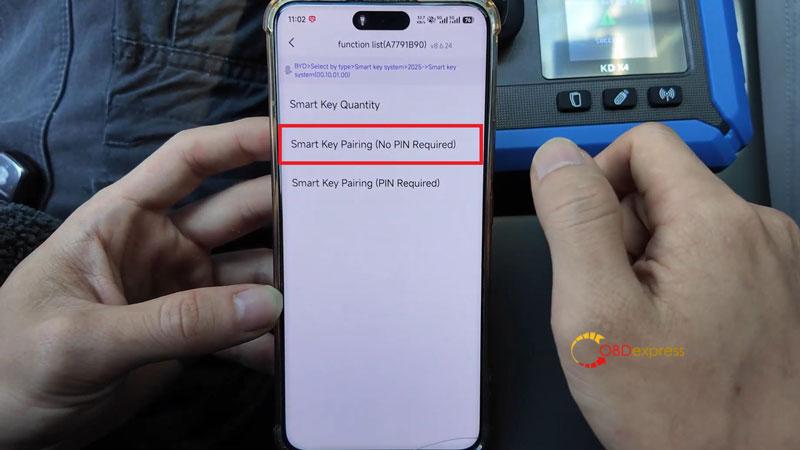
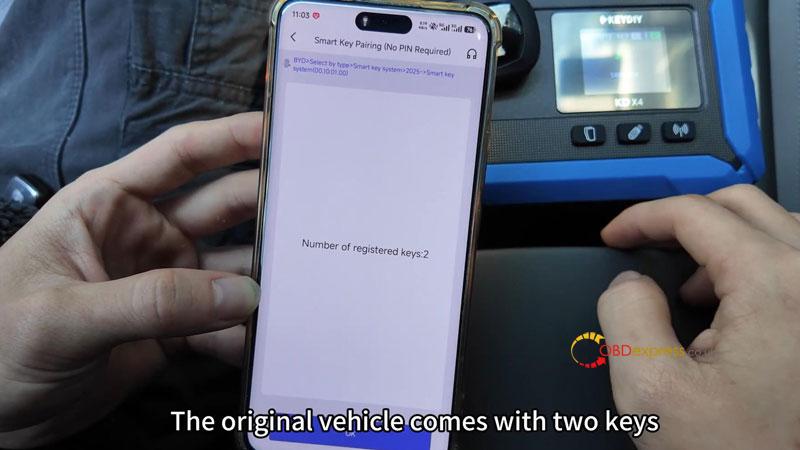
- Go to IMMO Programming → BYD → Select by type → 2025- → Smart key system → Start execution → Smart Key Pairing (No PIN Required) → Yes
- The car originally came with two keys. Begin programming the first key:
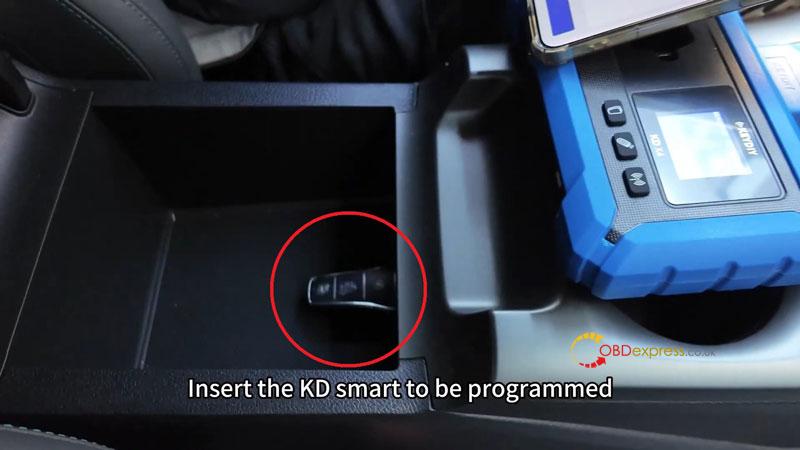
– Locate the induction area inside the armrest box (look for the key symbol).
– Follow the on-screen instructions to program the first key.
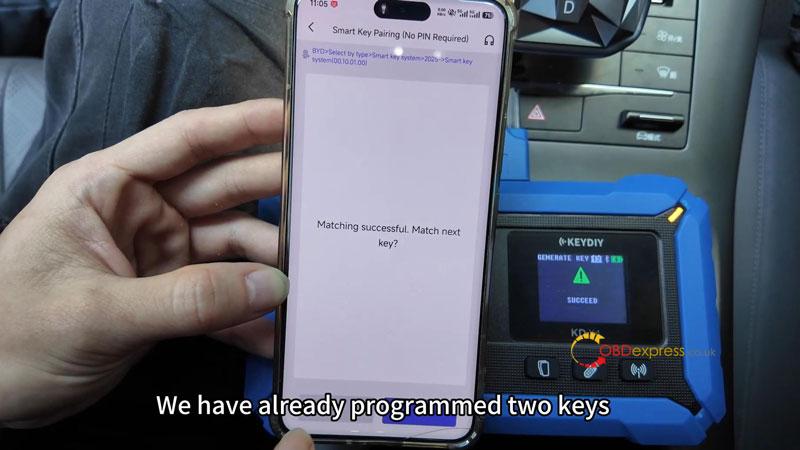
- When prompted to program the next key, select Yes.
– Remove the original key and place the new KD smart key in the induction area.
- After the second key is programmed, select No when asked to program a third key.
Step 3: Test the Keys
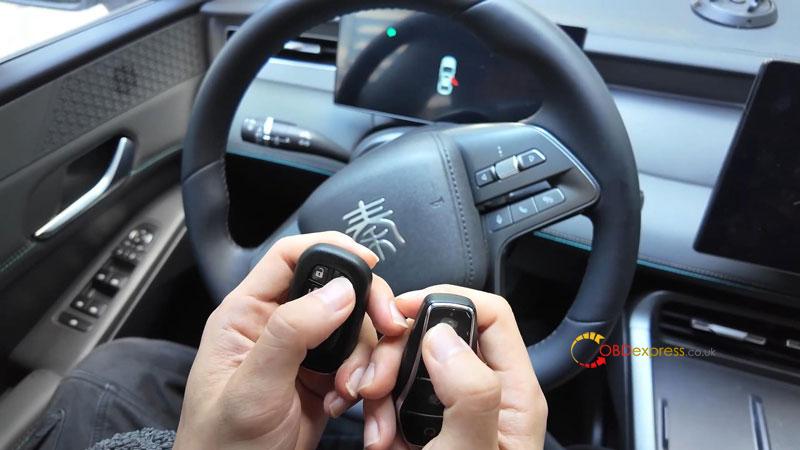
- Check remote functions: lock, unlock, and other buttons.
- Start the vehicle with the newly programmed key.
- Move the original key outside the car and ensure the new key starts the engine normally.
Done!
Your BYD smart keys are now programmed and ready to use. The KEYDIY KD-X4 makes the process straightforward – no PIN needed for this model.
