




Having trouble running a full vehicle scan with your Launch X431 PROS Elite/PRO Elite? If you see “Unable to reset connector, please try again!” every time you try, follow these steps to resolve it.
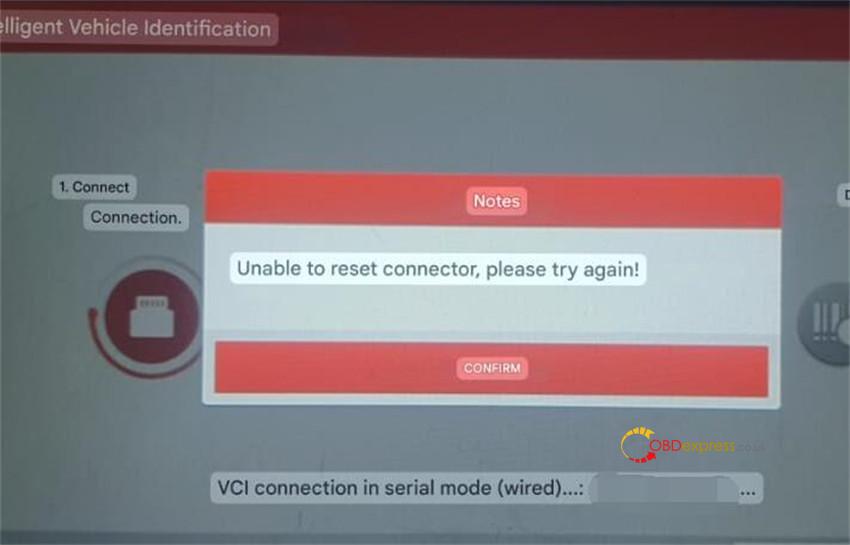
Solution:
Perform a factory reset on your X431 PROS Elite / X431 PRO Elite tablet and retry the diagnostic scan.
Steps to factory reset:
Power on your X-431 PROS Elite tablet
From the home screen, tap “Setting”
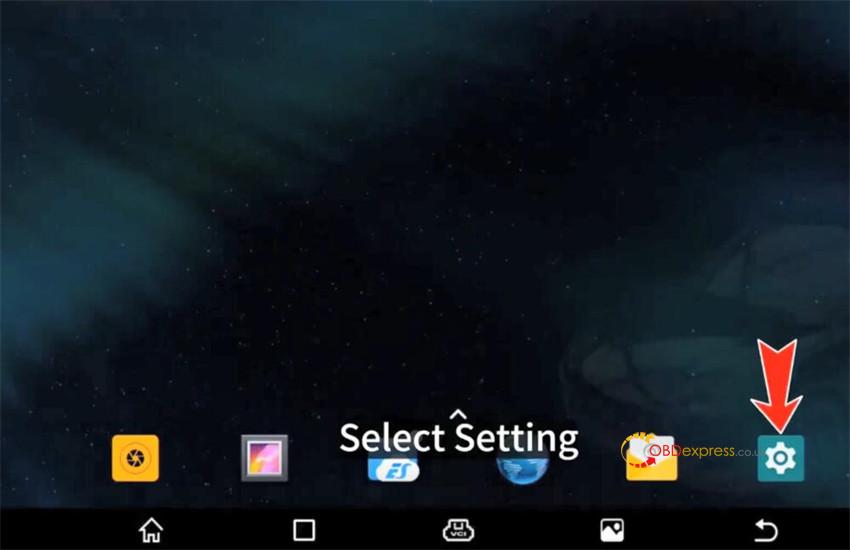
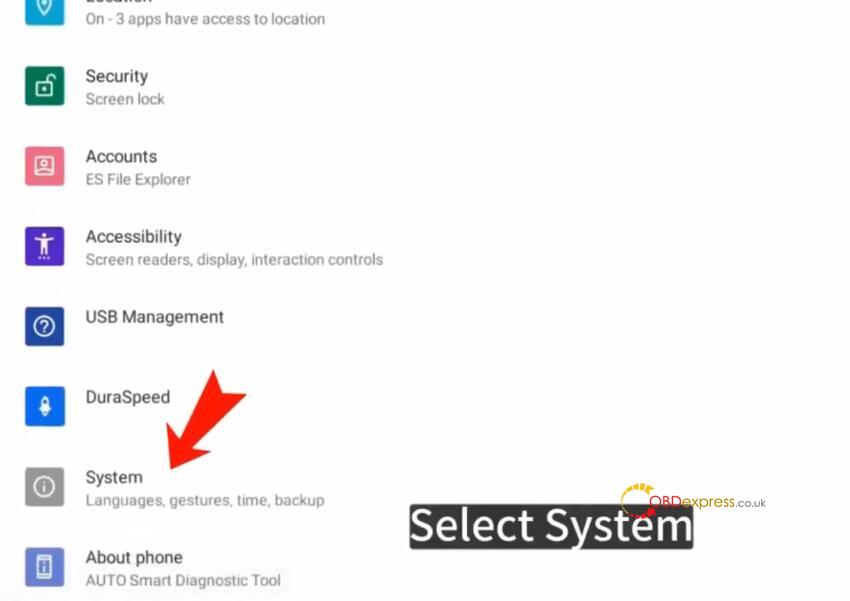
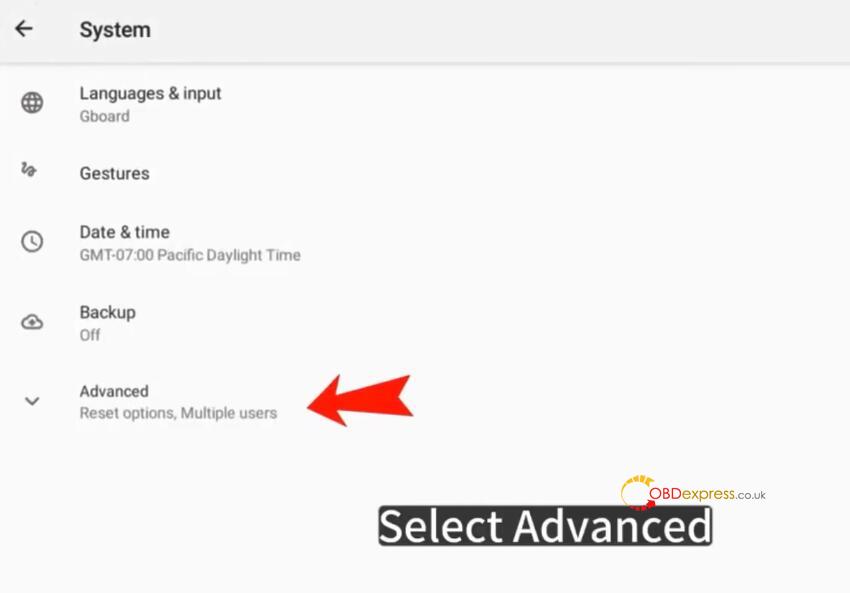
Go to System → Advanced → Reset Options → Erase all data (factory reset) → Erase all data.
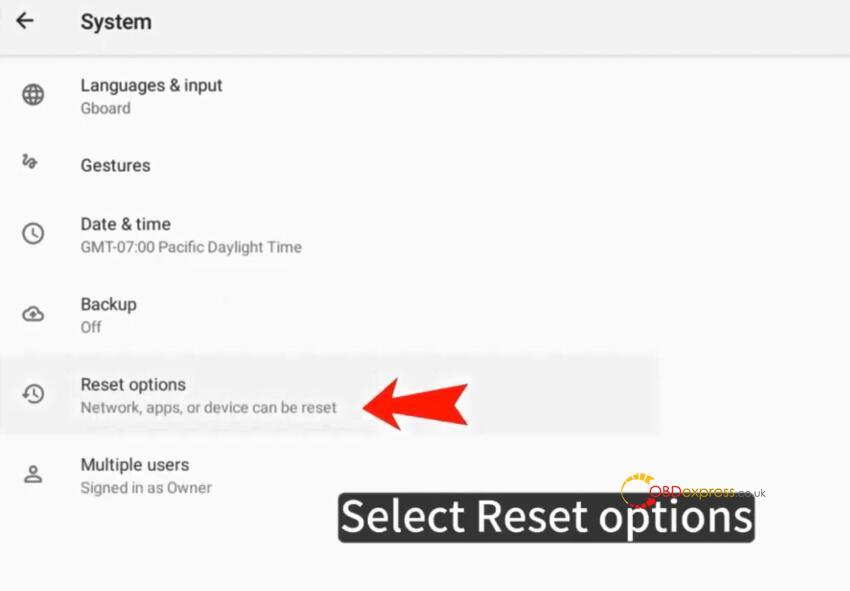
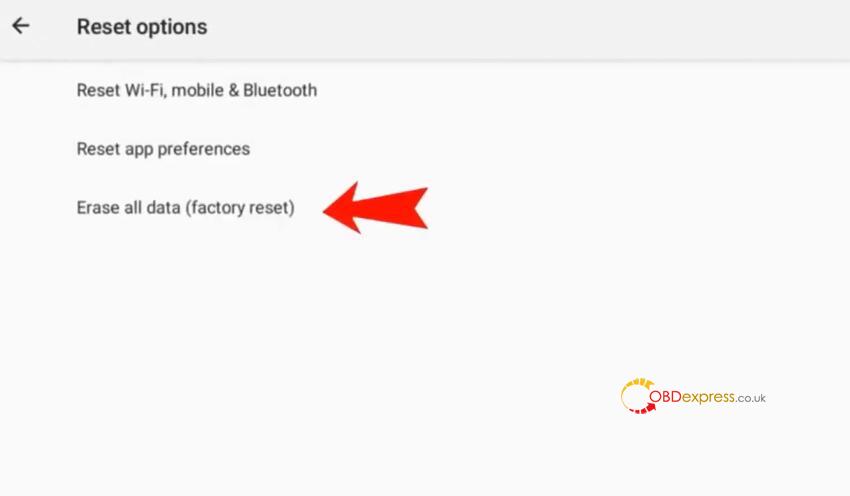
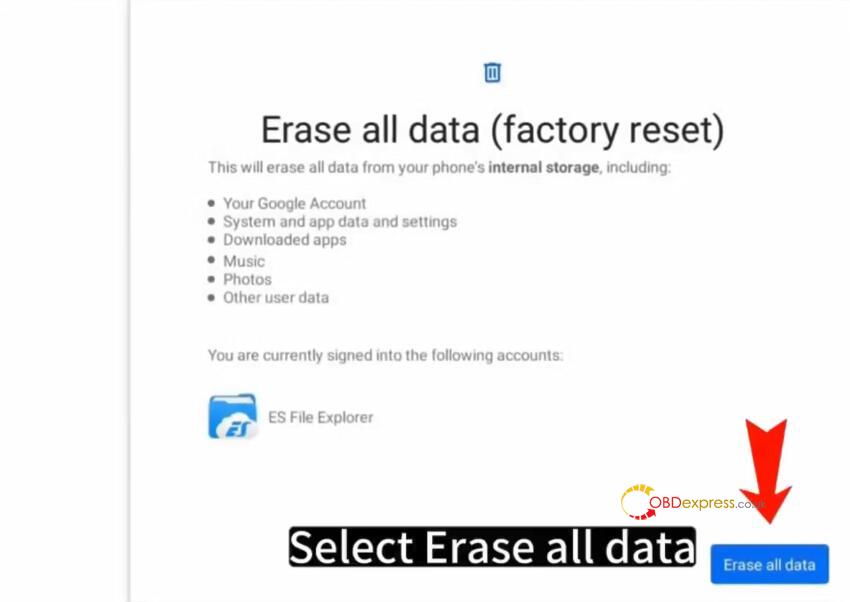
After the reset, reconnect to the vehicle’s OBD port and start the scan again.
Install X431 PROS Elite APP, login with available username and password, and update all vehicle diagnostic software via “Software Update” option
Reference:
How to Reset Launch X431 Pro Elite and Download Diagnostic Software?
