




This guide details the procedure for programming 5D transponder keys for Volkswagen and Audi vehicles using KEYDIY KD-X4.
Required Equipment:
- KEYDIY KD-X4 5-in-1 Key Programmer
- KEYDIY KD-X4 8-pin Adapter Board
- Target 5D Transponder Key Blank
- Original Vehicle Key (for 5D)
- Soldering Equipment & Wires
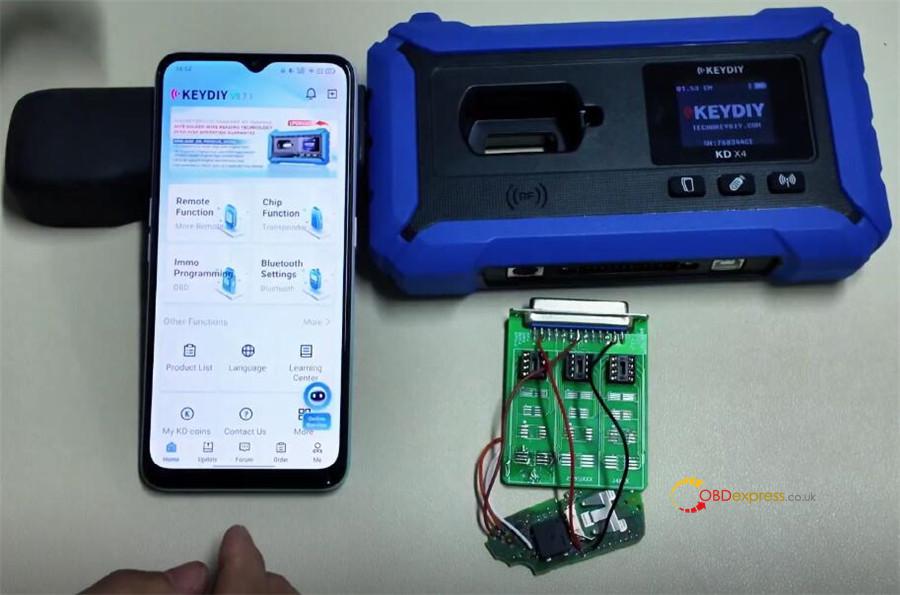
Software & Firmware Requirement:
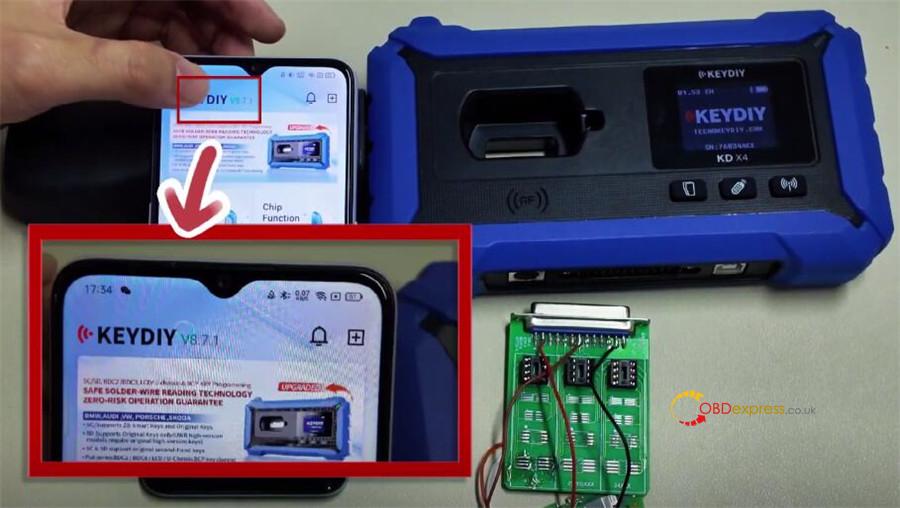
- KEYDIY Application: Version 8.7.1 or higher
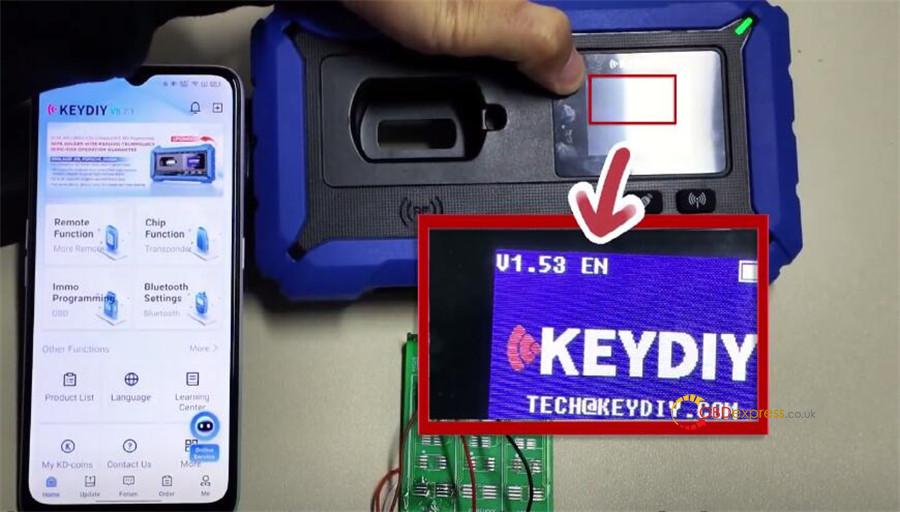
- KD-X4 Firmware: Version 1.53 or higher
Procedure:
- Device Connection
Launch KEYDIY app on your smartphone.
Enable Bluetooth and connect to KD-X4 key programmer via Bluetooth Settings > KD Remote Control Devices.
Confirm the connection is active under “Paired Devices”.


- Access Programming Menu
From the app’s main menu, select “Immo Programming”.
Navigate through: Immo Programming > VOLKSWAGEN > Select by Type > 5C/5D Immobilizer System > Start Execution.

- Initiate Key Reading Process
Choose the function: “Read the original car key and generate a dealer key”.

The app will display a wiring diagram. Proceed to the next step based on this diagram.
- Wiring Configuration
Referring to the on-screen diagram:
- Connect wires to the three specified pins on the top row of the adapter board’s front side.
- Make two additional connections as indicated.
- Solder the wires from the adapter board to the corresponding contact points on the key blank.
- Double-check all connections against the diagram before continuing.


- Read Original Key Data
Insert the original vehicle key into the adapter.
Execute “Read Chip Data”.
Upon success, the key data is uploaded, and a unique Service Code is generated. Record this code.


- Program the New Key (Dealer Key)
With wiring correctly attached, insert the new key blank into the adapter.
In the software, select the “Original Key (Non-Vehicle)” option.
Important Notice:
The “KD ZB Smart Key” option supports only 5C chips. For 5D keys, always follow the procedure described in this guide.

Initiate the write process. A “Write successfully” prompt indicates completion.

- Complete On-Vehicle Matching
Disconnect all wires and reassemble the newly programmed key.
At the vehicle, use KD-X4‘s “Key Learning” function or a KD-Mate device to perform the final immobilizer matching with both the new and original keys.
Note: For model year 2024+ vehicles, unlocking SFD (Secured Feature Deactivation) may be required prior to key learning.
Verification:
The newly programmed key should successfully start the vehicle.
