




Adding a spare smart key to the 2024 Honda CRV (4A Chip) is a straightforward process using the Lonsdor K518 PRO. This step-by-step guide will help you generate and program your new key quickly and efficiently.
Preparation & Tools
Before starting, ensure you have the following items ready:
Device: Lonsdor K518 Pro Key Programmer.
Cable: OBD Communication Cable.
Original Key: One working programmed smart key.
New Key: A compatible Lonsdor Smart Key.
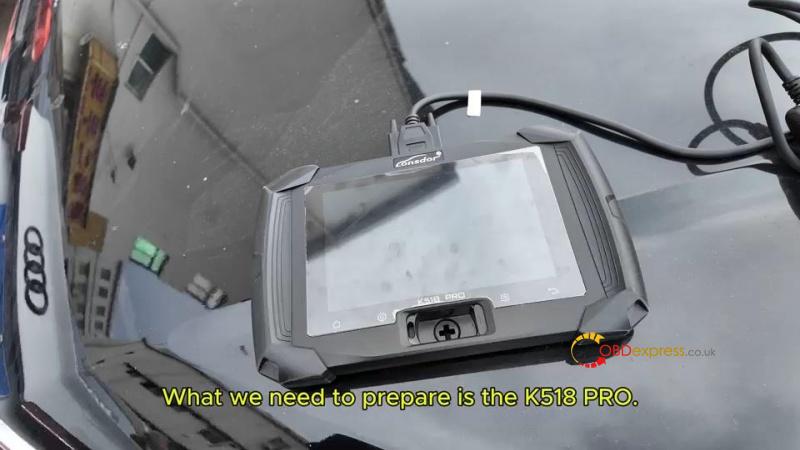
Step 1: Generate the Lonsdor Smart Key
You must first prepare the Lonsdor universal key to match the 2024 CRV’s system.
- Connect Device: Plug the K518 Pro into the vehicle’s OBD port.
- Access Menu: Navigate to Generate smart key > Honda > CRV > CRV 4A Menu.
- Insert Key: Place the new Lonsdor key into the K518 Pro device card slot.
- Generate: Click Generation and wait for the “Generate successfully” confirmation.
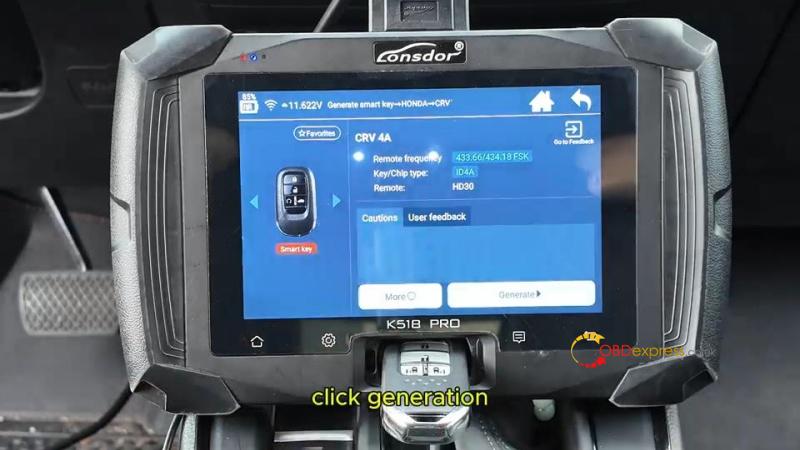
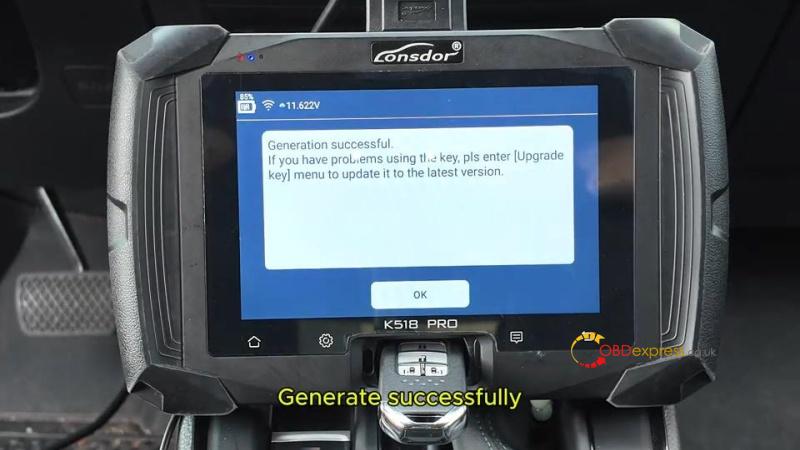
Step 2: Program the New Key to the Vehicle
Once the key is generated, follow these steps to sync it with the car’s IMMO system.
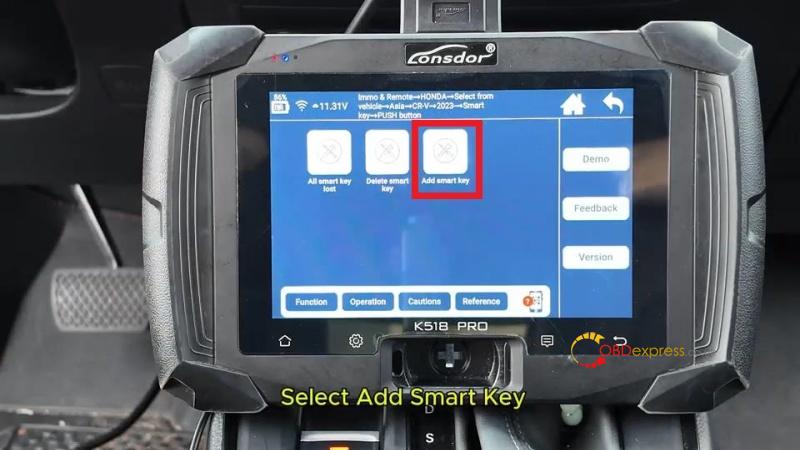
- Select Path: Go to Immo & Remote > Honda > Select from vehicle > Asia > CR-V > 2023- > Smart Key > Push Button > Add Smart Key.
- Initial Setup: Turn off the ignition. Place only one already programmed key inside the car.
- Clear Interference: Move all other smart keys at least 5 meters away from the vehicle.
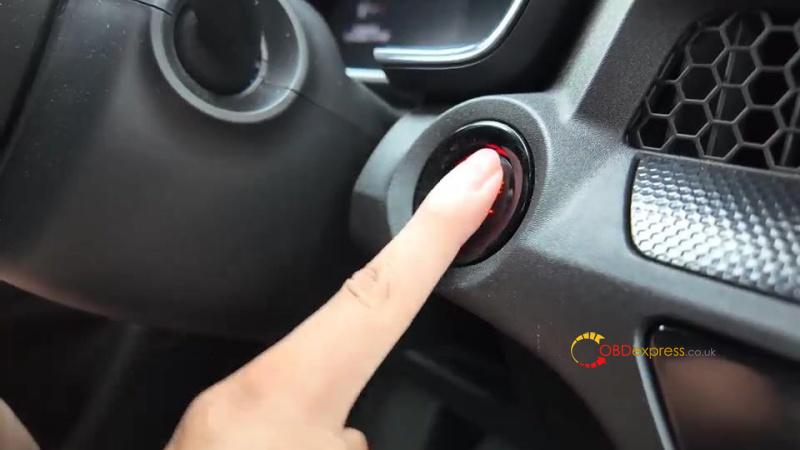
- Ignition Sync: Press the Start button twice to turn the ignition ON.
- Key Swap: * Remove all keys from the car within 100 seconds.
Place the new key to be programmed inside the car.
- System Sync: Follow the on-screen prompts to cycle the ignition (OFF and ON) within 15-second intervals as requested by the K518 Pro.
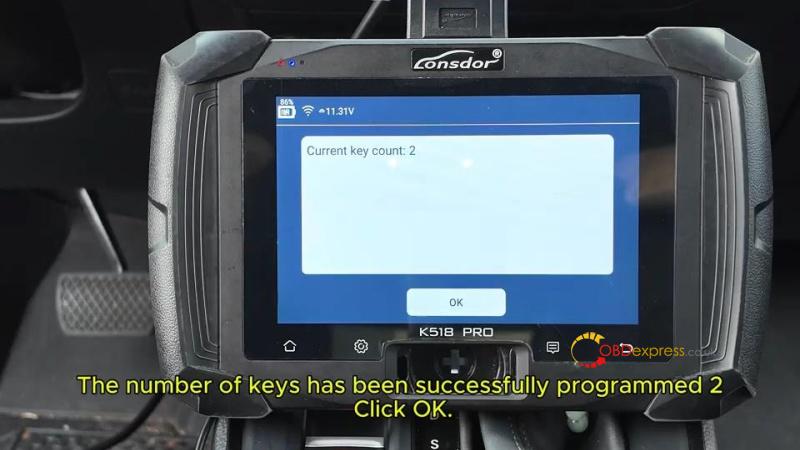
- Confirmation: Check the dashboard to ensure the security light turns off. The device will display the updated number of programmed keys.
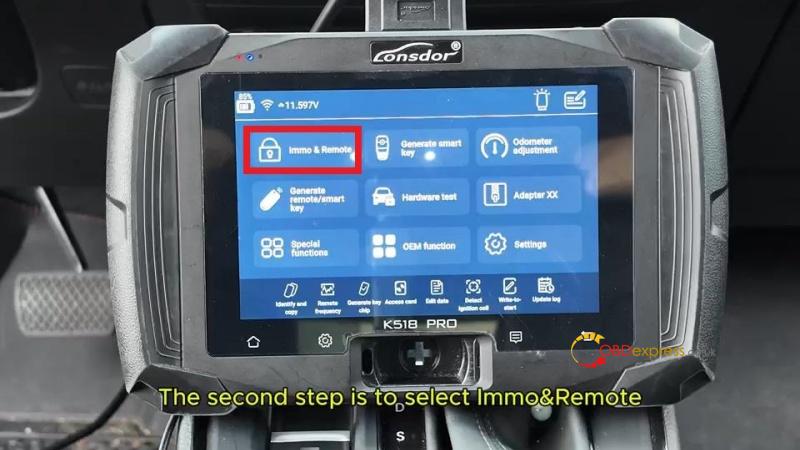
Step 3: Verify Functionality
Always test both keys before finishing the job.
Engine Start: Verify that both the original and the new key can start the engine.
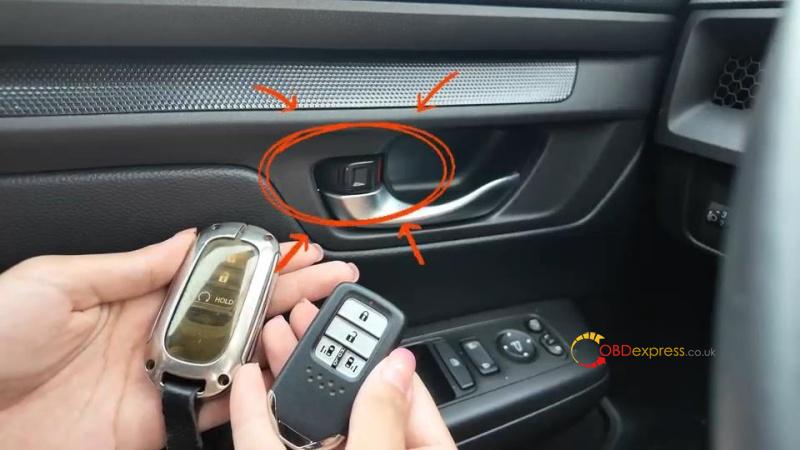
Remote Functions: Test the Lock and Unlock buttons on both remotes to ensure full functionality.
Pro Tips for Success
- Timing is Key: During “System Sync,” ensure you switch the ignition within the 15-second window, or the process may fail.
- Battery Voltage: Ensure the vehicle battery is stable before beginning OBD communication to prevent data errors.
- Device Updates: Always check that your Lonsdor K518 is running the latest firmware for the best compatibility with 2023+ Honda models.
Get Your Professional Tools Today
Upgrade your toolkit with the Lonsdor Key Programing Tools at the best prices.
For professional hardware and technical support, visit: www.obdexpress.co.uk
