




Looking for a reliable way to program a 2024 Volvo S60 when all keys are lost? This tutorial provides a direct, step-by-step walkthrough using the Lonsdor K518 Pro. We cover everything from CEM data extraction to final OBD key matching to get you back on the road quickly.
- Hardware Requirements
Before starting, ensure you have these essential tools ready:
- Lonsdor K518 Pro Programmer.
- KPROG-2 Adapter
- LC202 cable.
- OBD communication cable.
- A new Volvo smart key.
- CEM Data Extraction (Bench Mode)
Because all keys are lost, you must first read the security data directly from the Central Module (CEM).
- Disassemble the CEM: Remove the CEM box from the vehicle.
- Connect Equipment: Link the LC202 cable to the K518 Pro and the KPROG adapter according to the wiring diagram.
- Software Menu: Select IMMO & Remote >> Volvo >> S60 >> 2022- >> Program smart key >> Read CEM Data,
- Name your file, and wait for the “Read successfully” confirmation.
- Reinstall: Once the data is backed up, fit the CEM box back into the vehicle.
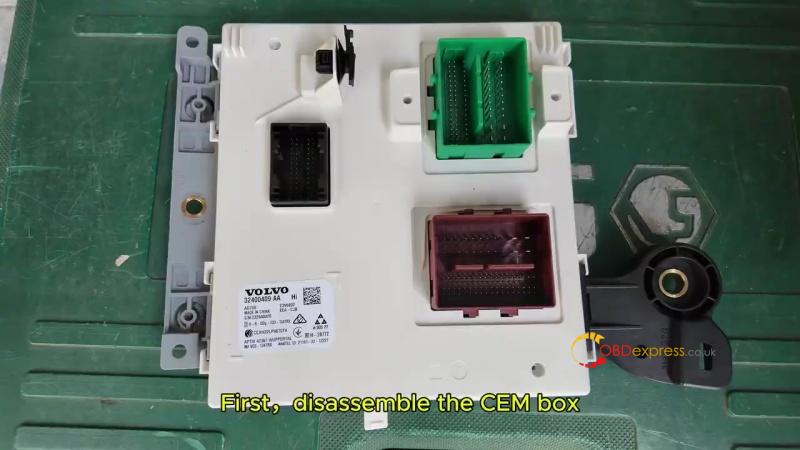
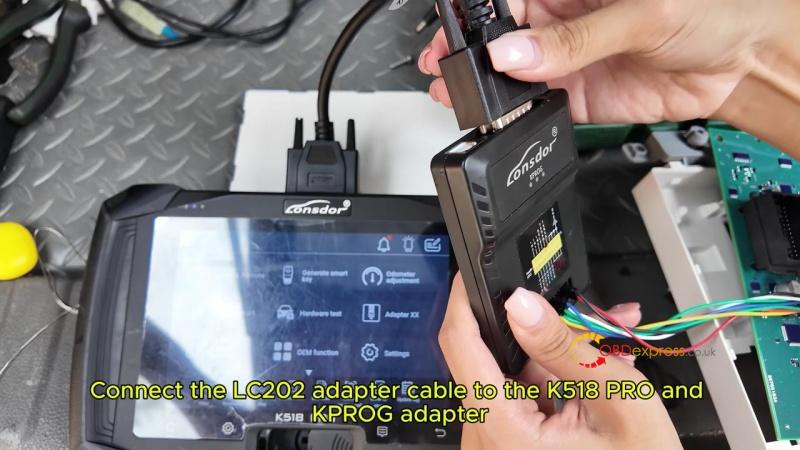
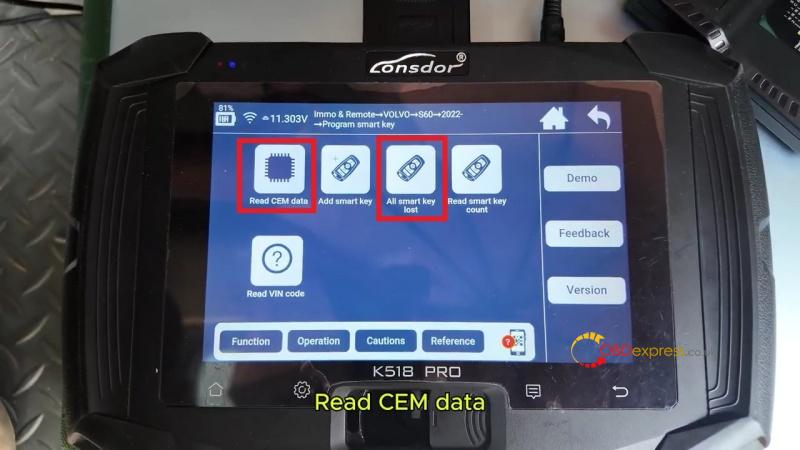
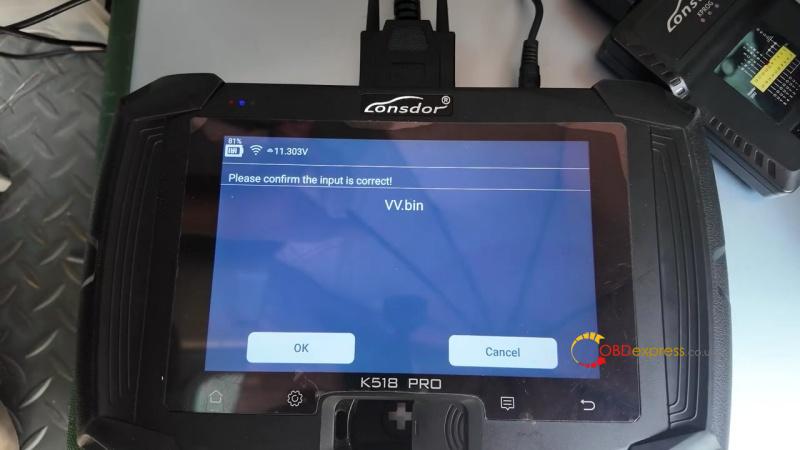
- Smart Key Programming (OBD Mode)
With the data saved, move to the vehicle’s interior to finish the process via the OBDII port.
- Plug in OBD: Connect the K518 Pro to the car’s OBD port.
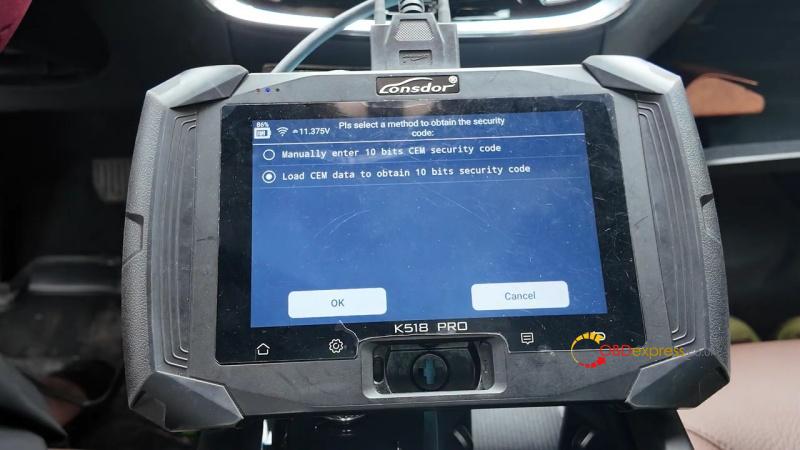
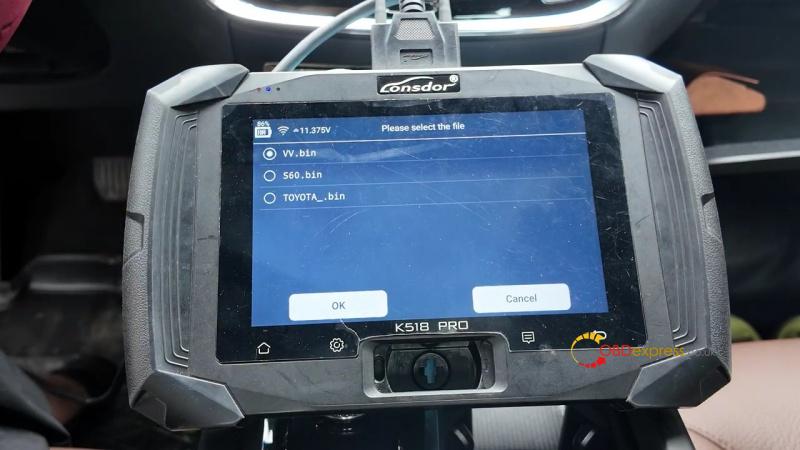
- Select Function: Navigate to IMMO & Remote >> Volvo >> S60 >> 2022- > Program Smart Key >> All Smart Key Lost >> Load CEM data to obtain 10 bits security code >> Select the CEM data file you just saved.
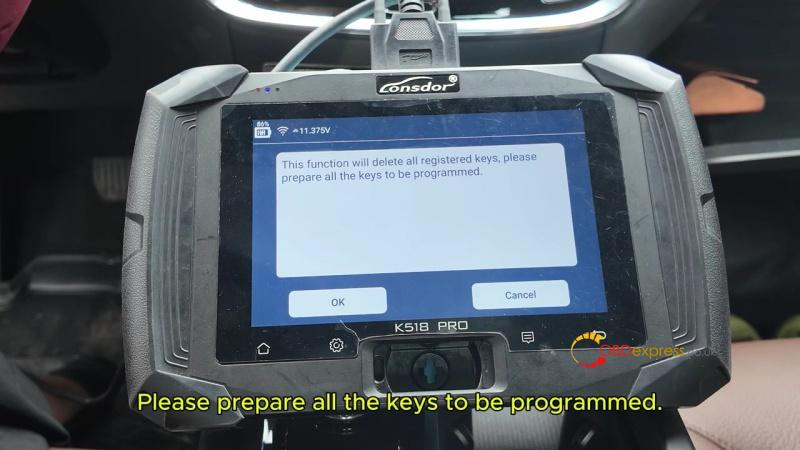
- Clear Keys: The system will delete all old keys; confirm to proceed.
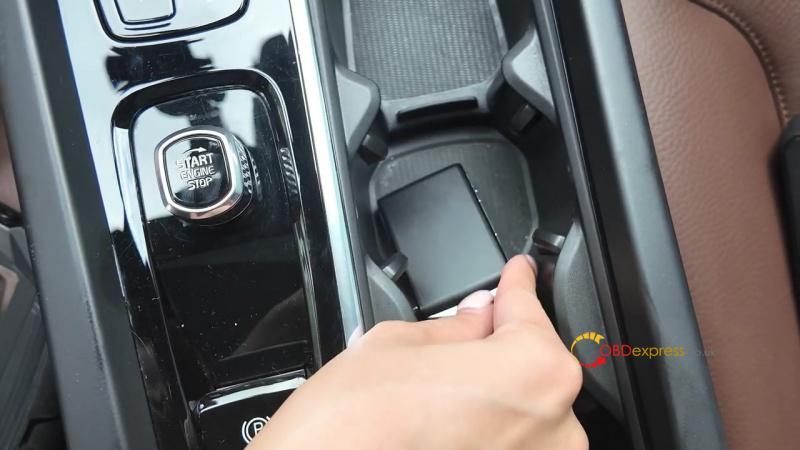
- Learn New Key: Place the new smart key in the vehicle’s induction area (usually the center console).
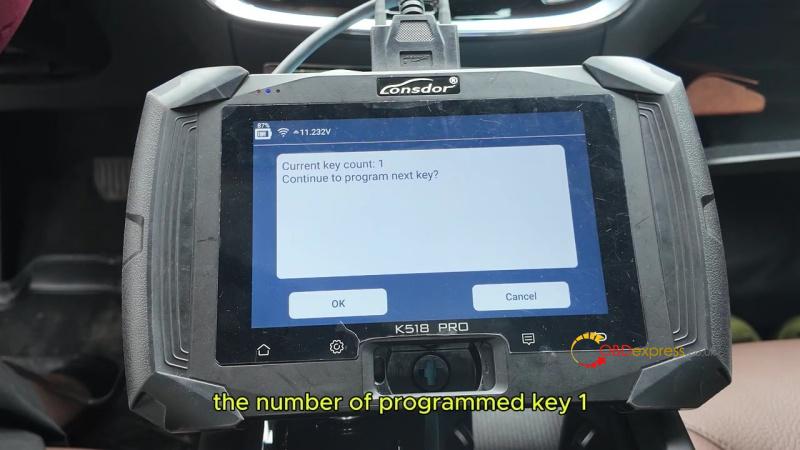
- Complete: The device will show “Programmed key: 1.” Click Cancel to end the process.
- Final Testing
Verify the new key’s performance before finishing:
- Engine Start: Step on the brake and turn the start button to ensure the car drives normally.
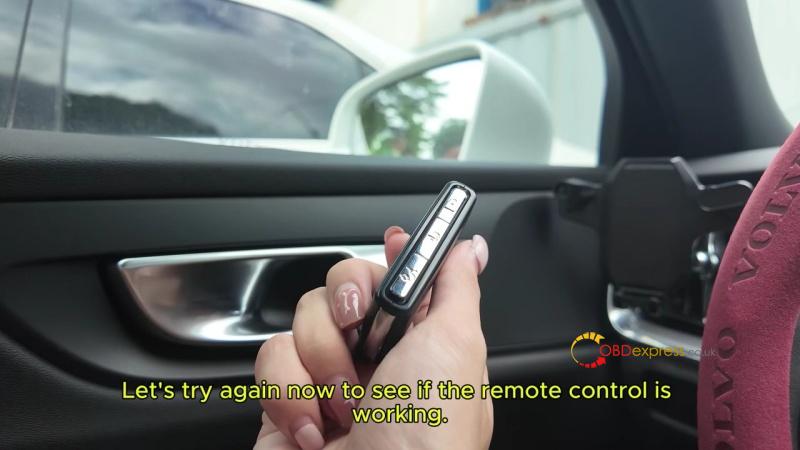
- Remote Control: Test the lock and unlock buttons to confirm the remote frequency is working.
(Visited 171 times, 1 visits today)
