



Learn how to clone and program a 2022 Range Rover smart key using KEYDIY KD-X4 key programmer and KDZB24 remote key. Follow this simple guide to solder wires, read chip data, and bypass UWB issues safely.
Required Tools
- Original OEM key
- KDZB24 remote key
- KD-X4 5-in-1 key programmer
- Mobile KD App
- Soldering iron & harness
- OBD diagnostic tool
Step 1: Board Preparation
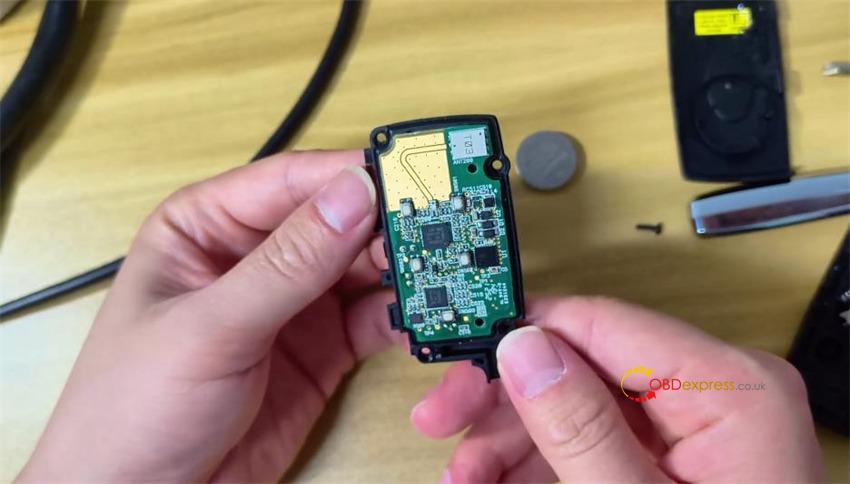
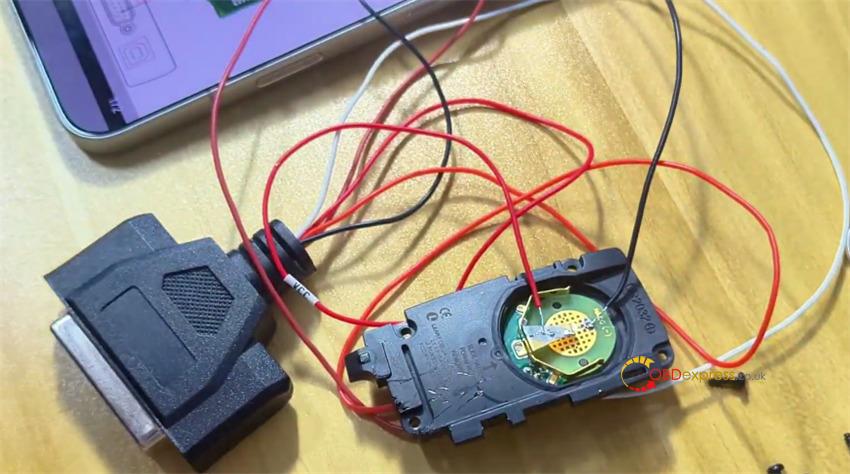
Disassemble the original key housing by removing the battery and four retaining screws.
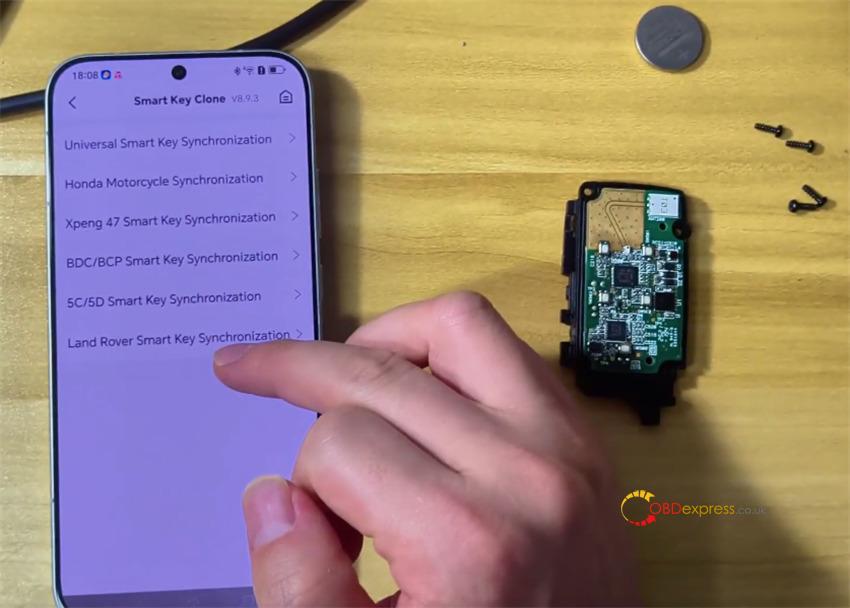
Open Mobile KD: Go to Remote Function -> Smart Key Clone -> Land Rover Smart Key Synchronization to retrieve the pinout diagram.
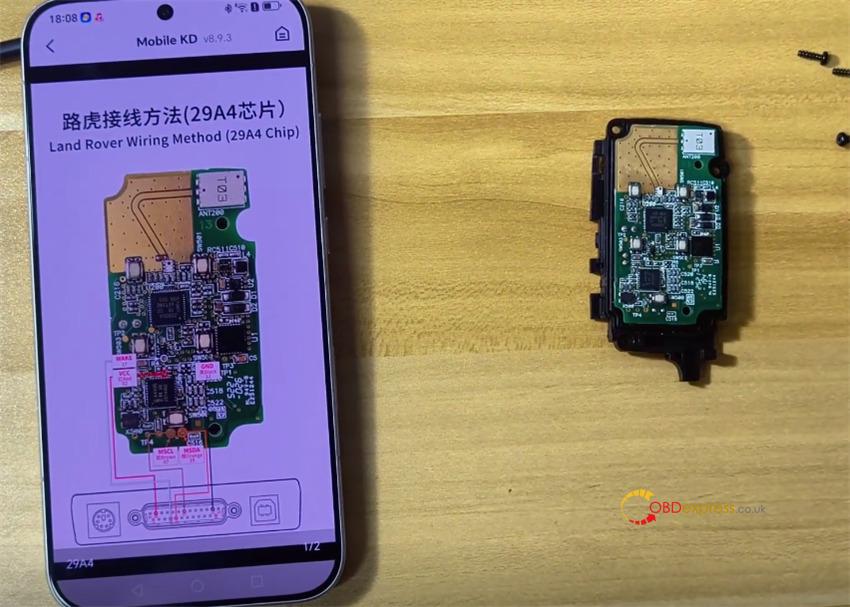
Solder the harness wires to the circuit board using this color sequence:
- PIN 1: White
- PIN 2: Orange
- PIN 3: Brown
- PIN 4: Red
- PIN 5: Black
Step 2: Security Data Extraction
Connect the OBD tool to the vehicle port
Perform emergency vehicle startup
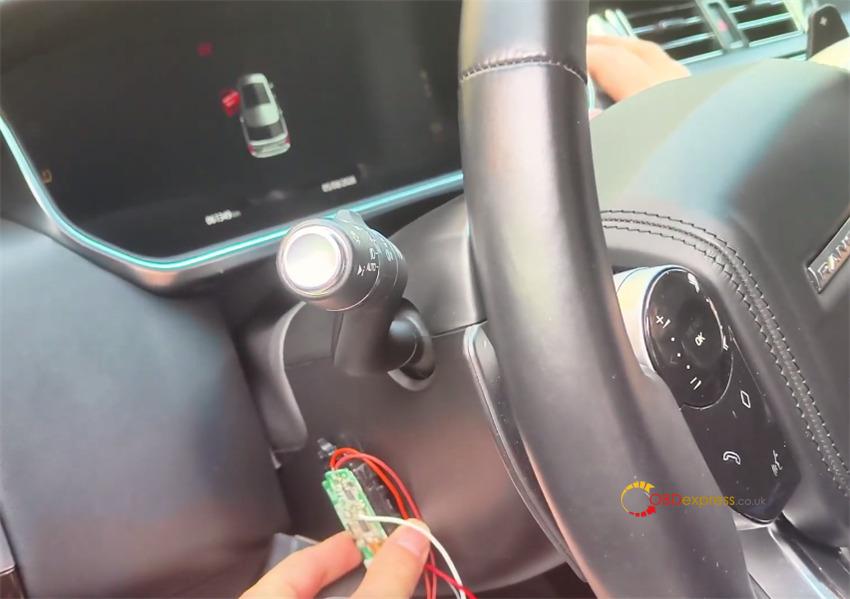
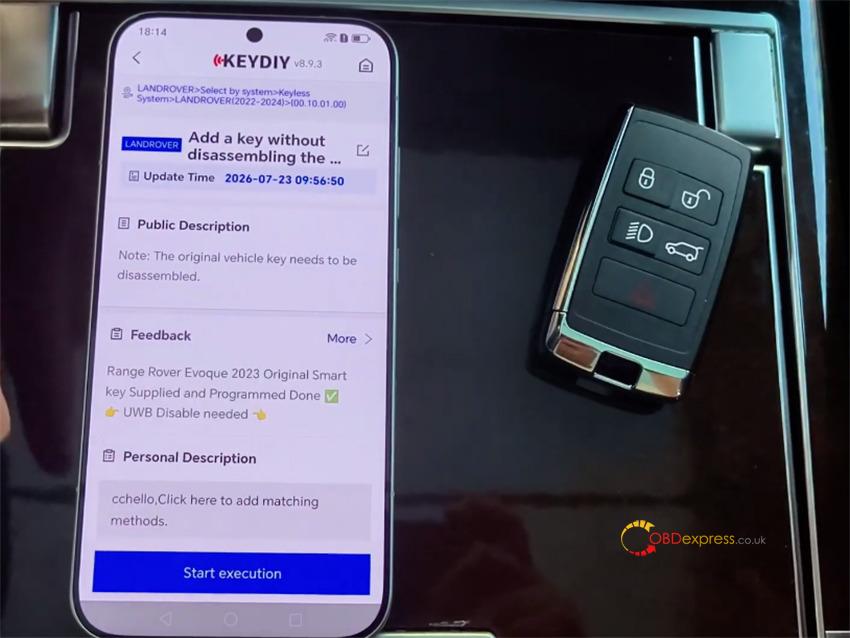
Select IMMO Programming -> LandRover -> Select by System-> Keyless System-> LANDROVER (2022-2024)-> Add a key without dissembling the KVM-> Start execution
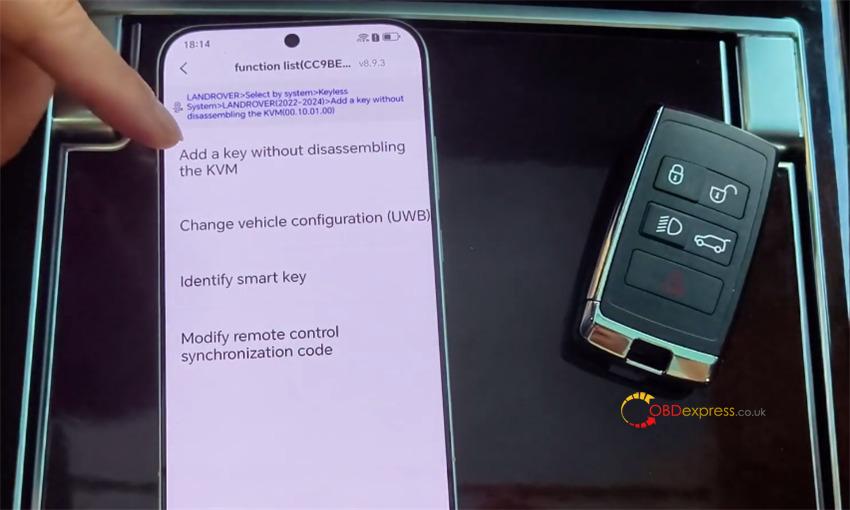
Select Add a key without dissembling the KVM
Maintain a stable network link during processing.
Read the secret key ID and confirm UWB function deactivation.
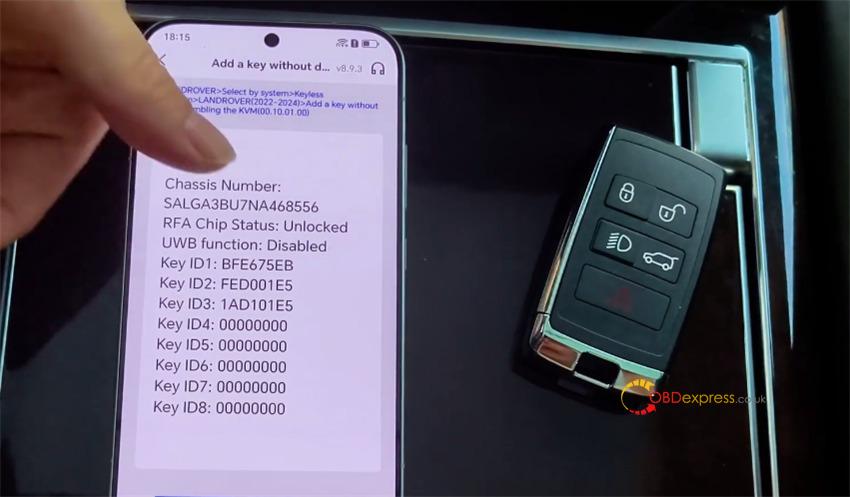
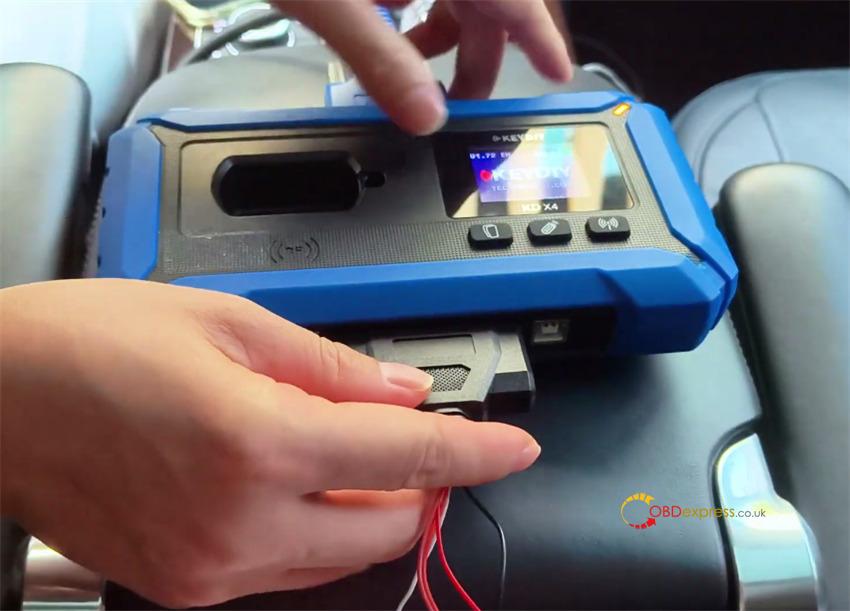
Connect the harness to KD-X4 key programmer and click Read Chip Data. Disconnect the harness after completion.
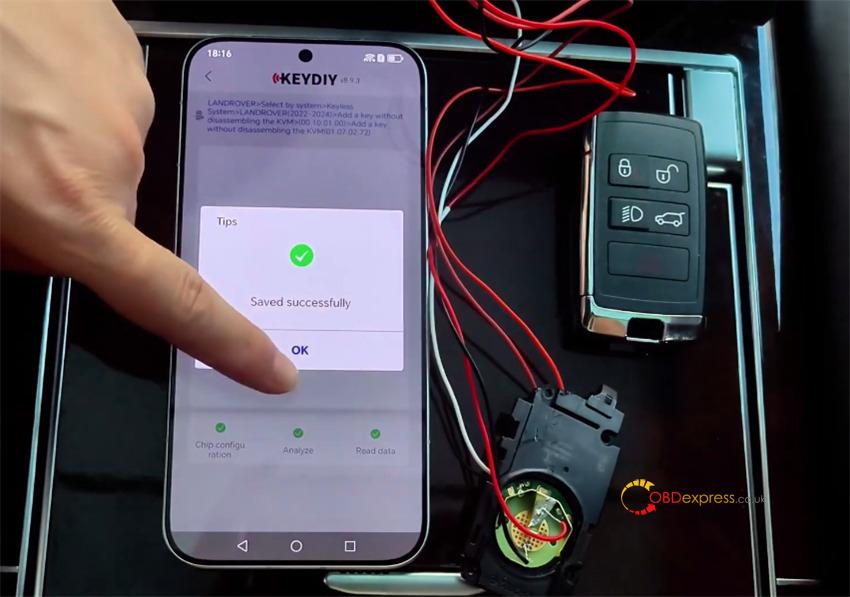
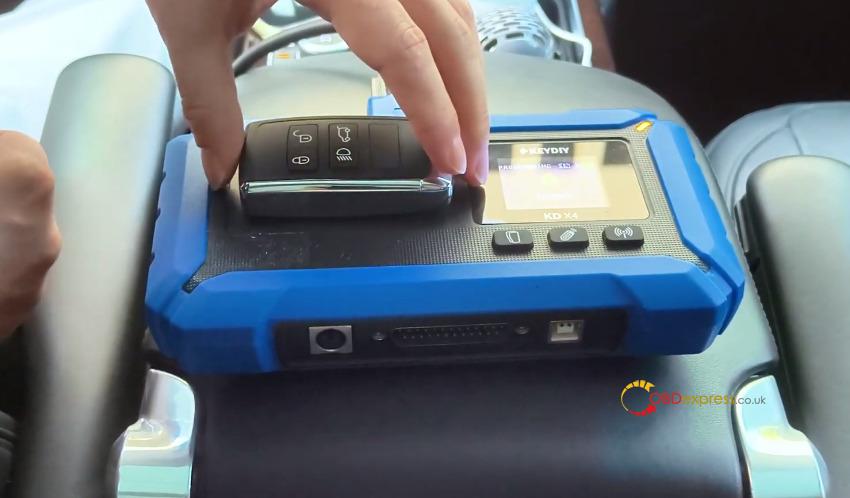
Step 3: Key Generation & Function Verification
Position the new KDZB24 key on Keydiy KD-X4 coil.
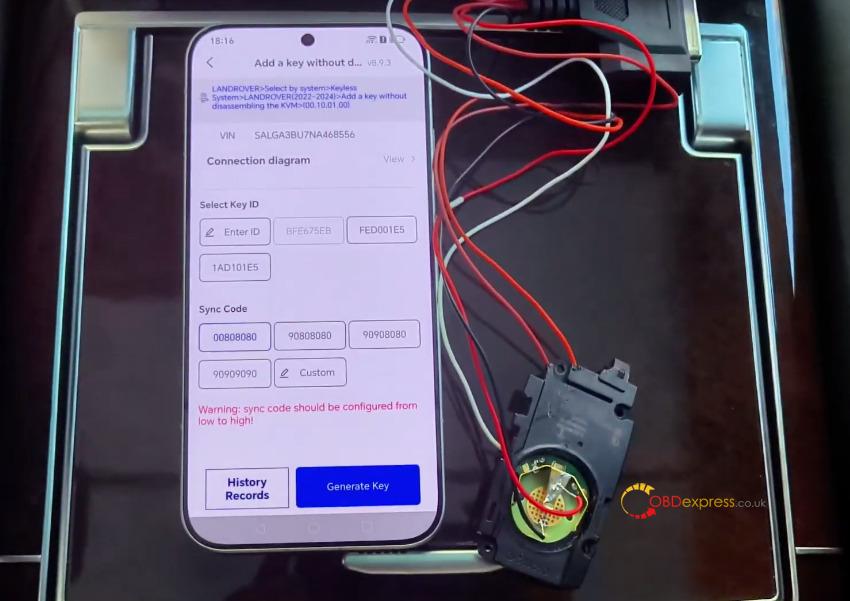
Assign a unique key ID. Do not clone the original key ID directly, as this renders the original key unusable.
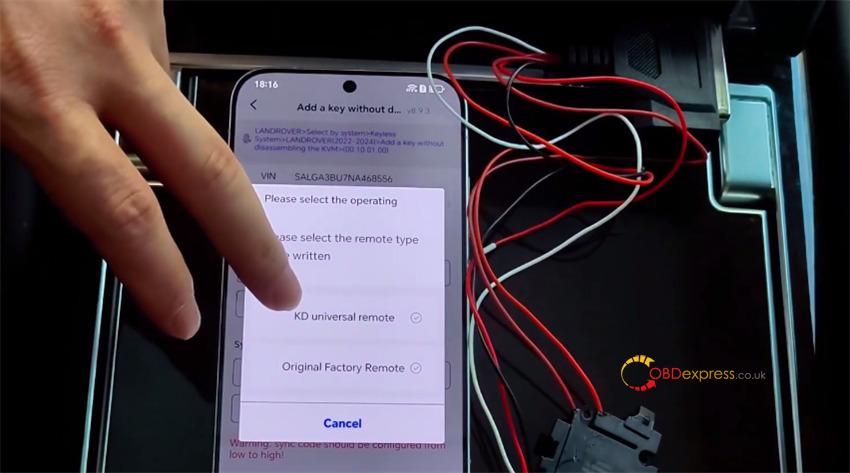
Select KD Universal Remote and click Generate Key.
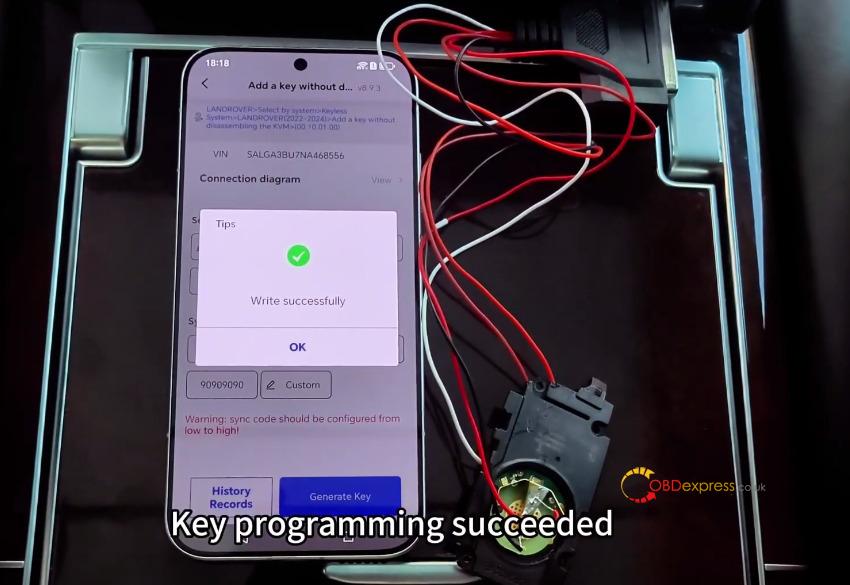
Run functional checks on both new and original keys:
- Lock / Unlock
- Trunk release
- Proximity door handle sensing
- Ignition engine start
Step 4: Remote Sync Calibration
If the remote fails to respond, open Option 4 in the app to adjust the synchronization code.
Raise the value incrementally. Large value adjustments can cause setup errors.
