CG has officially released the newest software version 1.3.3.0 for CG FC200 ECU Programmer.
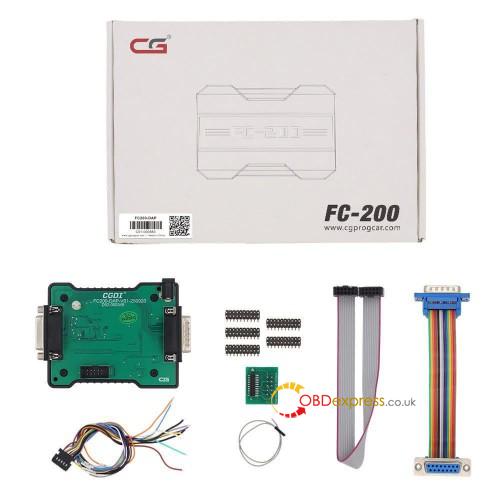
This upgrade added Boot mode for Toyota/ Lexus Denso, Hyundai/ Kia/ Isuzu/ Leyland DCM7.1AP ECUs and more. DAP Adapter is specially designed for this function. Please refer to the following details for a complete list of updates and a guide on using DAP Adapter with your FC200.
PART I
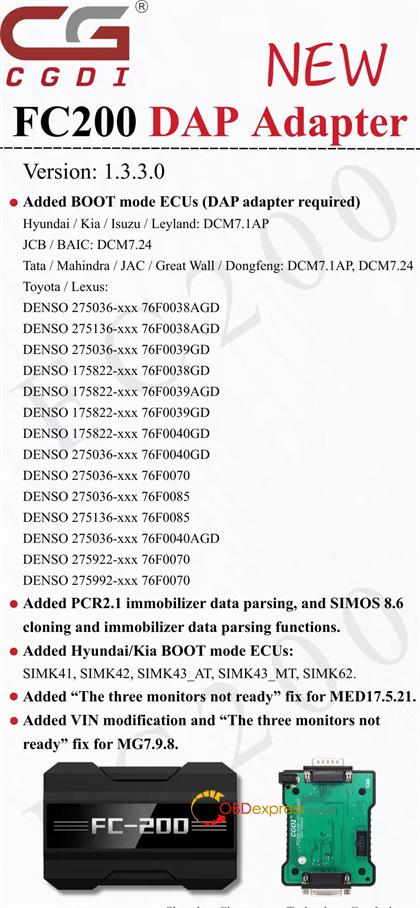
CG FC200 V1.3.3.0 Update Info:
- Added BOOT mode ECUs (DAP adapter required)
Hyundai / Kia / Isuzu / Leyland: DCM7.1AP
JCB / BAIC: DCM7.24
Tata / Mahindra / JAC / Great Wall / Dongfeng: DCM7.1AP, DCM7.24
Toyota / Lexus:
DENSO 275036-xxx 76F0038AGD
DENSO 275136-xxx 76F0038AGD
DENSO 275036-xxx 76F0039GD
DENSO 175822-xxx 76F0038GD
DENSO 175822-xxx 76F0039AGD
DENSO 175822-xxx 76F0039GD
DENSO 175822-xxx 76F0040GD
DENSO 275036-xxx 76F0040GD
DENSO 275036-xxx 76F0070
DENSO 275036-xxx 76F0085
DENSO 275136-xxx 76F0085
DENSO 275036-xxx 76F0040AGD
DENSO 275922-xxx 76F0070
DENSO 275992-xxx 76F0070
- Added PCR2.1 immobilizer data parsing, and SIMOS 8.6 cloning and immobilizer data parsing functions.
- Added Hyundai/ Kia BOOT mode ECUs:
SIMK41, SIMK42, SIMK43_AT, SIMK43_MT, SIMK62.
- Added “The three monitors not ready” fix for MED17.5.21.
- Added VIN modification and “The three monitors not ready” fix for MG7.9.8.
PART II
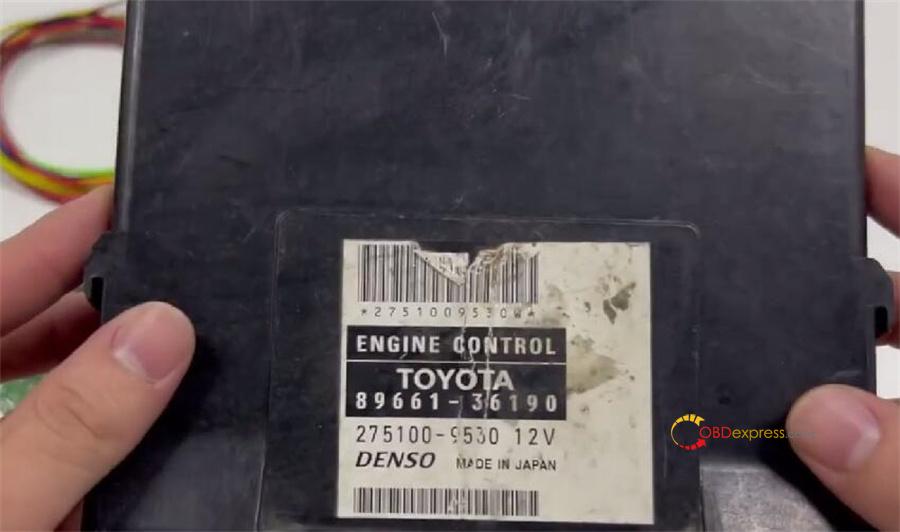
CG FC200 with DAP Adapter Read Toyota ECU via Boot
e.g. 89661-36190
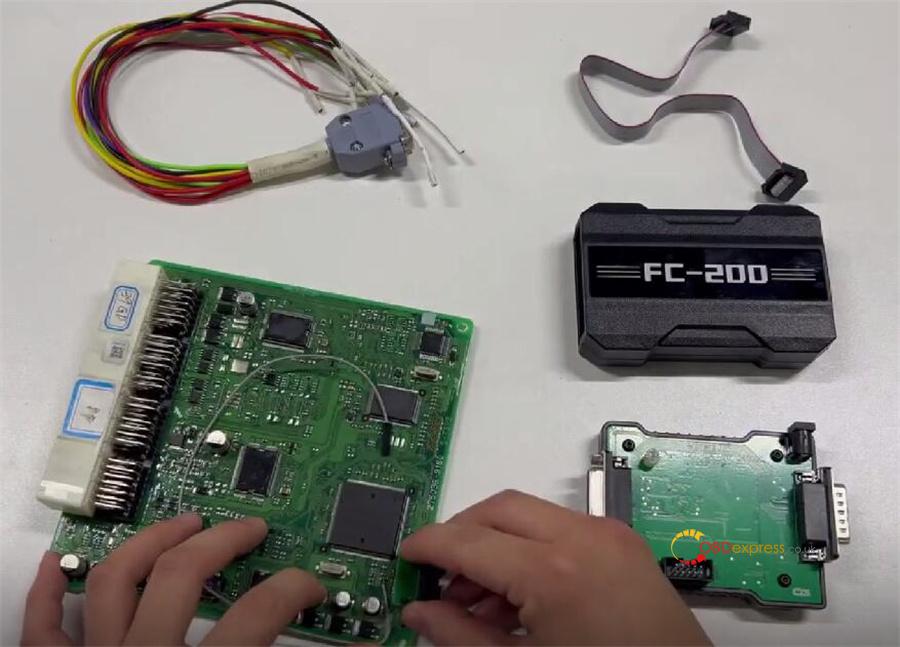
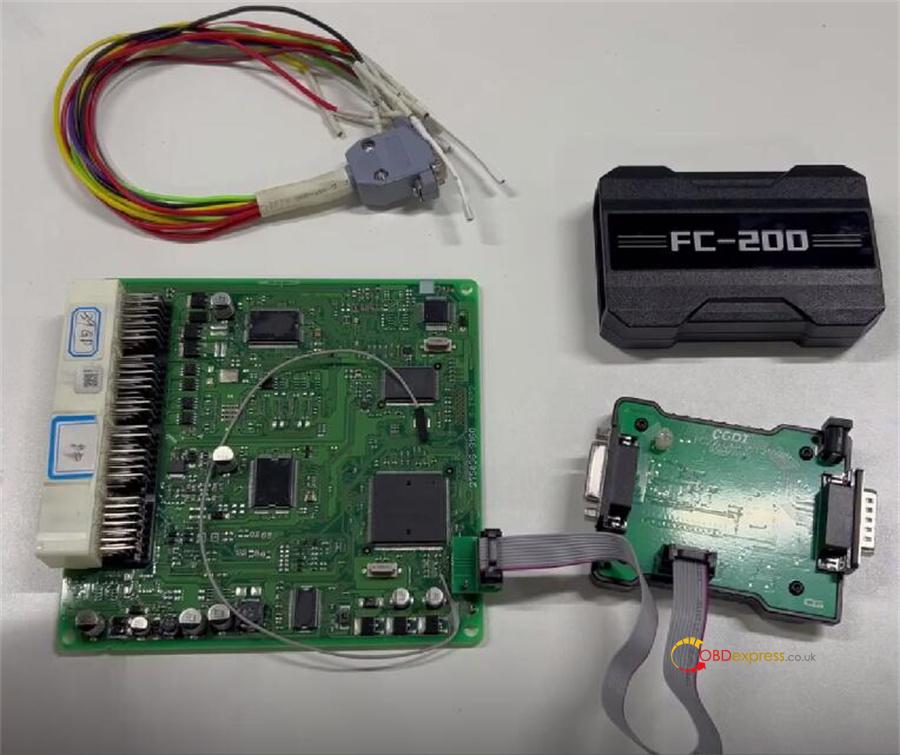
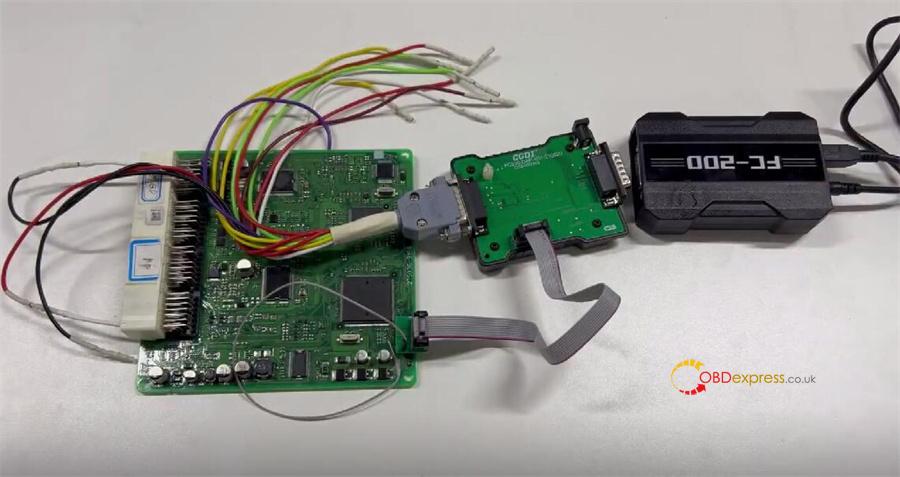
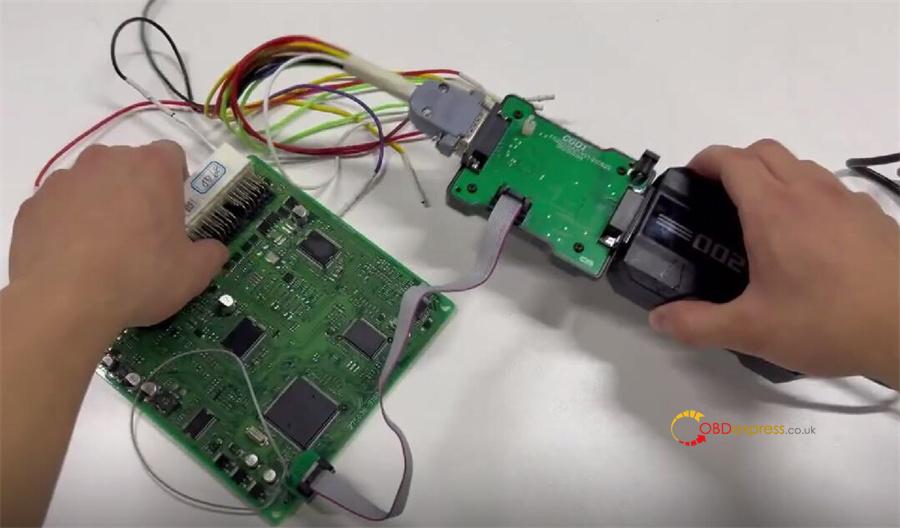
1.Connect Your Equipment
Arrange the adapters as shown
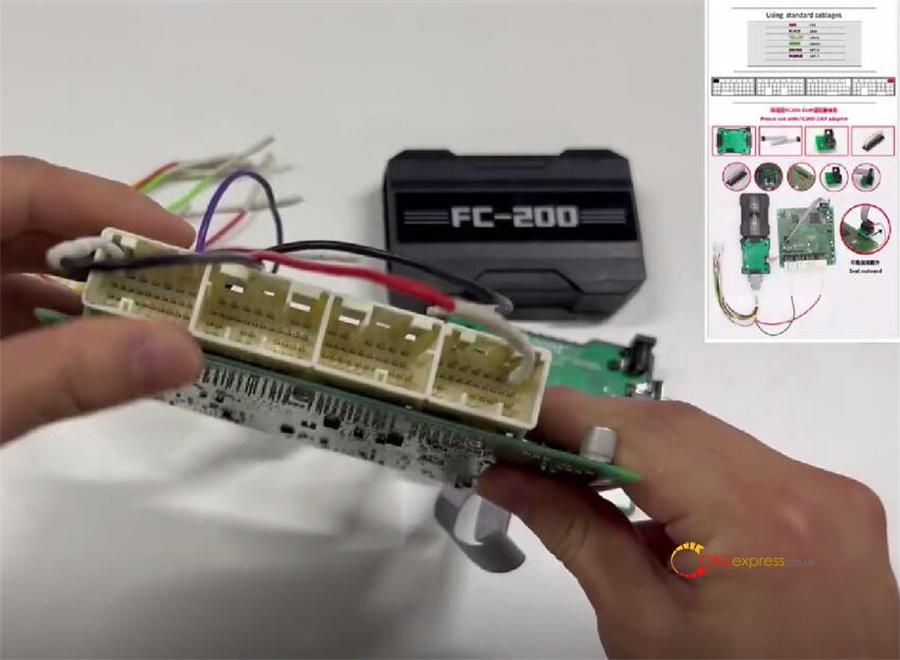
Wire the pins based on the diagram
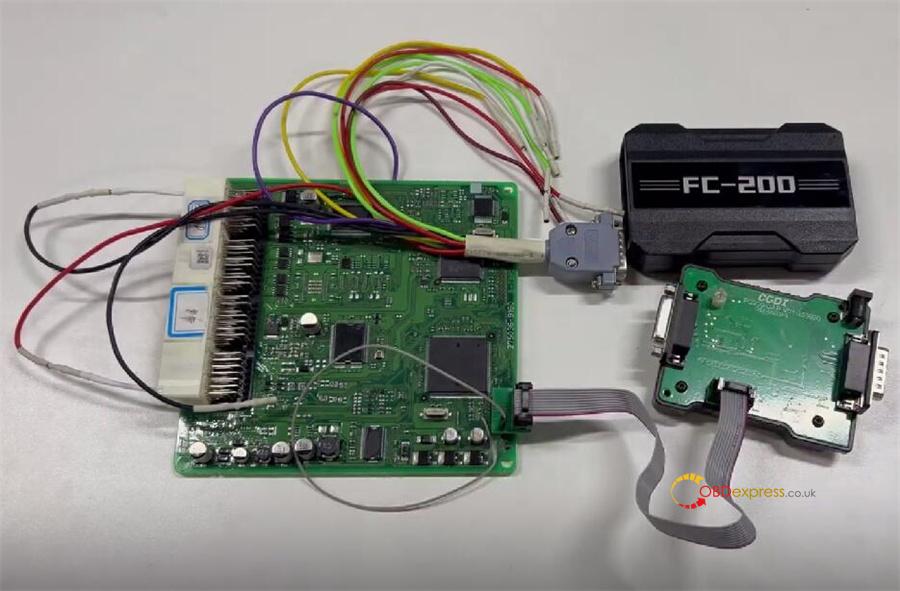
Plug FC200 into your computer via USB and power it on.
Connect DAP Adapter to FC200, then link it to your PC
2.Read ECU Flash
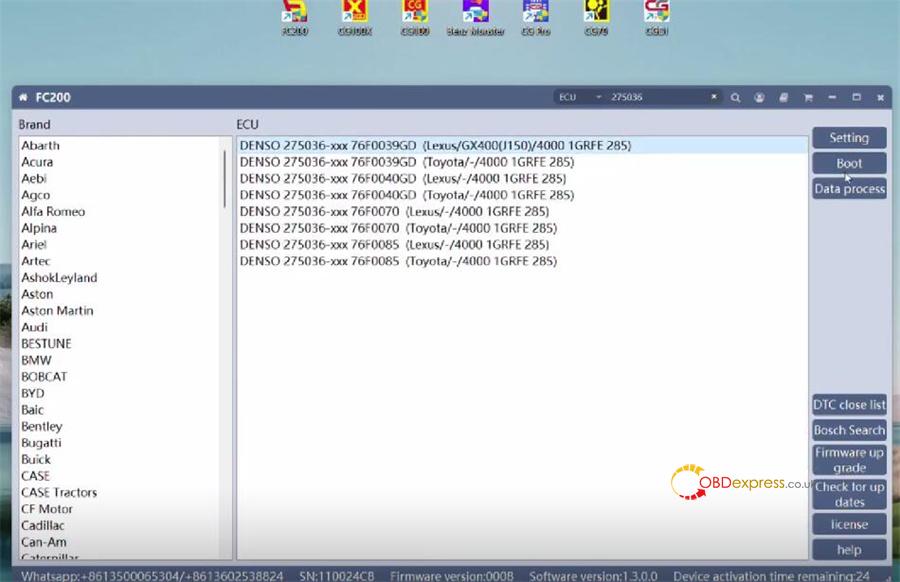
Open FC200 software on your computer.
Enter the ECU model (example: 275036).
Pick the matching ECU from the menu
e.g., DENSO 275036-xxx 76F0039GD (Lexus/ GX400 (J150)/ 4000 1GRFE 285)
Select “Boot” mode
Click “Connect.” After connecting, choose “Read Flash”
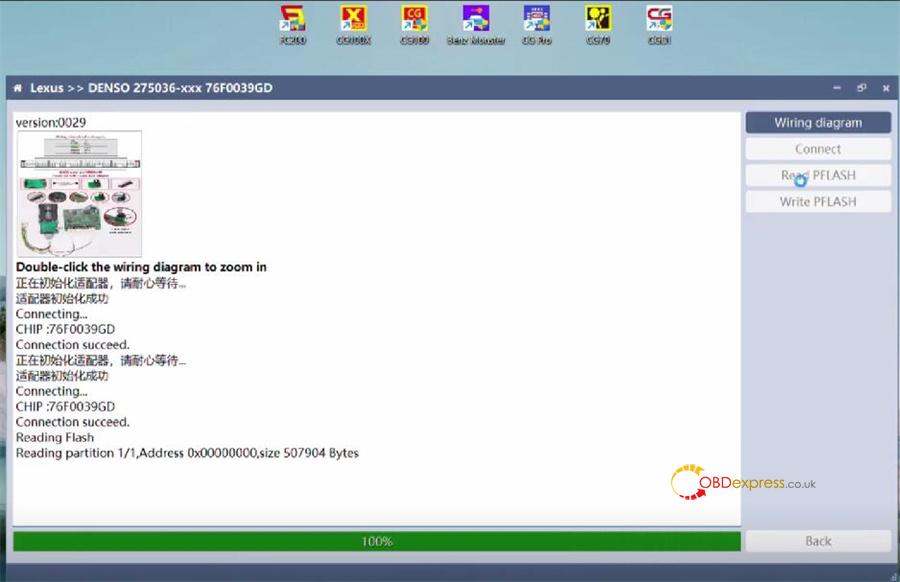
3.Save Your Data
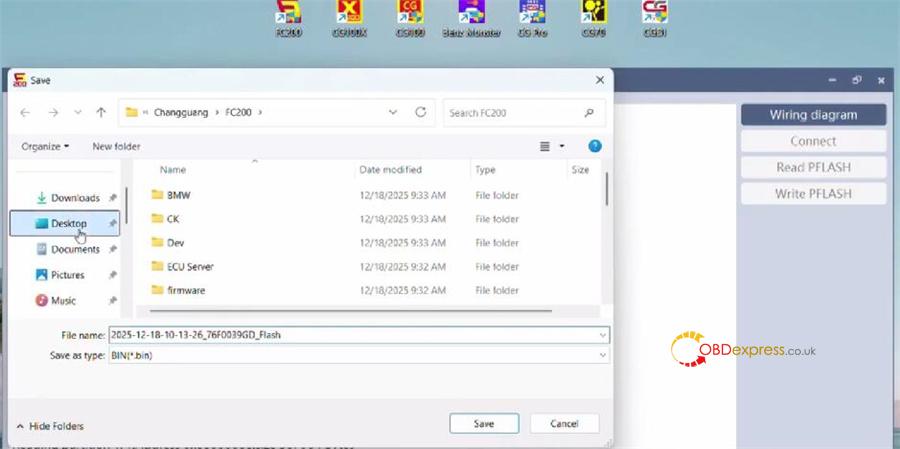
Save the flash file.
Done!