

Here’s a 2026 Toyota Land Cruiser smart key add completed with the Lonsdor K518 Pro and FP30 cable. The vehicle uses an 8A_B6 smart key, and the entire job can be finished by generating the key first, then programming it through the IMMO menu.
Prepare the Smart Key
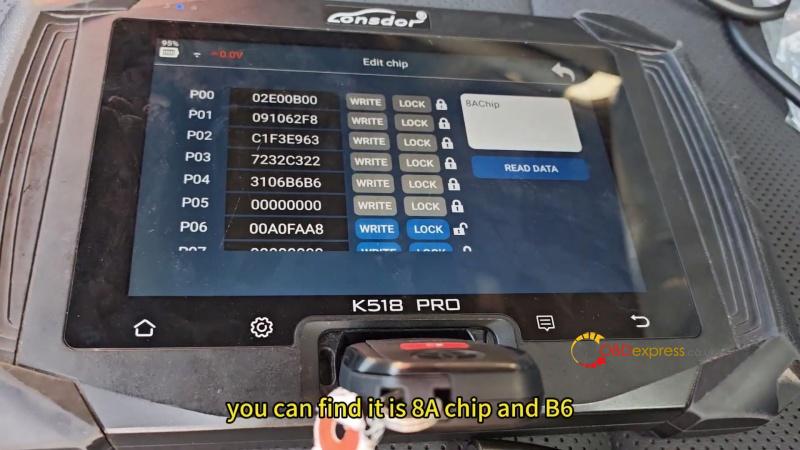
- Insert the original chip into the K518 Pro and identify the chip type. Confirm it is 8A B6.
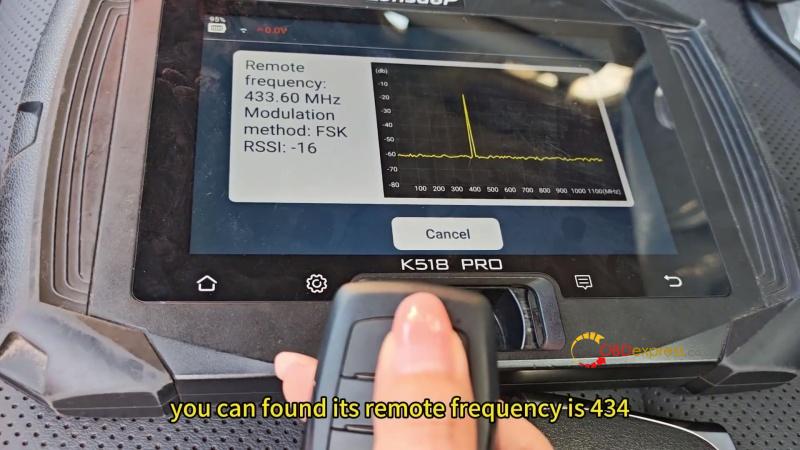
- Check the original remote frequency under Special Functions. The detected frequency is 434MHz.
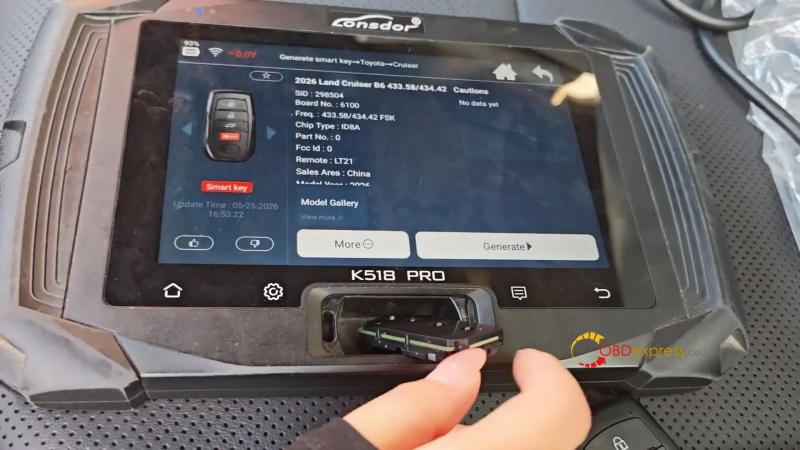
- Go to Generate Smart Key → Toyota → Cruiser → 2026 Land Cruiser B6 (433.58/434.42 MHz). Insert the Lonsdor 8A Smart Key and generate it successfully.
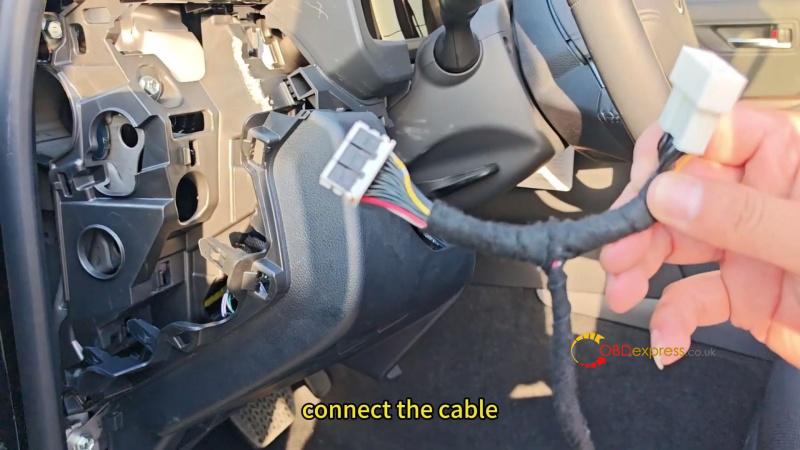
- Connect the FP30 cable to the vehicle’s smart box, then connect it to the OBD cable.
Read IMMO Data & Add the Smart Key
On the K518 Pro, enter:
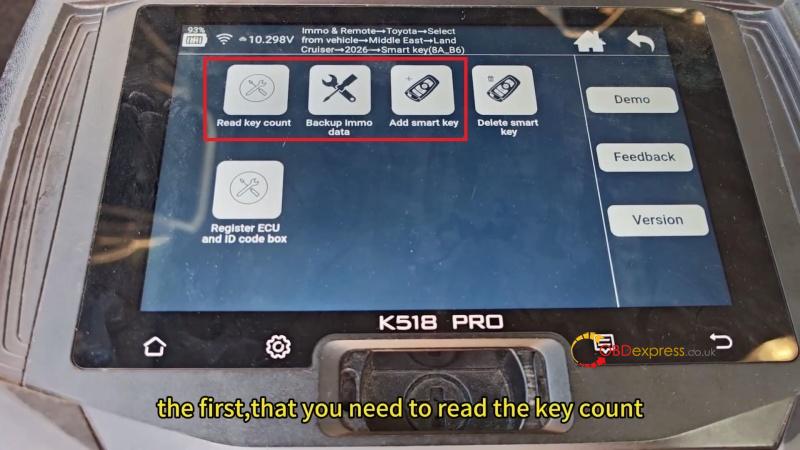
Immo & Remote → Toyota → Select from Vehicle → Middle East → Land Cruiser → 2026- → Smart Key (8A_B6)
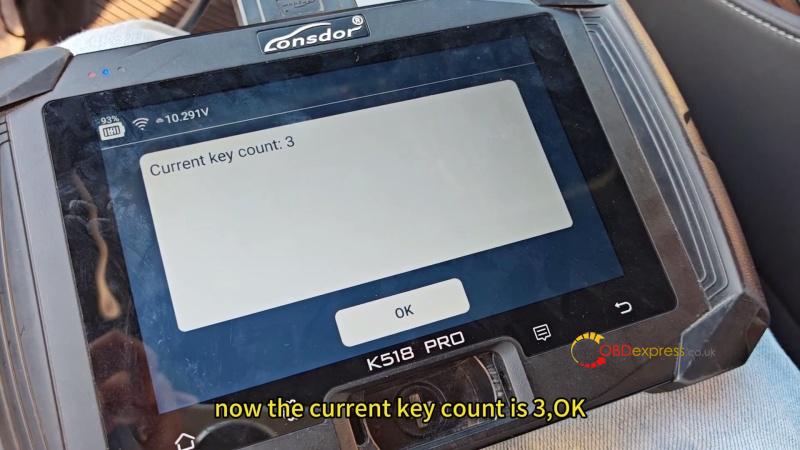
- Select Read Key Count and switch the ignition on when prompted. Confirm the current registered key count.
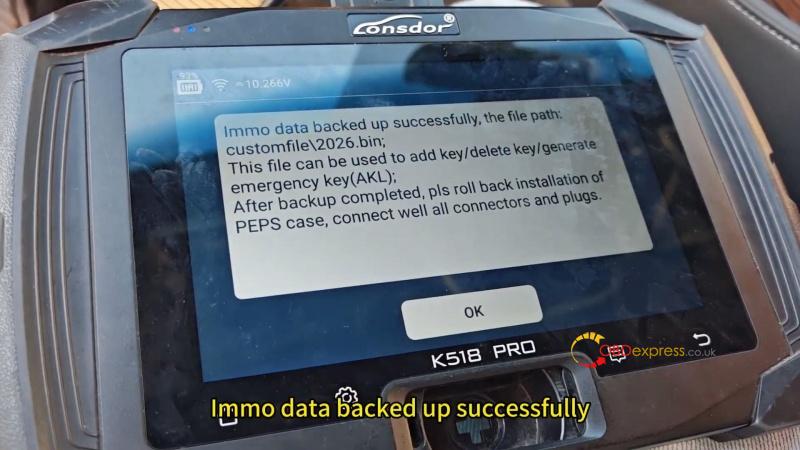
- Select Backup IMMO Data. Keep the FP30 cable connected and the device online. Turn the ignition on and complete the backup.
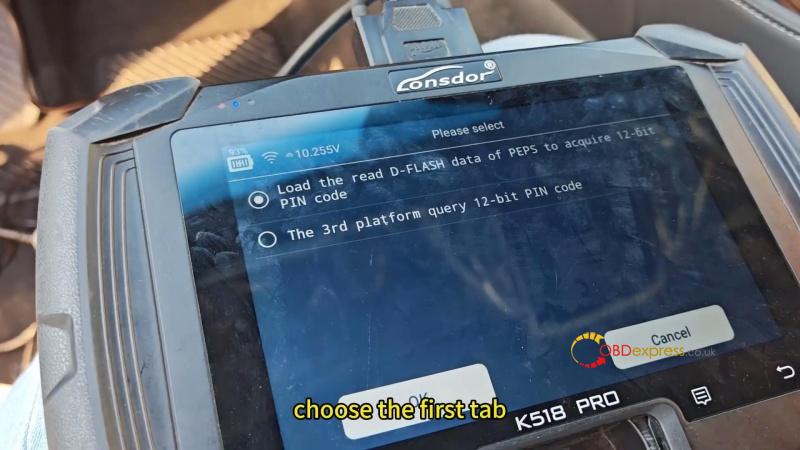
- Select Add Smart Key. Choose Load the Read D-FLASH Data of PEPS to Acquire 12-bit PIN Code, then load the saved D-FLASH file.
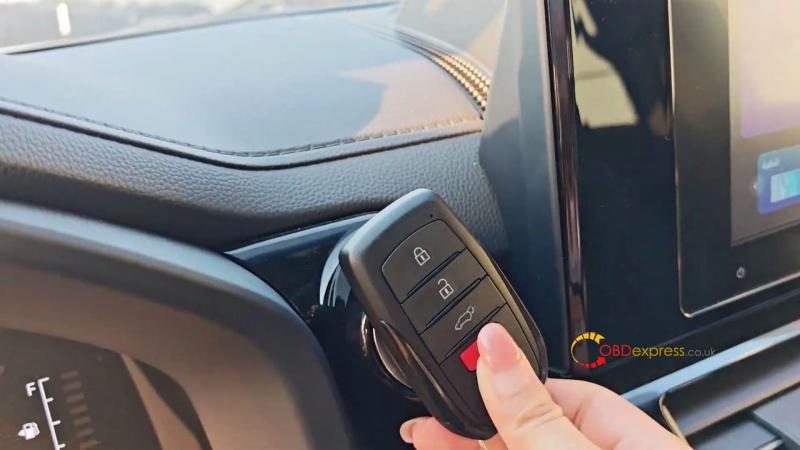
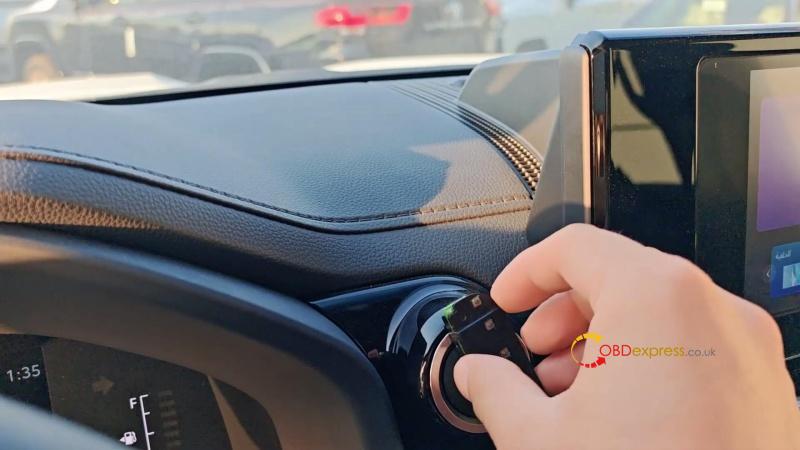
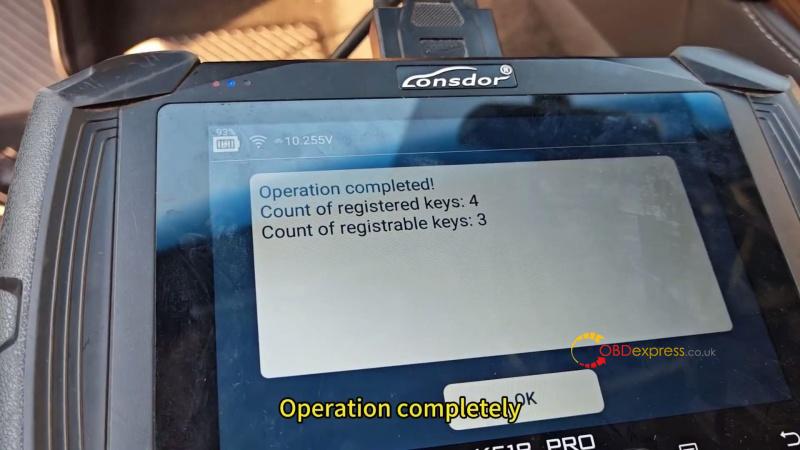
- Hold a registered key against the Start button. When the buzzer sounds once, remove the key. Programming completes automatically, and the registered key count increases from 3 to 4.
Final Check
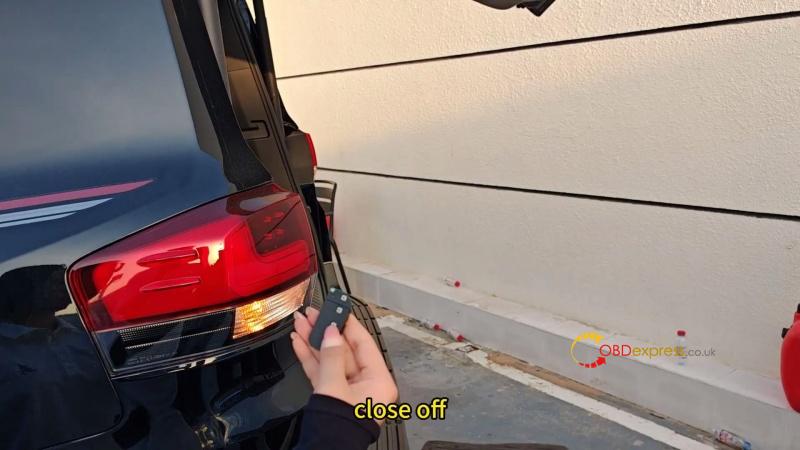
Turn the ignition off and test the new smart key. The engine should start normally, and the remote, trunk release, and keyless entry should all work as expected.
(Visited 87 times, 2 visits today)
