




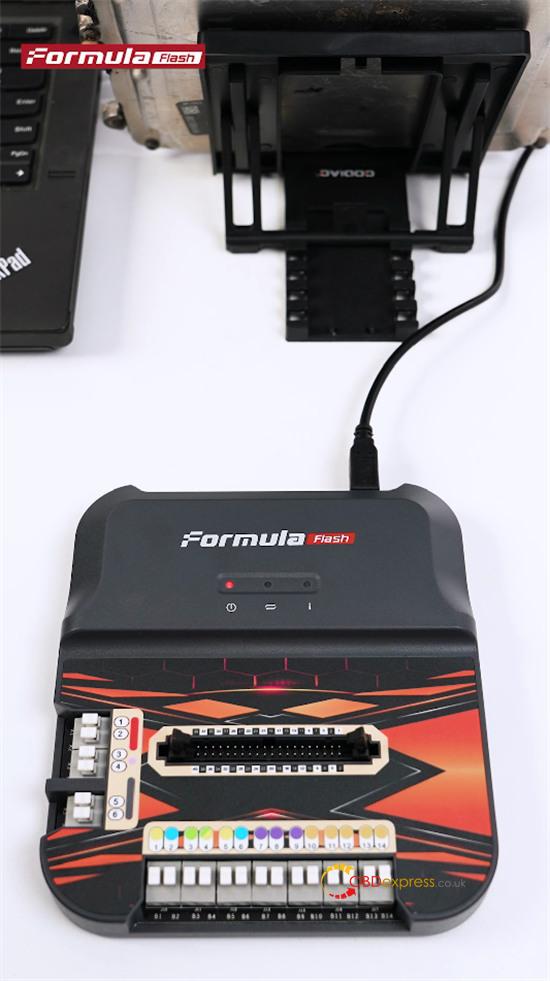
FormulaFlash has been tested and verified to read the Bosch MG1CS201 TC298 ECU successfully in Bench mode. The ECU can be connected directly through its plug pins, so there is no need to remove the ECU cover or solder pins.
What You Need
- Bosch MG1CS201 TC298 ECU
- FormulaFlash ECU Chip Tuning Tool
- FormulaFlash wiring harness, pin adapters, USB cable, and power cable
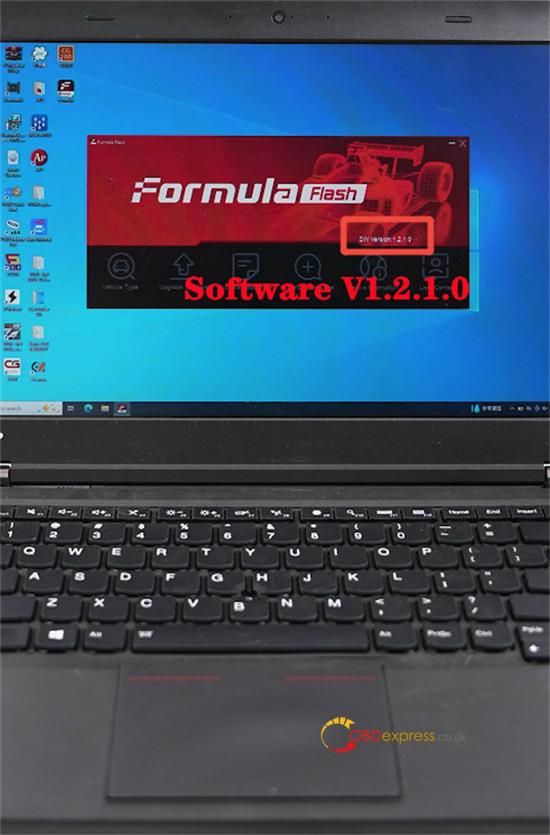
- FormulaFlash software V1.2.0.0 or later (e.g. V1.2.1.0)
- GODIAG Universal ECU Bracket (recommended)
GODIAG ECU Bracket helps hold the ECU in place and makes wiring easier.
How to Read MG1CS201 on Bench
Connect FormulaFlash ECU Programmer to a PC with the USB cable.
Open FormulaFlash software V1.2.1.0 and select Vehicle Type.
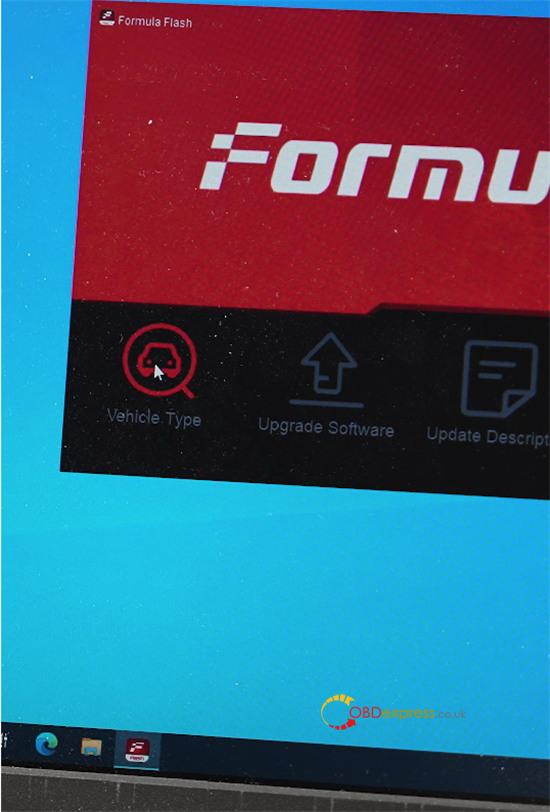
Enter mg1 in the search box.
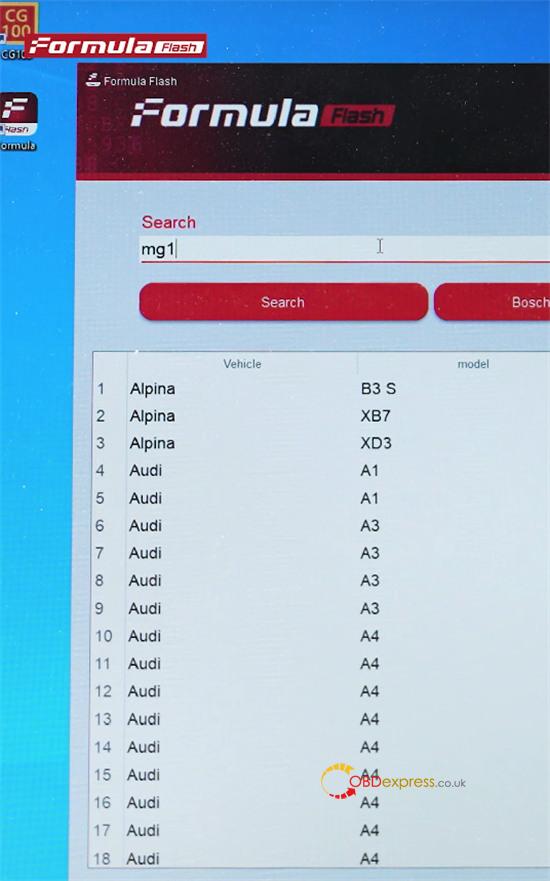
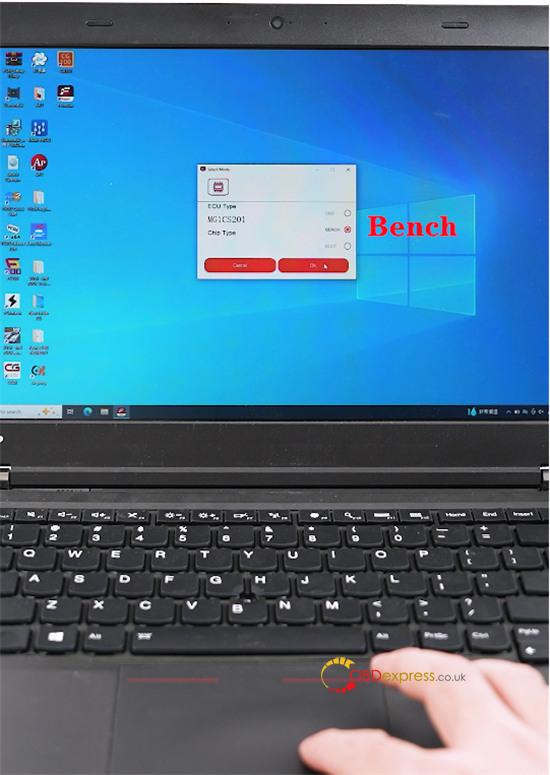
Select MG1CS201 and choose BENCH mode.
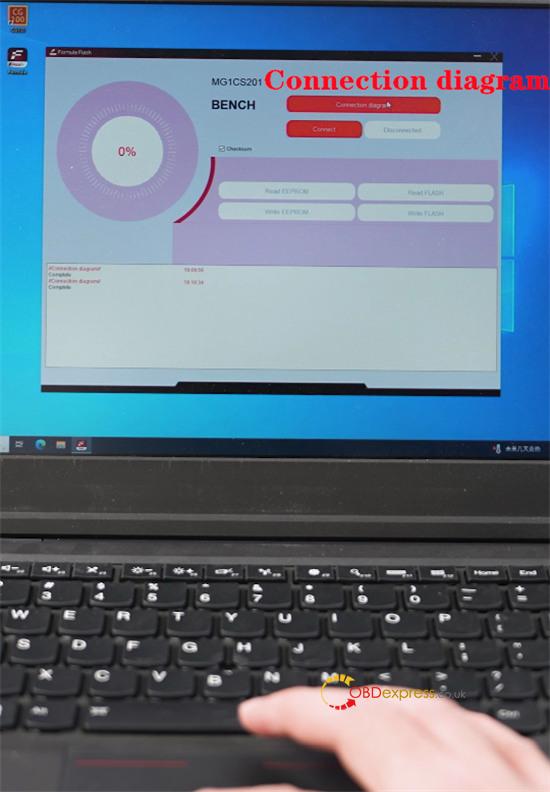
Check the connection diagram shown by the software.
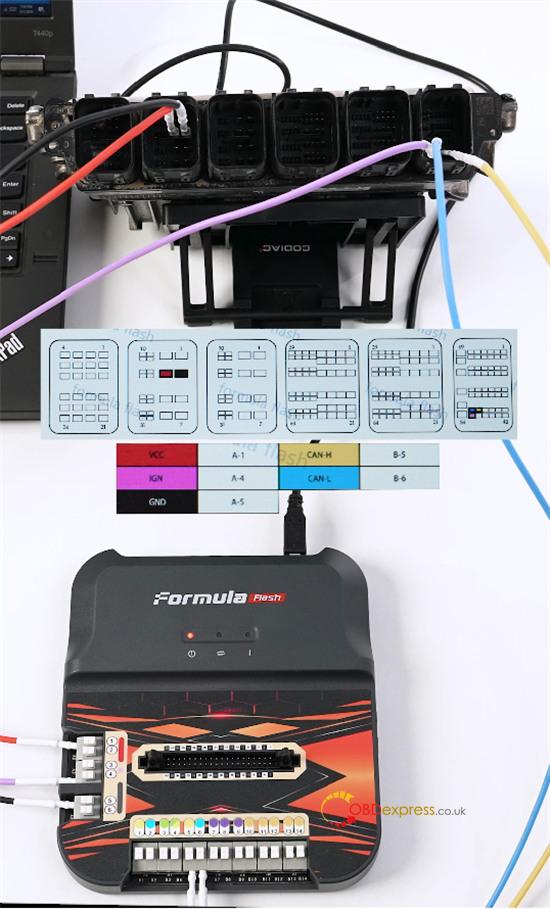
Place the ECU on GODIAG ECU Bracket.
Use the color-coded wiring harness to connect FormulaFlash box to the Bosch ECU according to the diagram.
Connect the power supply to the FormulaFlash.
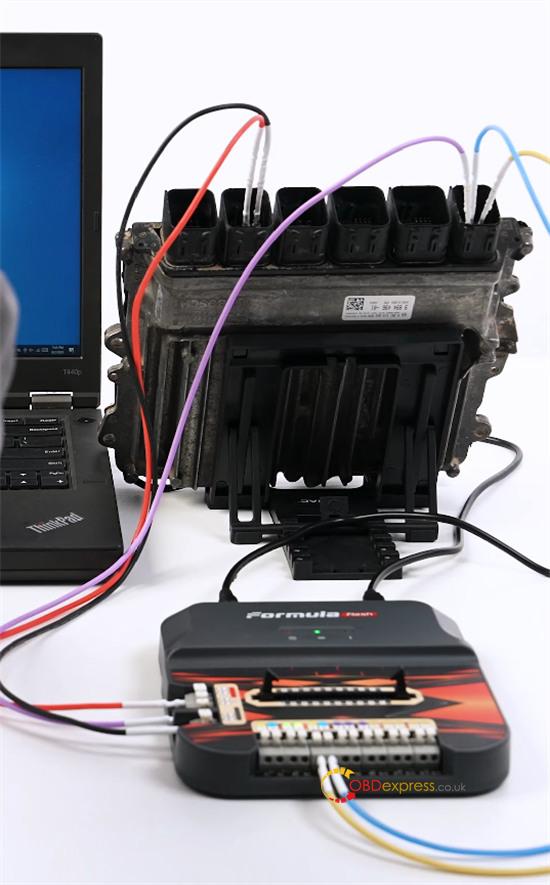
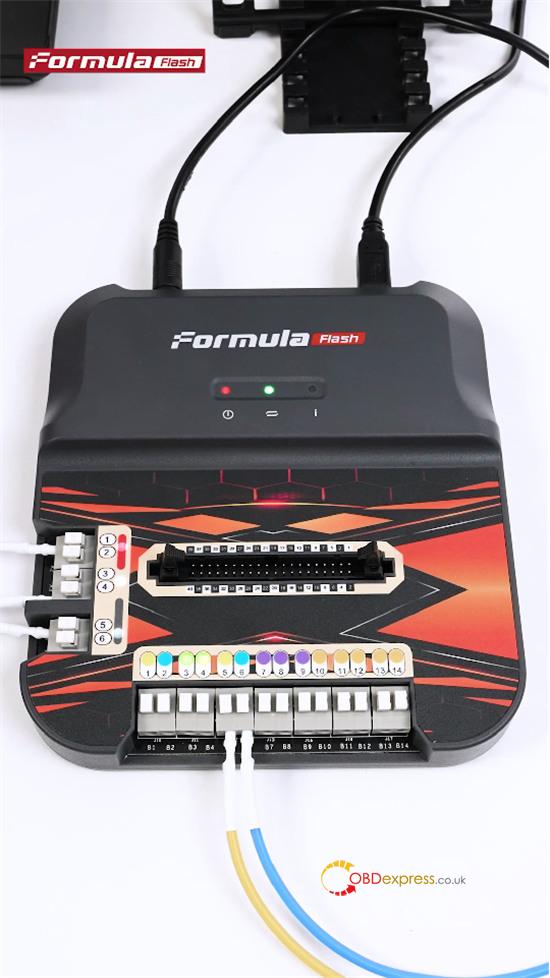
Click Connect. The ECU should connect successfully.
Read and back up the EEPROM and FLASH data separately.
The MG1CS201 bench reading test was completed successfully.
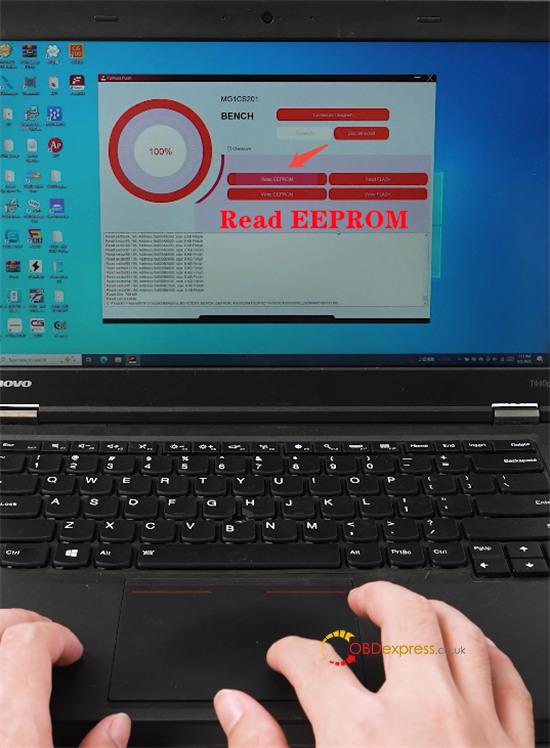
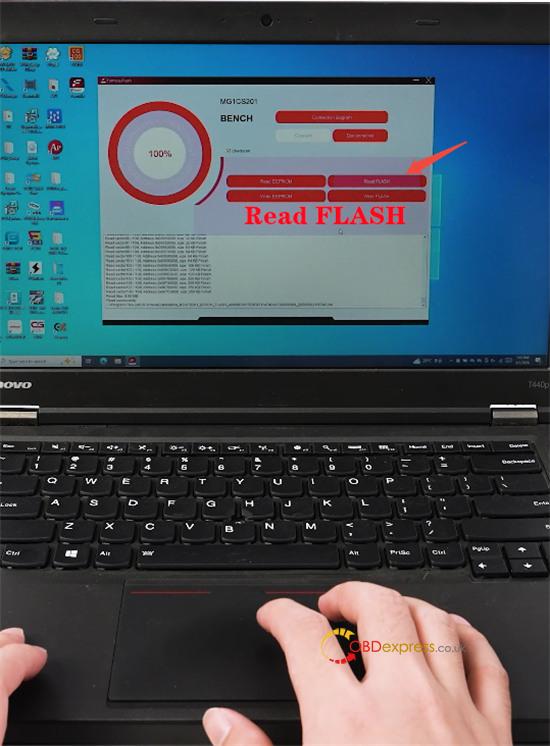
Support for Other BMW ECUs
FormulaFlash software V1.2.0.0 also supports Bench Unlock, Read/Write, and Checksum functions for other locked BMW Bosch MD1 and MG1 engine control units, including DDE8 and DME8.
- Bosch MD1CP032 TC299
- Bosch MD1CS001 TC298
- Bosch MG1CS024 TC298
- Bosch MG1CS049 TC298
