

The 2025 BMW X3 can be programmed with the Lonsdor K518 PRO using the ADP40 Adapter Kit and an OEM smart key. This X3 has UWB, so an OEM key is required for programming.
Tools Used
OEM Smart Key
Original Key
The ADP40 Adapter Kit supports encrypted data reading for BMW G/U Chassis BDC2/BDC3/BCP keys, BMW smart keys with LCD screens, VW/Audi 5C/5D smart keys, and Porsche smart keys.
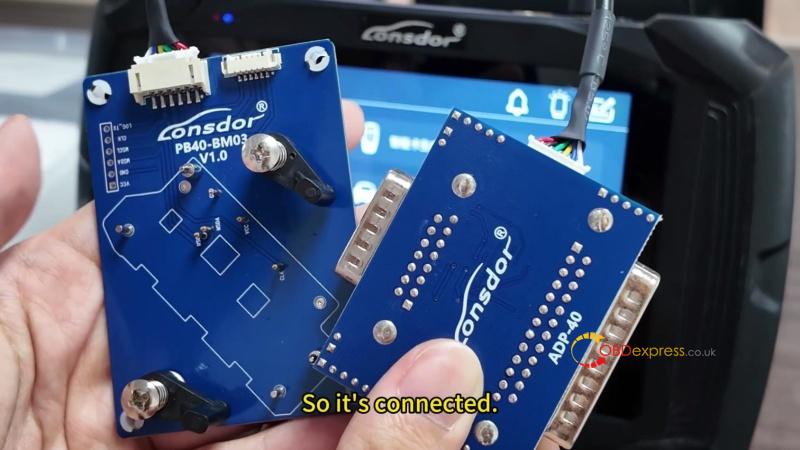
Connect the ADP-40 Adapter
- Connect the wiring harness to the ADP40 Adapter, then connect the PB40-BM03 dedicated cardboard for the BMW chassis.
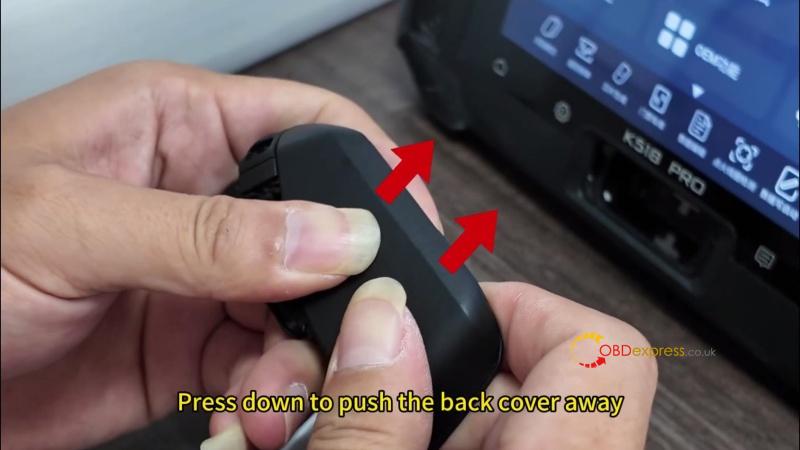
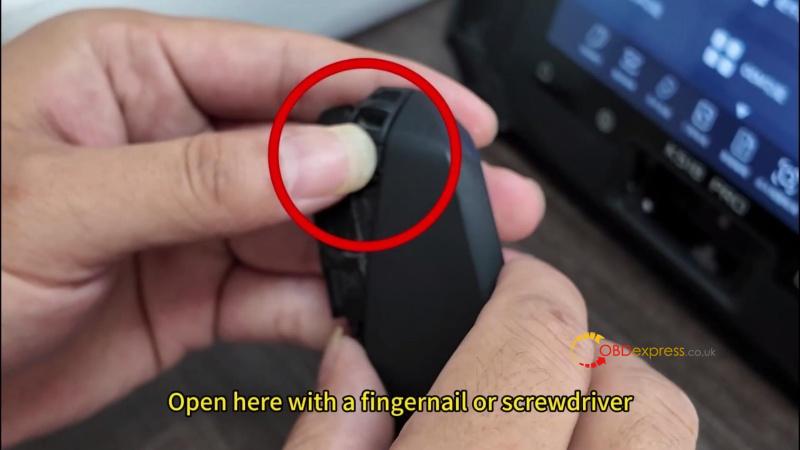
- Open the OEM key. Press the button to release the metal block, push off the back cover, and open the side with a fingernail or screwdriver.
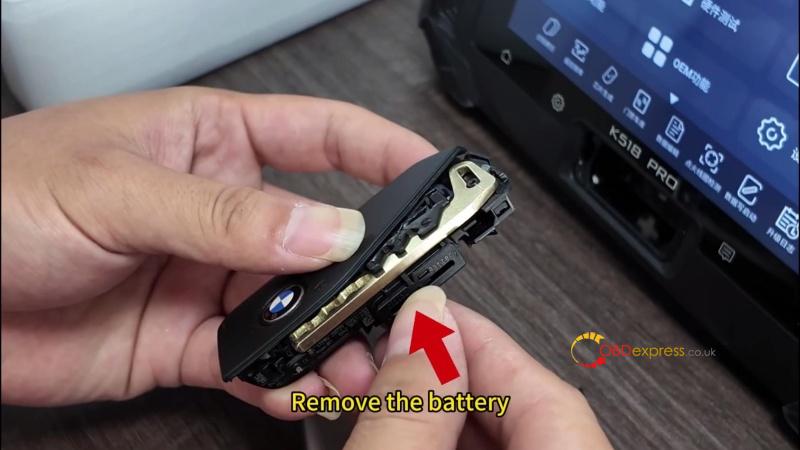
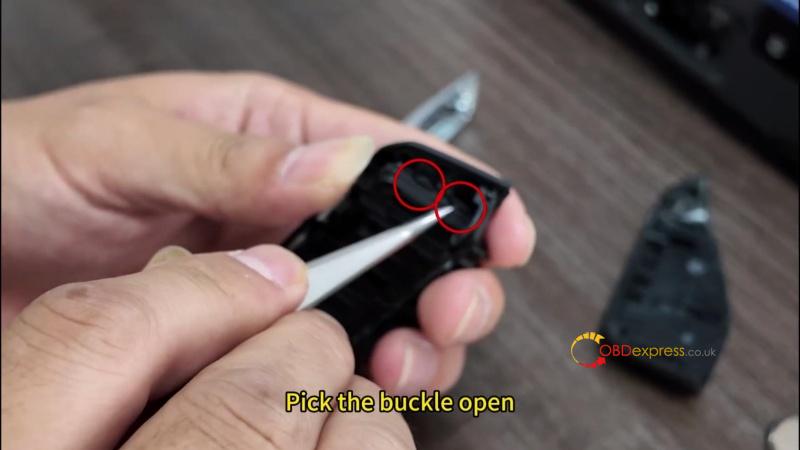
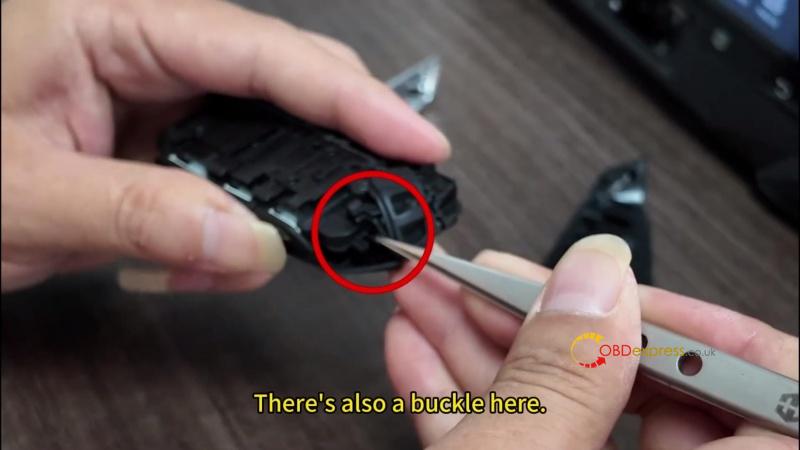
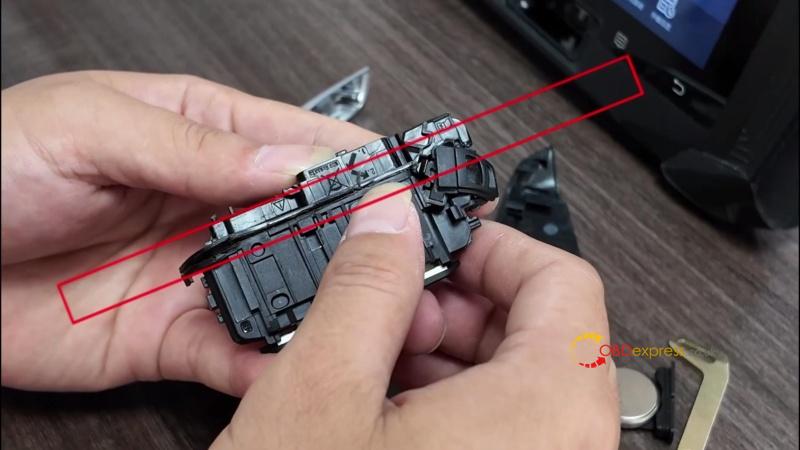
- Remove the battery and mechanical key. Release the front-cover buckles with a blade or screwdriver and remove the key.
Read the Working Key
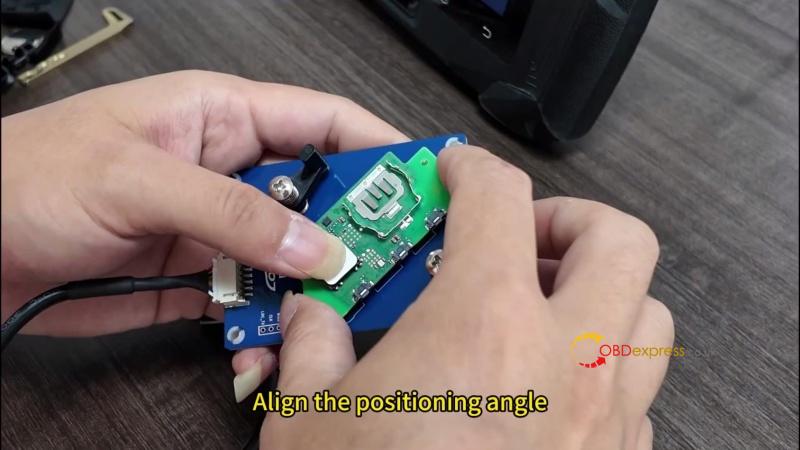
- Attach the key to the PB40-BM03 and align it with the positioning angle.
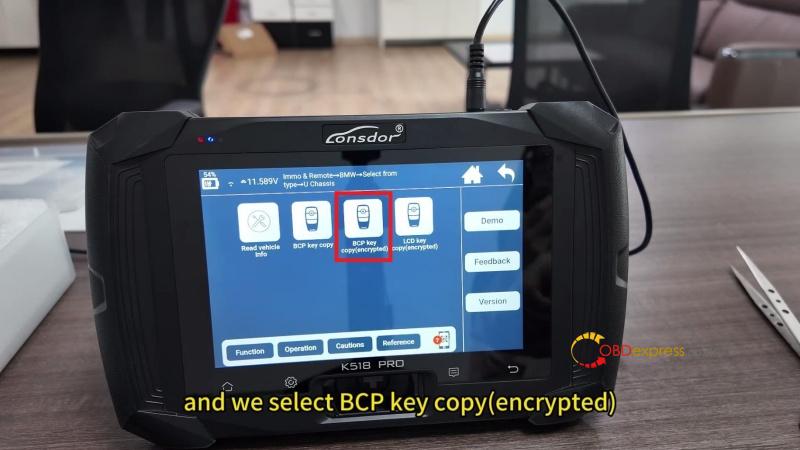
- Go to Immo & Remote >> BMW >> Select from type >> U Chassis >> BCP key copy (encrypted). This is a non-LCD key, so select BCP key copy (encrypted).
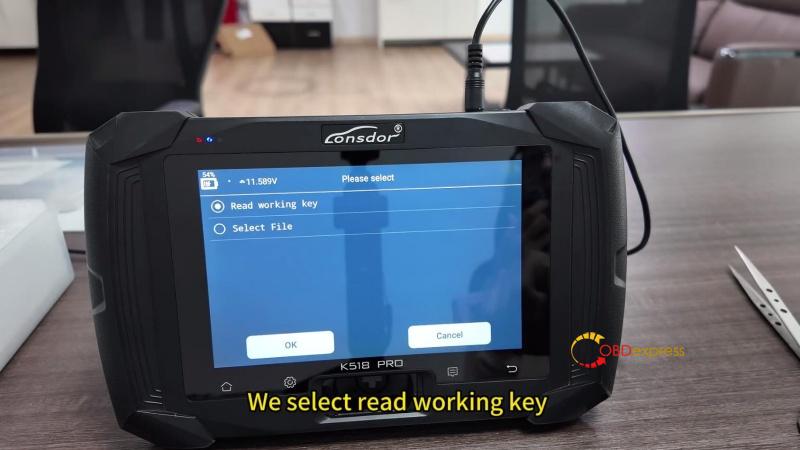
- Make sure Wi-Fi is connected. Select Read working key, connect the ADP-40 with the original key chip, and click OK.
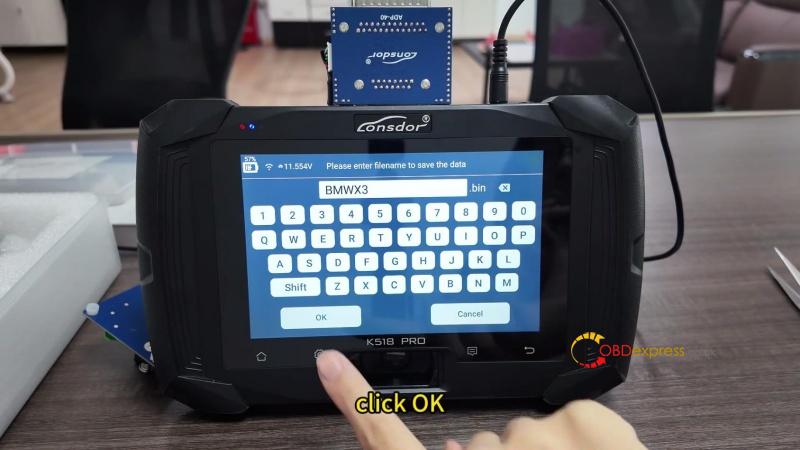
- Enter a file name to save the data. Confirm the VIN is correct, then click OK.
Generate the Dealer Key
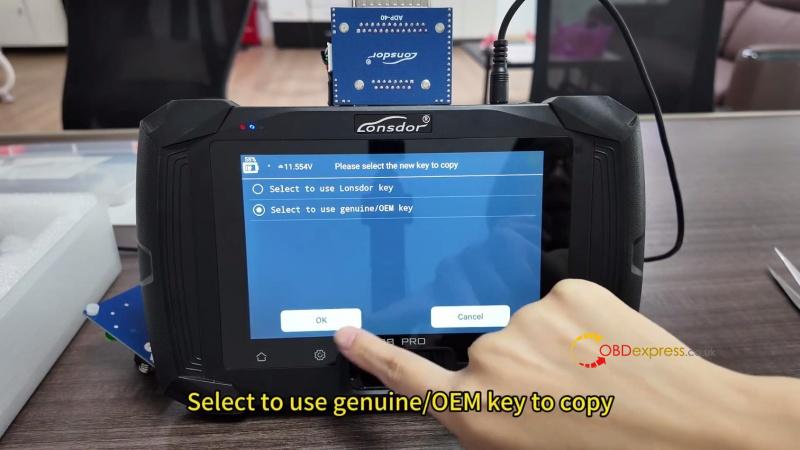
- Select Use genuine/OEM key to copy.
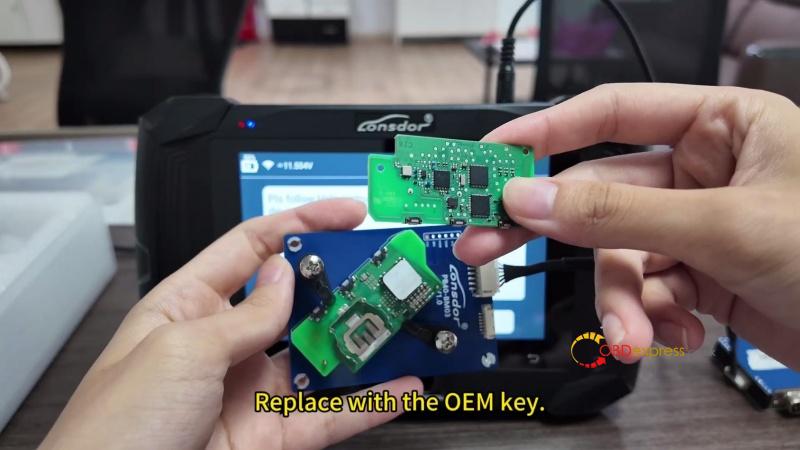
- Remove the ADP-40 Adapter and replace the original key chip with the OEM key.
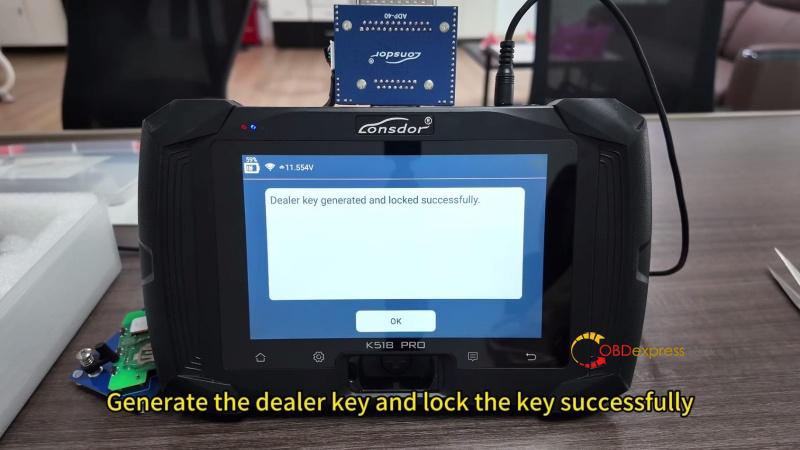
- Reconnect the ADP-40 Adapter and click OK. The K518PRO generates and locks the dealer key successfully.
Verify the Key
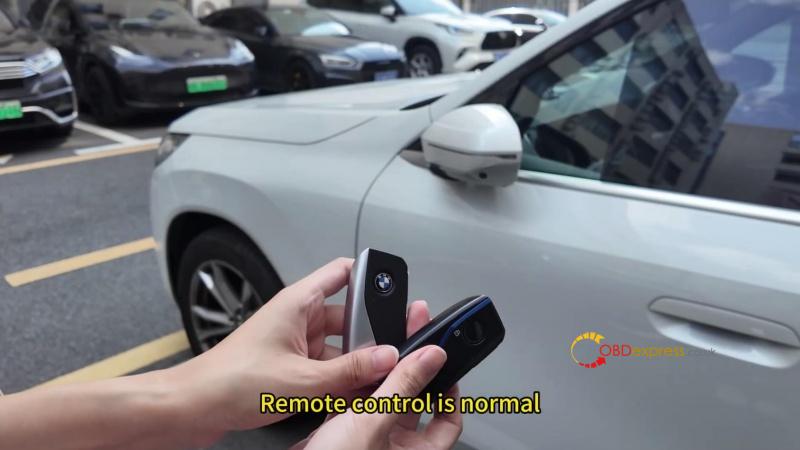
Start the vehicle with the new key and confirm the key functions work normally. Programming is successful.
(Visited 5 times, 5 visits today)
