




If you are replacing a lost key on a 2016 Toyota Levin, here is the full process using Lonsdor K518 Pro key programmer and TY8A AKL Adapter.
Step 1: Connect the Harness and Adapters
- Open the hood and remove the fuse box cover.
- Unplug the 3rd relay and connect the 3-plug adapter.
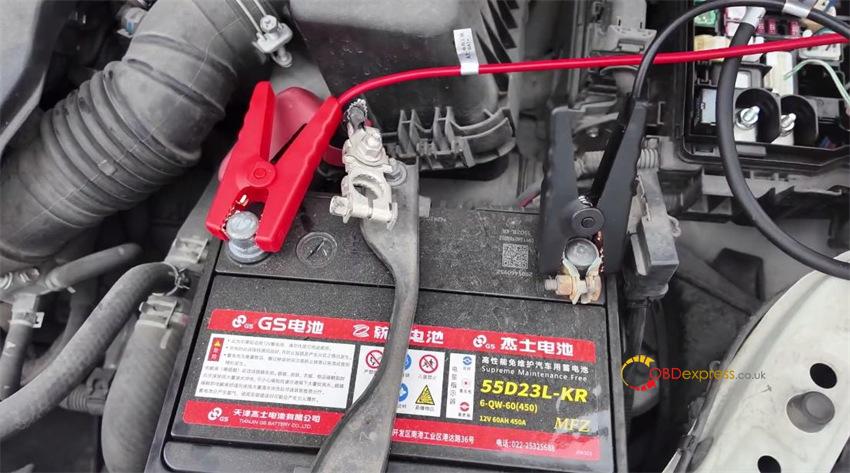
- Disconnect the positive battery cable and attach the red clip to it.
- Attach the two ground clips to the negative battery terminal (leave the negative cable attached).
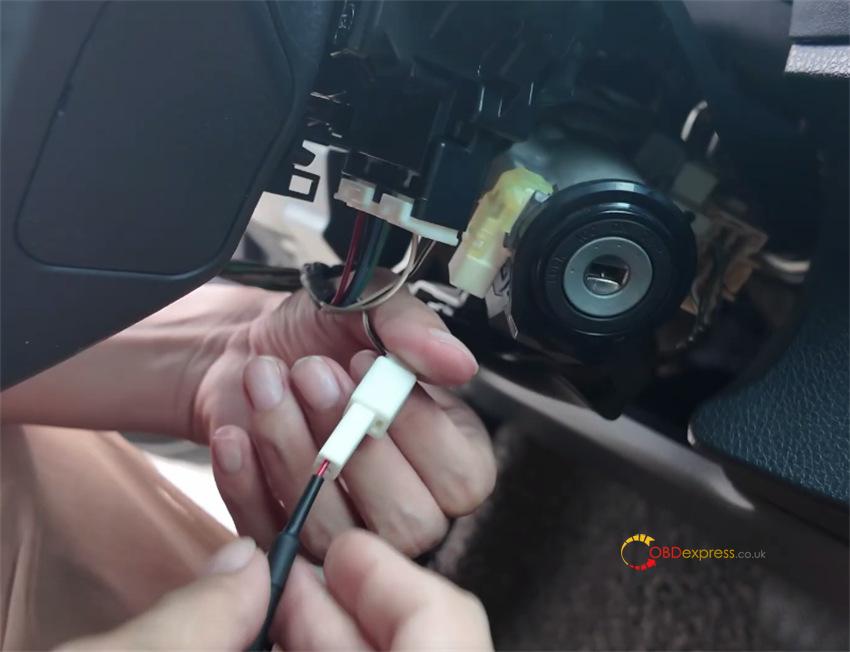
- Remove the trim cover under the steering wheel and unplug the ignition lock connector.
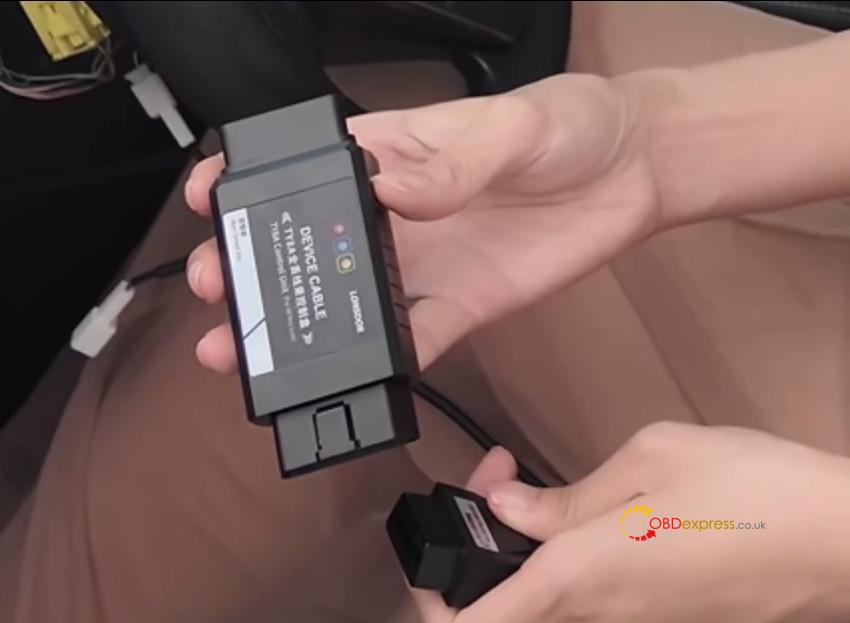
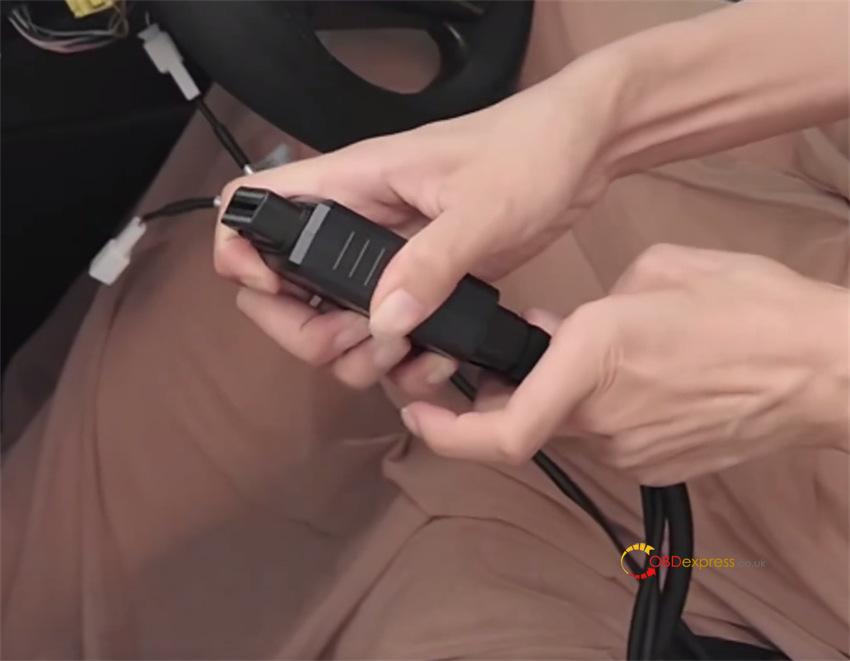
- Connect the 5-pin lock adapter, attach Lonsdor TY8A control unit, and connect K518 Pro via the OBD port.
Step 2: Read Data and Program the Chip
On K518 Pro programmer, select: Immo & Remote -> Toyota -> Select from Type -> Mechanical Key System -> Type 8 (-2018) (8A IMMO AKL)-> 8A Immo AKL-generate master key by OBD
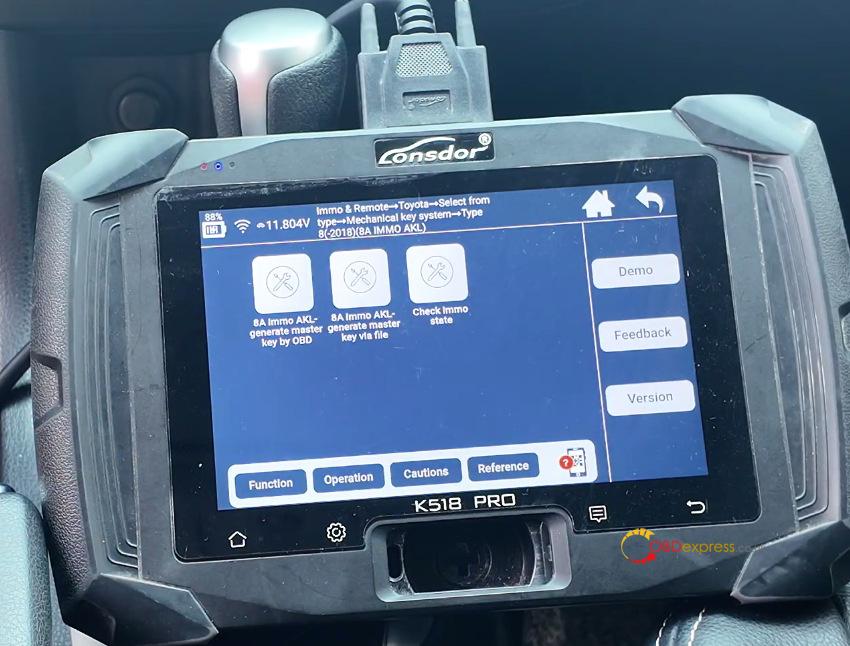
Confirm the wiring setup. Keep the key out of the ignition and keep the ignition OFF.
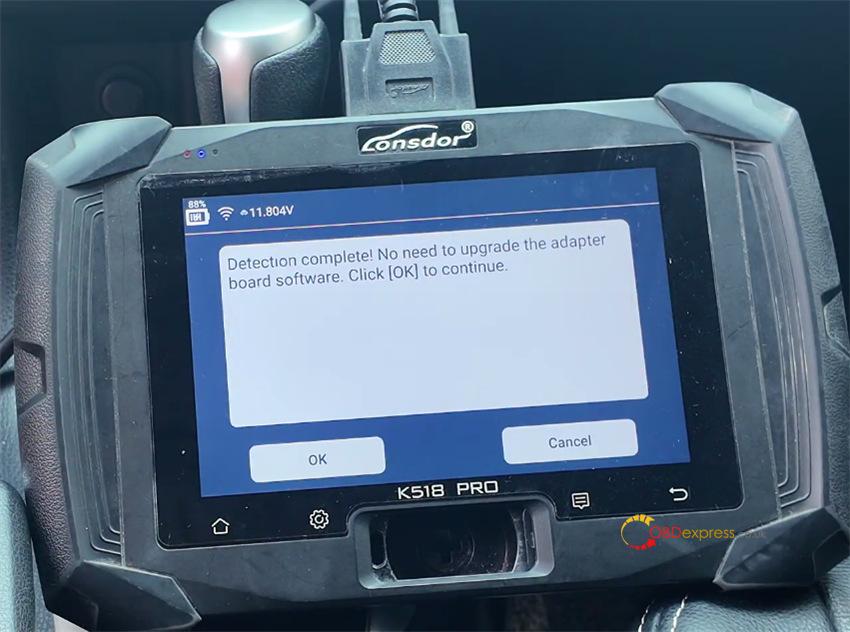
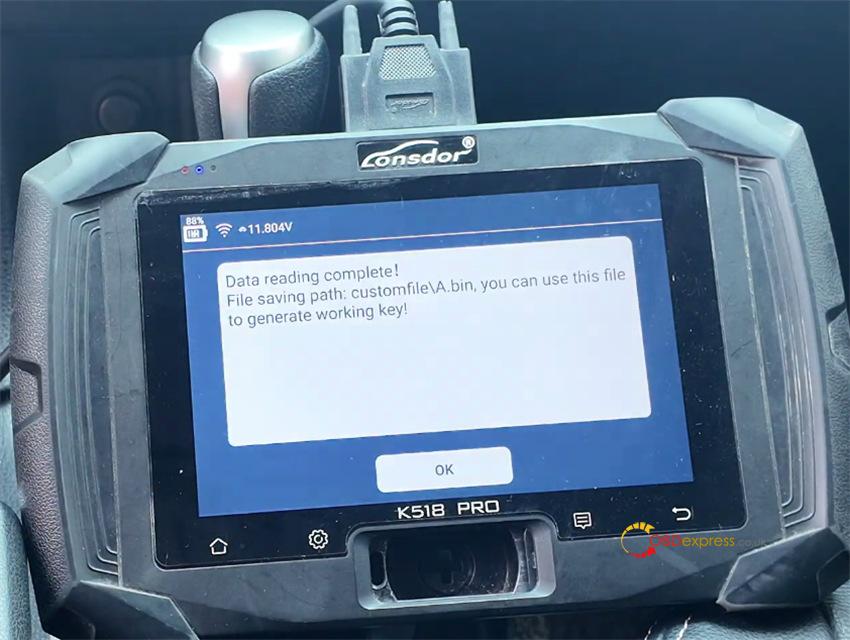
Save the data file when prompted.
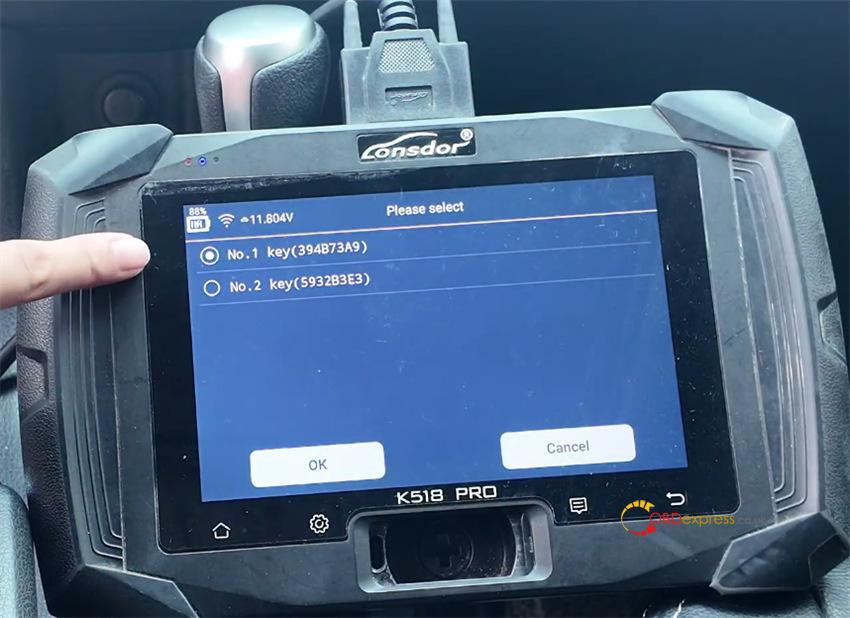
Select the detected key slot (e.g., Key Position 1).
Put the new chip into the K518 Pro slot to complete chip programming.
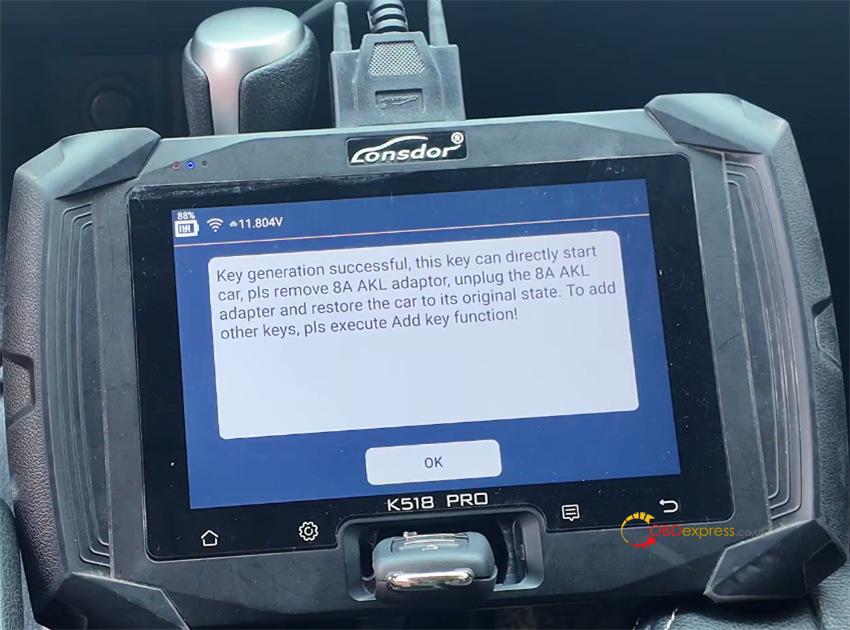
Step 3: Program the Remote Control
- Restore all original car wiring.
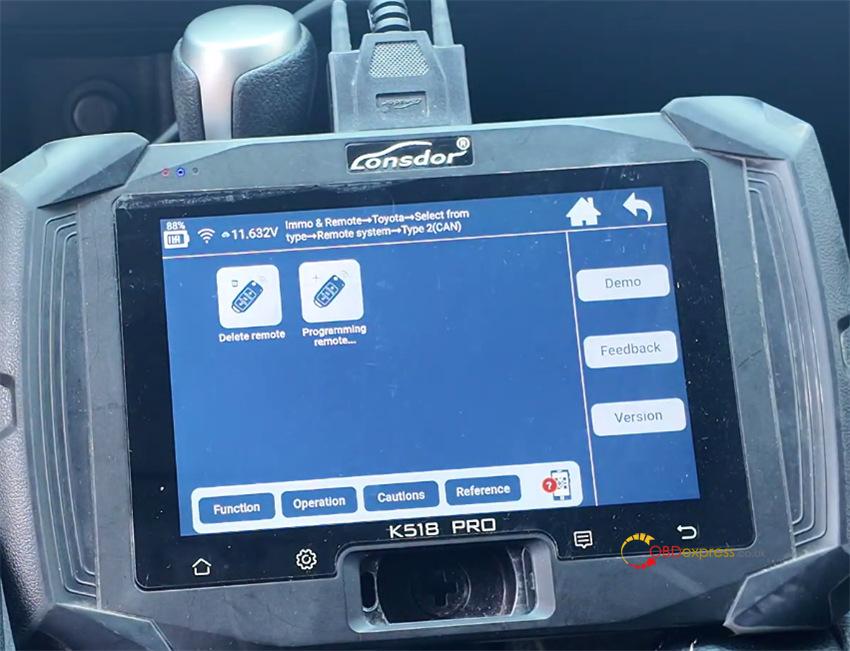
- Go to Remote System -> Type 2 (CAN) -> Programming remote.
- Switch the ignition ON, open the driver’s door (keep other doors closed), and ensure doors are unlocked.
- Press Lock + Unlock together for 2 seconds, then press Lock once.
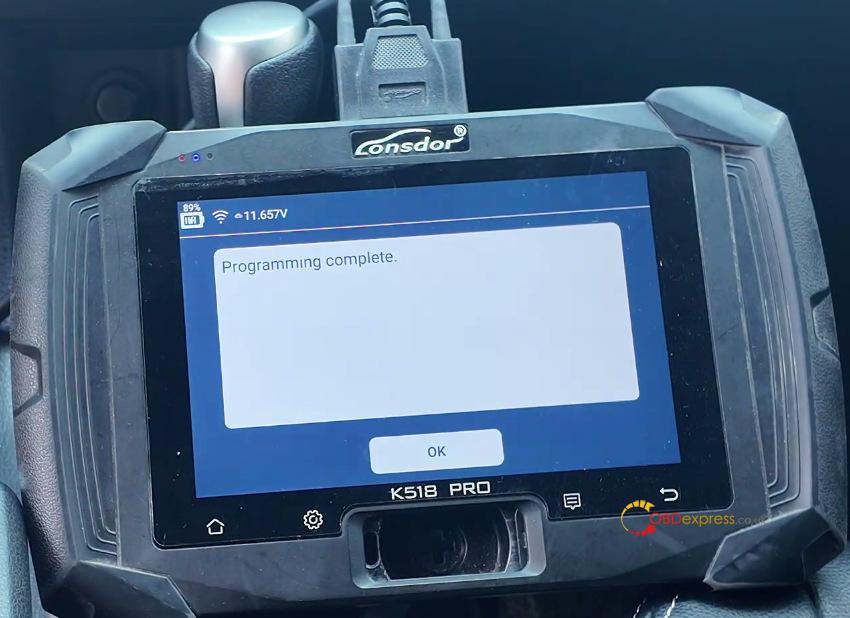
- Test starting the engine and operating the remote buttons to confirm success.
(Visited 10 times, 10 visits today)
