






This article explains how to purchase and activate the ECU Flash software using Launch X431 V+ SmartLink HD (X431 PRO3 LINK HD). The software is available for direct purchase through the Launch Mall. Refer to the instructions below for detailed steps.
Note: This procedure is also compatible with X431 PRO3S+ SmartLink HD.
Follow the navigation path below:
Mall → Software Store → Commercial Vehicle → ECU Flash

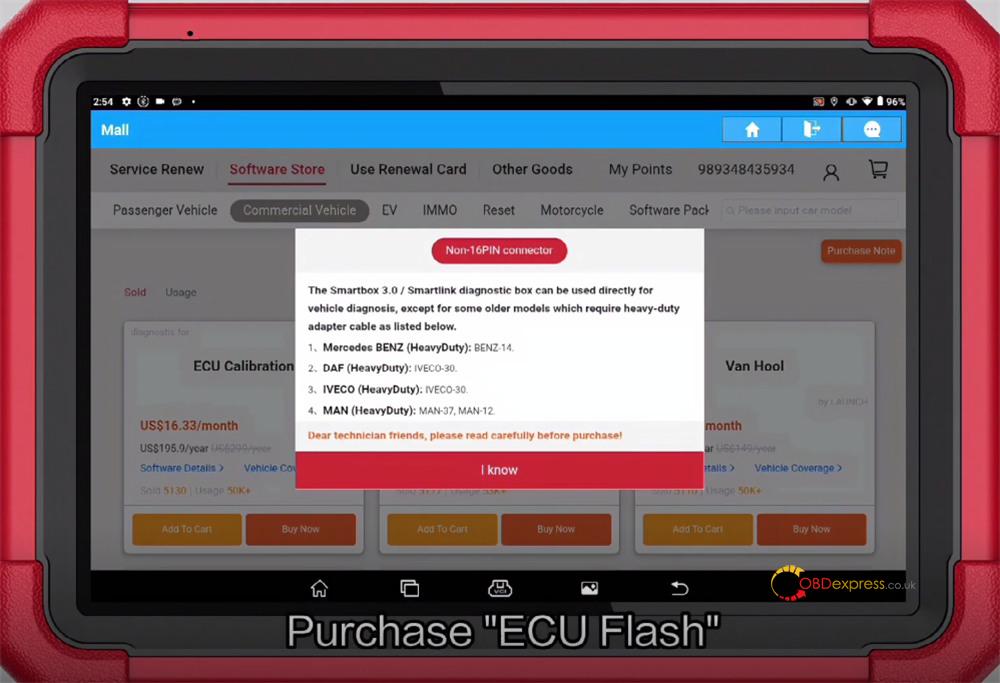
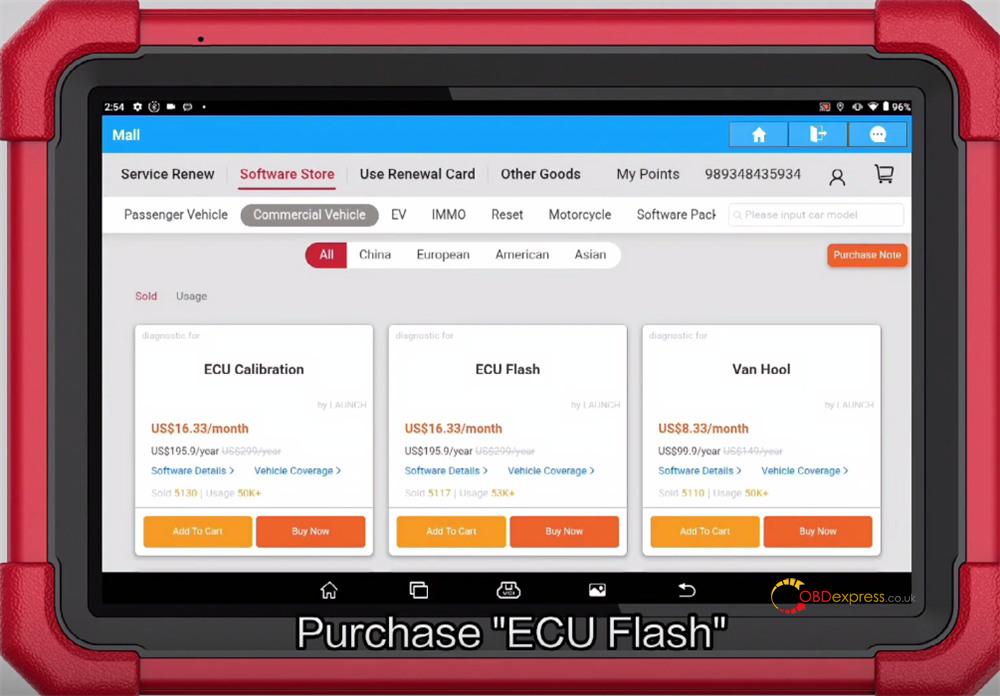
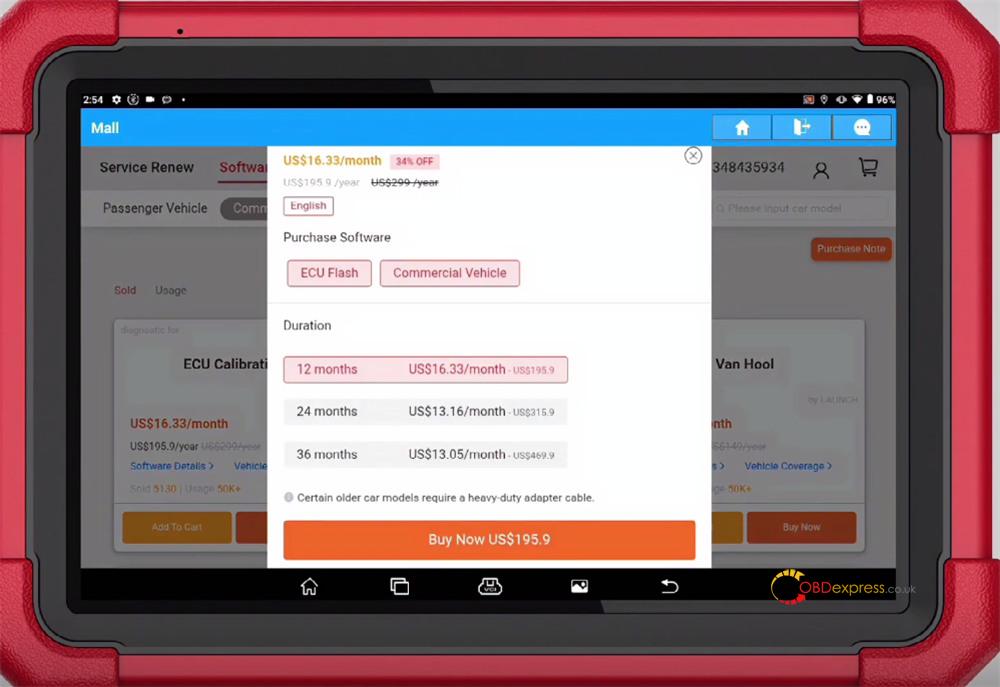
You can choose from the following subscription durations:
- 12 months: US$16.33/month- US$195.9
- 24 months: US$13.16/month- US$315.9
- 36 months: US$13.05/month- US$469.9
Select your desired software package and confirm the order
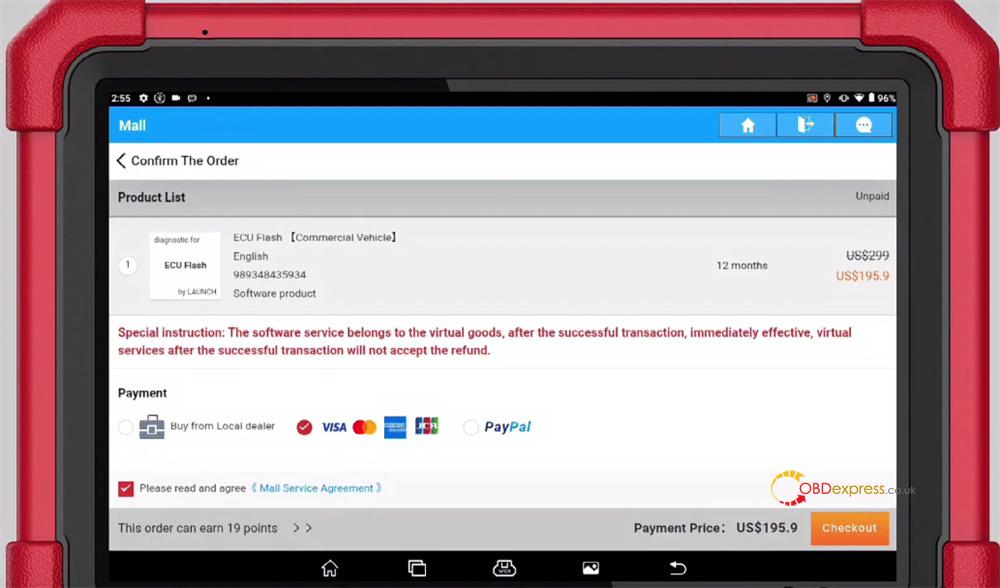
Once the purchase is complete, download the software
Exit X431 application
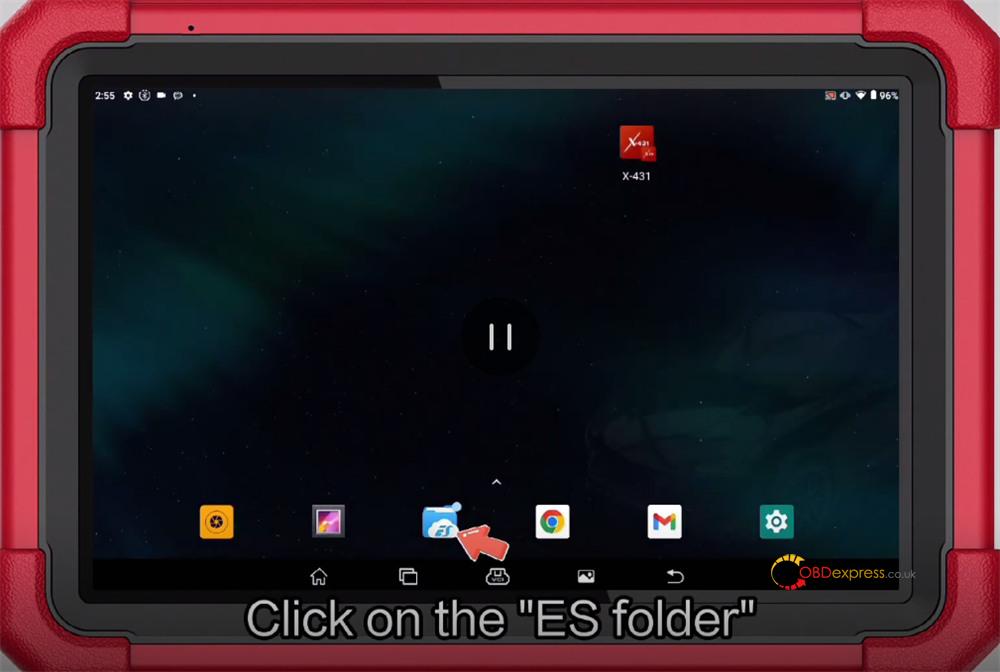
From the home screen, open the ES folder
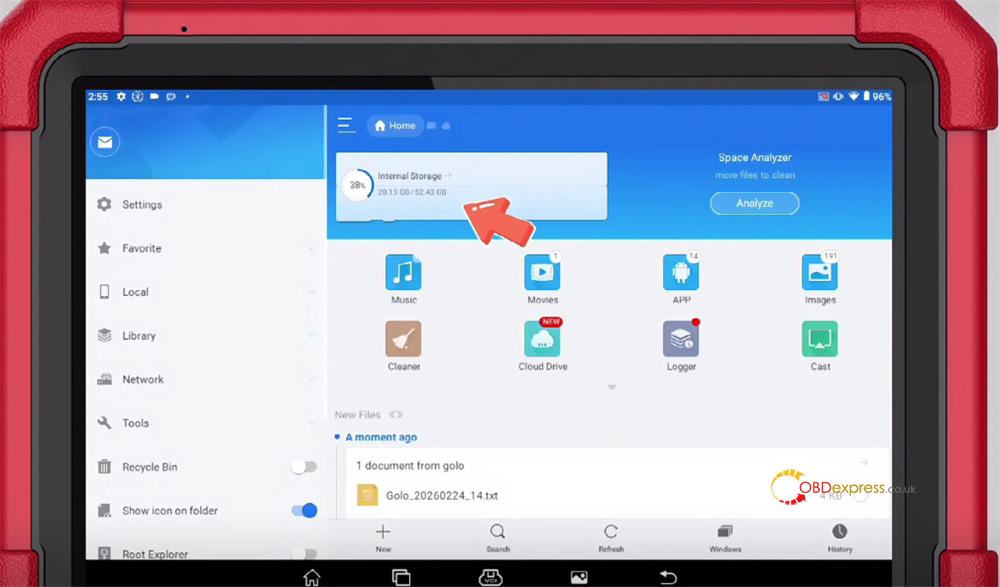
Navigate to the directory:
/storage/emulated/0/cnlaunch/X431Pro3S/assets/StdCfg.ini
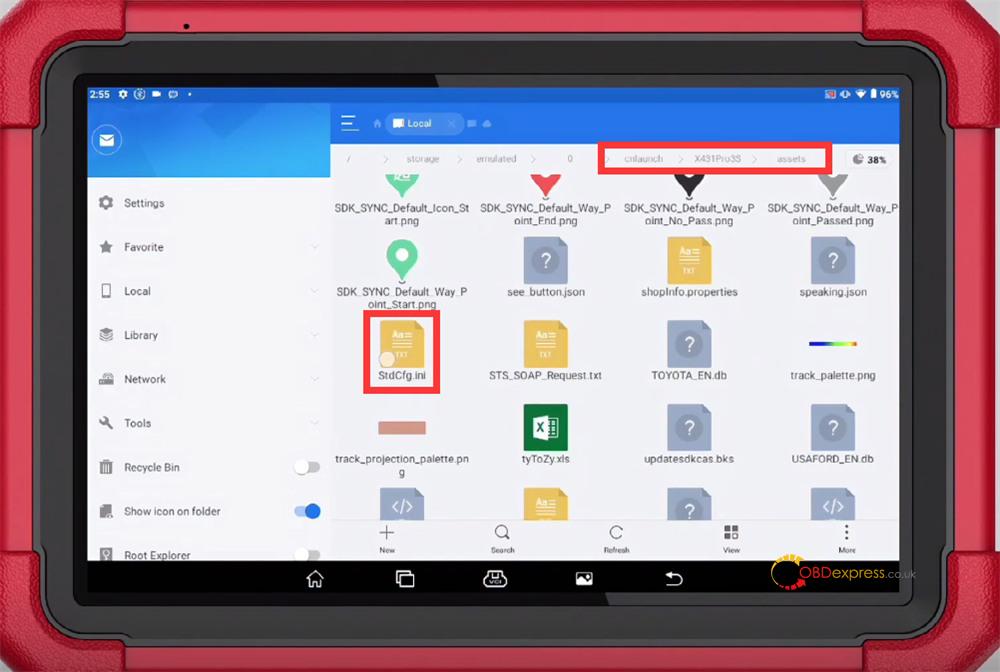
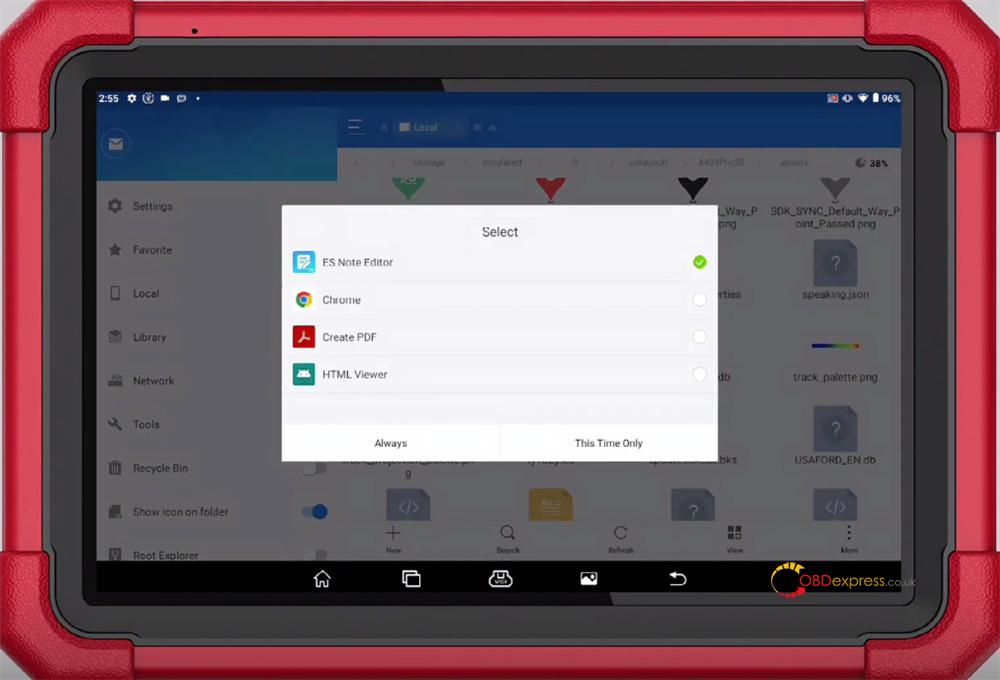
Choose ES Note Editor and select either “This Time Only” or “Always”
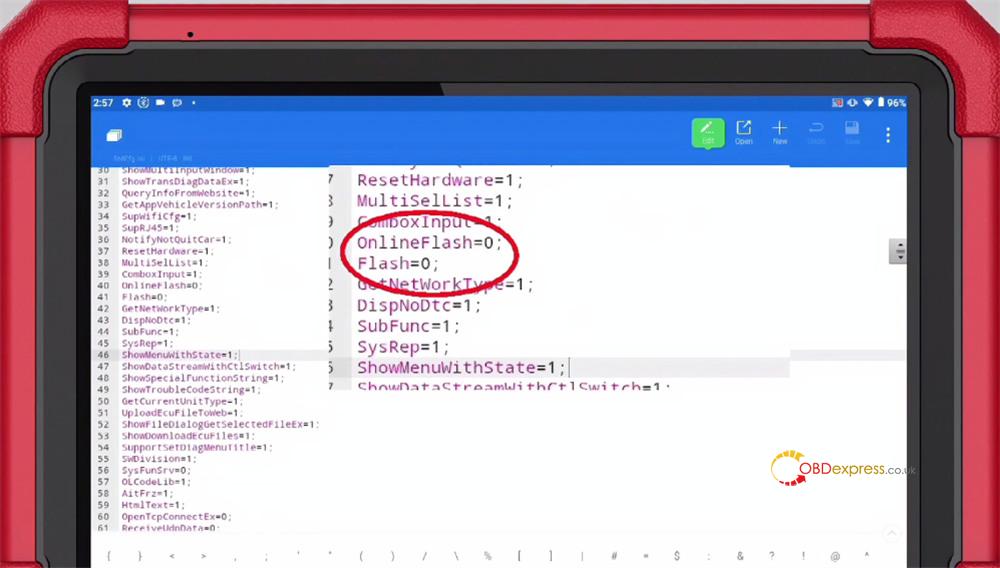
Edit the following parameters:
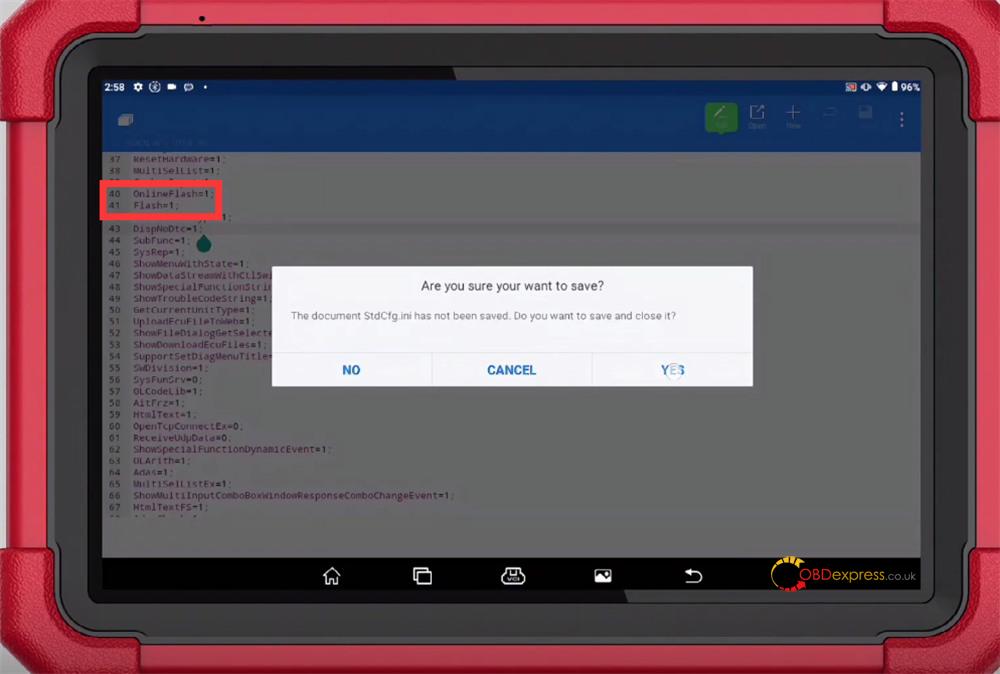
- Change OnlineFlash=0 to OnlineFlash=1
- Change Flash=0 to Flash=1
Save the file after editing
Restart X431 App
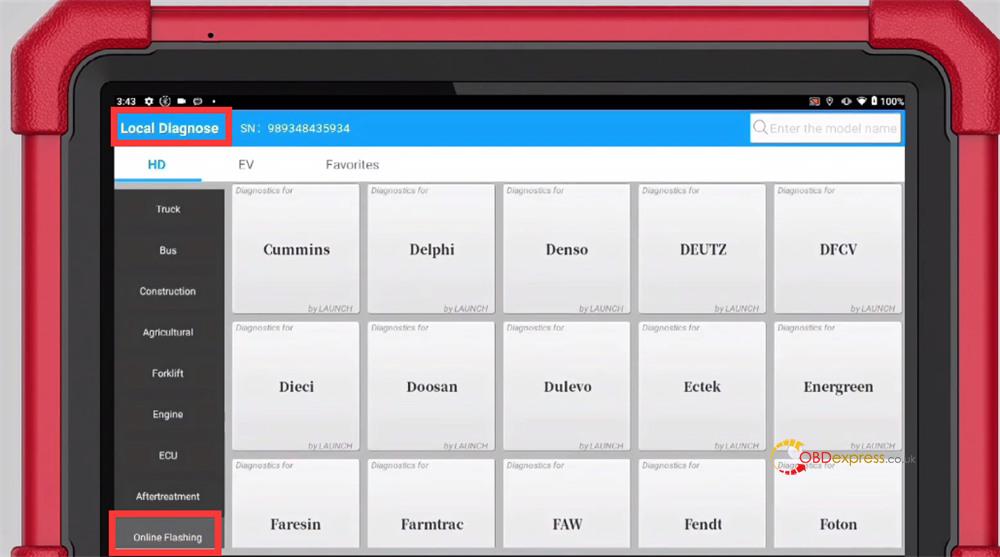
Go to Local Diagnose → Online Flashing
At present, the system supports 90 software programs, with more to be added in future updates.
Learn more:
http://blog.obdexpress.co.uk/2025/07/21/how-to-activate-ecu-flash-function-for-launch-x431-tool/
