




Is your Audi A6 (C7), A7, or A8 (D4) suffering from a “dead” electric tailgate? Before you drop hundreds of dollars on a brand-new control module, consider a chip-level repair. In many cases, these units fail due to water damage or corrupted data within the processor, rather than total hardware failure.
Using CGDI CG100X Programmer and PRO V2 Adapter, you can repair the Renesas D70F3373 MCU and get that liftgate moving again.
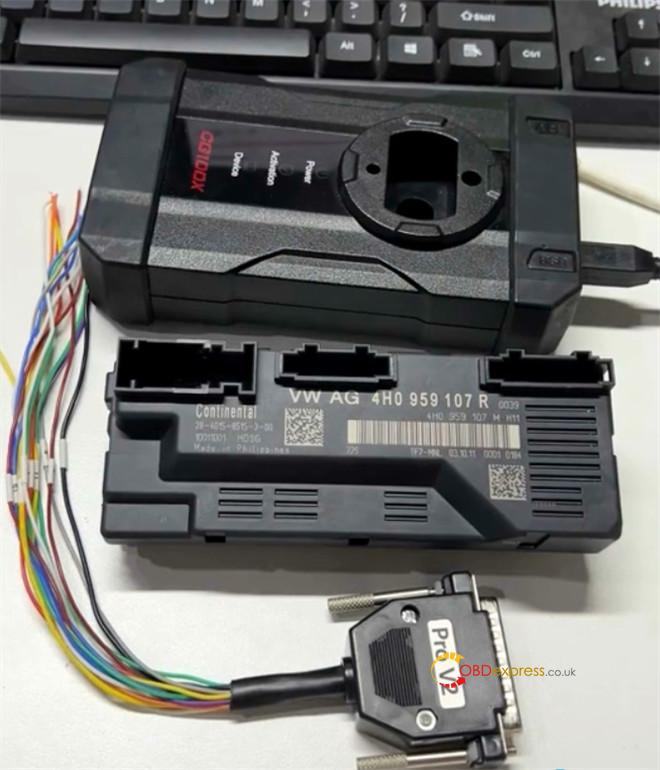
The Repair Workflow
1.Module Access:
Begin by removing the rear tailgate module from your Audi and disassembling the outer shell to expose the PCB.
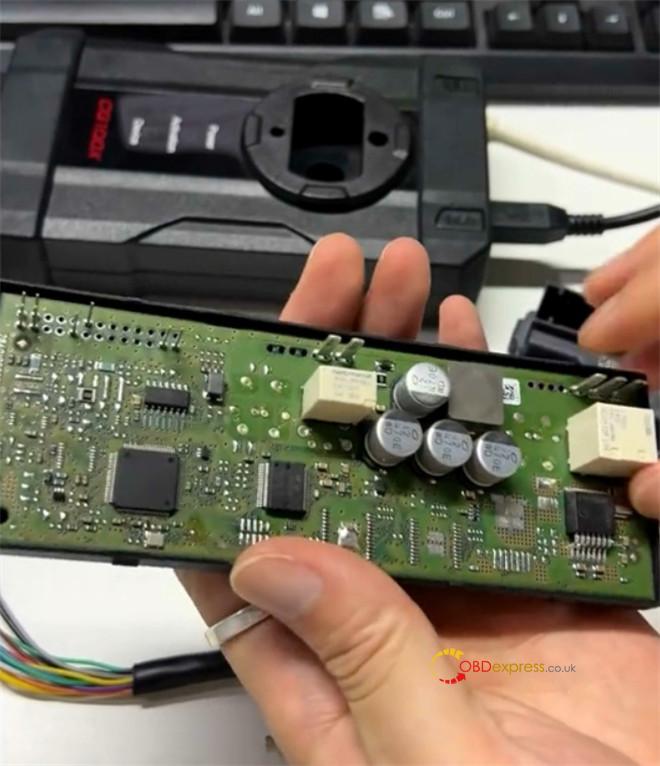
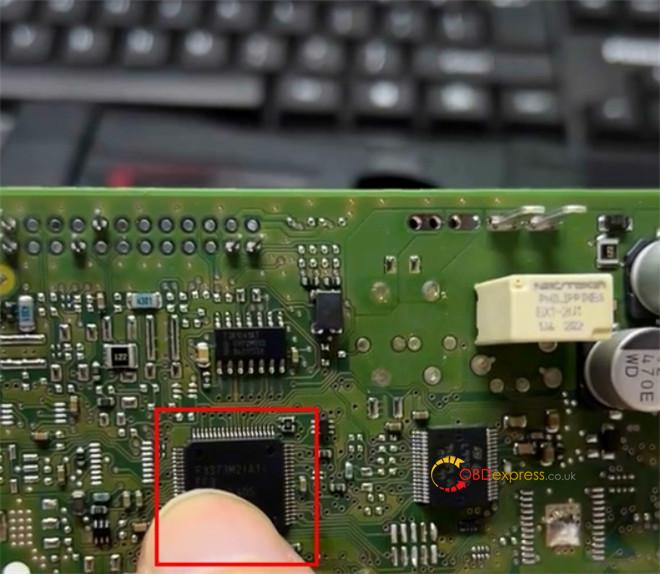
2.Establish Connection:
Use CG100X PRO V2 cable to connect your CG100X to the MCU.
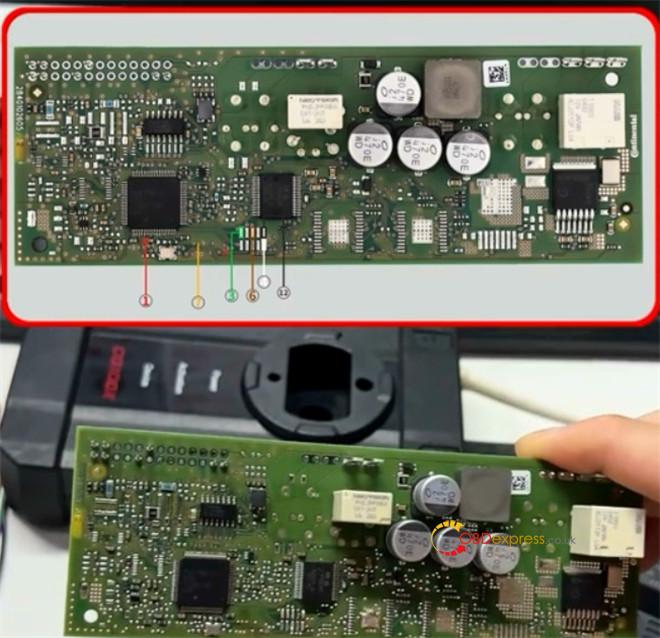
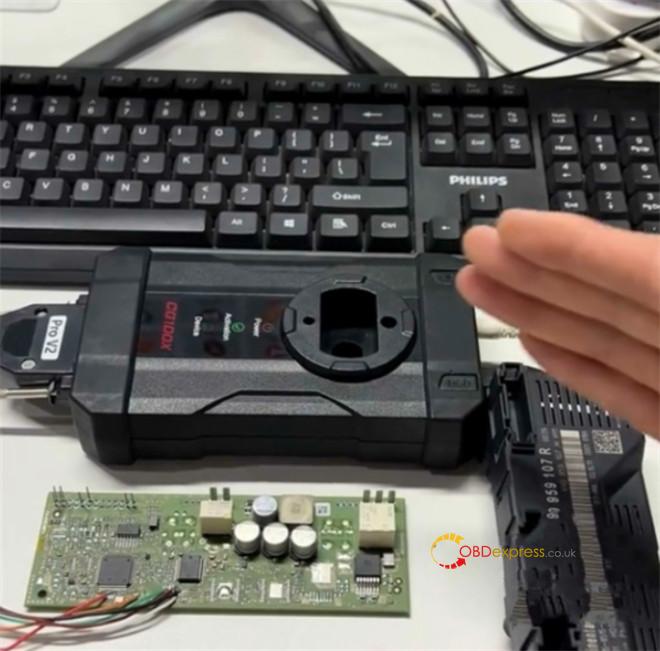
Crucial Note: This specific repair requires you to temporarily cut a section of the circuit path to allow data access. Don’t forget to weld/solder this connection back together once the programming is finished!
3.Read Data:
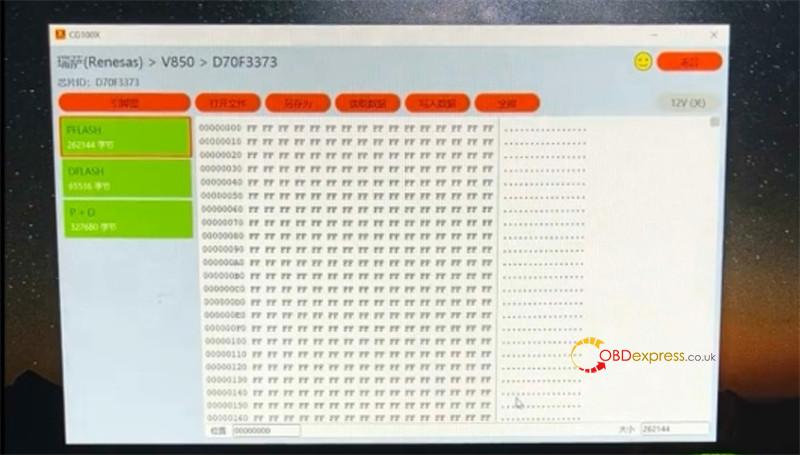
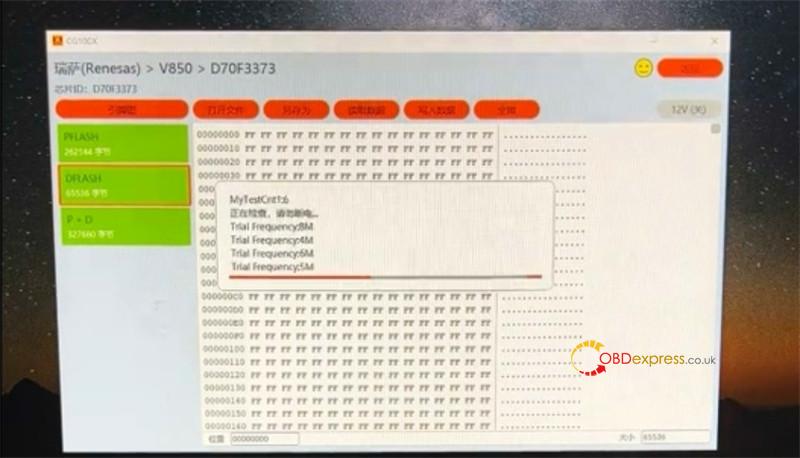
Open CG100X software, go to t “Programmer” function, and search for D70F3373.
Perform a full read and backup of both the Pflash and Dflash files.
4.Data Fix:
Manually modify the hex data within these files to clear the stored fault states that are preventing the module from operating.
5.Write & Test:
Flash the modified data back to the MCU. Reassemble the unit, reinstall it in the Audi, and test the liftgate.
Note:
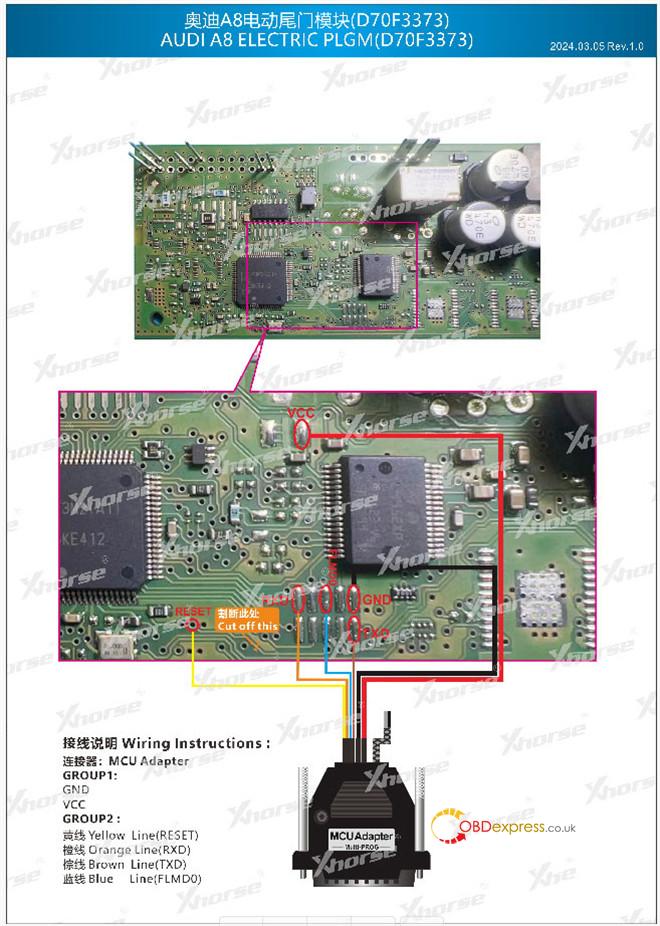
Xhorse Multi-Prog (with MCU Adapter) is also fully capable of reading and writing this Renesas chip. Just ensure you follow the specific Multi-Prog pinout diagram for a successful connection.
www.obdexpress.co.uk
