




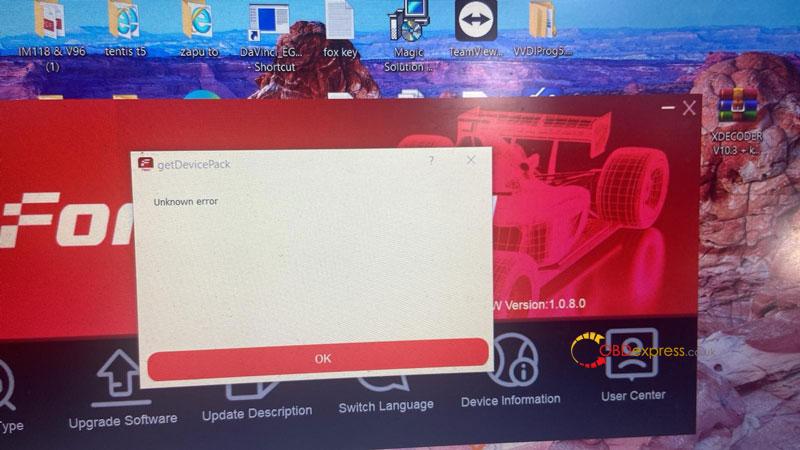
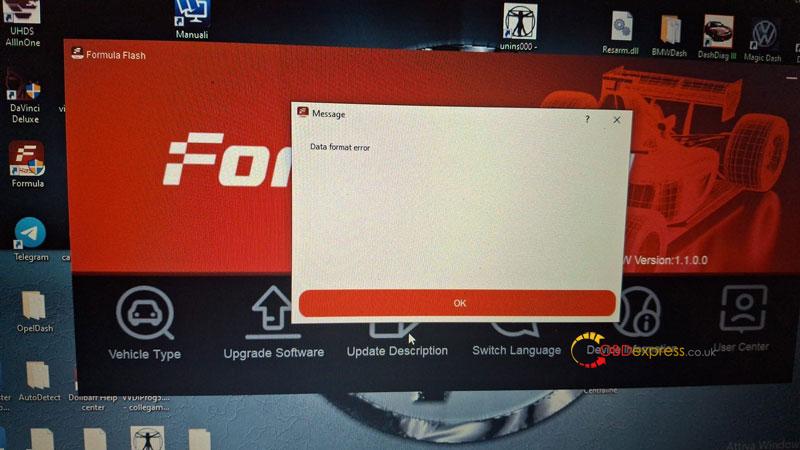
Update your FormulaFlash software to resume full functionality. The “Unknown error” or “Data format error” prompts appearing on your device are triggered by the mandatory version check. Upgrading to Version 1.1.6.0 (released April 24, 2026) will resolve these prompts and restore your access to the tuning interface.
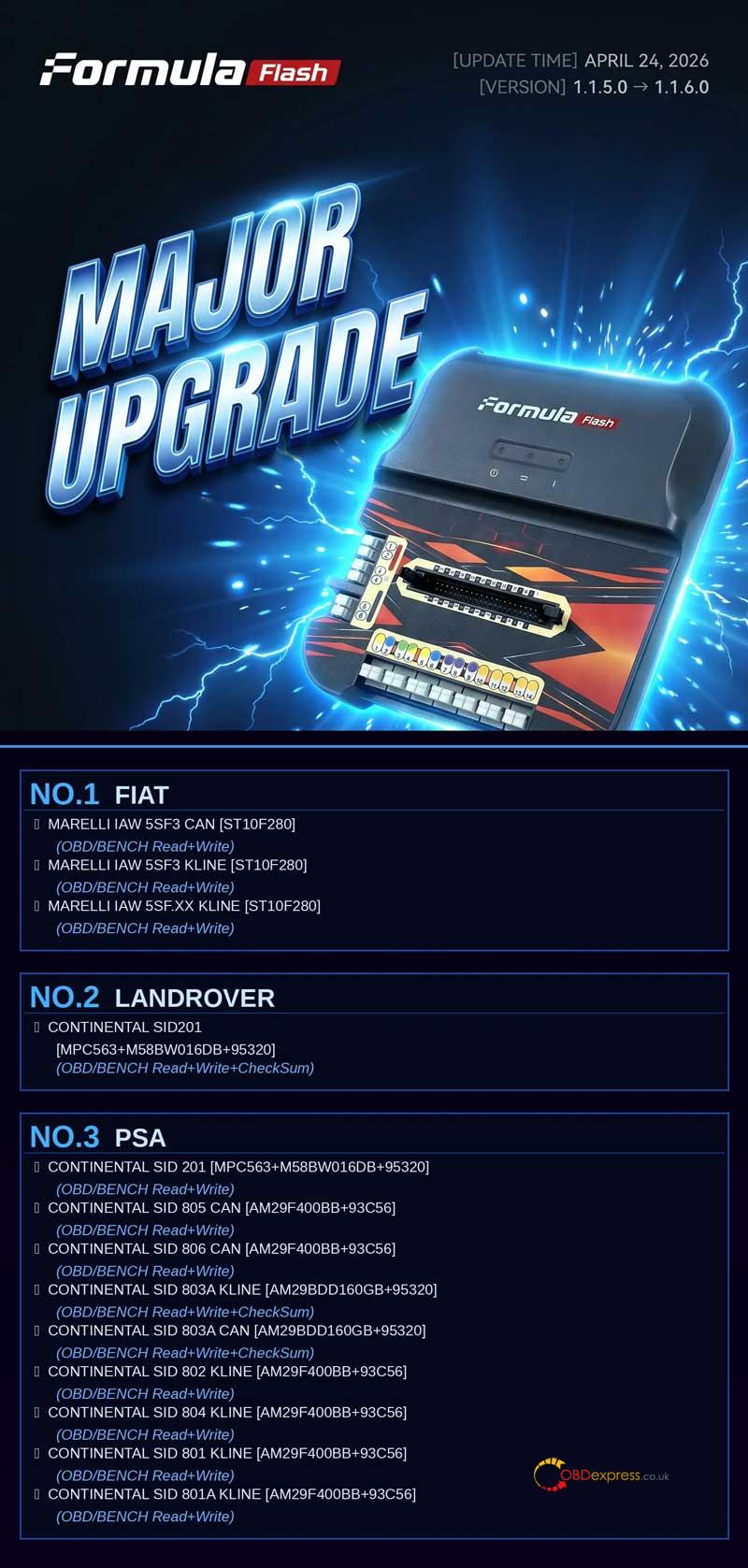
FormulaFlash continues to expand its compatibility for professional chip tuning. The 1.1.6.0 major upgrade introduces comprehensive support for Fiat, Land Rover, and PSA (Peugeot/Citroën) controllers via OBD and BENCH modes.
What’s New in FormulaFlash V1.1.6.0:
- FIAT Support (OBD/BENCH Read & Write)
Marelli IAW 5SF3 CAN [ST10F280]
Marelli IAW 5SF3 KLINE [ST10F280]
Marelli IAW 5SF.XX KLINE [ST10F280]
- LAND ROVER Support (OBD/BENCH Read+Write+CheckSum)
Continental SID201 [MPC563 + M58BW016DB + 95320]
- PSA (Peugeot Citroën) Support
Continental SID 201 [MPC563+M58BW016DB+95320] (OBD/BENCH Read+Write)
Continental SID 805 CAN [AM29F400BB+93C56] (OBD/BENCH Read+Write)
Continental SID 806 CAN [AM29F400BB+93C56] (OBD/BENCH Read+Write)
Continental SID 803A (KLINE & CAN) [AM29BDD160GB+95320] (OBD/BENCH Read+Write+CheckSum)
Continental SID 802 / 804 / 801 / 801A KLINE [AM29F400BB+93C56] (OBD/BENCH Read+Write)
How to solve “Unknown Error” Prompts:
If your device displays “Unknown error” or “Data format error,” it indicates that your current software version is outdated. Follow these steps:
- Download: Get the latest installer from the official link:
https://formulaflash.com/pages/software-download
- Install: Run the update to transition from V1.1.5.0 to V1.1.6.0.
- Verify: Restart the software to resume normal tuning operations.
About FormulaFlash:
FormulaFlash is a professional-grade ECU and TCU chip tuning tool designed for high-efficiency reading and writing. With frequent protocol updates and CheckSum correction support, it is the preferred solution for automotive technicians worldwide.
For further technical support, please visit www.obdexpress.co.uk
