




Are you trying to switch the language on your CGDI Tools such as CG FC200 or CG100X, but stuck with only English and Chinese options?
Don’t worry! You can easily upgrade your device to support your local language.
By acquiring an official CGDI Language Change Service, you can unlock premium language packs like Spanish, French, Russian, Polish, Turkish, German, and more.
Here is everything you need to know about getting your CGDI tools customized to your preferred language with the help of OBDexpress.co.uk.
Which Languages Are Free and Which Are Paid?
Most CGDI tools natively integrate free English and Chinese software. However, support for regional languages varies by tool:
| Product | Factory Free Languages | Paid Languages (License Required) |
| CGDI CG100X | Chinese, English | Russian |
| CG100 PROG III Full Version | Chinese, English | N/A |
| CG FC200 | Simplified Chinese, English, French, Spanish | Russian, Polish, Turkish, German |
| CG Pro 9S12 | Chinese, English, French, Spanish | Turkish |
| CGDI MB | Chinese, English, French, Spanish | Russian, Polish, Turkish, German |
| CGDI Prog BMW | Chinese, English, French, Spanish | Turkish, Polish, Italian |
| CG CG007 Godzilla Automotive Key Cutting Machine | Chinese, English, Spanish | Turkish, Polish, Persian, German, Hebrew |
| CGDI MONSTER G08 Key Cutting Machine | Chinese, English, Spanish | Russian, Turkish, Polish, Persian, German, Hebrew |
| CGDI A2 Key Programmer | Chinese, English | Turkish |
| CGDI CG201 Mileage Correction Programmer | Chinese, English | N/A |
| CGDI K2 Smart Key Tool | Chinese, English, French, Spanish, Russian, Turkish, Portuguese, and German (currently free). | Persian, Polish, Greek |
Important: Don’t Buy the Wrong License Code!
When buying your authorization, make sure to choose the exact software package:
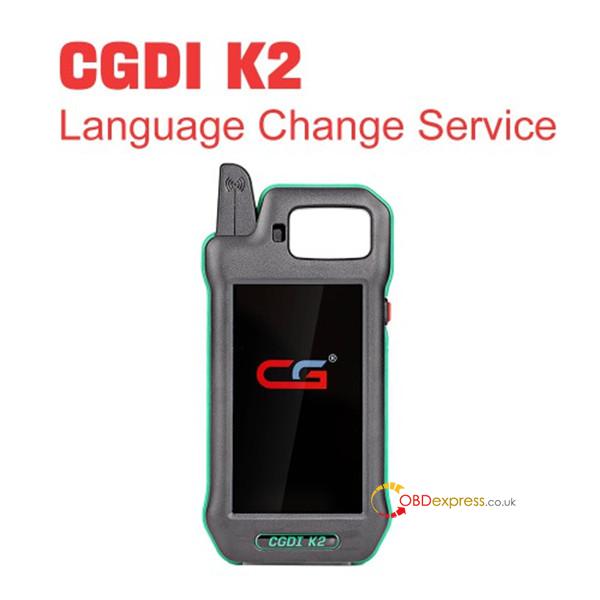
1.For CGDI K2 Users: Order CGDI K2 Language Change Service (Item No. XNR-SS361-B).
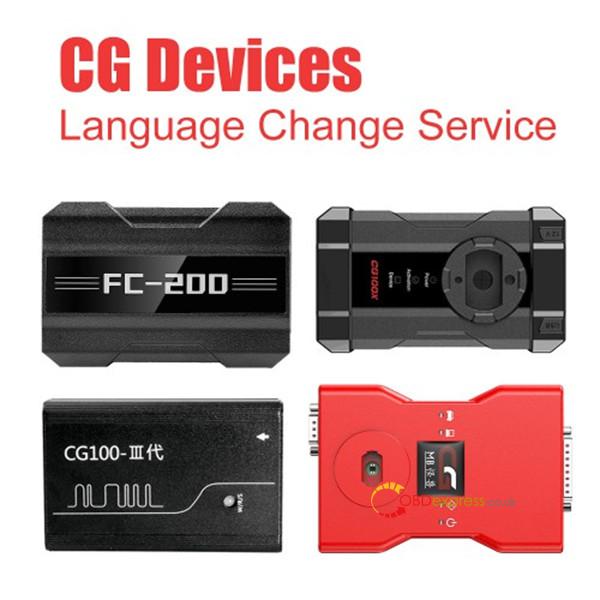
2.For Other CGDI Tools (FC200/A2/CGDI BMW/CGDI MB/CG100X/CG007/MONSTER G08): Order the standard CGDI Language Change Service (Item No. XNR-SS361).
How the Quick Unlock Process Works (No Shipping Required!)
Unlocking your new language pack is 100% digital and takes just a few easy steps:
Step 1: Turn your device over and write down the Device Serial Number.
Step 2: Head over to OBDexpress.co.uk and purchase your language license package.
Step 3: Send us with your order number, serial number, and the language you want to activate (e.g., “Please unlock Russian for my FC200”).
Step 4: Within 24 hours, the backend team will authorize your tool.
Step 5: Connect your tool, open your PC software or use the tool’s touchscreen, and tap “Update” / “Upgrade” to download your brand-new license. For the device has operation screen such as CGDI K2 key programmer, CGDI A2 programmer, CGDI CG007, MONSTER G08, just operate on device directly
Step 6: Go to Setting, click your language, and enjoy your fully upgraded tool!
