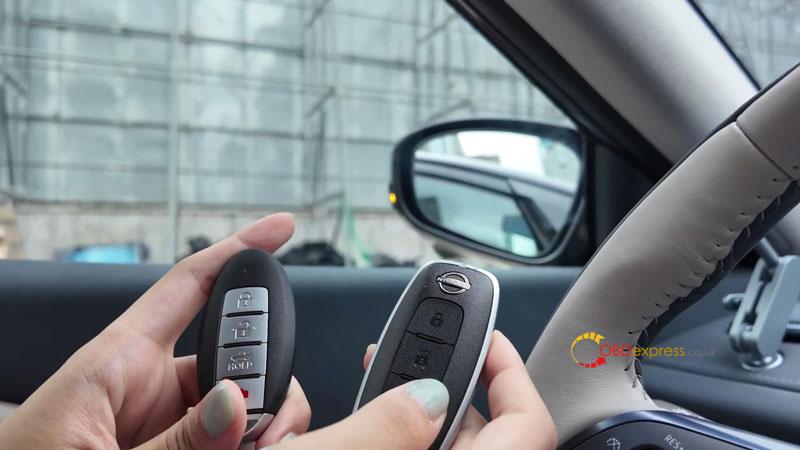
Had a 2025 Nissan Altima in the shop that needed an additional smart key. This one was done with the Lonsdor K518 PRO and a Lonsdor smart key, starting with key generation before programming it to the vehicle.
Generate the Smart Key
Connect the Lonsdor K518 to the vehicle and generate the smart key before entering the programming procedure.
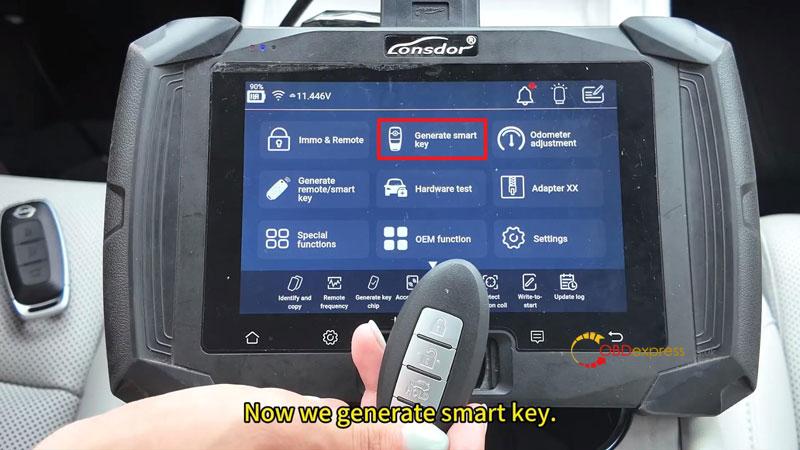
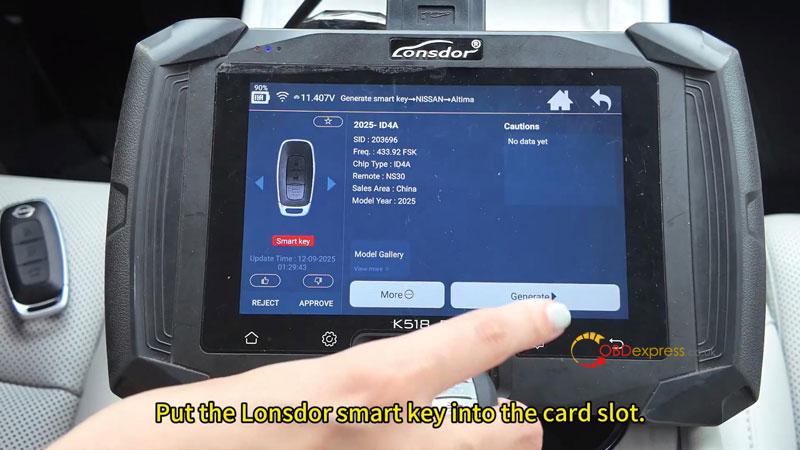
- Go to Generate Smart Key → Nissan → Altima → 2025 → ID4A.
- Insert the Lonsdor smart key into the card slot.
- Select Generate, then confirm the prompts.
- Wait until the tool reports Generated Successfully.
Only one key needs to be generated for this job.
Program the Smart Key
After key generation is complete, enter the immobilizer menu and start the programming process.
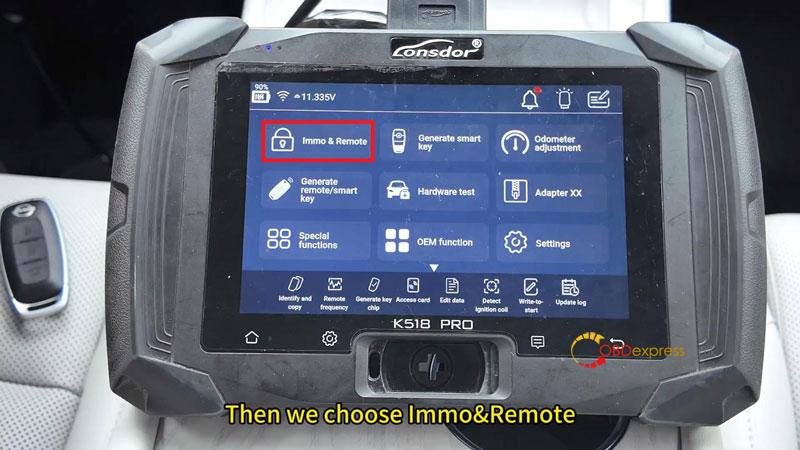
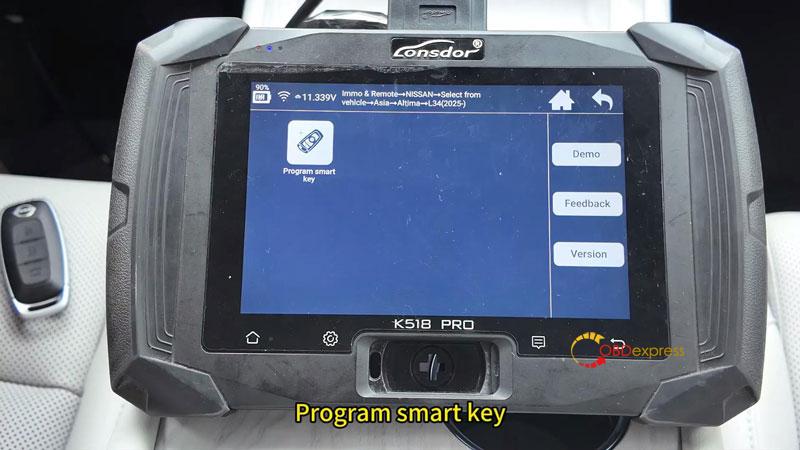
- Navigate to Immo & Remote → Nissan → Select from Vehicle → Asia → Altima → L34 (2025-) → Program Smart Key.
- Follow the on-screen instructions:
Switch ignition OFF.
Turn on the hazard lights.
Confirm the BCM code.
Close all doors.
Open a door once when prompted.
- The tool will display a warning that all keys will be deleted and that up to four keys can be programmed.
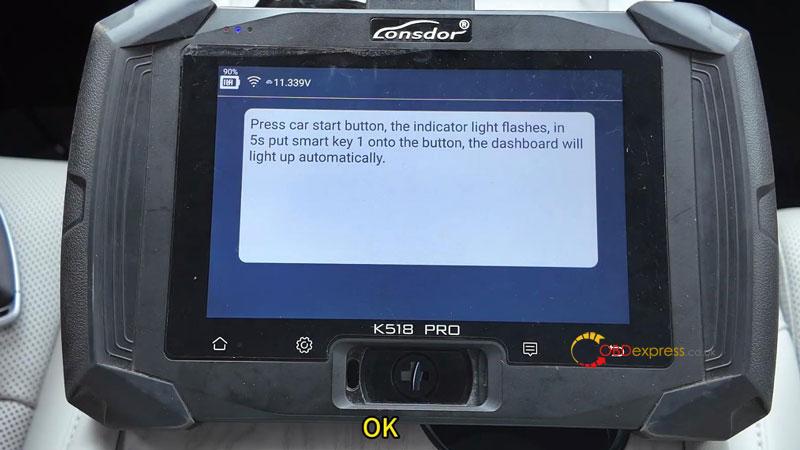
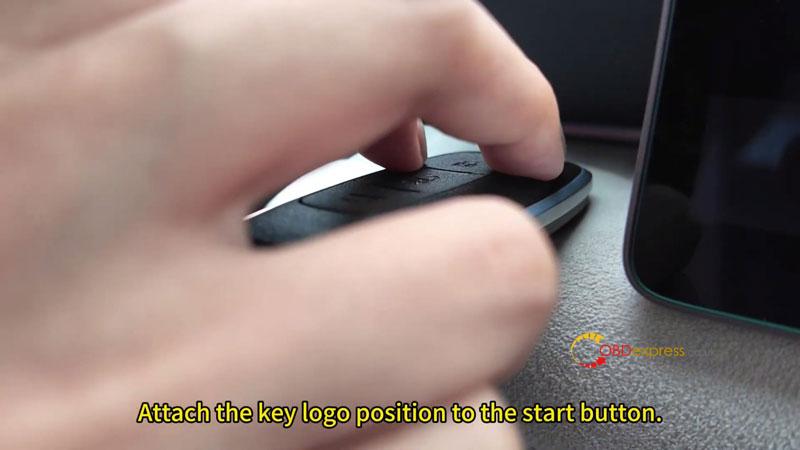
- Press the vehicle START button. When the indicator begins flashing, place Smart Key 1 against the START button within 5 seconds. The dashboard will illuminate automatically and the key will be programmed.
- Turn the ignition OFF when prompted.
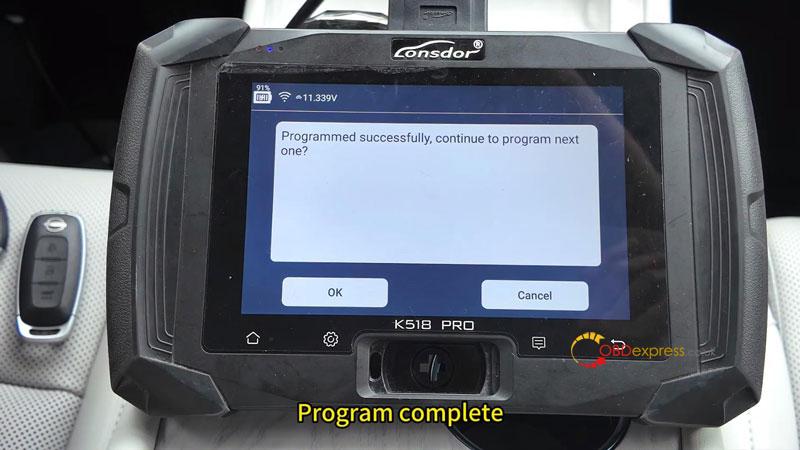
The tool will report Programmed Successfully. If additional keys are required, repeat the same operation. Otherwise, select Cancel to finish.
Complete the Procedure
Place the head of Smart Key 1 against the ignition switch and turn the ignition ON. The buzzer will sound, indicating that programming has been completed.
Verification
Start the vehicle with each programmed key by pressing the brake pedal and the START button. Confirm the engine starts normally and the remote functions operate correctly.
Workshop Notes
The Lonsdor K518PRO handled the 2025 Nissan Altima (L34) smart key adding procedure directly through OBD. The key must be generated as an ID4A smart key before entering the programming menu.