




Small setup adjustments can make a major difference in your daily Korhex Boot Glitch Tool workflow.
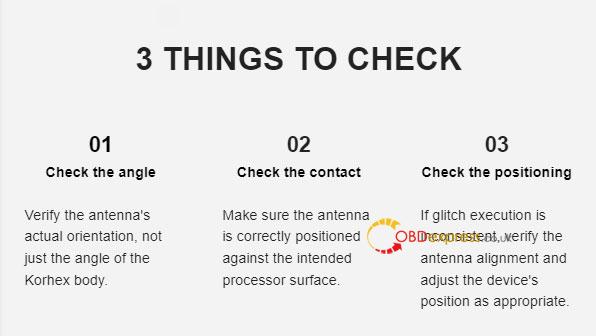
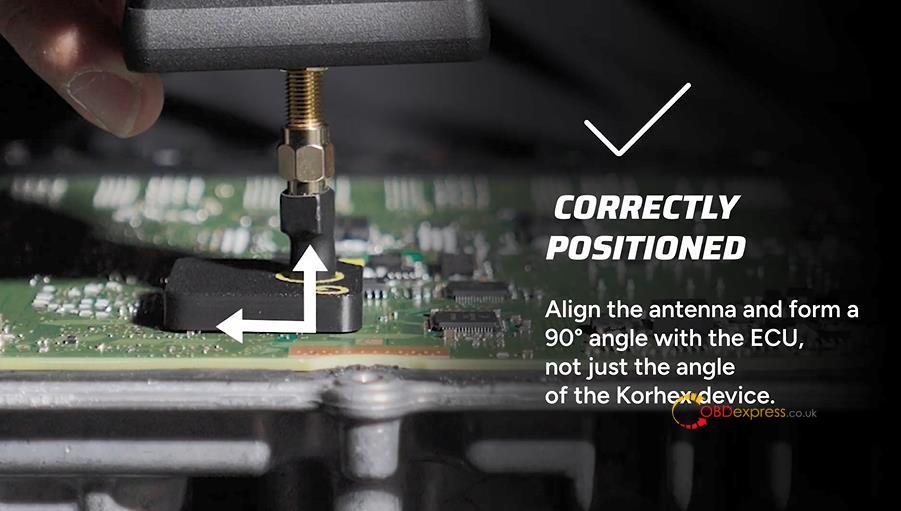
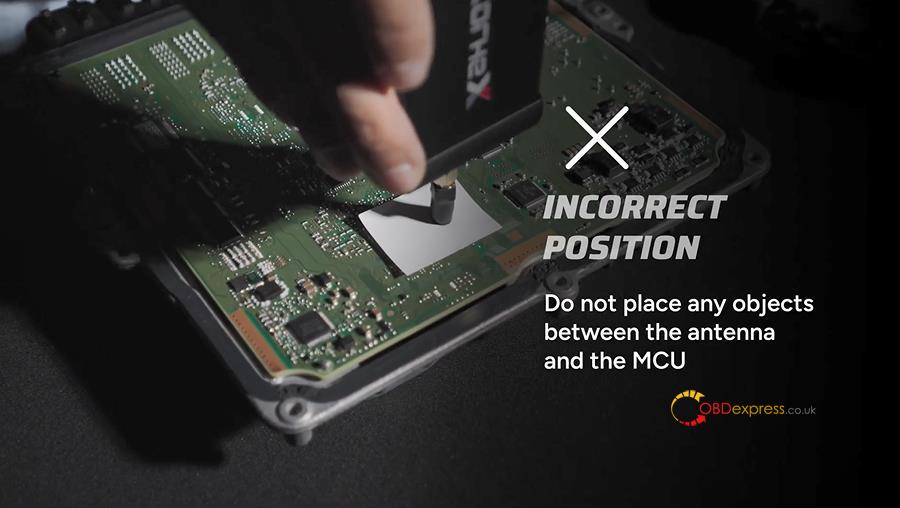
Since even slight positioning shifts affect glitch execution, achieving a clean connection starts with proper antenna alignment. While you should keep Korhex body perpendicular to the MCU, the device’s outer angle alone does not guarantee accuracy—depending on the antenna’s geometry and mounting position, you must always verify that the antenna tip itself is aligned with the exact contact point on the MCU.
How to Position Correctly:
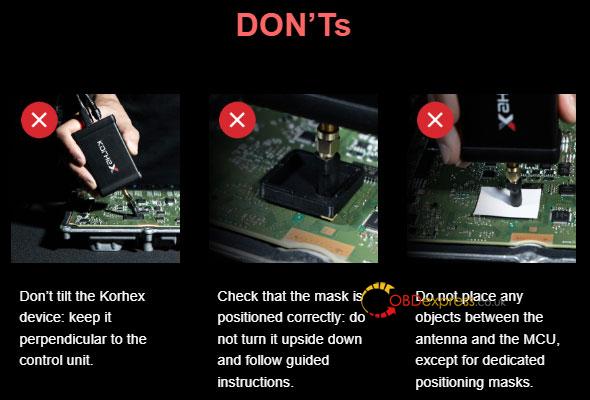
Make sure the antenna—not just Korhex housing—is properly aligned and sits at a 90-degree angle to the ECU.
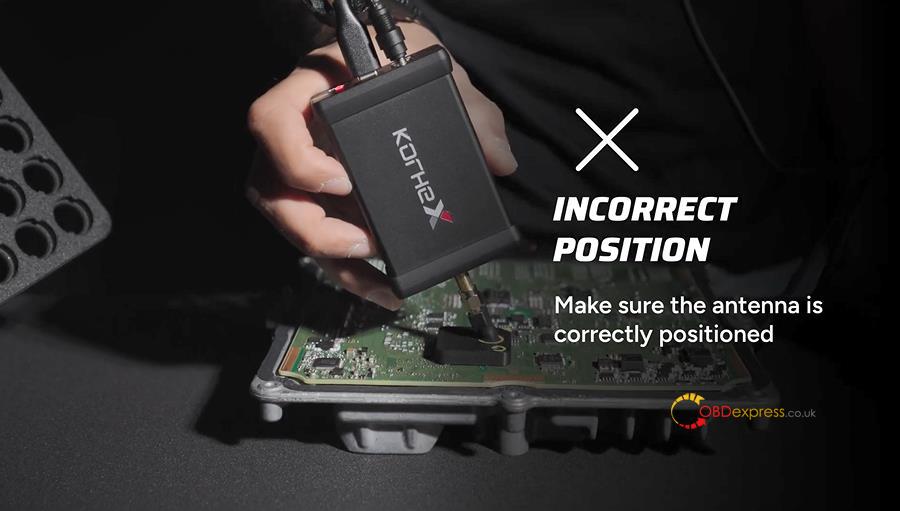
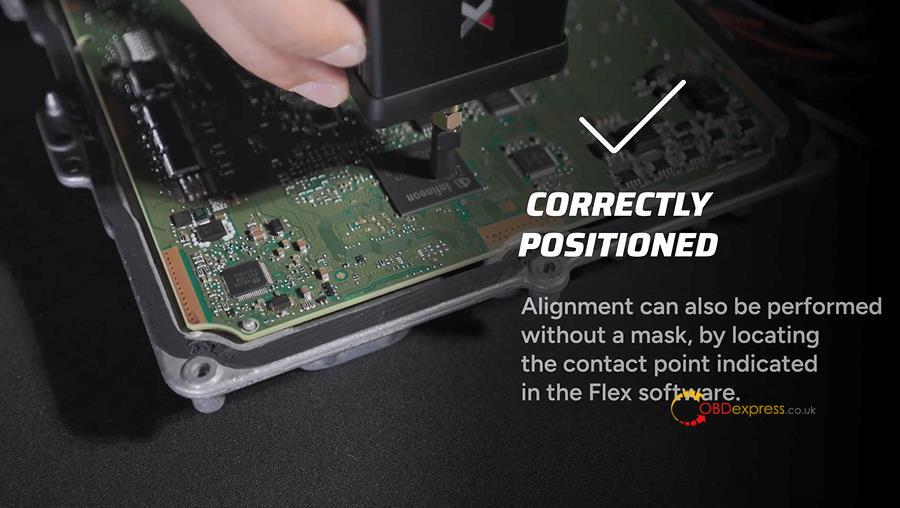
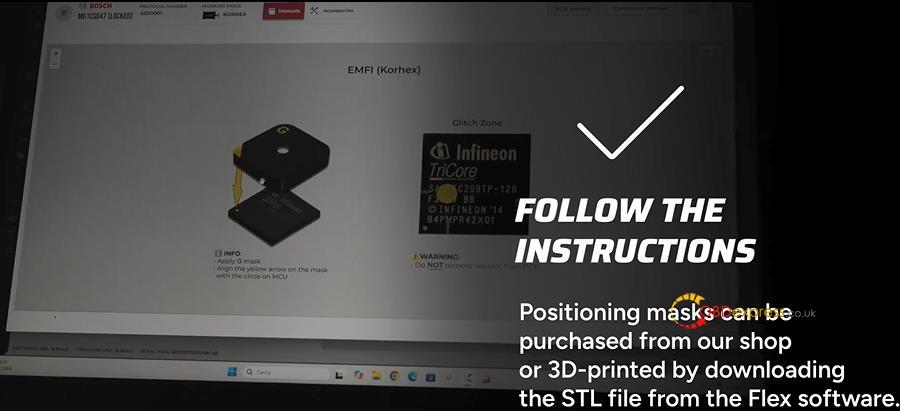
If you do not have a mask, you can align the antenna manually by finding the contact point indicated in Flex software.
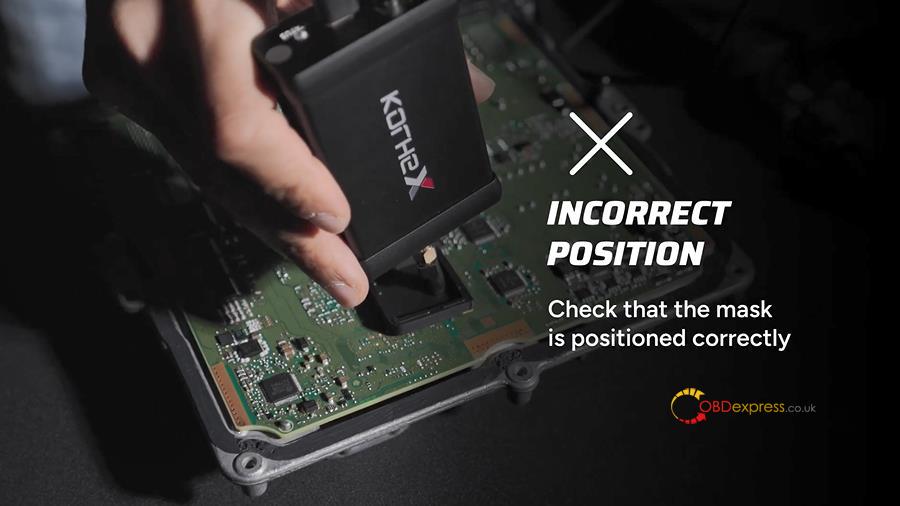
What to Check if Positioned Incorrectly:
Confirm that your positioning mask is seated correctly, and ensure there are no objects placed between the antenna and the MCU.
Where to Get Positioning Masks:
Follow the setup instructions and use an official mask—either buy one from Magicmotorsport shop or download the STL file from the Flex software to 3D-print it yourself.
Learn more:
- How to Activate and Use Korhex Boot Glitch Tool with Flex?
- How to Find Korhex Serial Number for Activation?
- Why Kohex LED Flashes Red: Understanding Kohex Status Indicators in Flex?
Why Kohex LED Flashes Red: Understanding Kohex Status Indicators in Flex
