




Here is a quick walkthrough on adding a new key to a 2024 BYD Seagull (all keys are lost) via OBD using OBDSTAR X300 Classic G3.
Required Tools:
- X300 Classic G3 key programmer (Key Master G3)
- Main Diagnostic Cable
- New Unlearned Key
Step-by-Step Guide:
Step 1: System Selection
Navigate to the IMMO menu
Select BYD option-> BYD software (e.g., V40.73)-> Manual Select System-> PROXIMITY-> Type 19
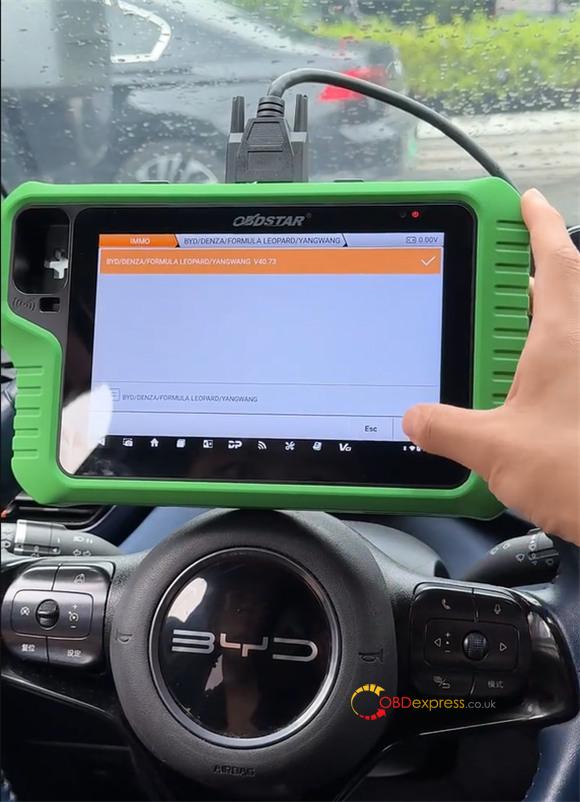
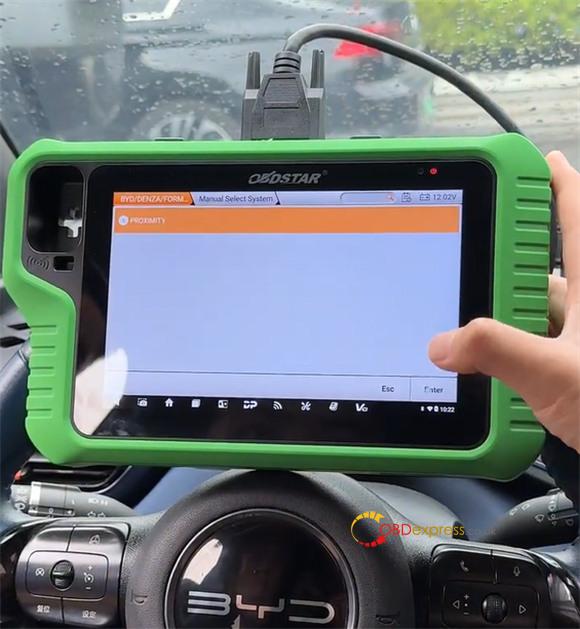
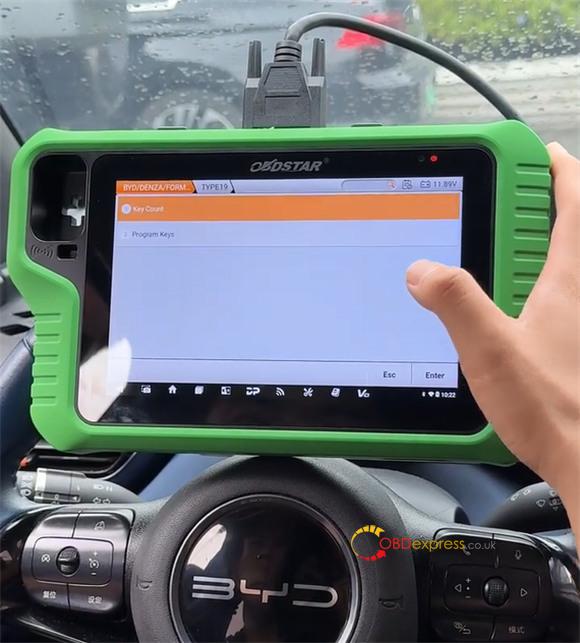
Step 2: Read Current Key Data
Check the existing key count first.
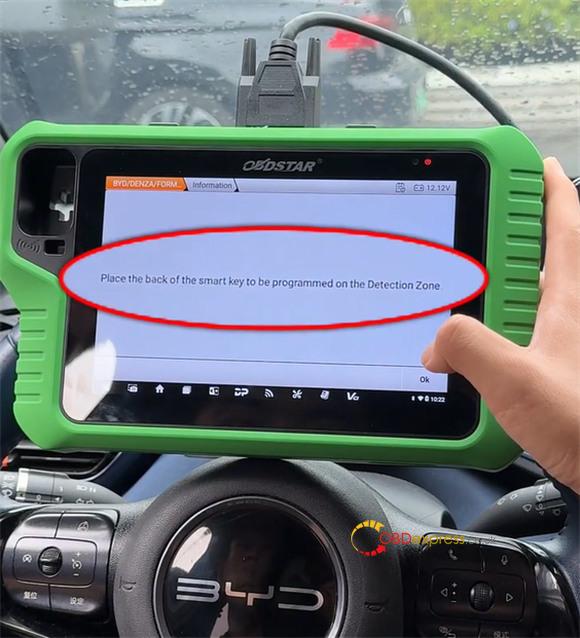
Place the active key in the coil/sensing zone and tap OK.
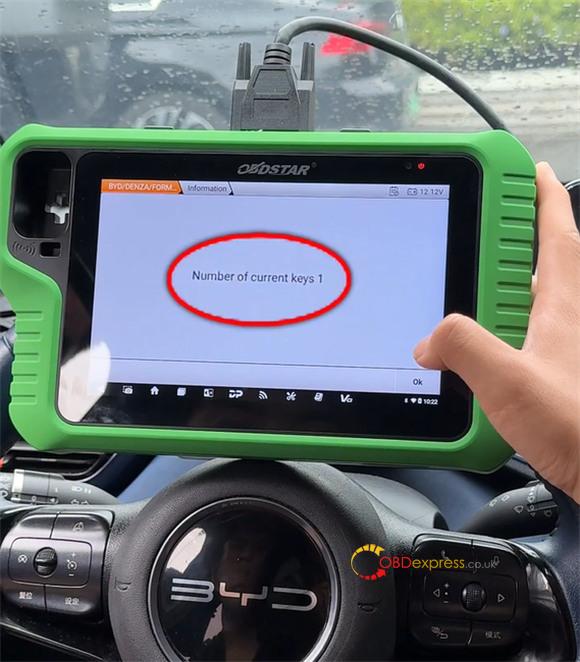
The screen displays that only 1 key is currently registered.
Step 3: Program the New Key
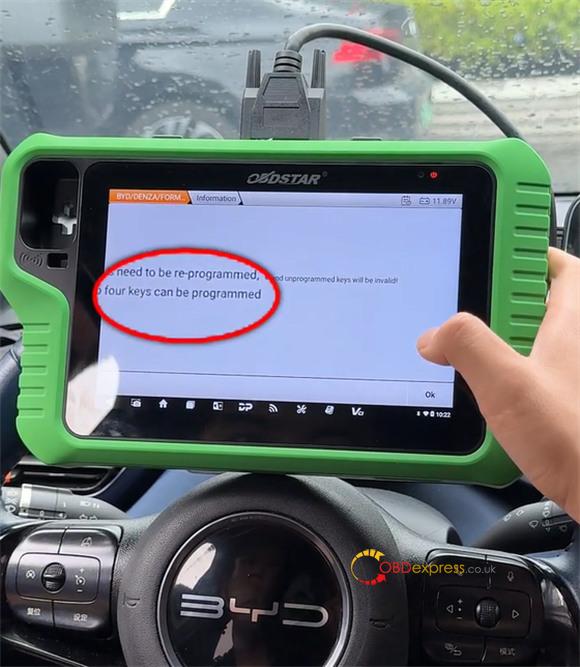
Select Program Keys (the system capacity is 4 keys max).
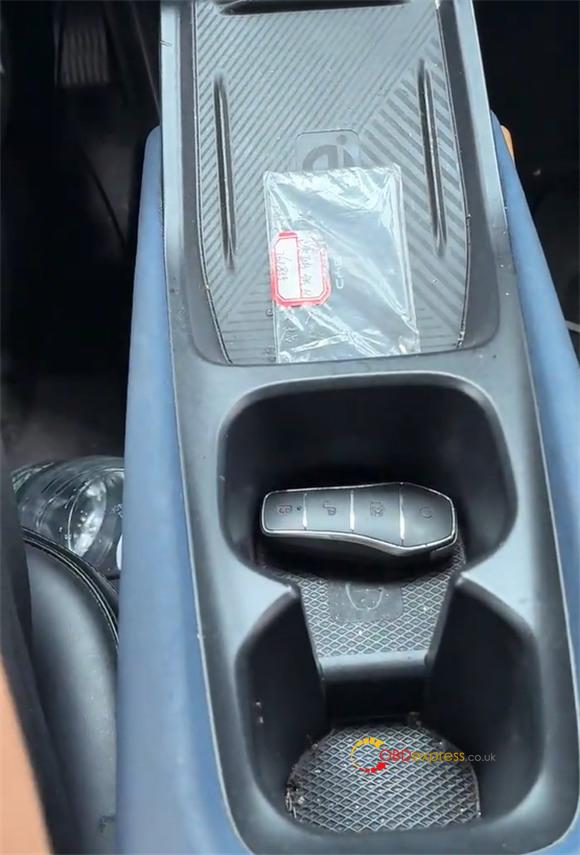
Swap the active key with the new key in the sensing area, then press OK.
Step 4: Verify Operation
Once the screen indicates successful programming, exit the menu and test the new key in the ignition.
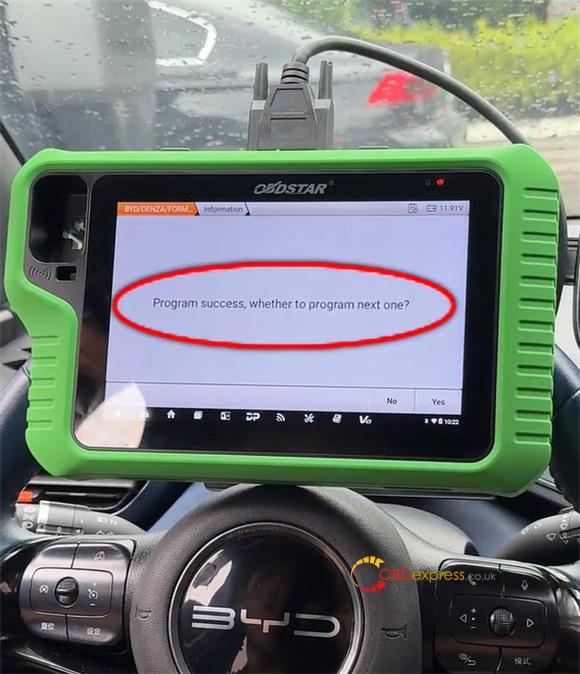
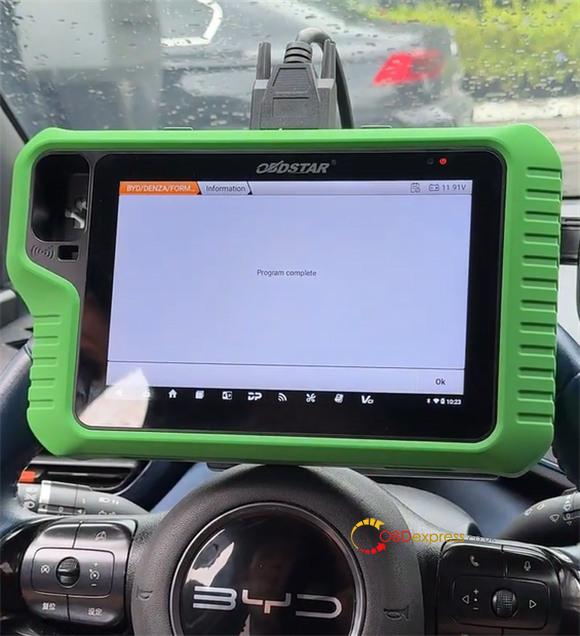
The engine starts right up, confirming successful learning for 2024 BYD Seagull with OBDSTAR G3.
