

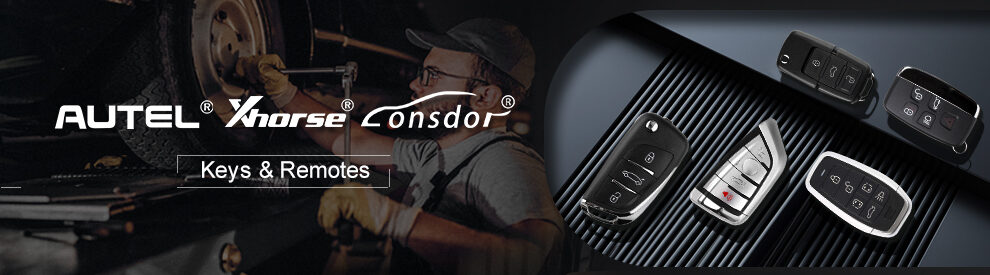
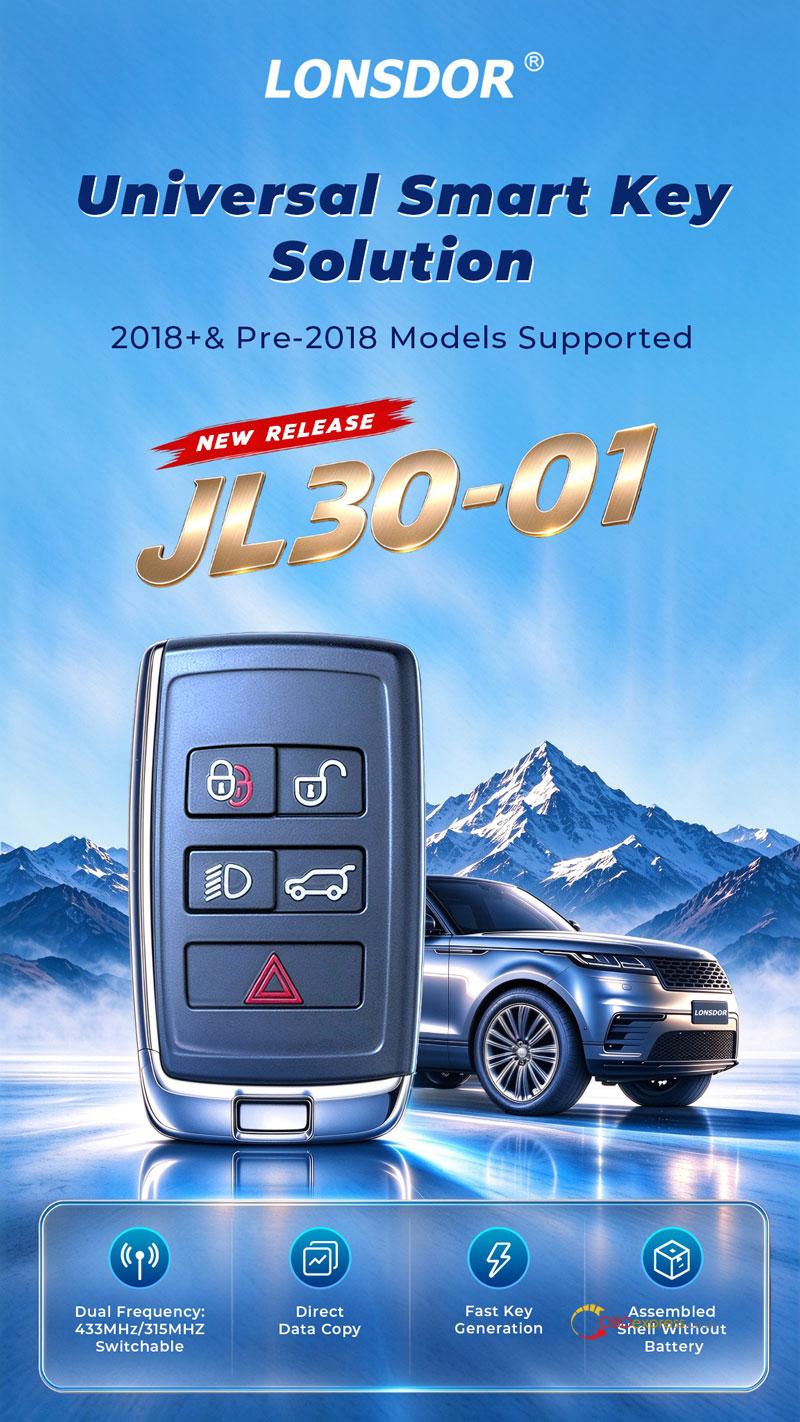
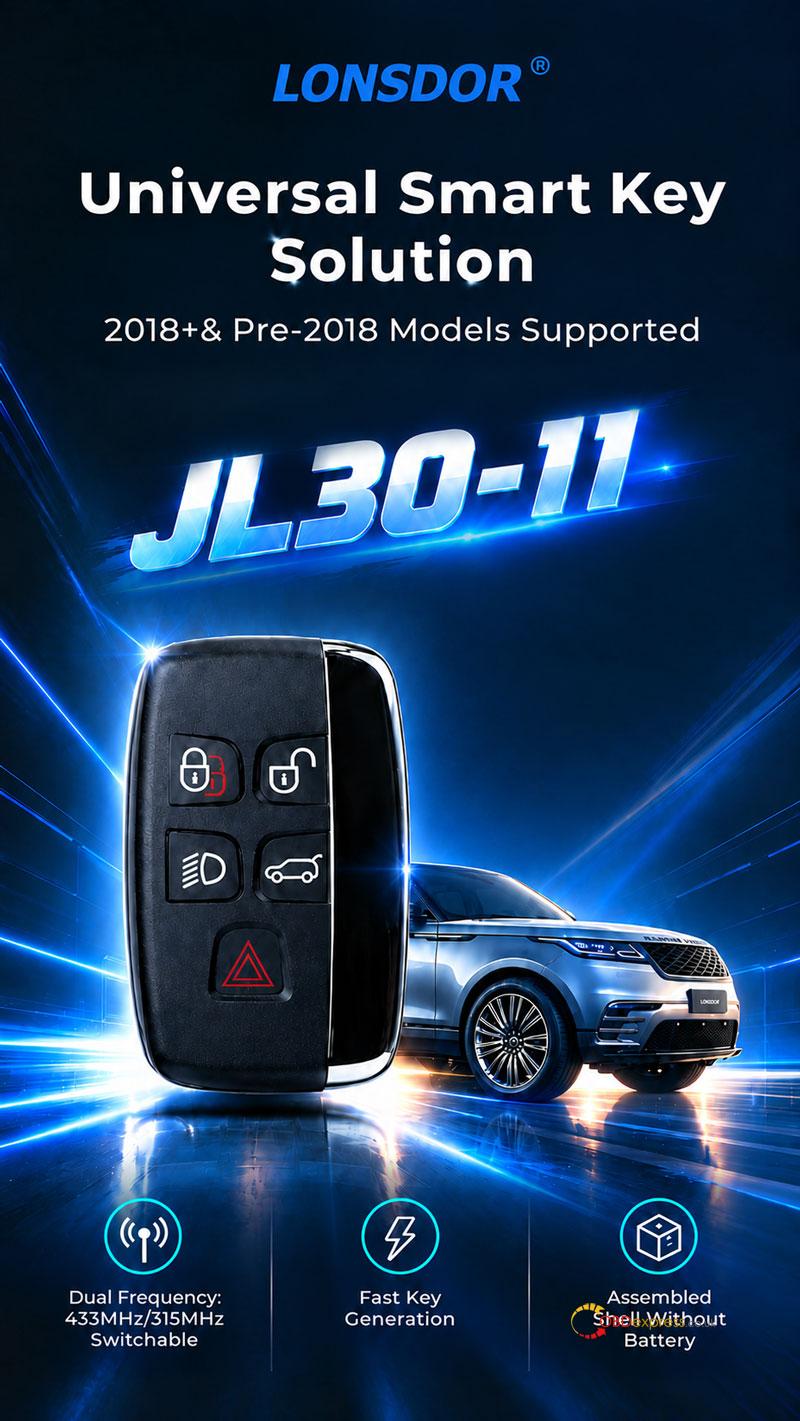
The new LONSDOR JL30-01 and JL30-11 Smart Key support Jaguar and Land Rover models from both pre-2018 and 2018+ generations, featuring direct data copy, dual-frequency switching (315/433 MHz), and fast key generation. Here’s how to use the JL30-01 and LONSDOR K518 PRO to copy a smart key for a 2019 Land Rover Discovery.
Required Tools
LONSDOR JL30-01/ JL30-11 Universal Key
- Generate the Smart Key
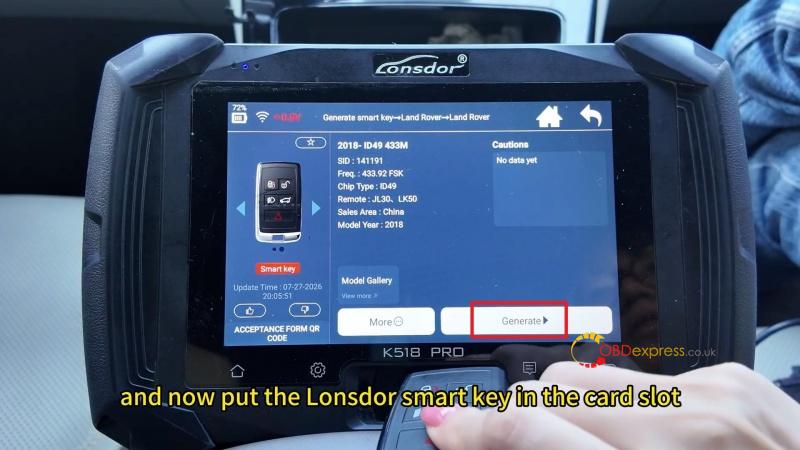
- Go to Generate Smart Key >> Land Rover >> 2018- ID49 433M.
- Place the LONSDOR smart key in the K518 PRO card slot and click Generate.
- Wait for the Generation successful message.
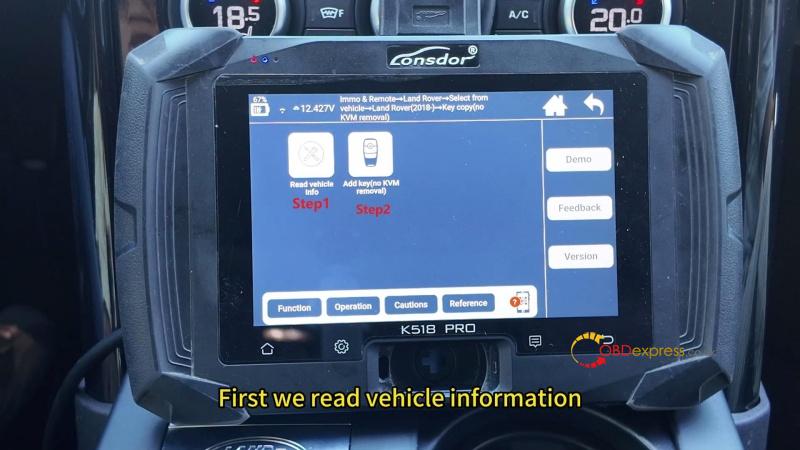
- Read Vehicle Information
- Navigate to Immo & Remote >> Land Rover >> Select from vehicle >> Land Rover (2018-) >> Key copy (no KVM removal) >> Read vehicle info.
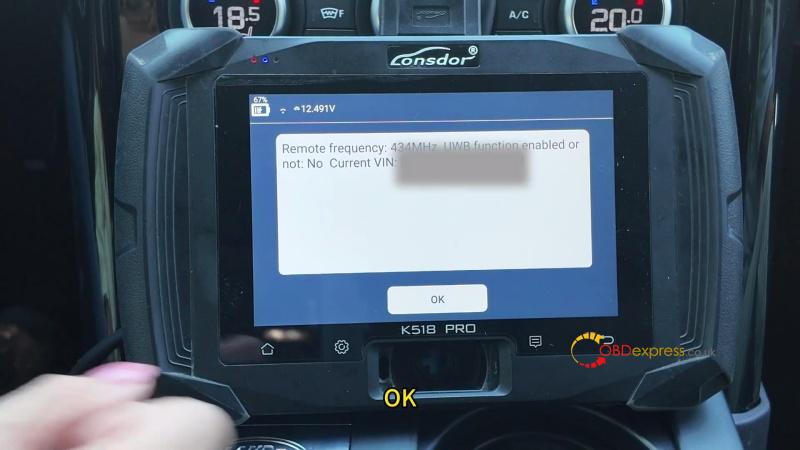
- The system displays a remote frequency of 434 MHz and UWB function: No.
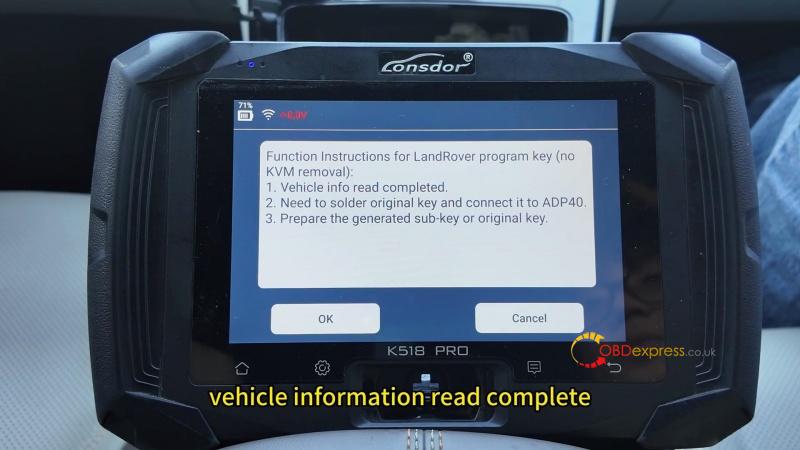
- Select Add key (no KVM removal). This function supports key copying on non-PEPS Land Rover and Jaguar models from 2018 onward.
- Copy the Key Using Either Method
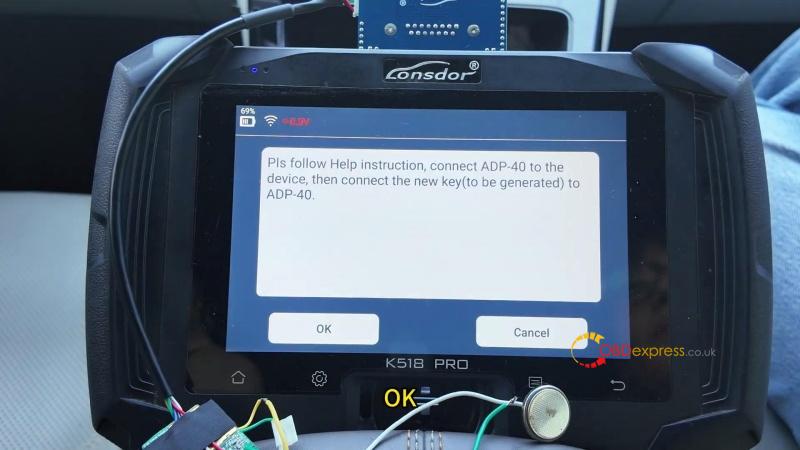
- Follow the on-screen instructions: connect the original key to K518 PRO through the ADP40 adapter and click OK. The first ID represents the original vehicle key.
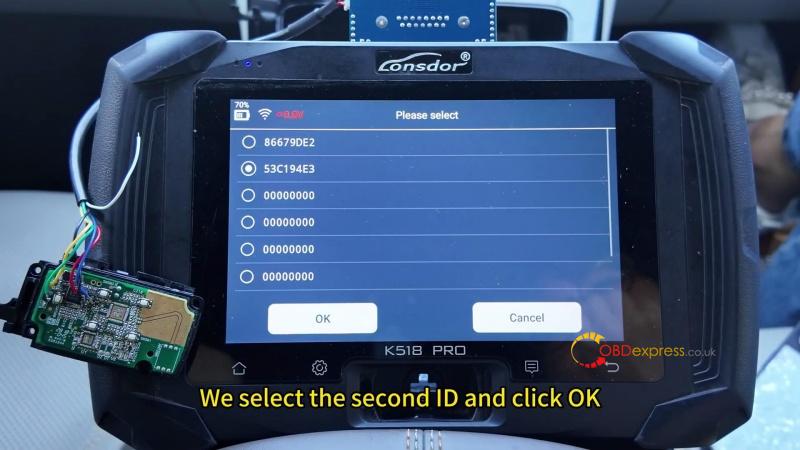
- The first ID represents the original vehicle key, so Select the second ID, then choose the required method:
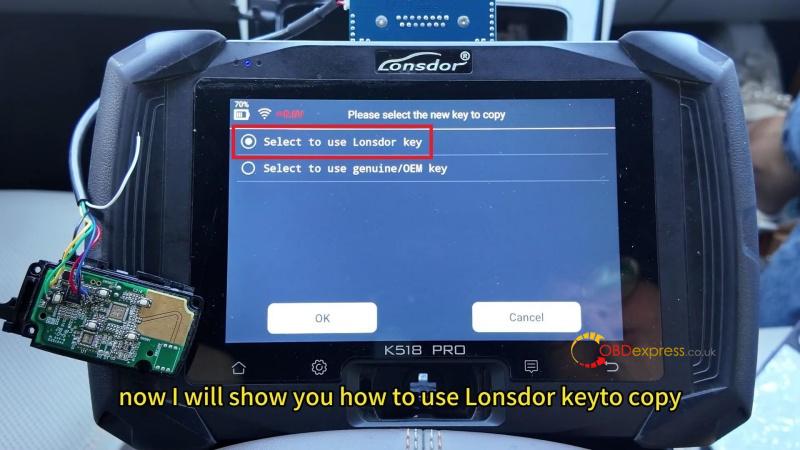
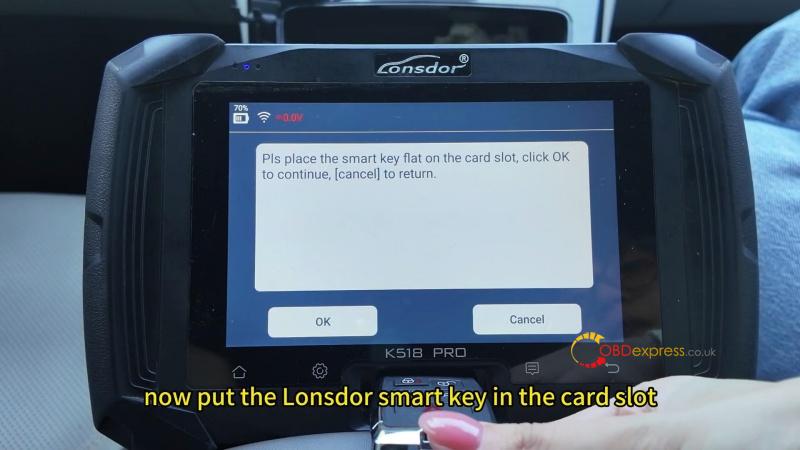
- LONSDOR key: Select Select to use Lonsdor key. Remove the ADP40 adapter, place the generated LONSDOR smart key flat on the card slot, and click OK.
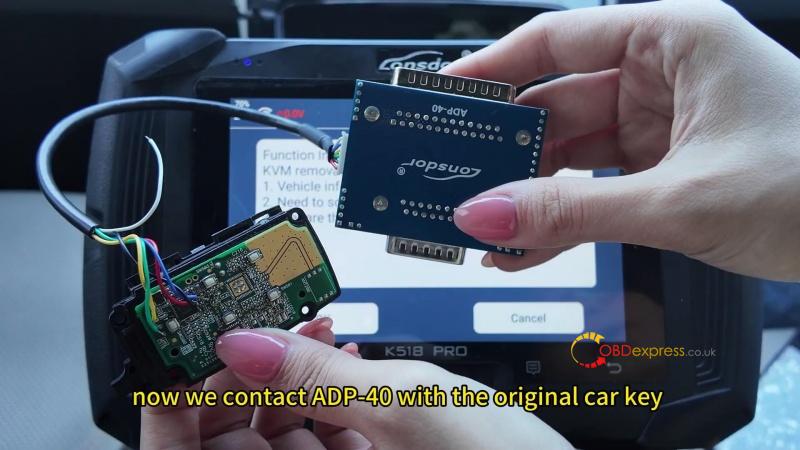
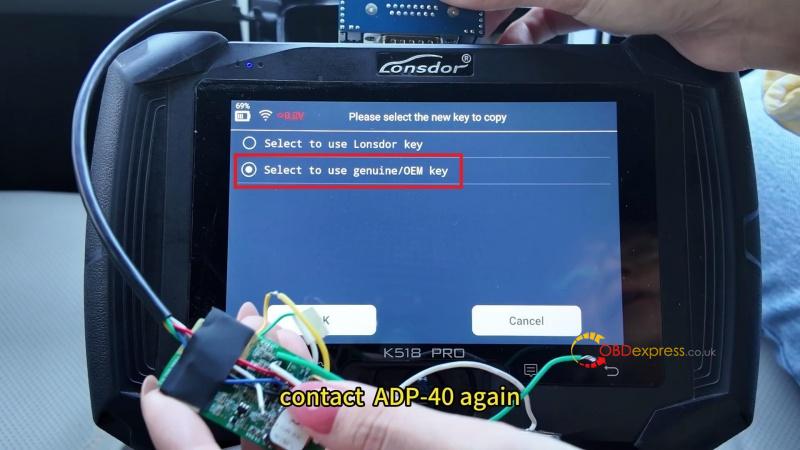
- Genuine/OEM key: Select Select to use genuine/OEM key. Remove the original key, connect the OEM key to the K518 PRO through the ADP40 adapter, and click OK.
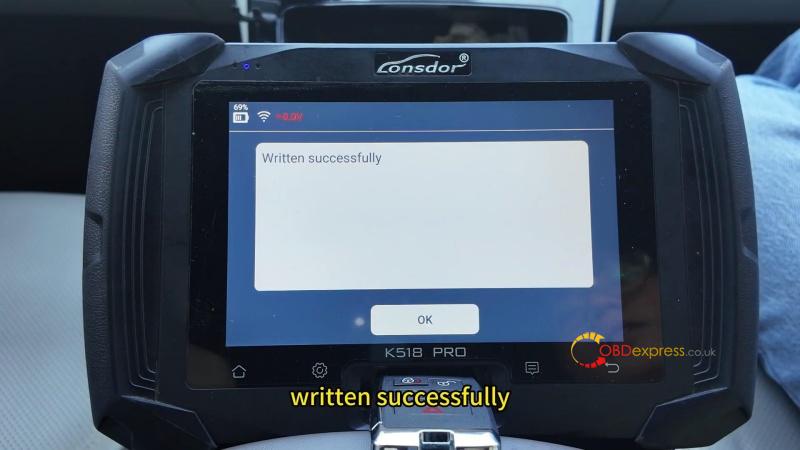
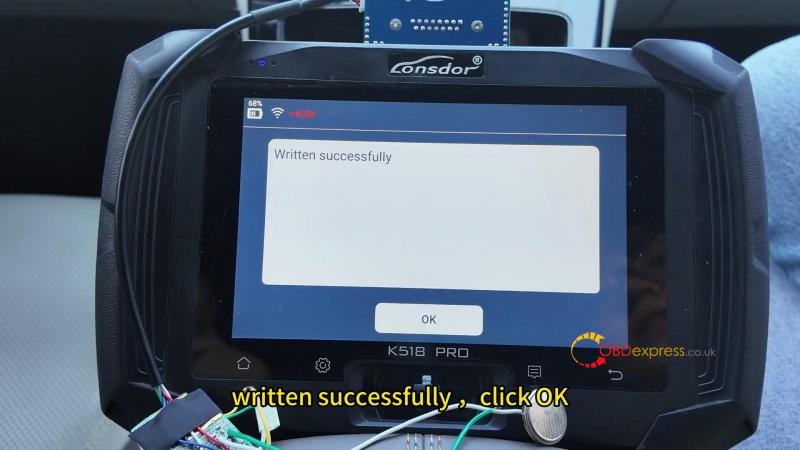
- Wait for the Written successfully message.
Key Function Check
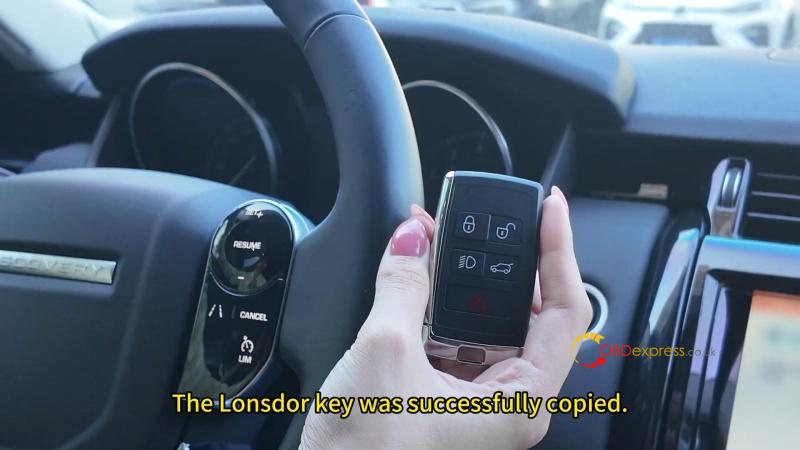
Start the vehicle and confirm that it starts normally and the copied key’s basic functions work correctly.
(Visited 2 times, 2 visits today)
