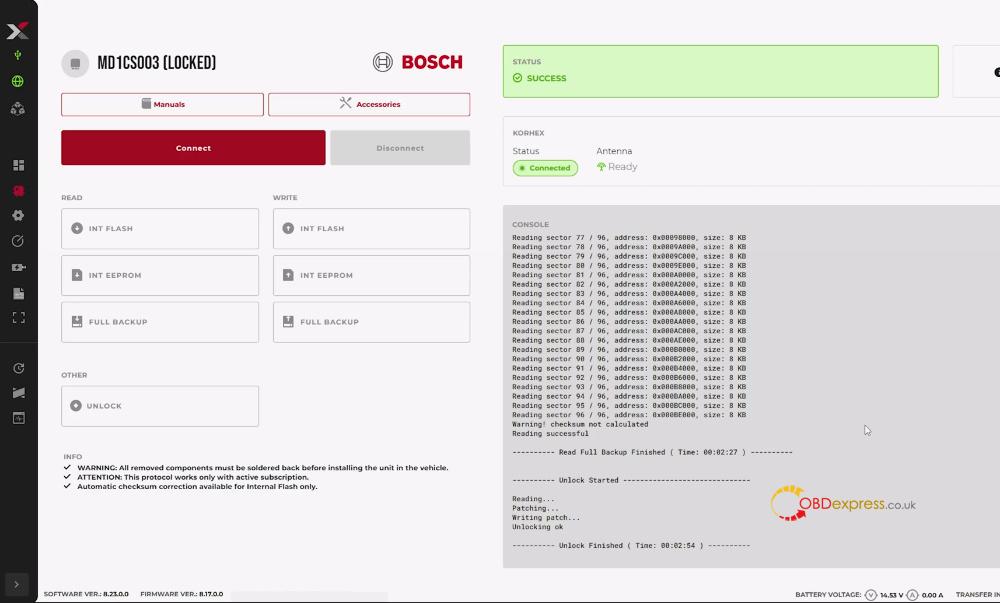
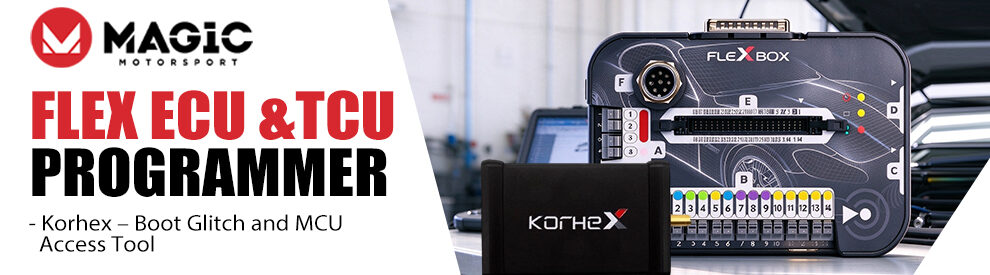



Korhex Boot Glitch and MCU Access Tool is an EMFI add-on for Magic Motorsport Flex ECU Programmer. It is made for locked ECUs that normally need soldering or board work: with the right mask, the antenna tip is placed on the processor, and Flex can gain access without removing components.
What is included in the Korhex Pack?
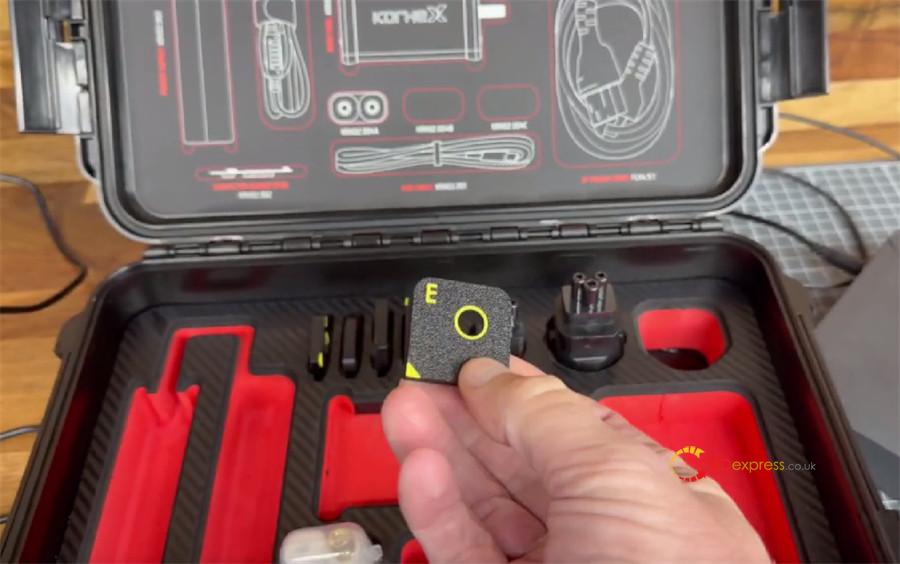
The kit comes in a blow-molded case.
Inside, you can get Korhex main unit, adapters and cables.
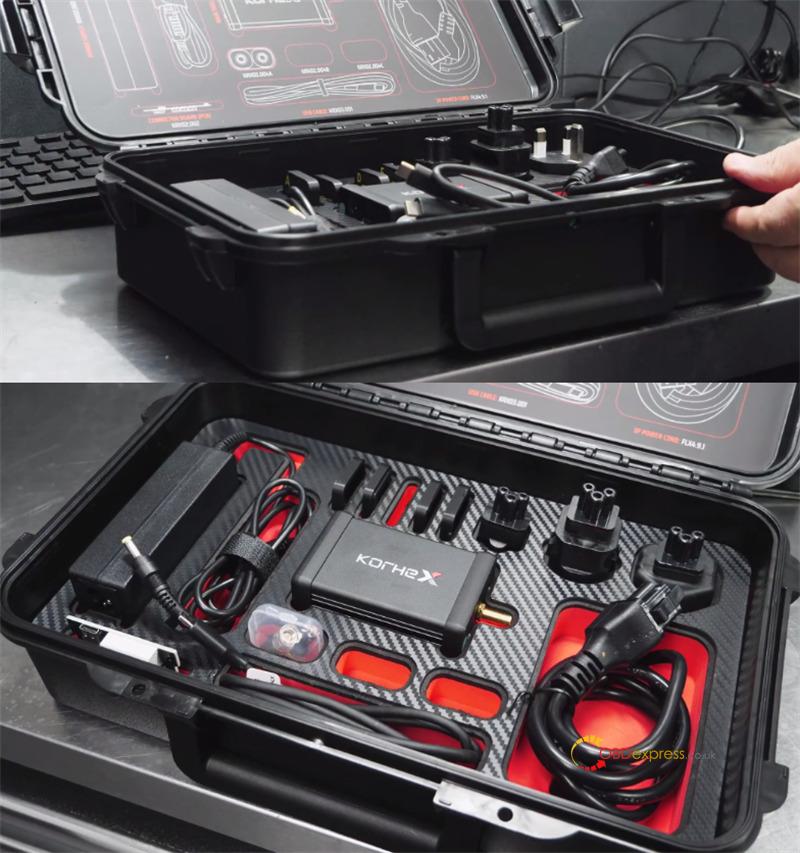
A set of adapters called masks.
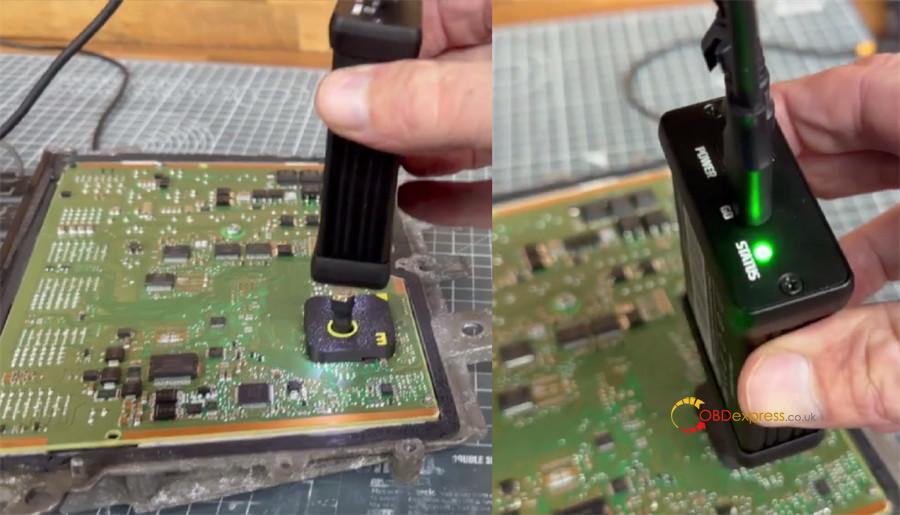
Each mask sits on top of the processor and shows the exact contact point for the antenna tip.
If your processor is not included, you can 3D print a matching mask.
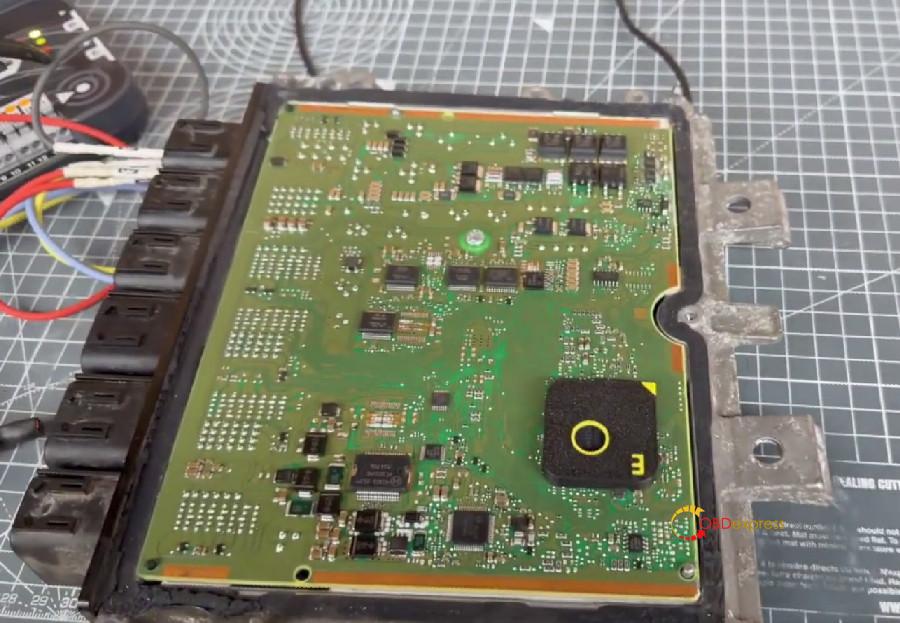
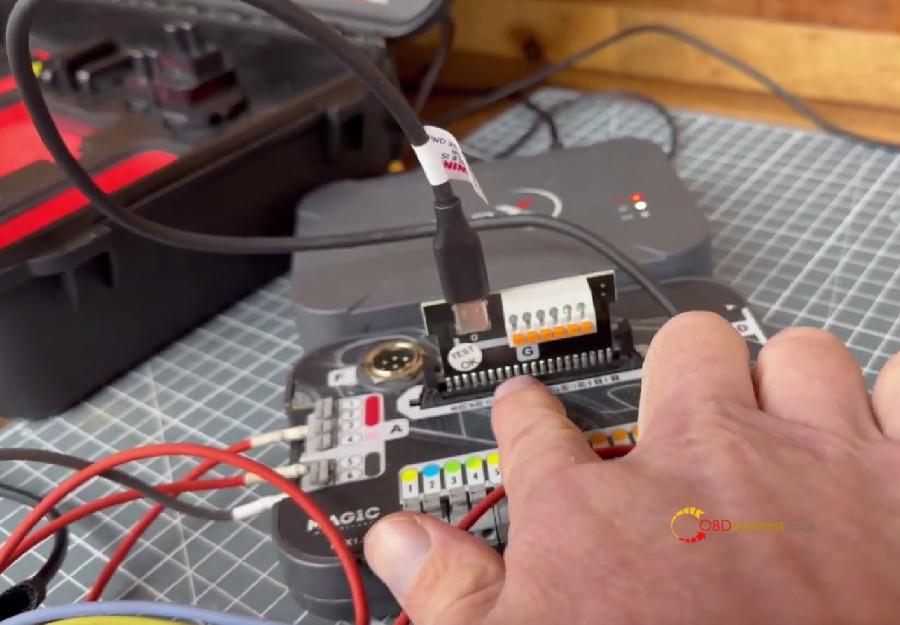
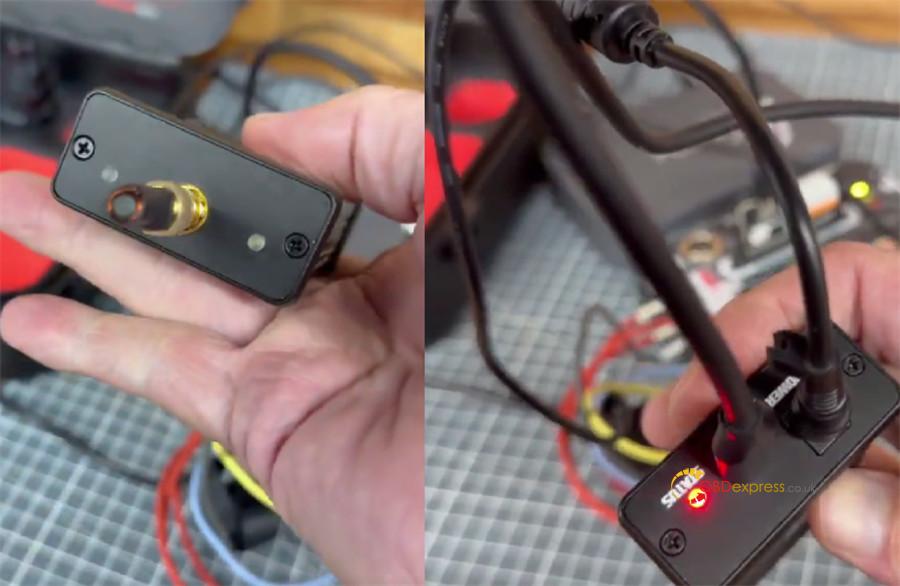
The main connector is marked Unit G, and the antenna is at the end of the unit.
How to Activate Korhex?
Korhex must be activated before use.
After activation, the Korhex icon appears on the left in Flex, and an image tutorial is available in the top right corner.
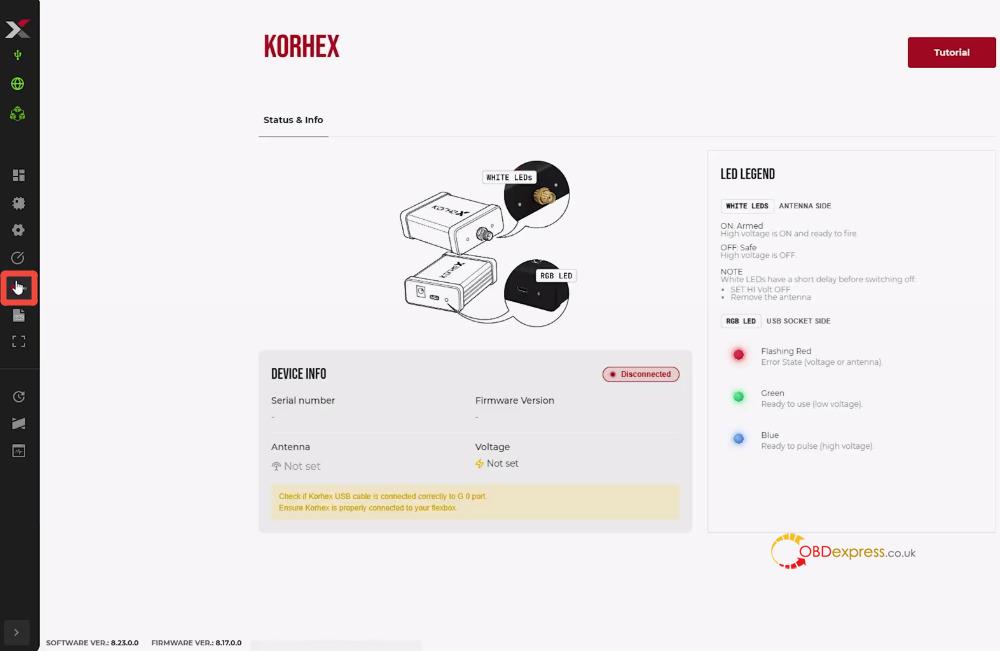
Activation steps:
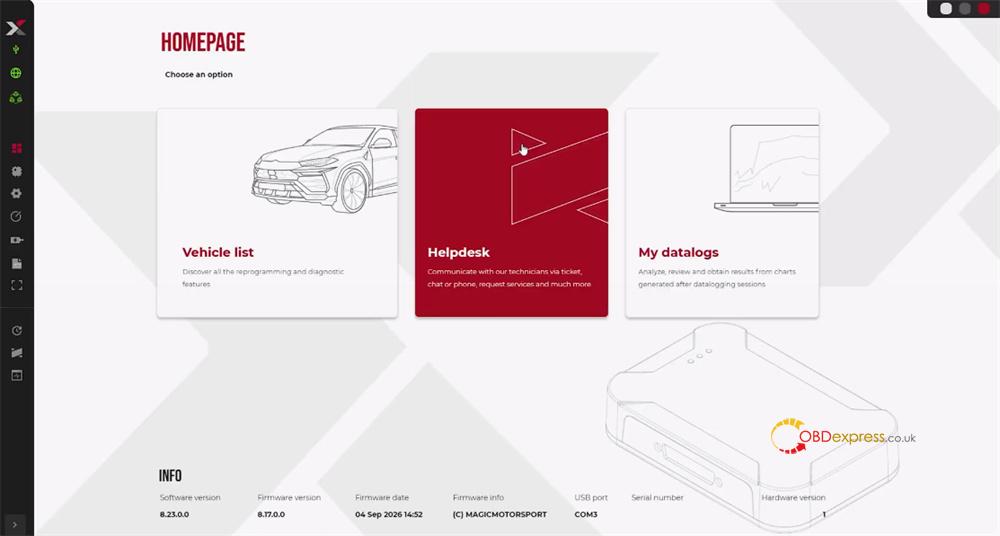
- Open Flex software
- Click Helpdesk to enter the user portal
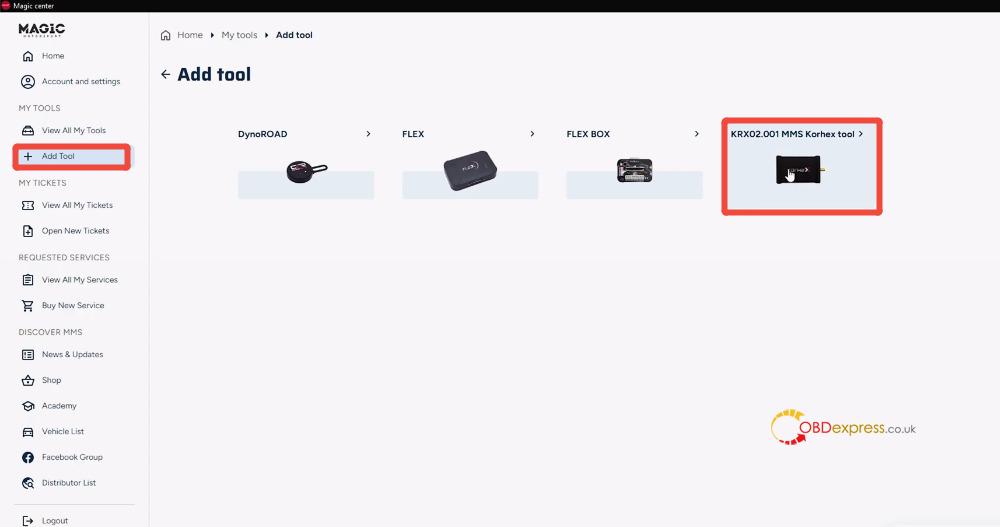
- Select Add Tool, and choose 001 MMS Korhex tool
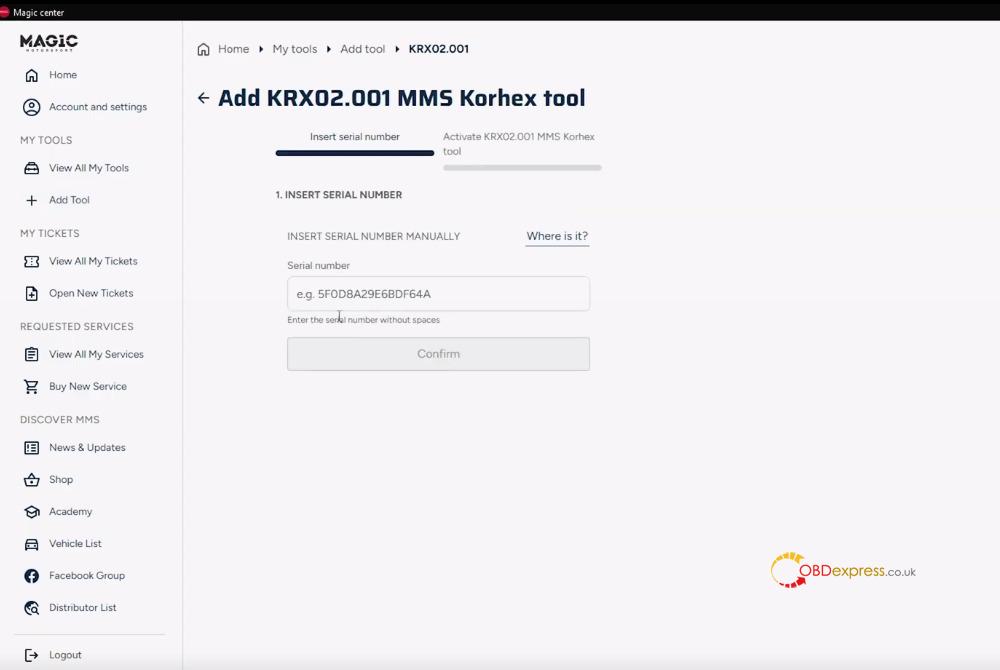
- Input the serial number on the back of the Korhex unit to bind it to your account.
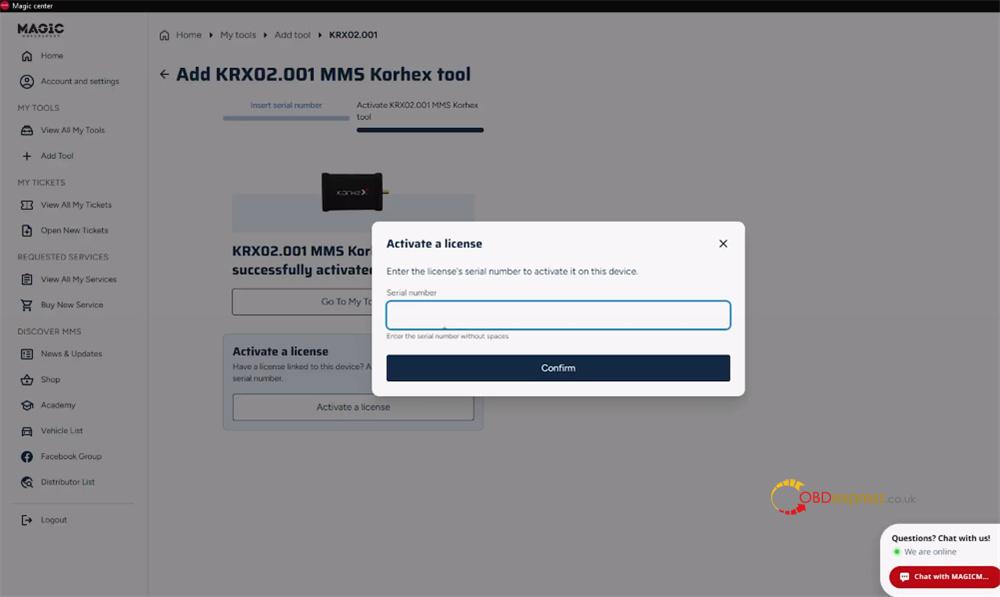
How to Use?
1.Plug Korhex Boot Glitch Tool into the Flex setup, launch the software, pick the correct ECU model, and press Connect.
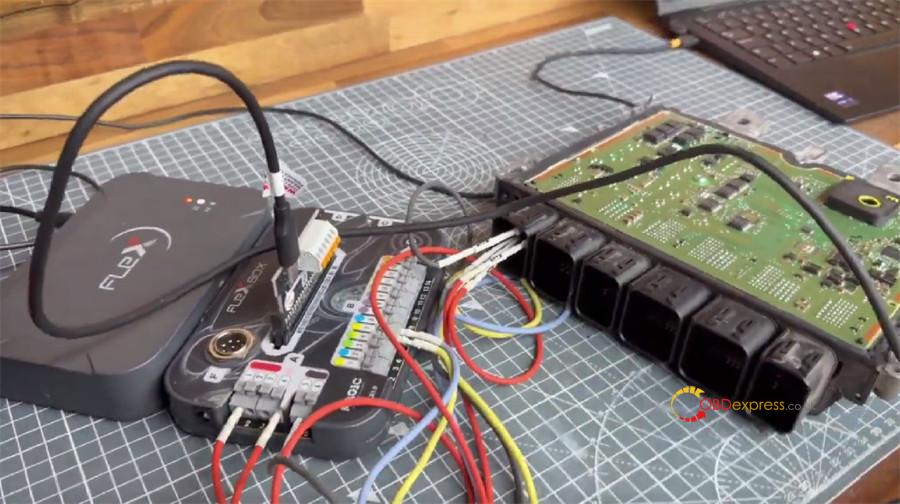
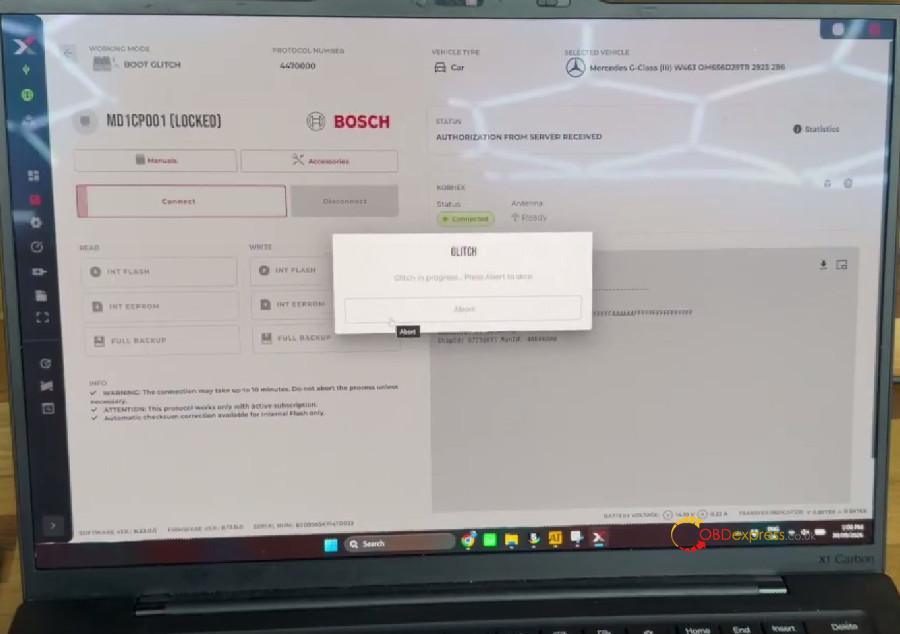
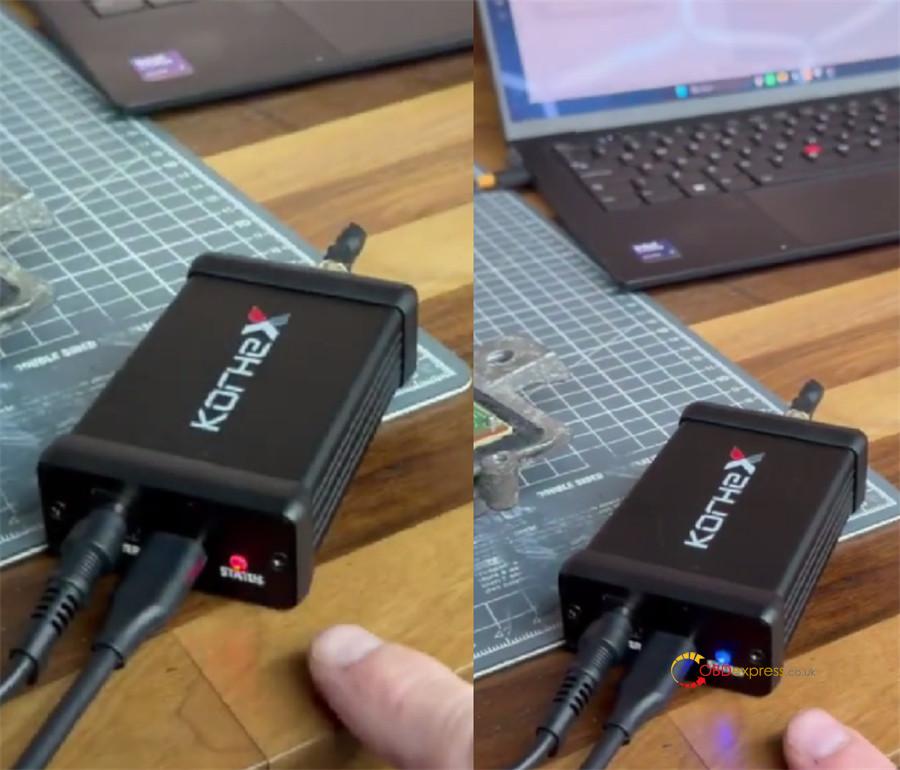
2.Power-up starts with a red flashing LED while the tool detects the ECU and opens communication.
3.When the ECU ID comes back, line up the antenna over the processor with the mask as the placement guide; the glitch phase normally lasts around 10 seconds.
4.While glitching is active, the primary LED changes to blue and both small end lights turn on—this is the only moment EM pulses are being delivered.
5.Access is confirmed when the LED becomes green and the tool shuts down its output; at that point Korhex Tool has done its job and may be unplugged.
After Access Is Gained
With the processor unlocked and the passwords released, type them into Flex, save a complete backup first, then perform any required ECU reads or writes.
Keep in mind that Korhex MCU Access tool only opens the door—the actual reading and writing always take place inside MMS Flex software.