




Learn what a flashing red LED on Magic Motorsport Korhex means and how to identify normal operation during ECU access, BOOT glitch procedures, and Flex ECU Programmer programming workflows.
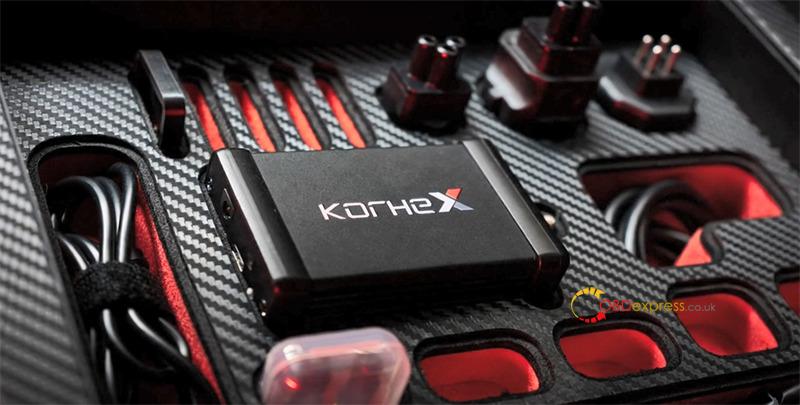
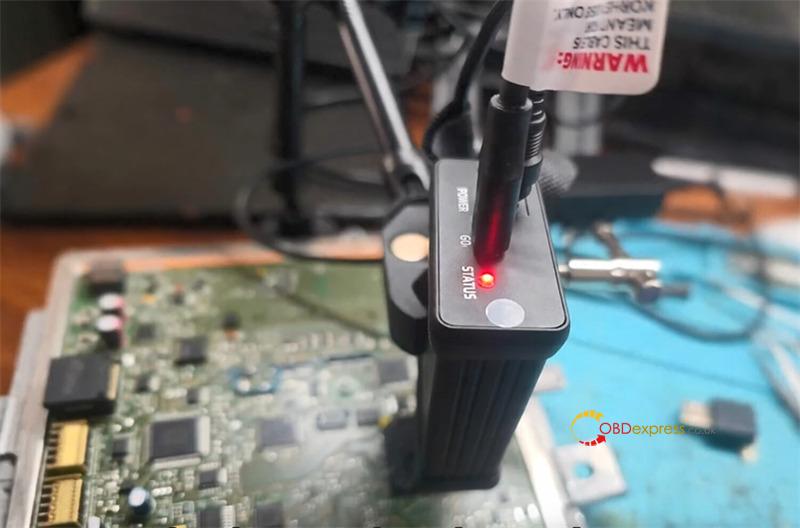
A flashing red LED on Korhex adapter can look like a hardware problem, but that is not always the case.
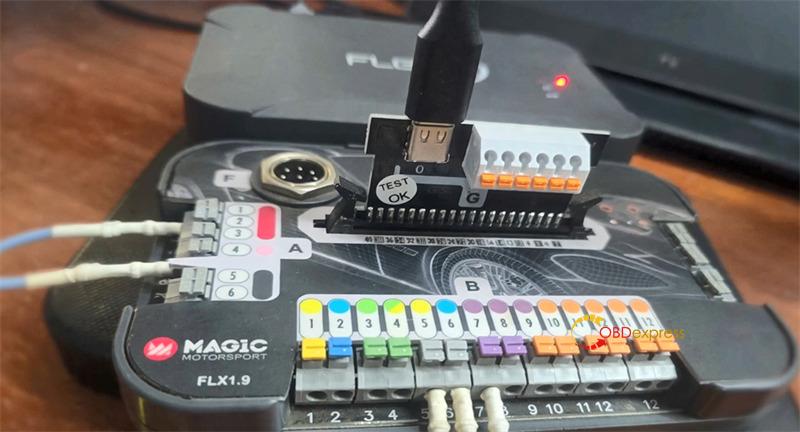
Many users notice that the Flex software shows Korhex adapter as connected while the LED near the USB and power connector continues flashing red. This often leads to concerns about a defective tool, power issue, or connection failure.
However, a flashing red LED does not automatically indicate a hardware fault.
When Korhex Tool is connected but not actively working with an ECU protocol that requires its functionality, the red light may continue flashing even though the device is operating normally. In this state, the adapter is connected but idle.
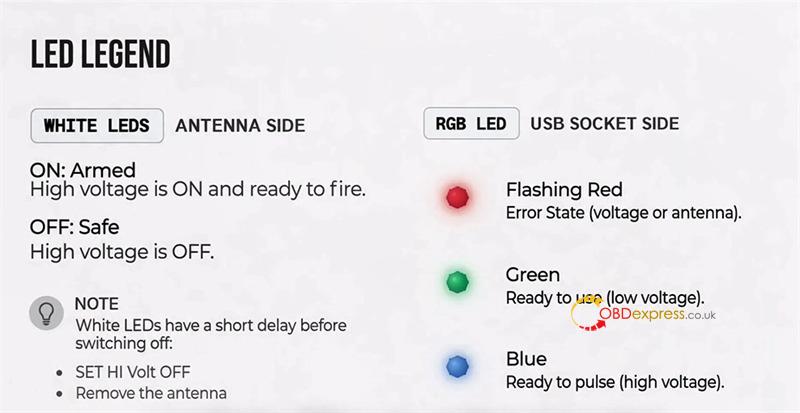
Understanding Korhex LED Status
Different LED colors indicate different operating stages:
- Flashing Red: Korhex is connected but not actively engaged in a supported ECU operation.
- Green: The connection process has been successfully established.
- Blue: Korhex is actively performing the glitching operation required for ECU access.
The blue status is particularly important during supported BOOT glitch procedures, where Kohex uses electromagnetic fault injection to gain access to protected ECUs.
Before Assuming There Is a Problem
If the software detects Korhex Boot Glitch Tool but the LED continues flashing red:
1.Verify that the selected ECU protocol supports Korhex.
2.Confirm that the target ECU requires Korhex functionality.
3.Follow the recommended connection procedure for that ECU.
A red flashing light while sitting at the connection screen does not necessarily mean the adapter has failed.
Using Connection Logs for Troubleshooting
If the connection process fails, additional information can be collected from the connection history logs stored in the Flex installation directory under the dev profile history folder.
Providing these logs to technical support, along with the ECU information, can help identify the cause of the issue more effectively than relying on LED status alone.
Key Takeaway
A flashing red Korhex LED by itself is not proof of a hardware fault.
- Red indicates the adapter is connected but idle.
- Green indicates a successful connection stage.
- Blue indicates an active glitching process.
Before replacing hardware or reporting a fault, verify the selected protocol, confirm ECU compatibility, and review the connection logs if the access procedure fails.
Read also:
