







If your KEYDIY KD-X4 key programmer display is cracked or malfunctioning, you don’t need to replace the entire unit. Follow this technical walkthrough to swap out the LCD panel safely.
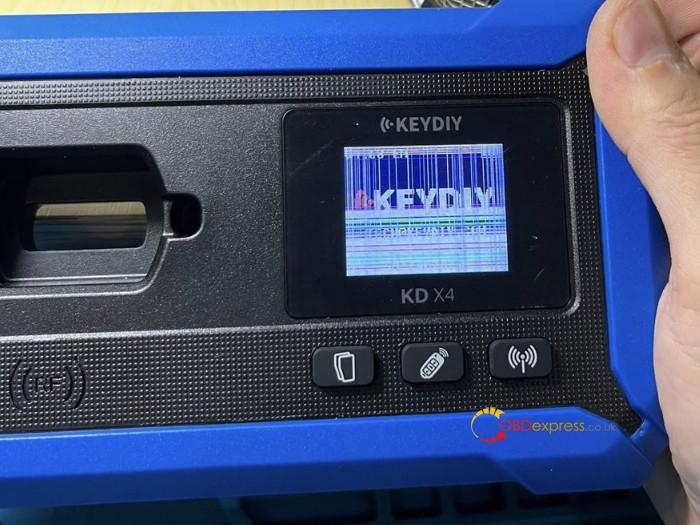
Step 1: Disassembly
Remove Fasteners: Unscrew the four screws located on the rear of the device.
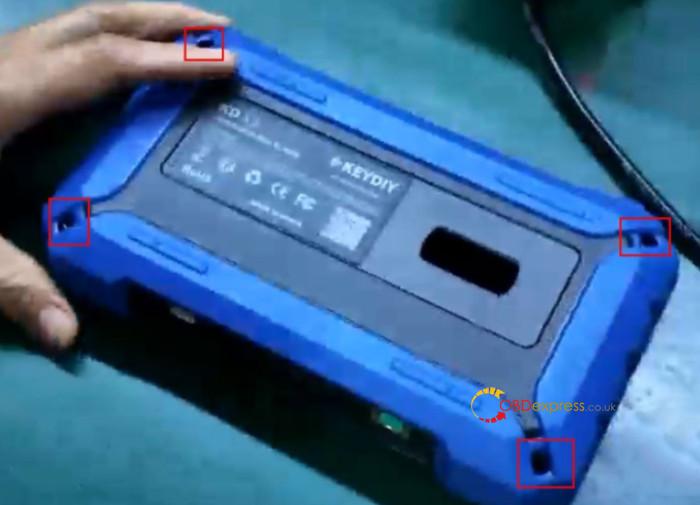
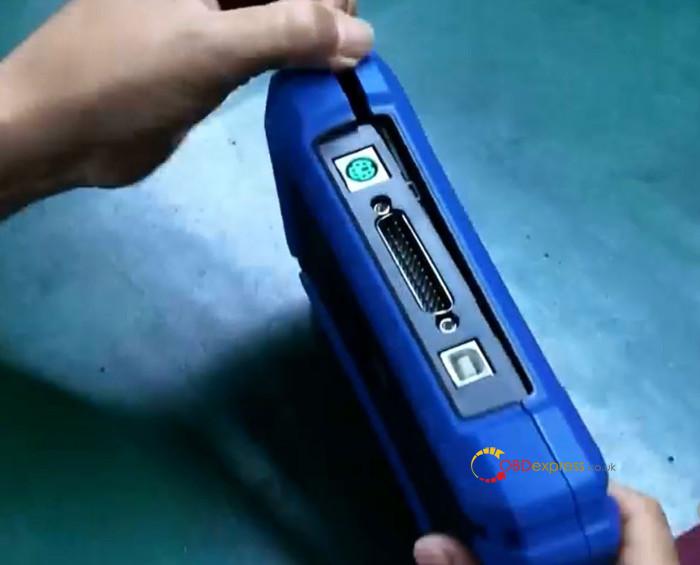
Open the Housing: Carefully pry the casing open at the seam and set the back cover aside.
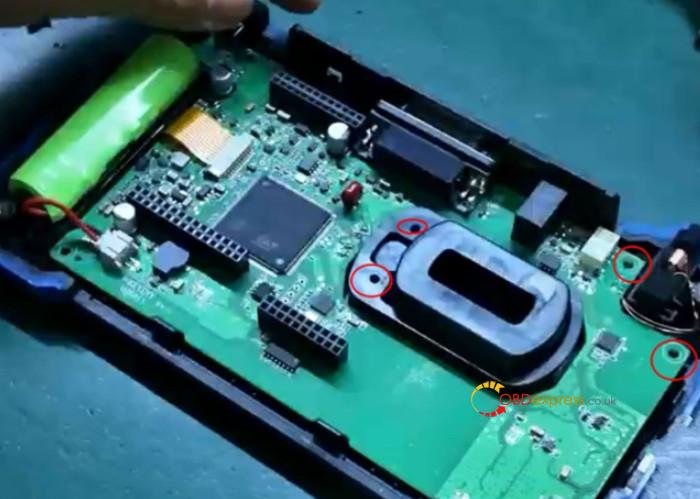
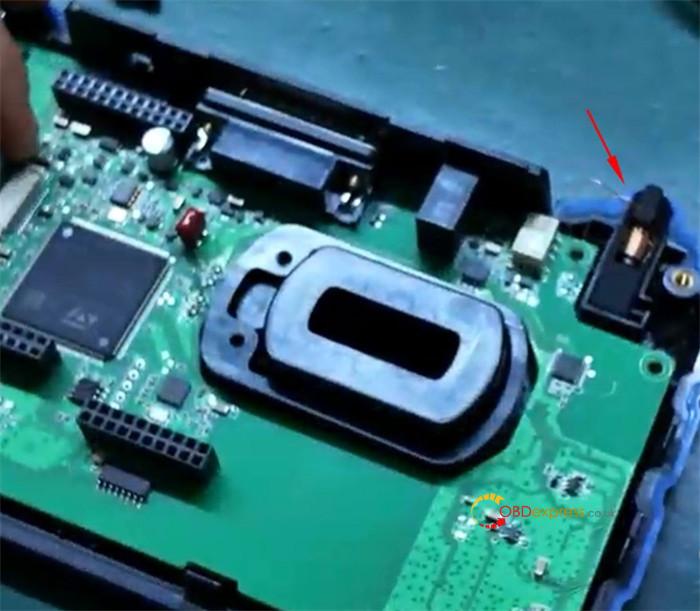
Clear the PCB: Remove the internal screws securing the circuit board.
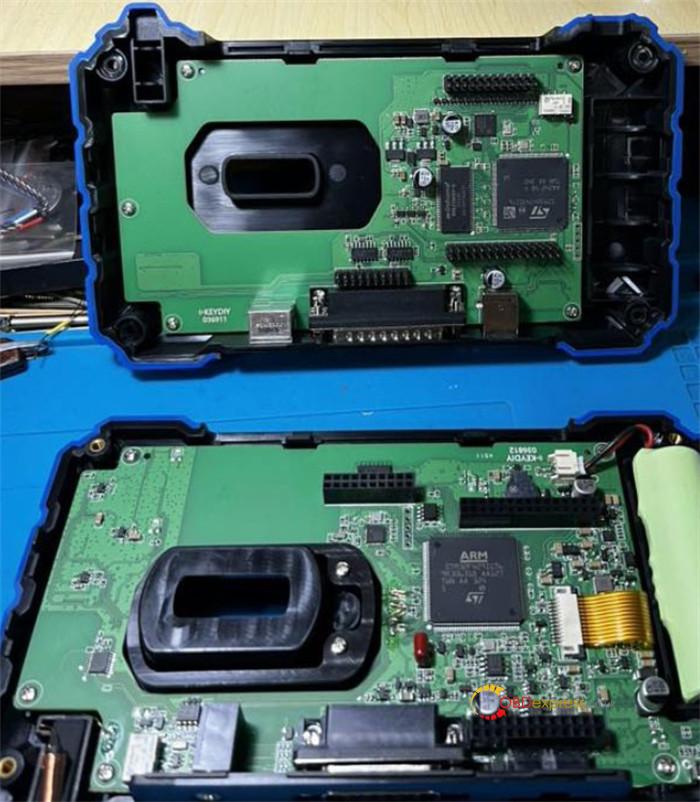
Gently lift the inductor and remove the induction coil to access the components beneath.
Step 2: Screen Removal & Replacement
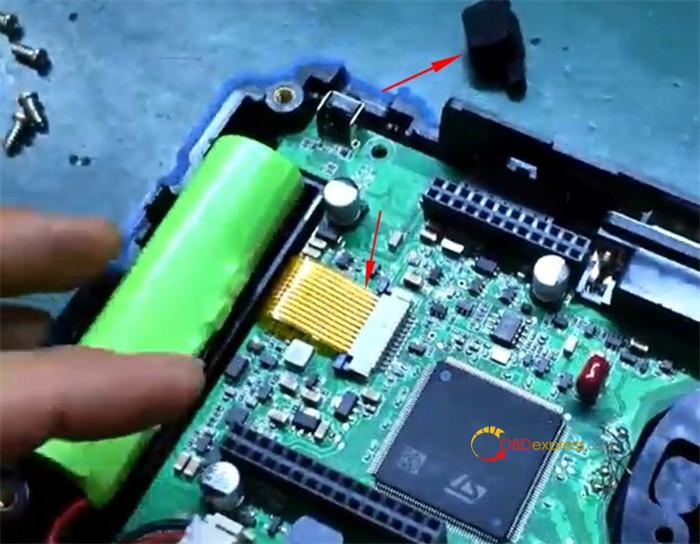
Disconnect the Display: Locate the gold ribbon cable. Release the locking latch and disconnect it from the board.
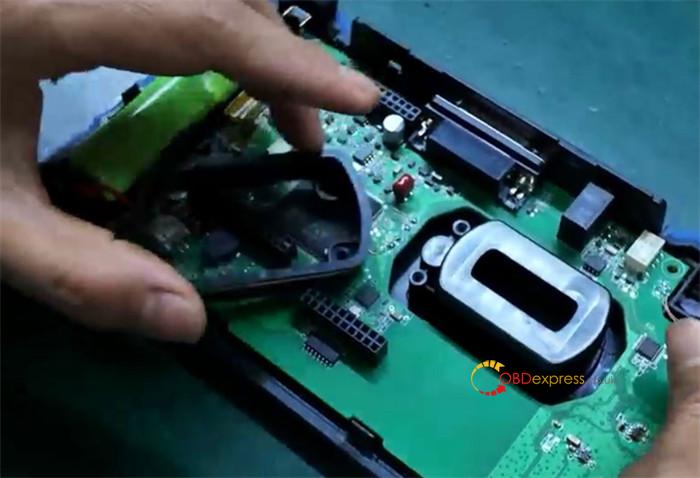
Swap the Hardware: Carefully lift the board to reveal the screen. Remove the old protective film, swap out the damaged screen for a new one, and reapply the film.
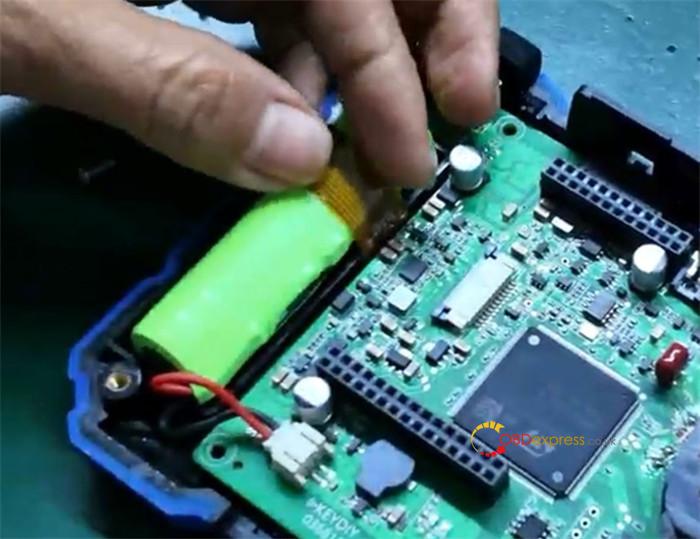
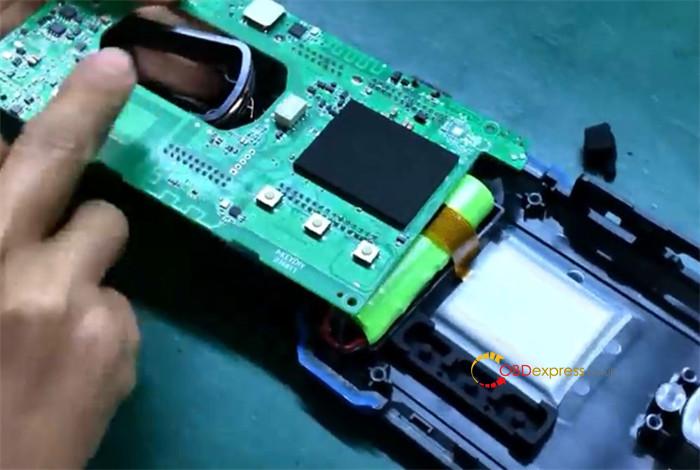
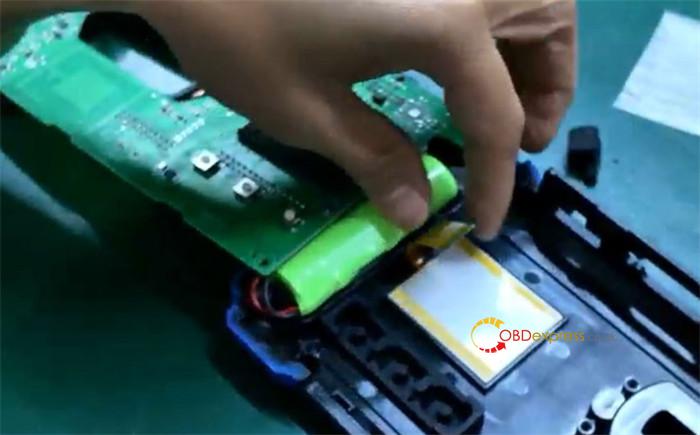
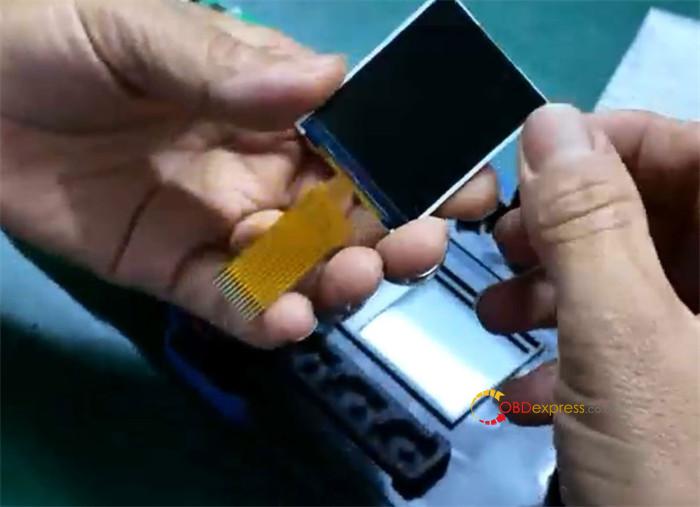
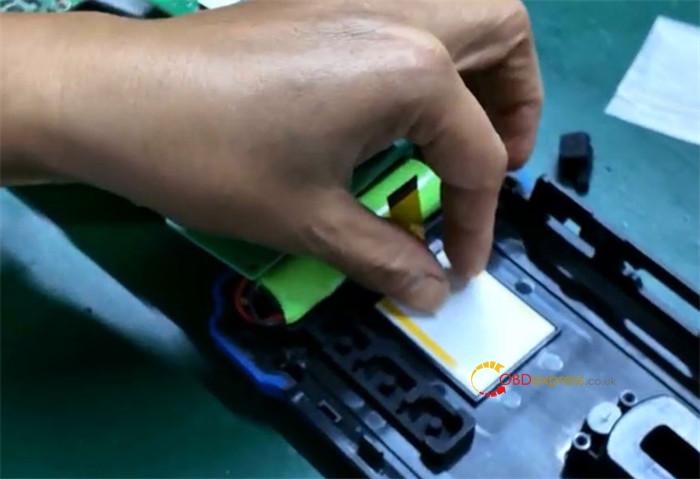
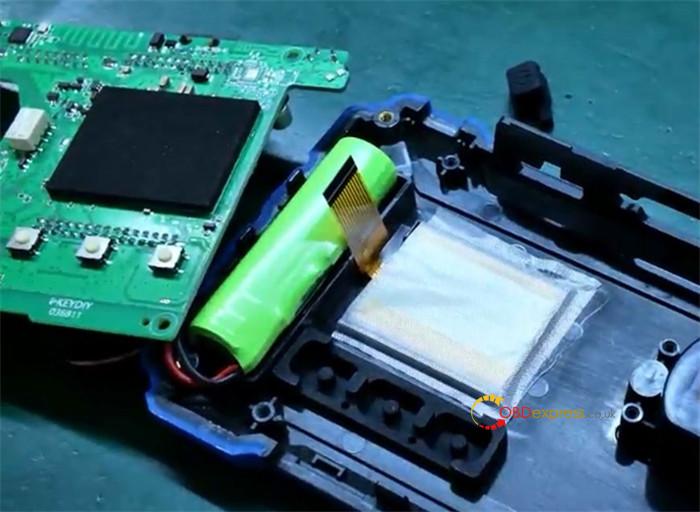
Secure the Cable: Slide the screen’s locking latch to the “open” position, insert the ribbon cable, and push the latch forward until the solder pads are fully covered and the connection is secure.
Step 3: Reassembly & Testing
Component Reset: Place the power button, inductor, and coil back into their original positions.
Functional Test: Before final sealing, power the device on to verify the screen lights up.
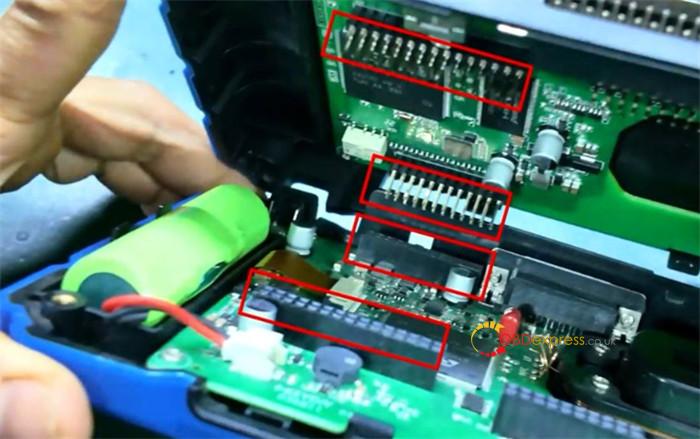
Final Seal: Power the unit back off. Align the housing halves carefully and press firmly until they snap together. Replace the exterior screws and perform a final power-on test.
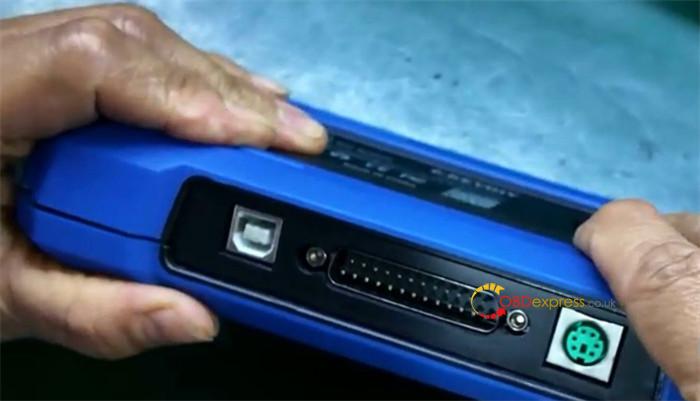
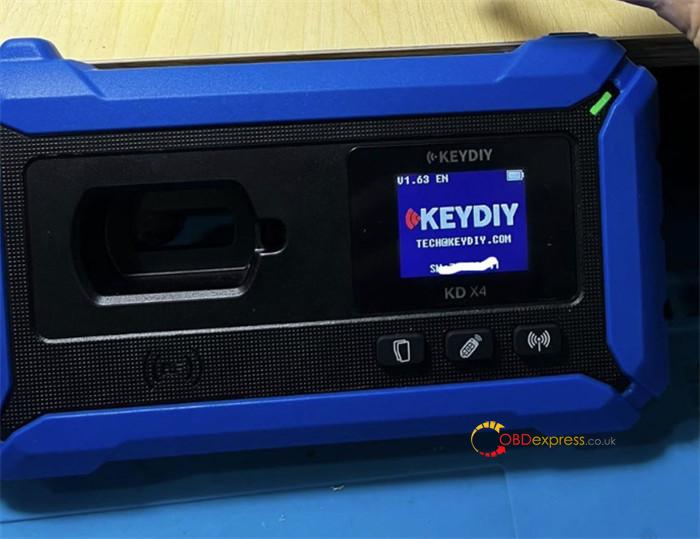
That’s the whole process to replace damaged screen for KEYDIY KD-X4.
