




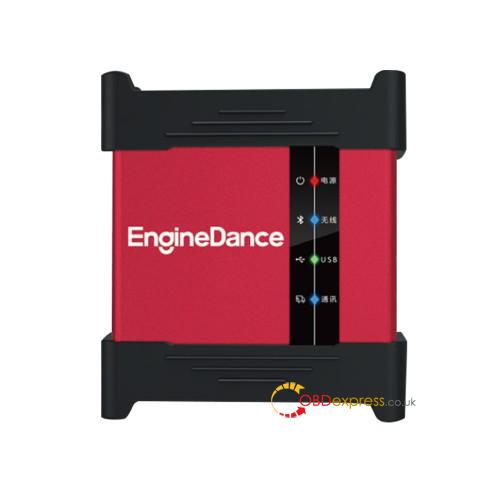
The EngineDance ABS-EBS Specialized Diagnostic Scanner user guide provides essential instructions for the initial setup, including software installation, Bluetooth pairing, device registration, activation, and system updates. This professional tool is designed for the efficient diagnosis of automotive systems such as ABS-EBS brakes, ECAS air suspension, and ADAS radar.
- Powering the Device
- Connect the EngineDance EBS Scanner main unit to a power source to trigger an automatic startup.
- The power indicator light will turn solid red.
- The Bluetooth communication light will begin flashing blue, indicating the device is ready for pairing.
- Software Installation & Bluetooth Pairing
The setup process depends on your specific product configuration:
- Built-in Tablet Version: The software is pre-installed and pre-paired with the diagnostic host. You may skip directly to Section 3.
- Laptop/PC Version:
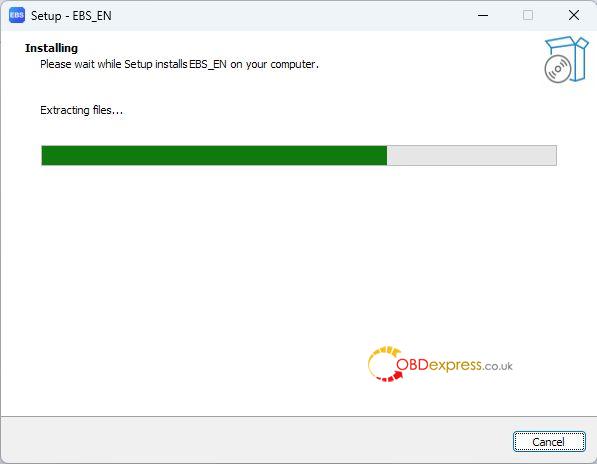
- Locate the software package on your Windows computer and double-click to install.
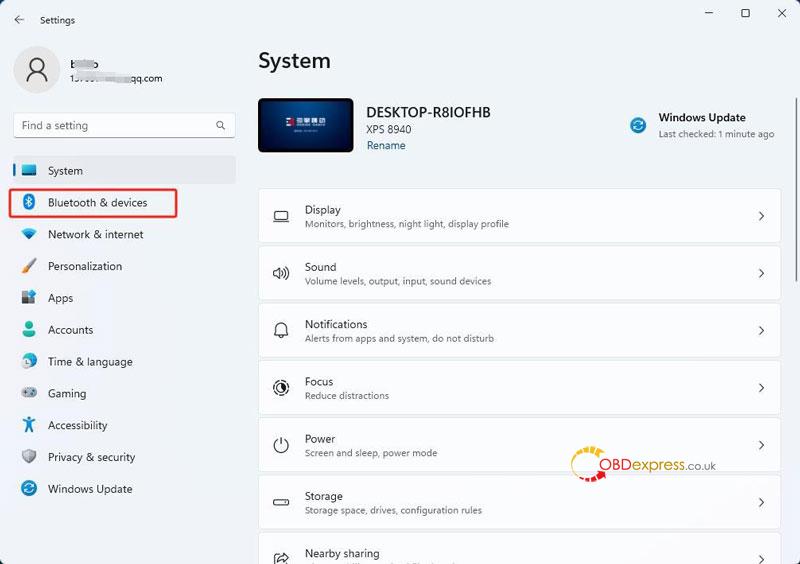
- Open Windows Settings > Add Bluetooth or other devices.
- Select the device named “ED_ *************** SPP” from the list to pair.
- A prompt saying “Your device is ready” confirms a successful connection.
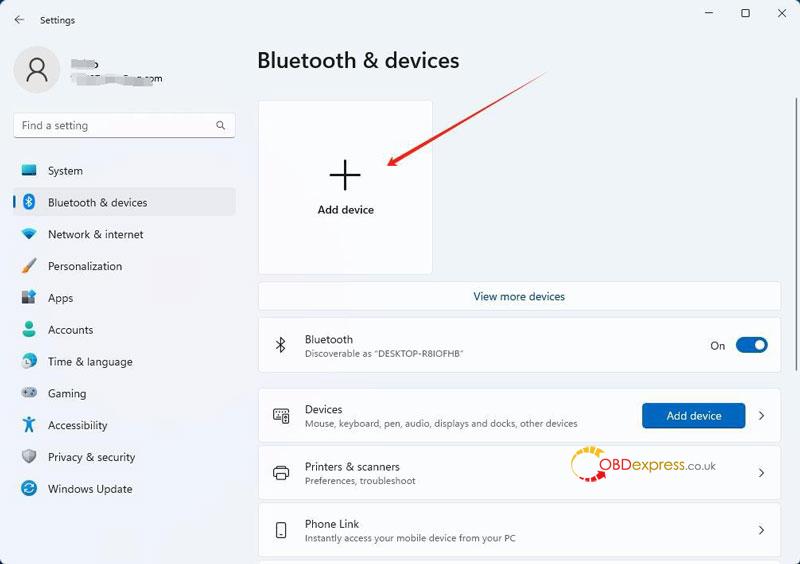
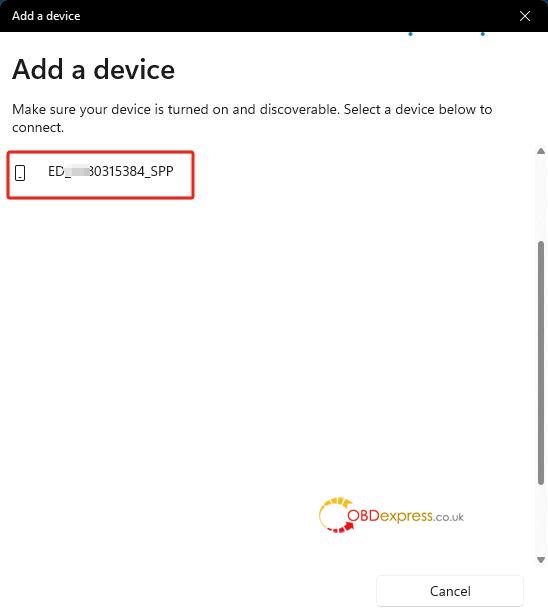
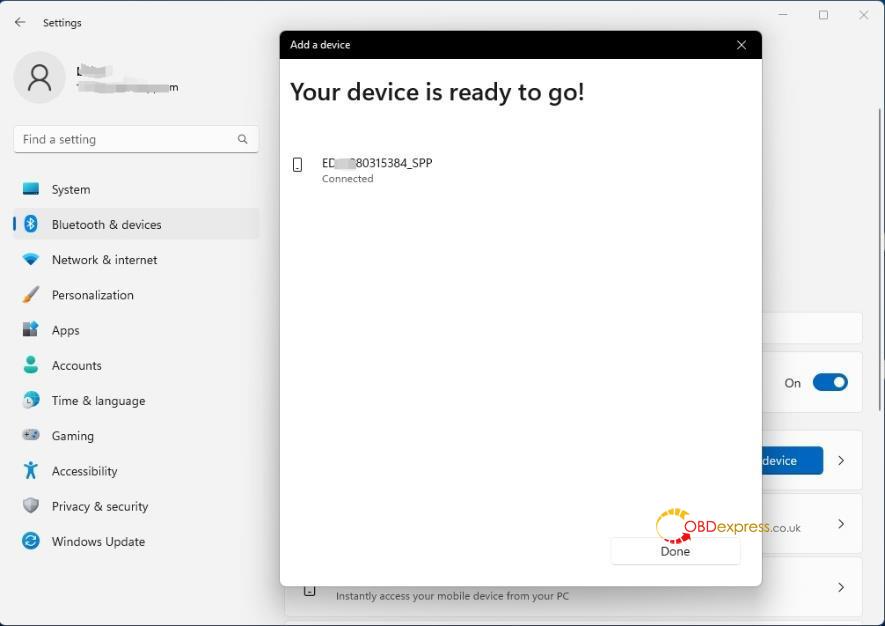
- Registration and Activation
Registration is required during the first launch to enable full diagnostic features:
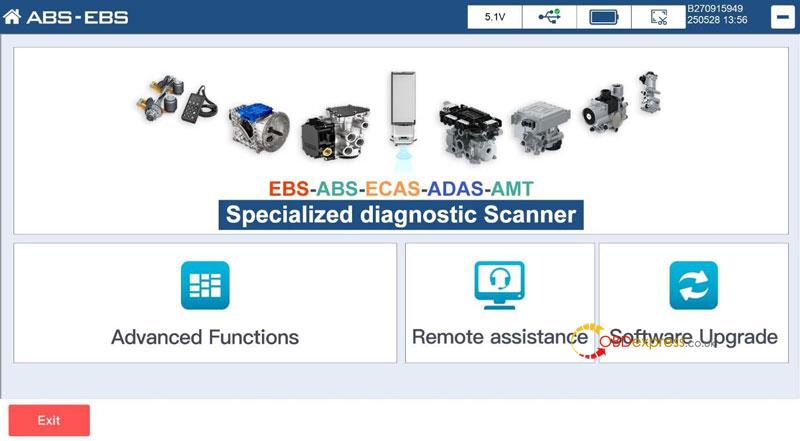
- Launch: Open the diagnostic software icon on your desktop.
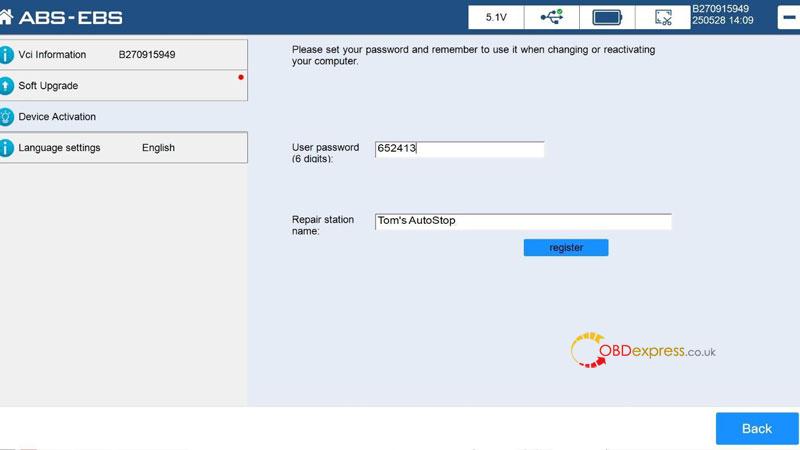
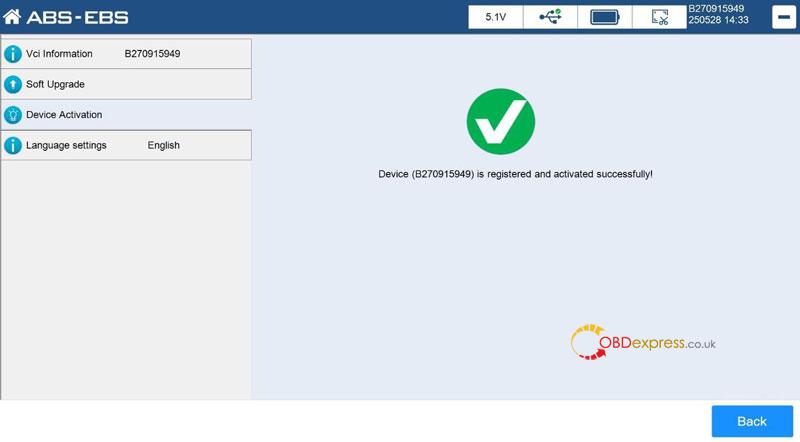
- Access Activation: Click “Software Update” on the homepage and select “Activate”.
- Register: Set a 6-digit password, enter your Repair Station Name, and click “Register”.
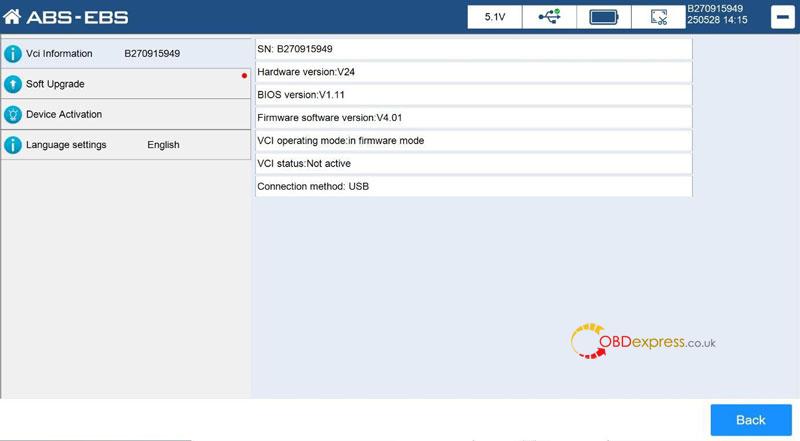
- Finalize: Close and restart the software to complete the process. You can verify the “activated” status under “VCI Information”.
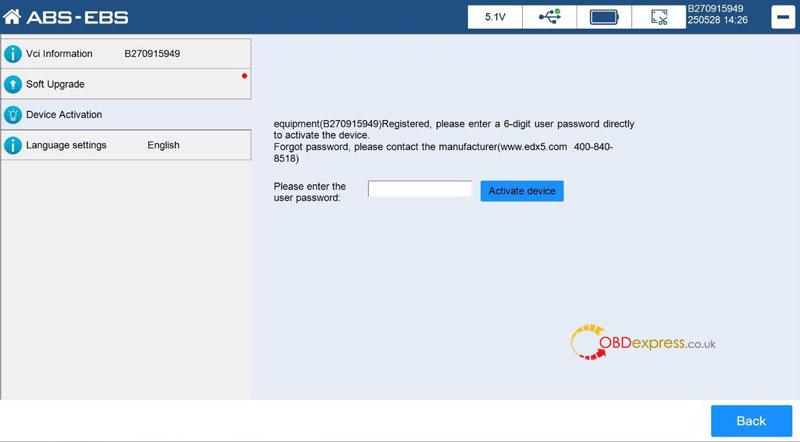
- Note: If you switch to a different laptop later, simply use your original 6-digit password on the activation page to reactivate the unit.

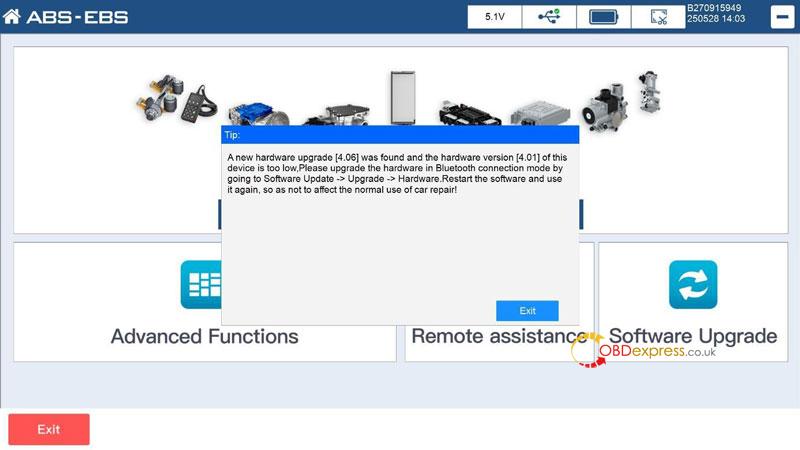
- Simple Software Upgrades
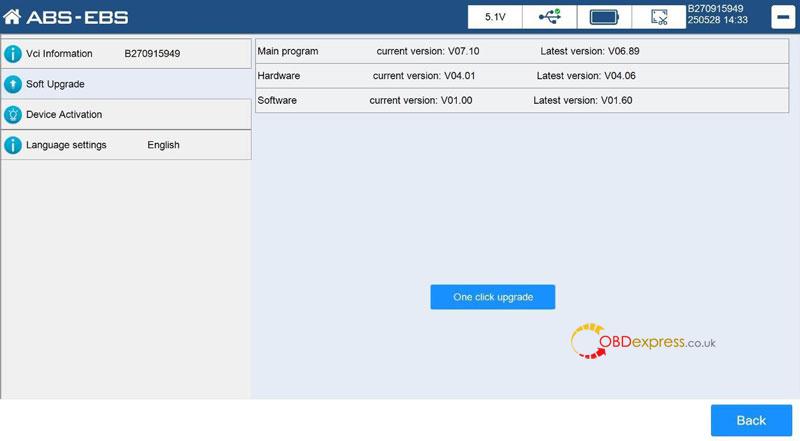
- To keep your scanner up to date, navigate to Software Update > Upgrade.
- When a new version of “Fault Detection Data” is available, click the “One-click Upgrade” button to update automatically.
Read also
EngineDance X5 Diag vs X5 vs X5 Box vs EBS Scanner Compared
(Visited 239 times, 1 visits today)
