




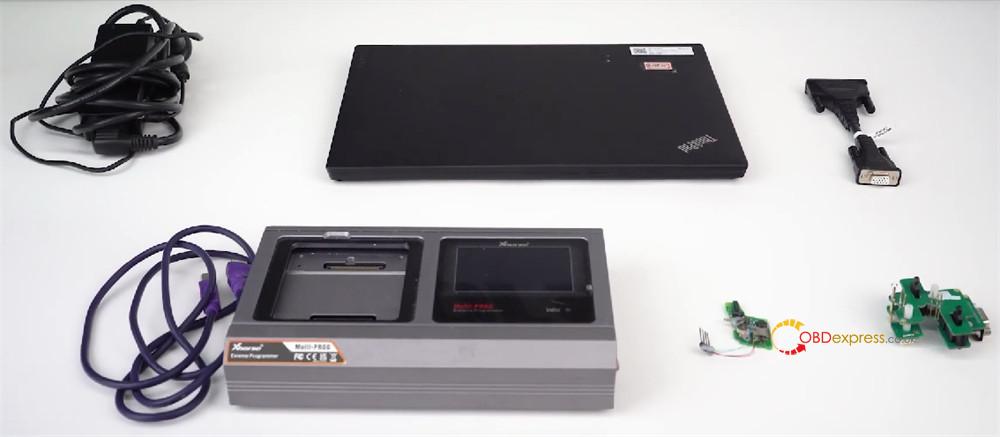
Today, we’re going to show you how to use Xhorse Multi-Prog to read VW 5C 5D key data and generate a brand new dealer key. Both original keys and VVDI keys are supported, but we’ll be using an original key for this walkthrough.
Two super flexible methods are available: a traditional soldering connection or a handy solder-free adapter. Let’s dive in.
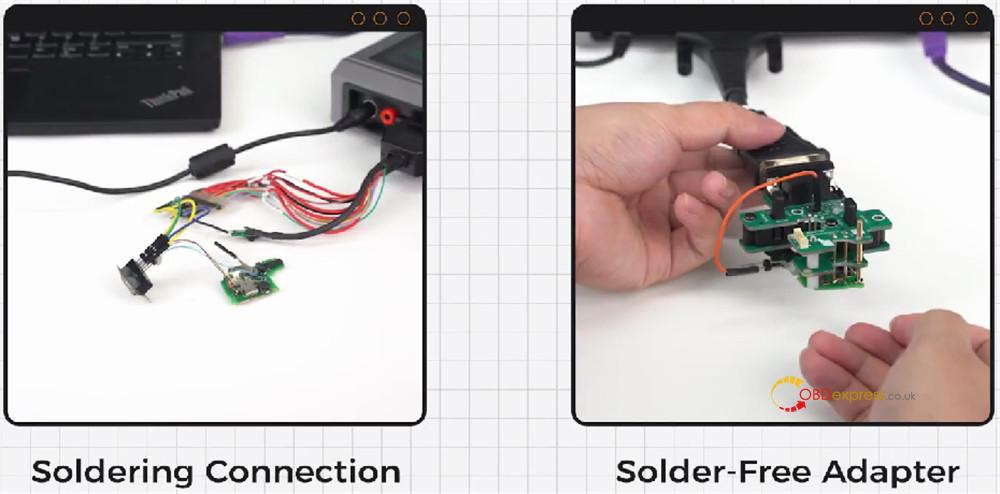
Method 1 –using the Soldering Route
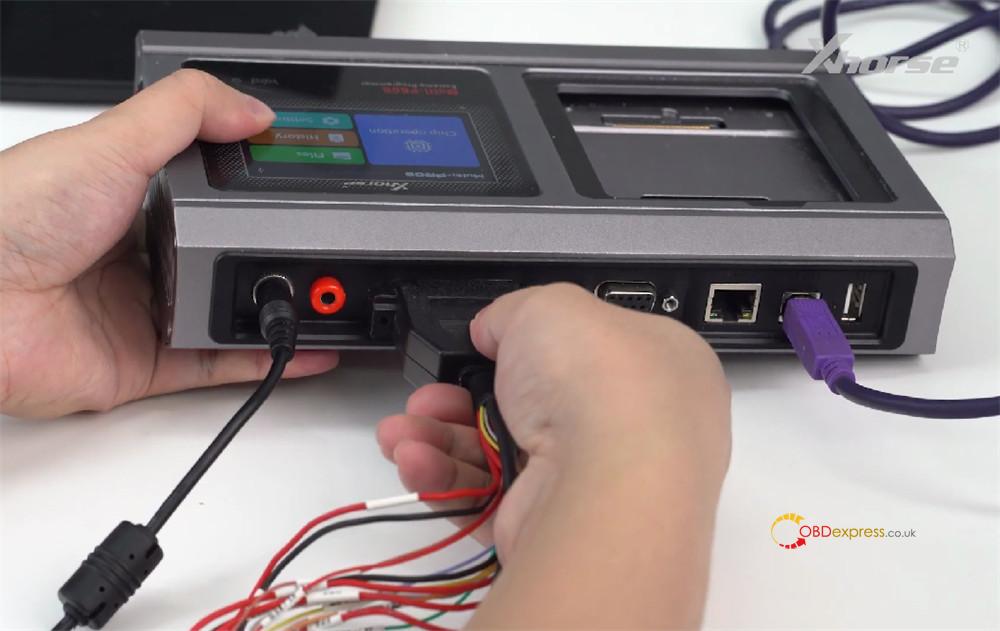
Plug your Multi-Prog programmer into your computer
Click on [Device] and look for [VW 5C Smart Model].
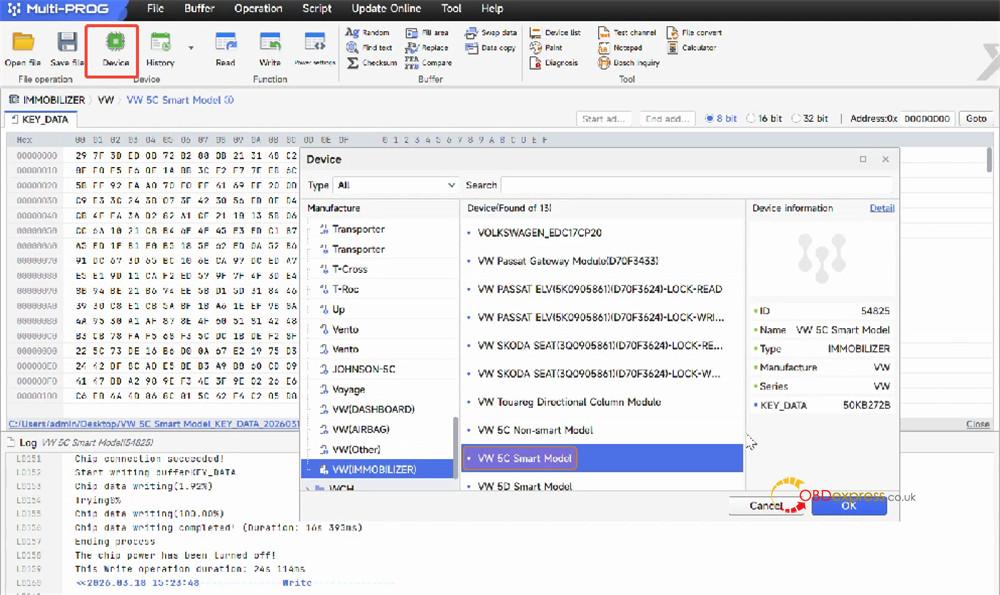
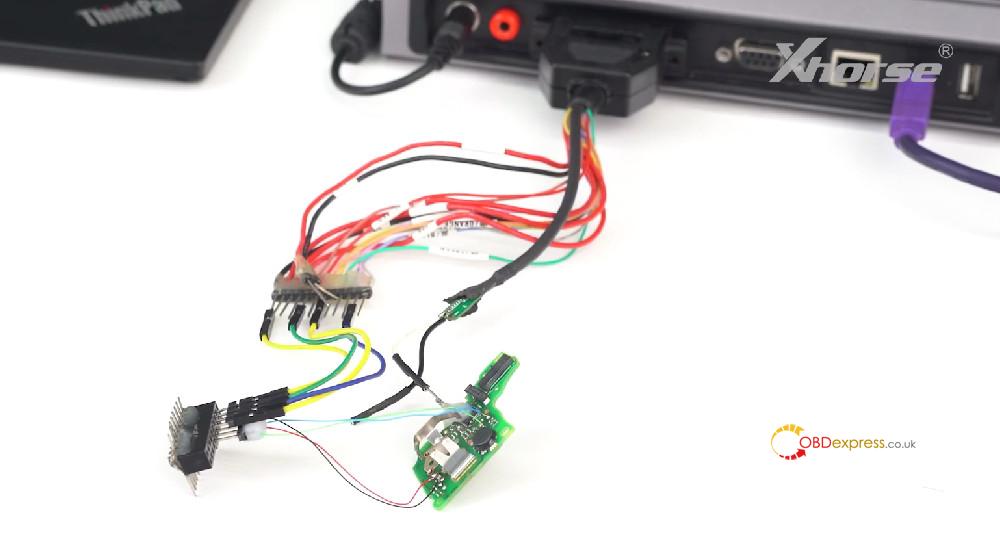
Follow the connection diagram to connect device
Solder the original key to the MCU cable as shown in the diagram.
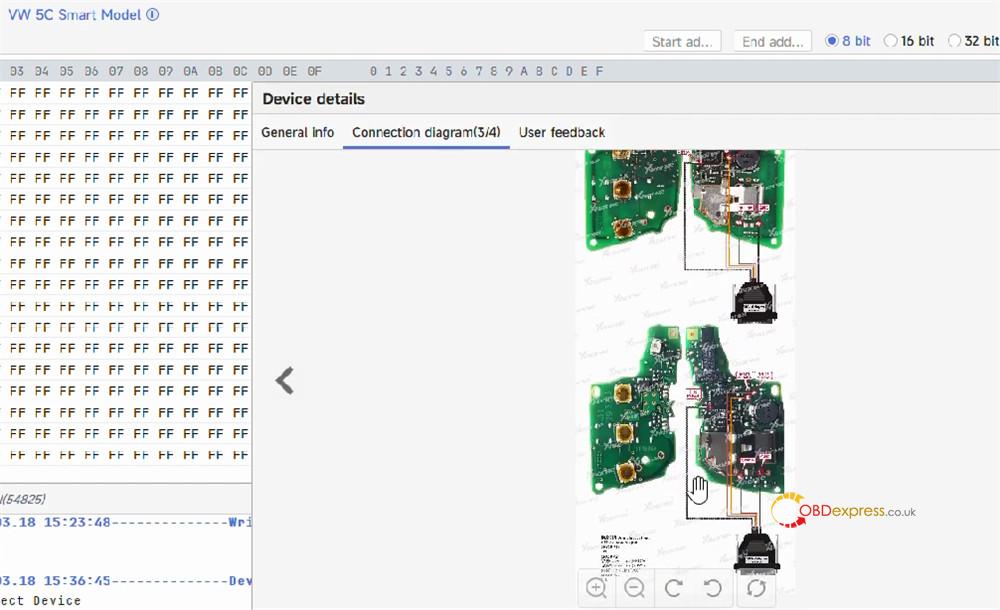
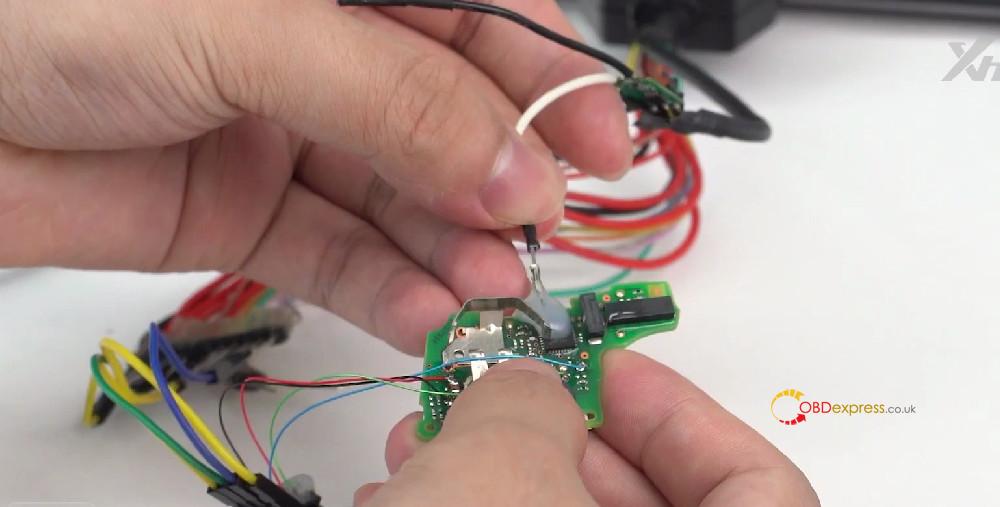
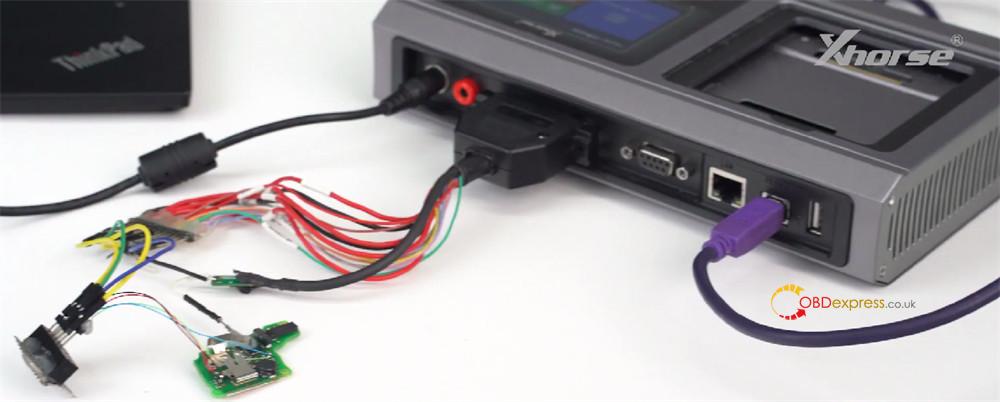
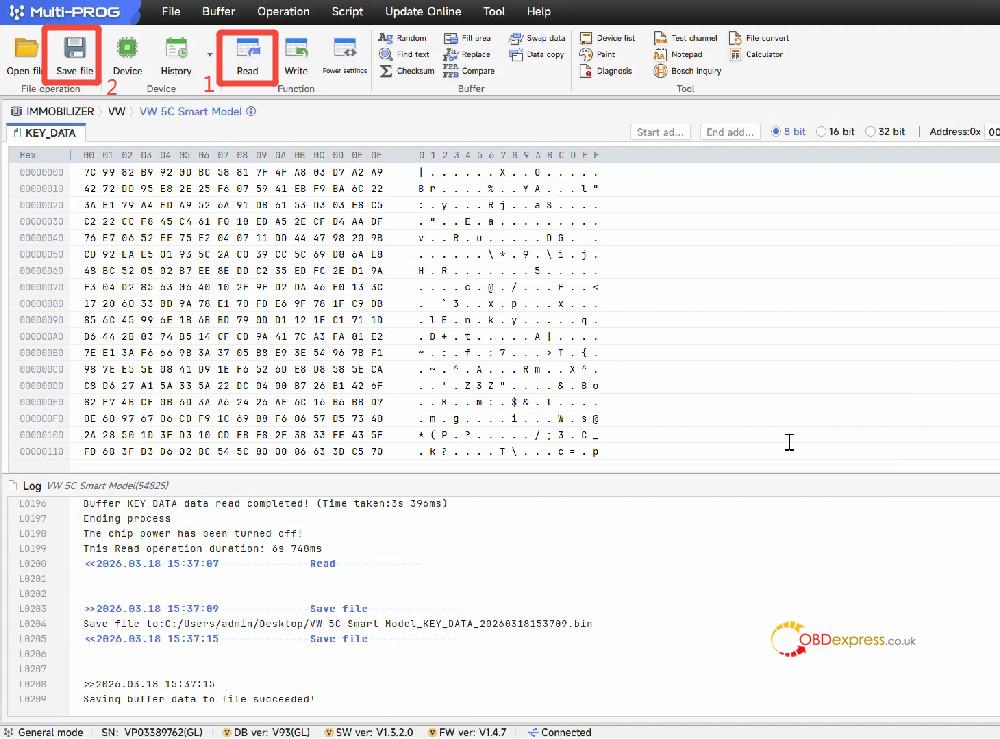
Once everything’s connected, hit [Read] to pull the data from the original key.
When the read is successful, click [Save File] and save that data to your computer.
Now remove the original key and solder your new original key (the one you want to turn into a dealer key) onto the same points on the harness.
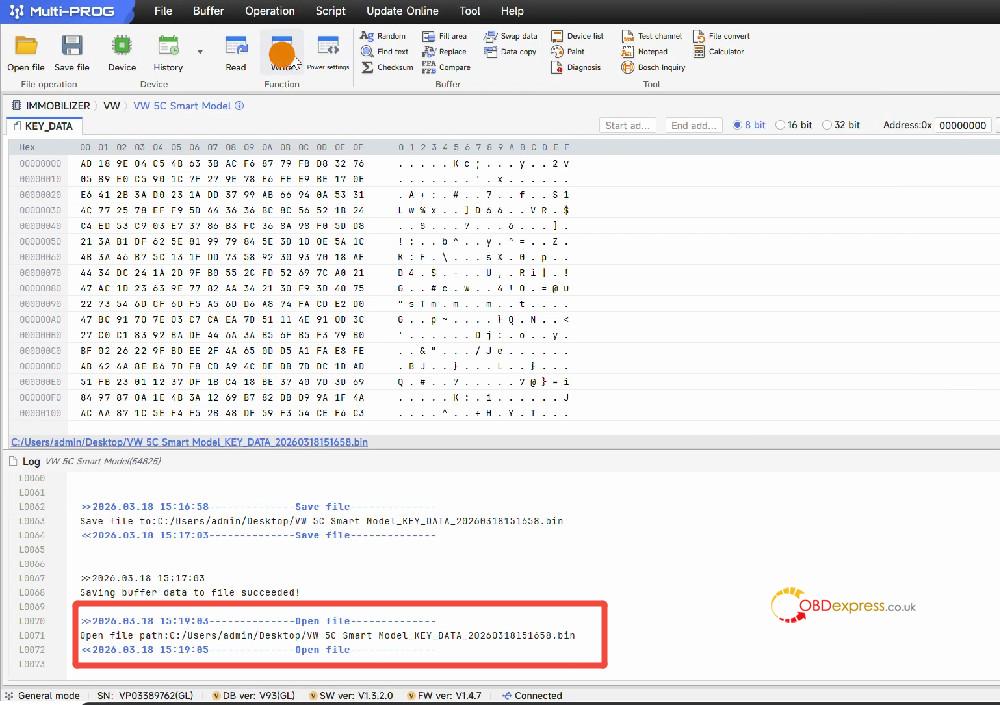
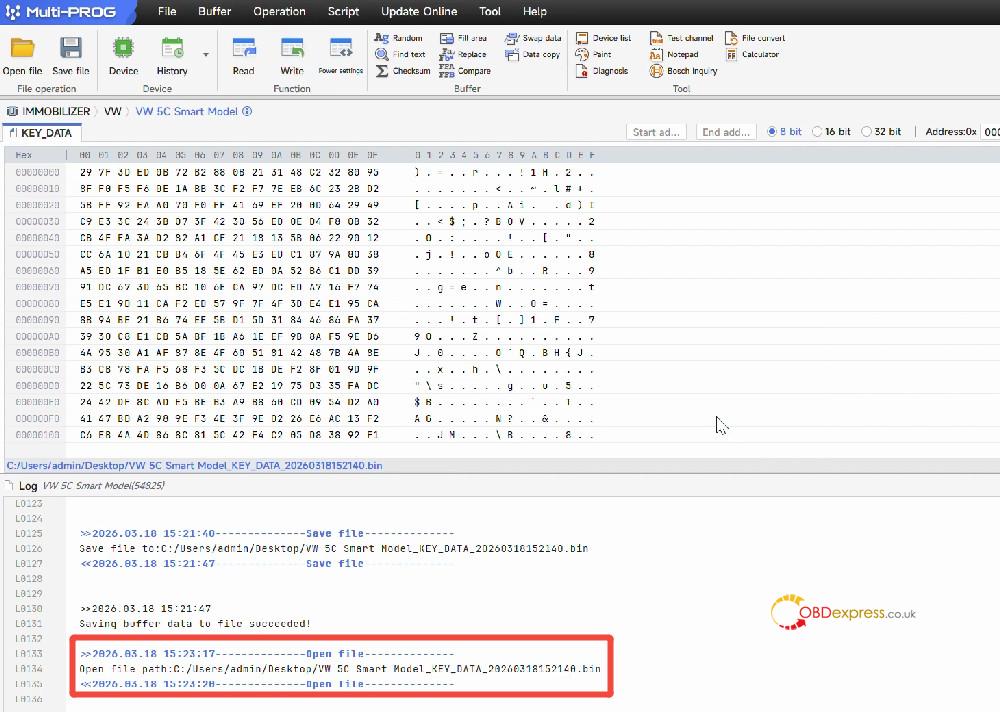
Click [Open File] and load the data file you saved earlier.
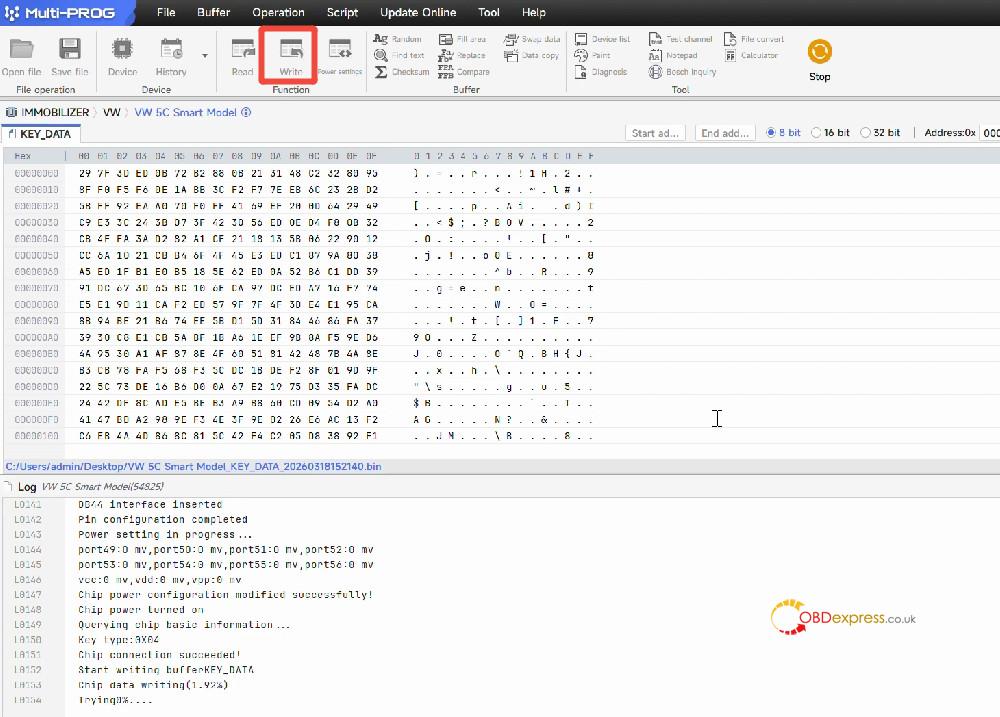
Click [Write].
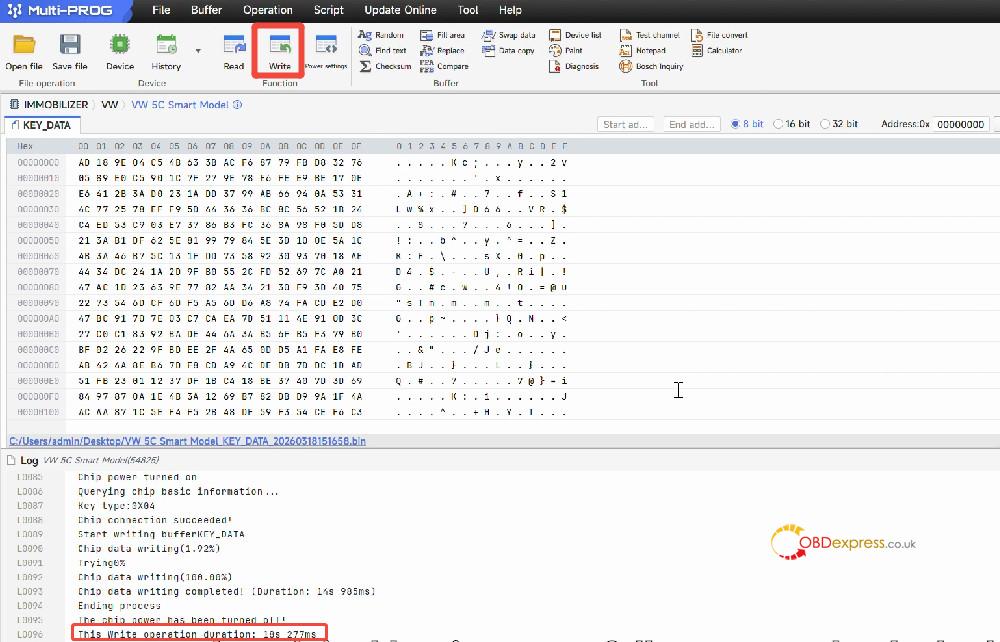
That’s it! Your new key is now a fully functional dealer key.
Method 2 – using Solder-Free Adapter
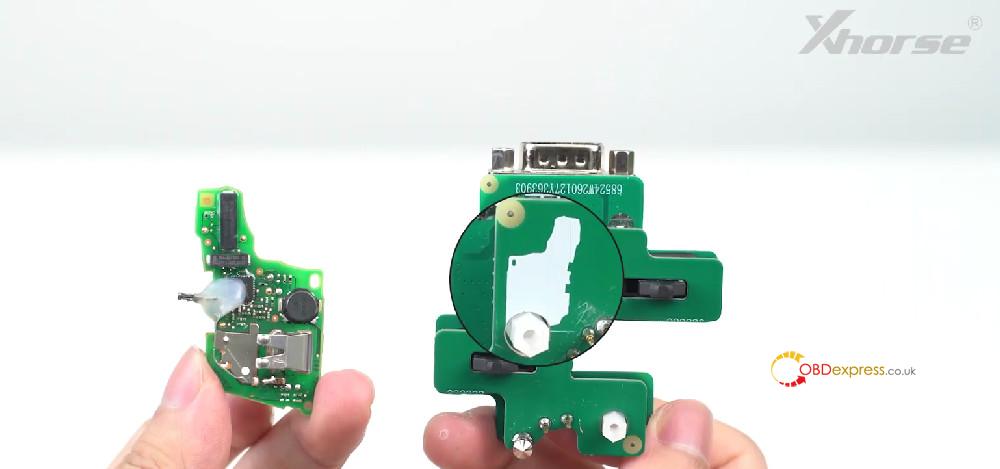
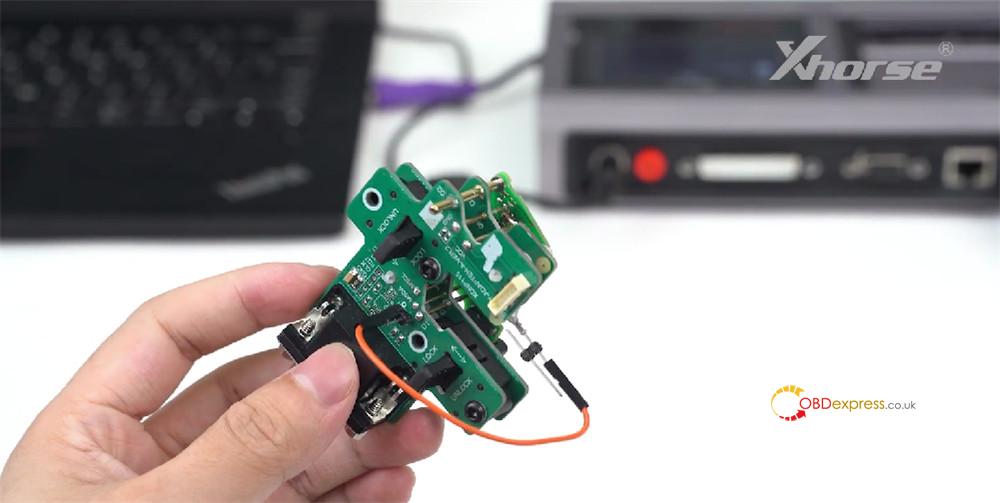
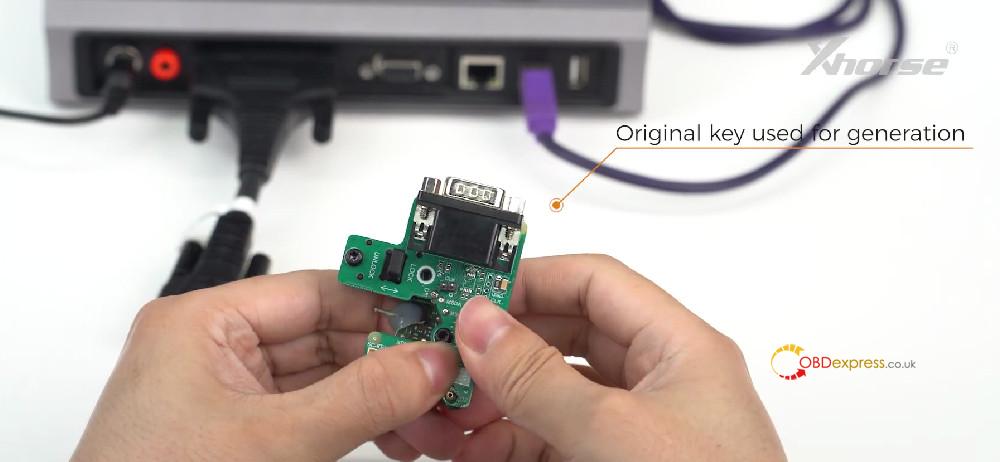
Clamp the original key onto Xhorse MQB 5C 5D solder-free adapter.
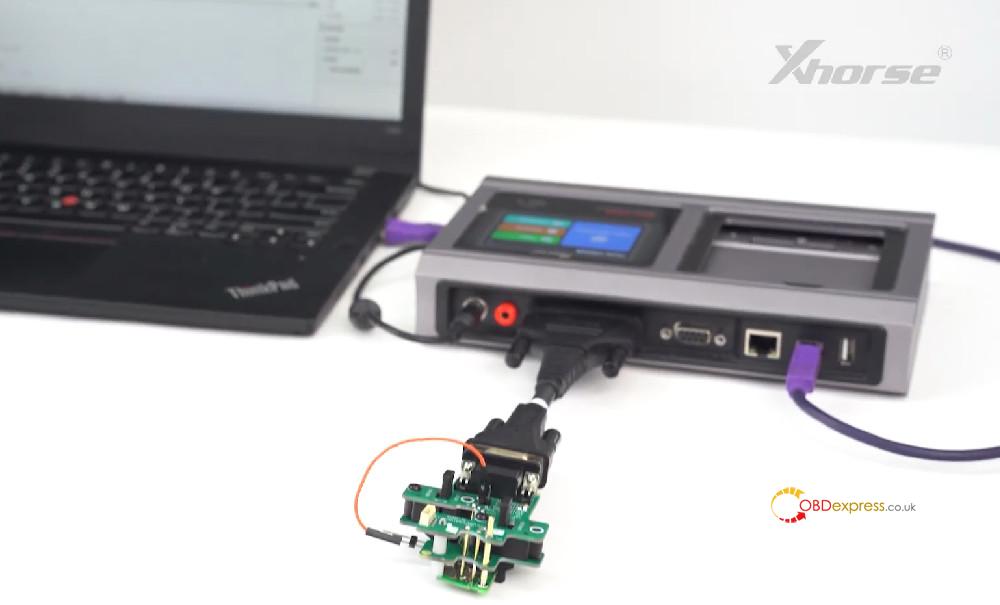
Connect the MCU cable to your Multi-Prog ECU Programmer
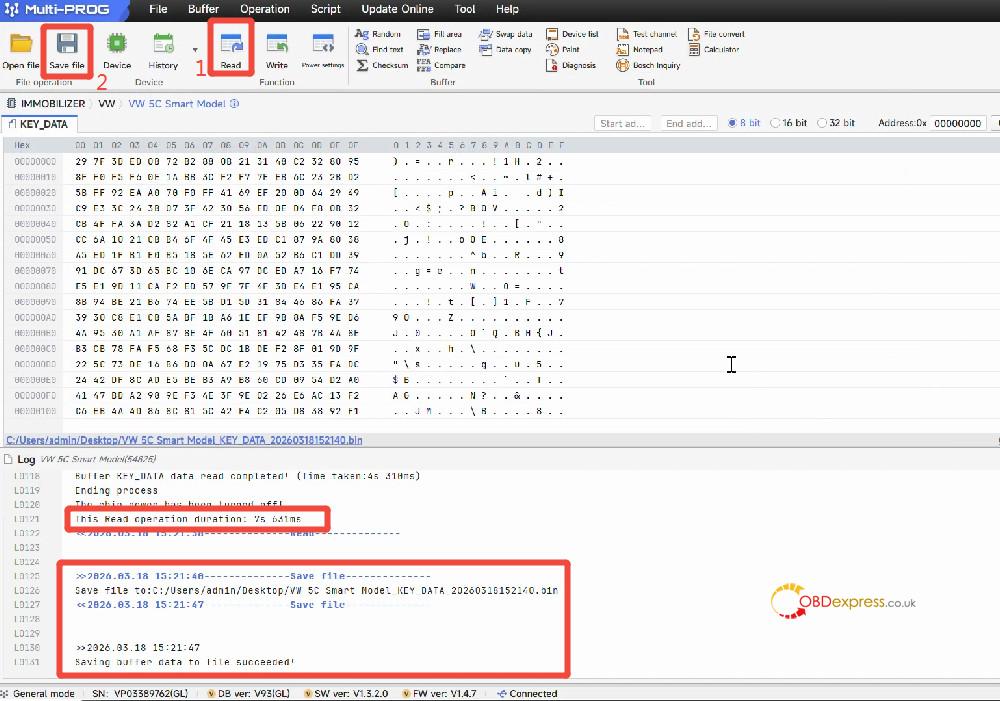
Click [Read].
Once the read is done, click [Save File] to store the data on your computer.
Remove the original key from the adapter.
Clamp your new original key onto the adapter.
Click [Open File] and load the saved data file.
Click [Write].
After the write finishes, congratulations – your new key is now a dealer key.
What to Do Finally?
Now that you’ve got your dealer key ready, it’s time to head to the vehicle for key learning. For this step, make sure you have one of these tools on hand:
