




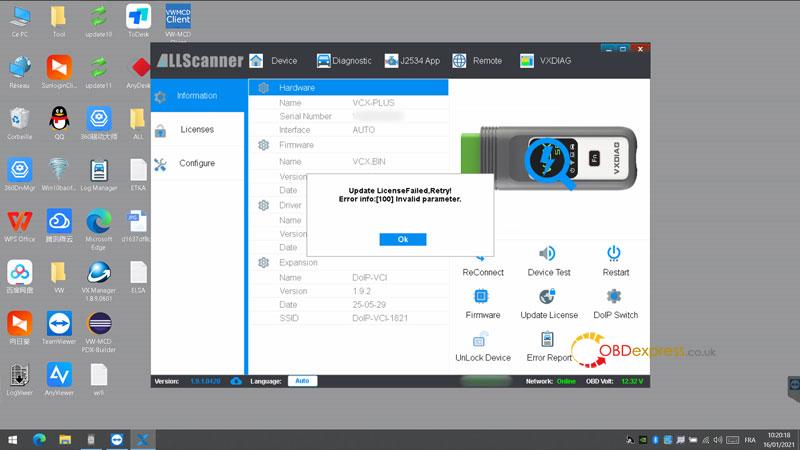
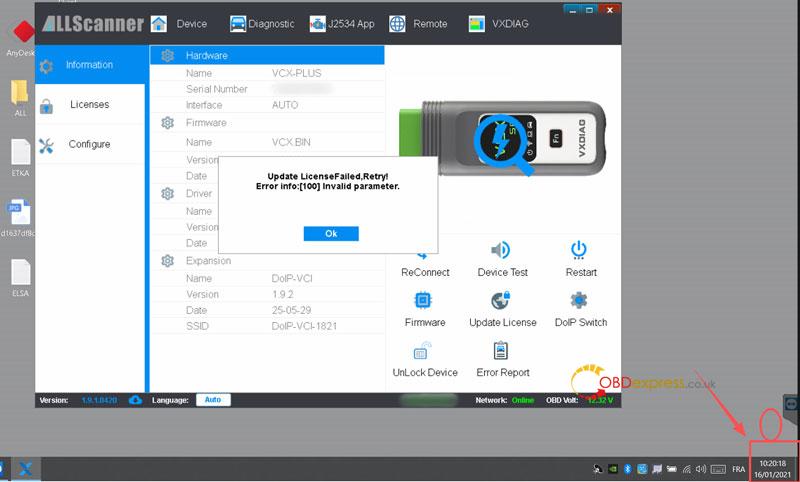
Problem: The VXDIAG VCX SE displays “Update License Failed, Retry! Error info:[100] Invalid parameter” when using the Update License function. Updating the firmware or powering off the device does not fix the error. Check whether the computer’s system date and time are correct before running Update License again.
Technical Explanation
Error code 100 indicates that the computer’s system date and time are incorrect.
Solution
- Verify the system date and time on the computer connected to the VXDIAG.
- If the date or time is incorrect, update it to the current correct value.
- Run the Update License function again.
Final Result
The error message no longer appears, and the issue is resolved.
(Visited 102 times, 1 visits today)
