





Learn how to program an OEM smart key for a 2024 Toyota Corolla equipped with a 4A chip using Lonsdor K518 Pro with LT32 smart key.
Required Equipment
- Lonsdor K518 Pro Key Programmer
- Lonsdor LT30 / LT32 Series Smart Key (LT32-01/LT32-02/LT32-03)
- Lonsdor FP30 Cable
- Working OEM Smart Key & Unprogrammed OEM Smart Key
Step 1: Identify Key Chip Type
- Insert the original key into K518 Pro card slot.
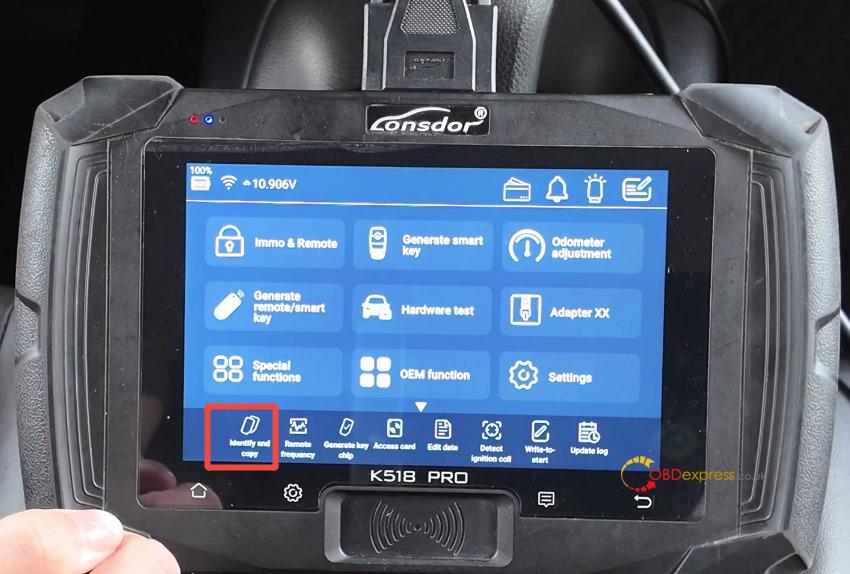
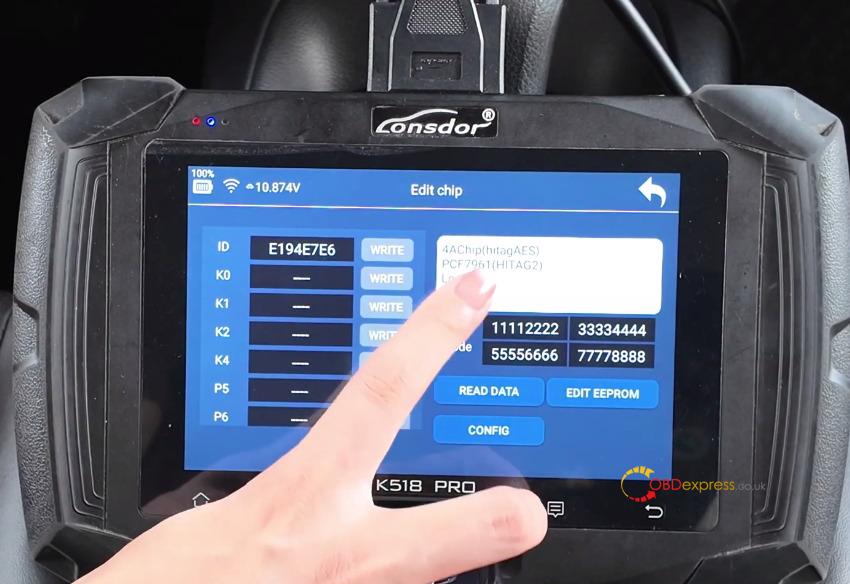
- Select Identify and copy to verify the chip type (4A Chip)
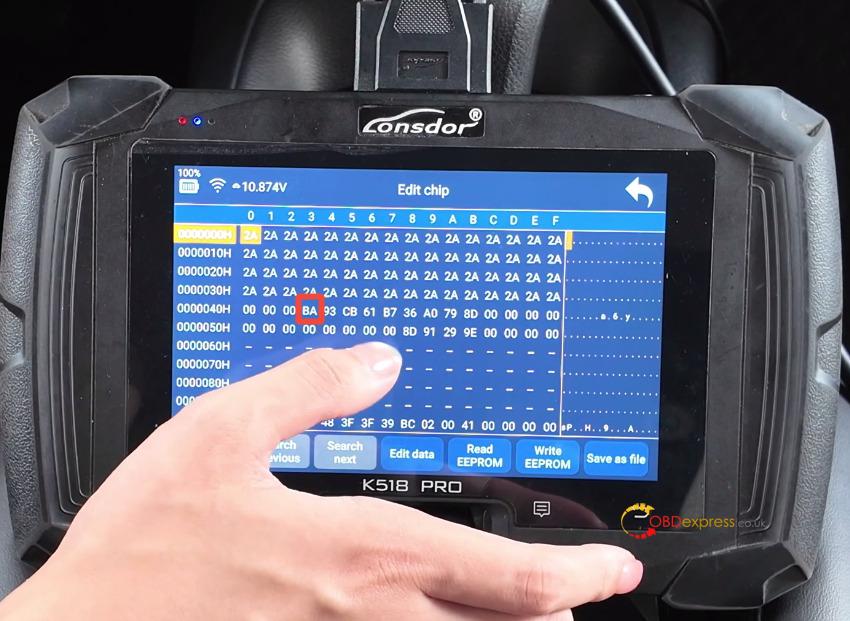
- Click EDIT EEPROM to verify the 40H line is displayed as BA type
Step 2: Generate the LT32 Smart Key
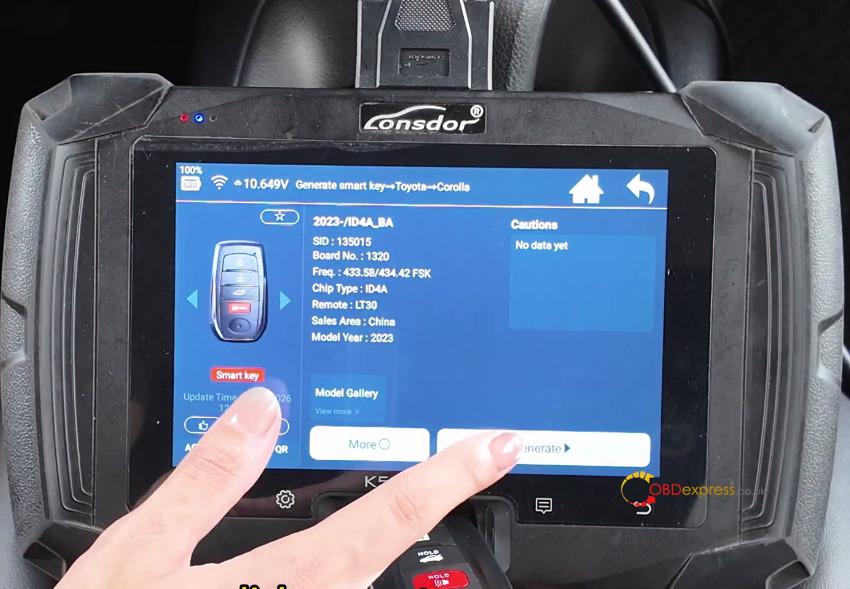
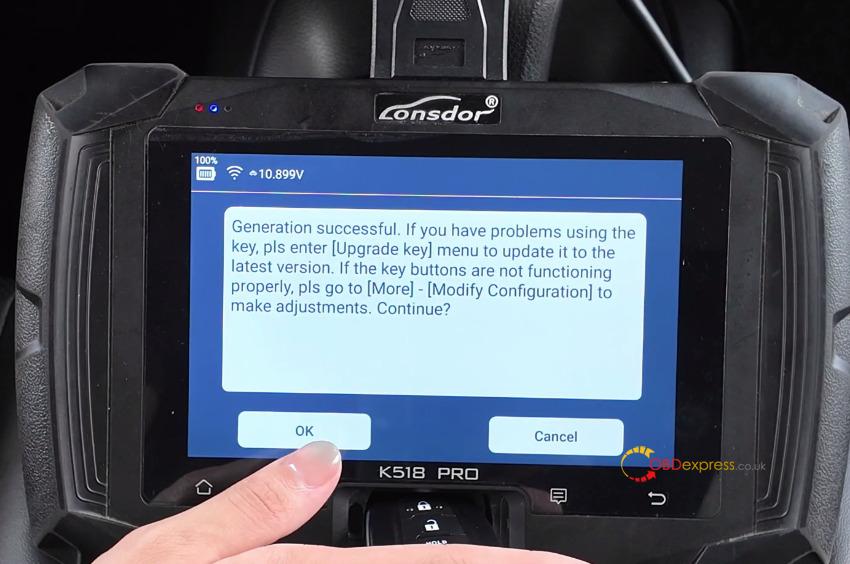
- Select Generate smart key> Toyota > Corolla > 2023-/ID4A_BA
- Place Lonsdor LT32 smart key into the card slot and click Generate.
Step 3: Unlock and Prepare the OEM Key
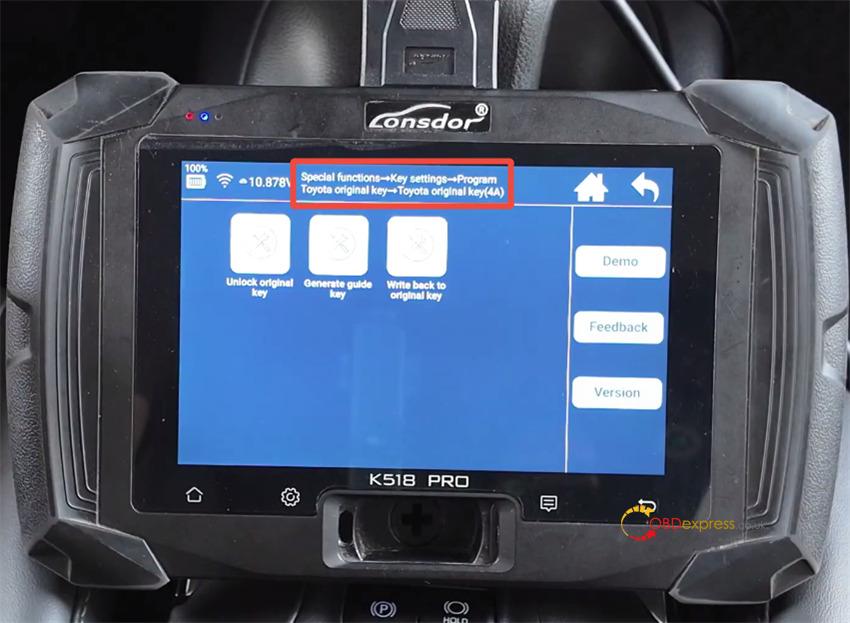
- Navigate to Special Functions > Key Settings > Program Toyota original key > Toyota original key (4A)
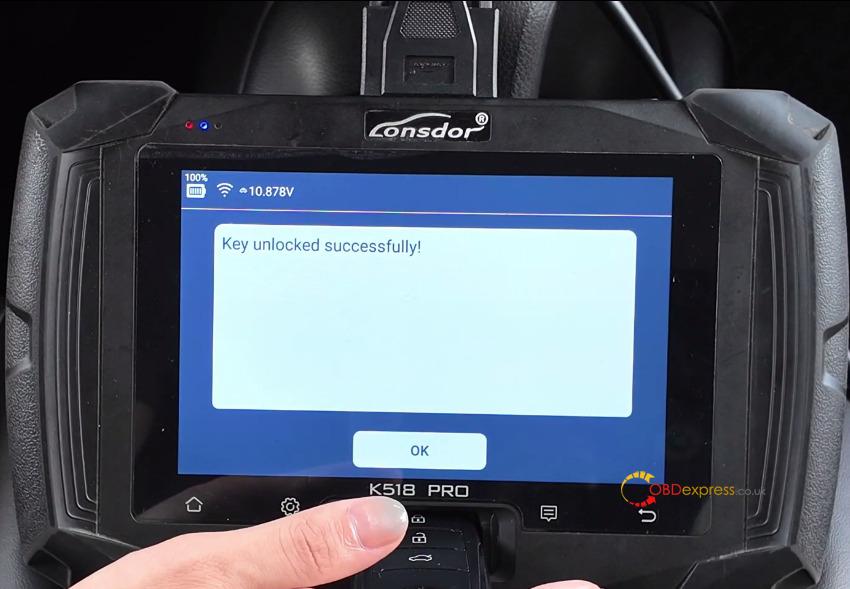
- Select Unlock original key and place the locked OEM key in the slot to unlock it.
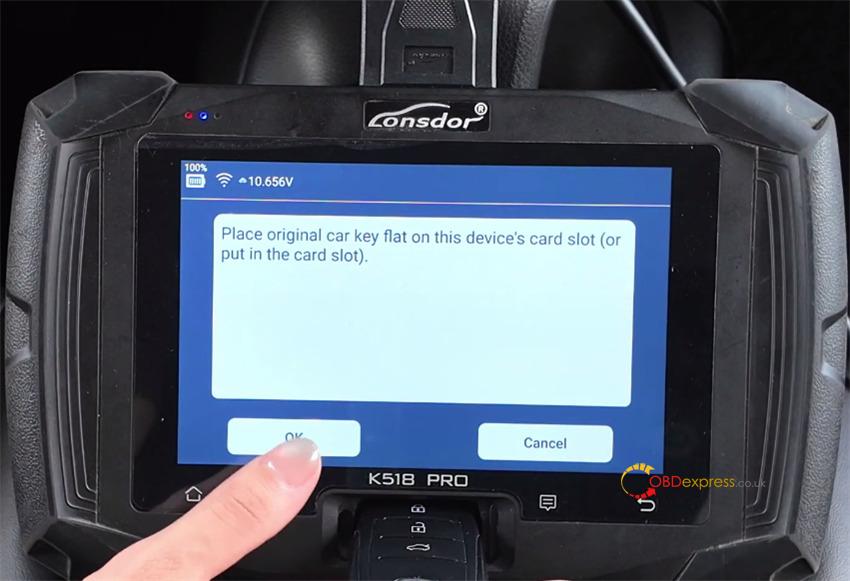
- Select Generate Guide Key. Place the unlocked OEM key in the slot, then place LT32 key in the slot of K518 Pro key programmer when prompted to complete generation.
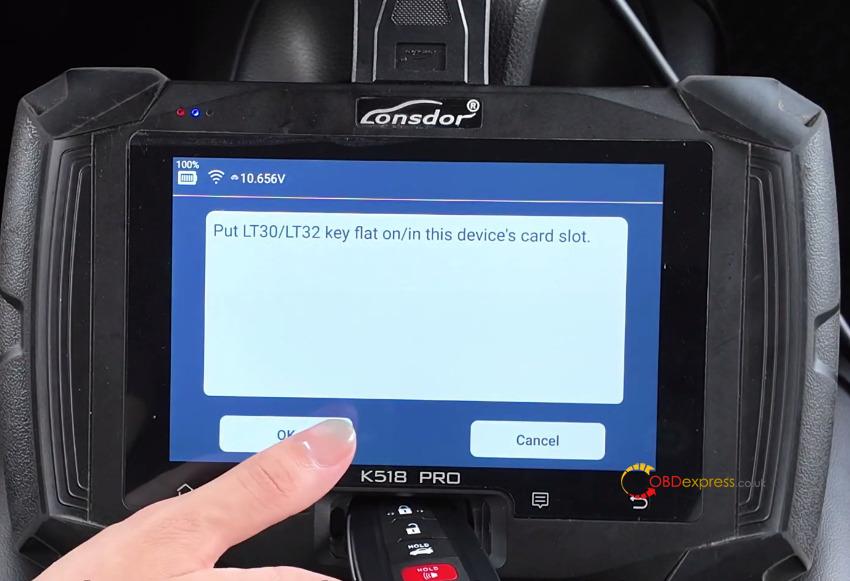
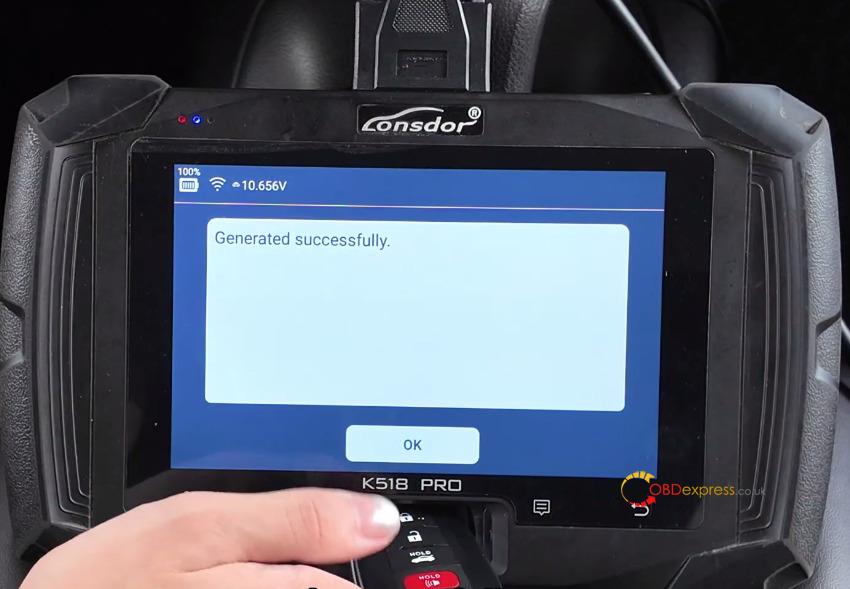
Step 4: Backup IMMO PEPS Data (FP30 Cable)
- Locate and unplug the vehicle’s smart box.
- Connect TOYOTA FP30 cable inline between the smart box and the vehicle wiring plug, then attach the OBD connector.
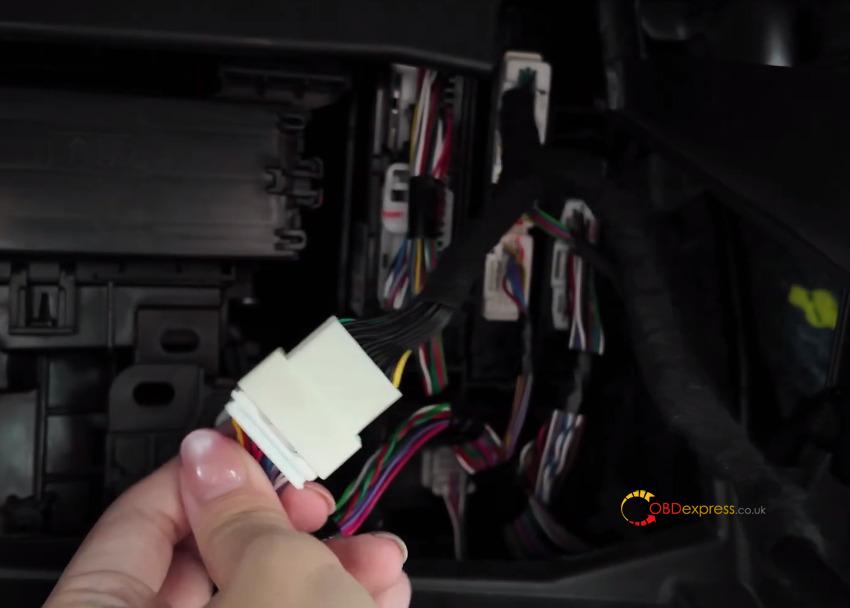
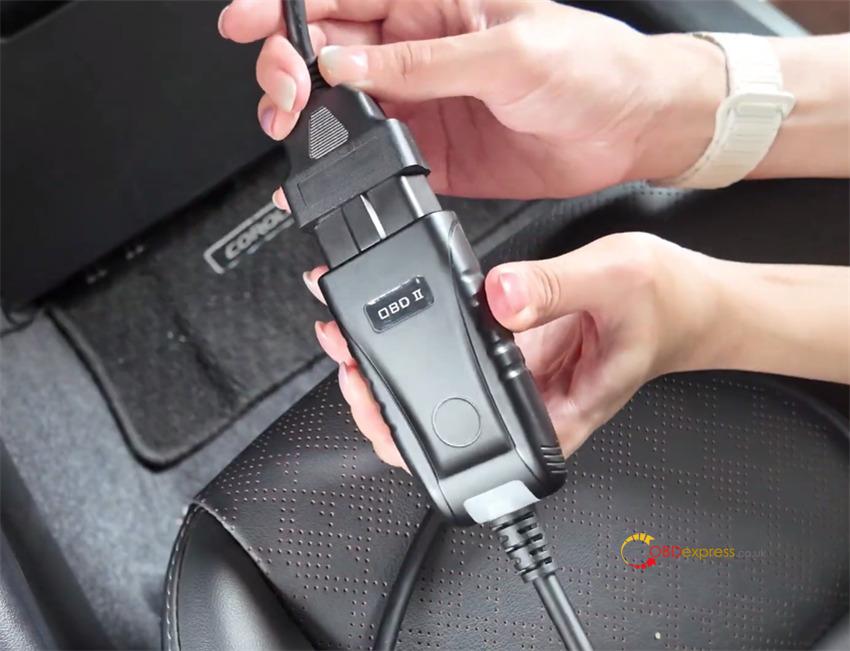
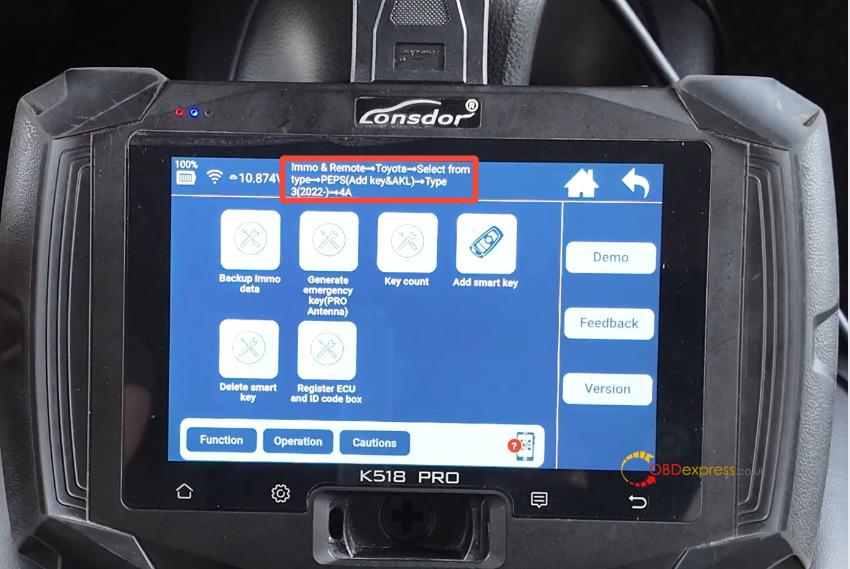
- Navigate to Immo & Remote > Toyota > Select from type > PEPS (Add key&AKL) > Type 3 (2020-) > 4A.
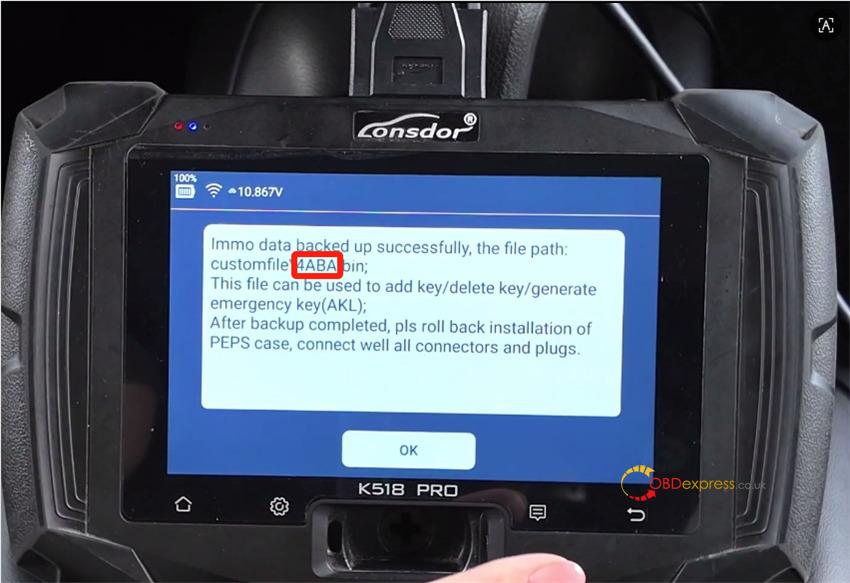
- Select Backup IMMO Data, switch on ignition (or hazard lights), and save the D-FLASH file locally.
Step 5: Program the Keys
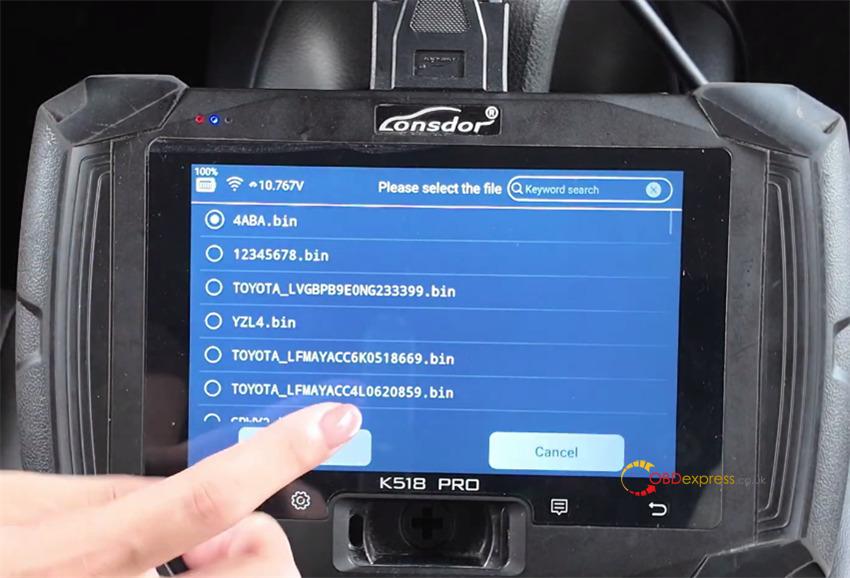
- Select Add Smart Key and load the saved D-FLASH file to calculate the 12-bit PIN code.
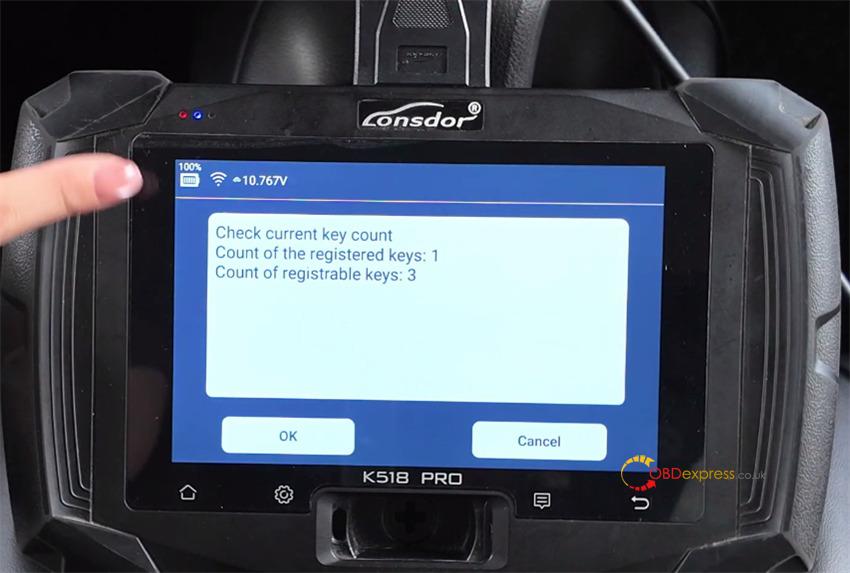
- Touch the working key to the engine start button until the buzzer sounds.
- Touch the new key to the engine start button to finish registration.
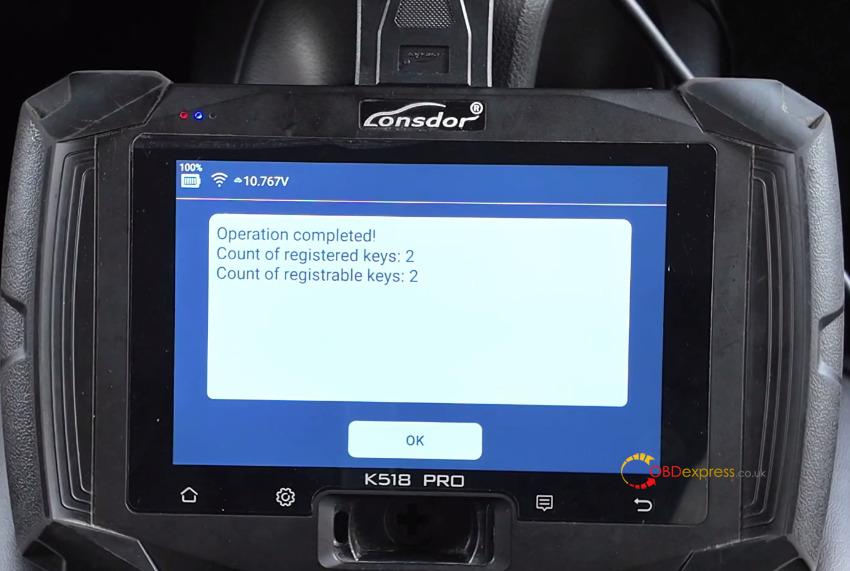
Step 6: Restore Original Key Data & Test
- Go to Special Functions > Key Settings > Program Toyota Original Key 4A > Write Back to Original Key.
- Place LT32 smart key in the slot, then place the OEM key in the slot to transfer data back.
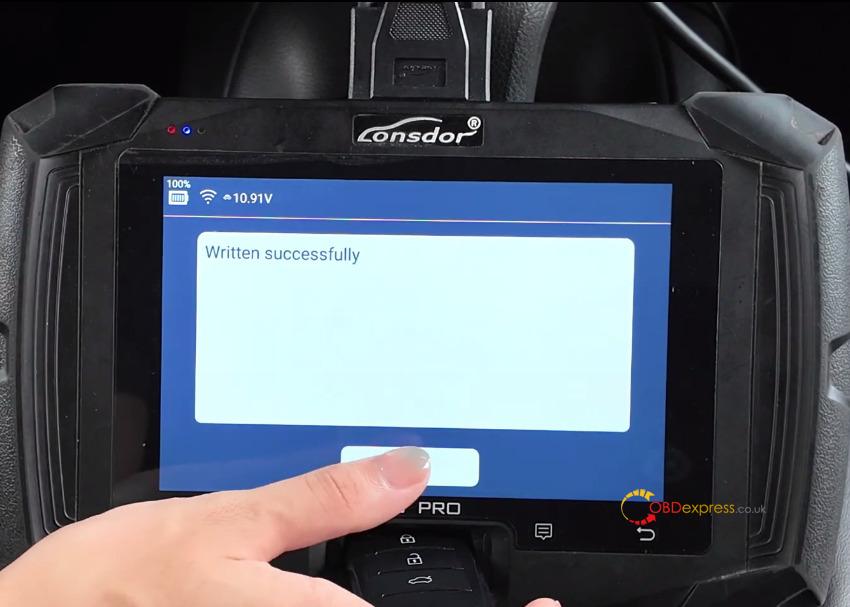
- Test engine start, lock, and unlock functions on both keys.
(Visited 163 times, 1 visits today)
