




Locked secondhand keys are a common headache for automotive locksmiths. If you want to reuse an OEM remote, EoneBoss HK001 Key Master offers an efficient solution for renewing used Hyundai and Kia NXP (NCF29Ax) smart keys.
Using a Hyundai 4A AES smart key as our example, this walkthrough covers the step-by-step process of using the hardware alongside its mobile application to restore the key to factory settings.
Step-by-Step Bench Reset Procedure
Before opening the tool, install EoneBoss app on your mobile device and place your hardware nearby.
- Select the Remote Casing Style
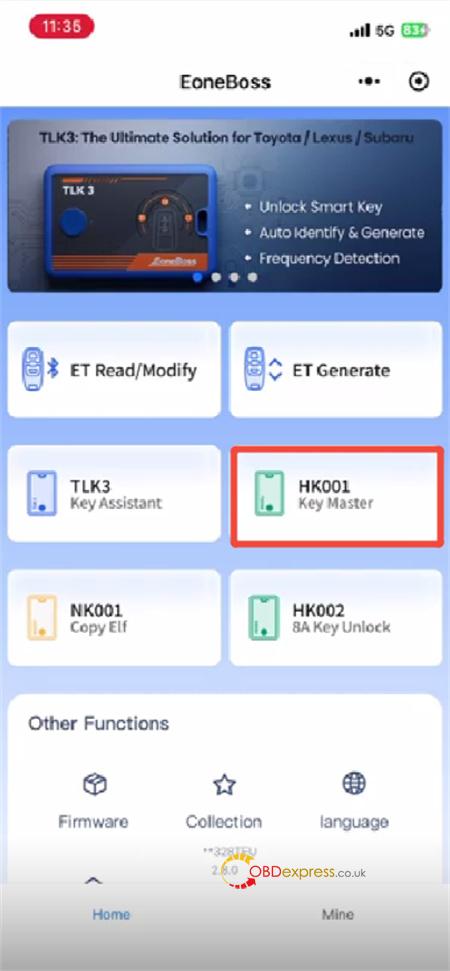
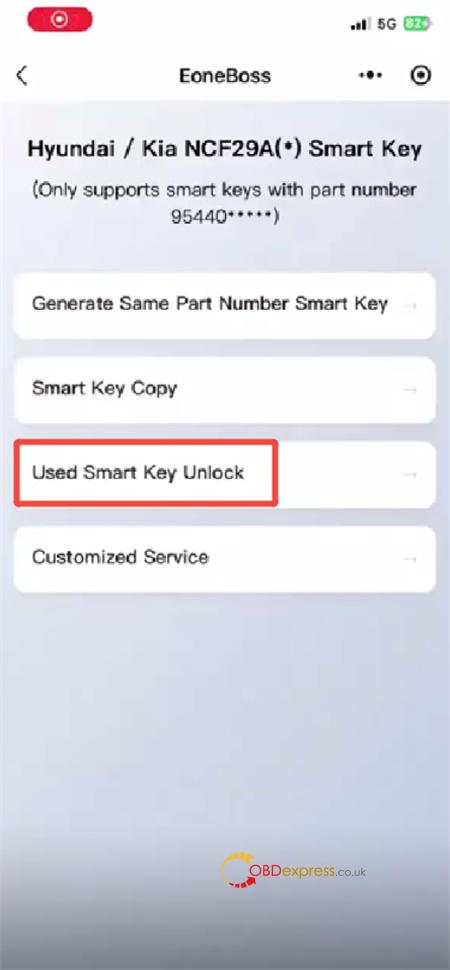
- Open the mobile application and tap through: HK001 -> Used Smart Key Unlock.
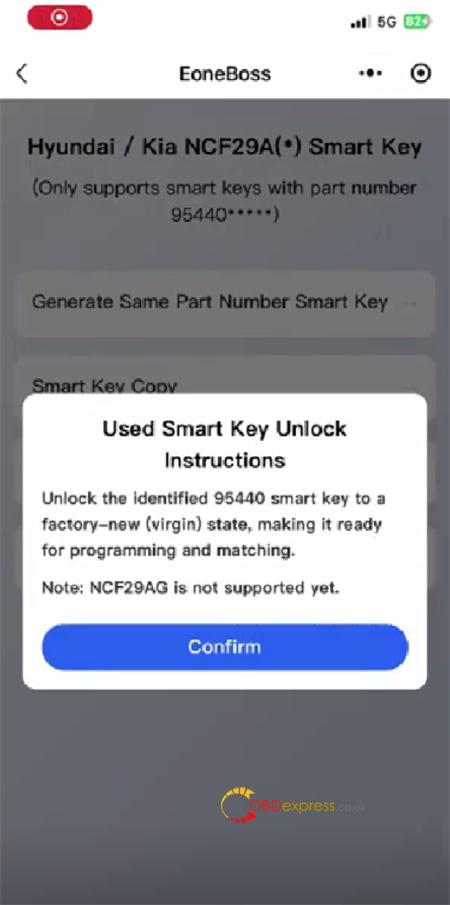
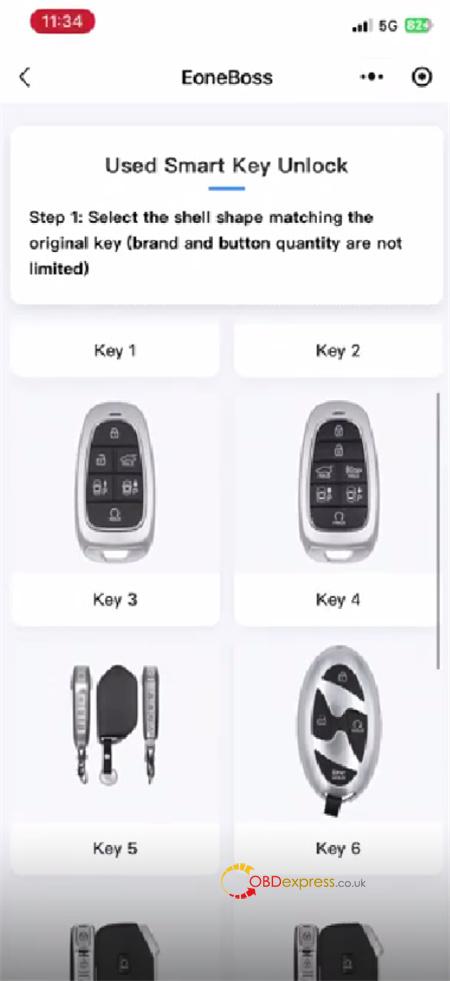
- Scroll through the gallery and pick the key casing silhouette that matches the remote in your hand. The brand emblem and button configuration do not matter here—just match the physical shape of the shell. (NCF29AG is not supported yet!)
- Identify the Circuit Board Layout
- Disassemble the remote shell and extract the internal printed circuit board (PCB).
- Examine the components on the board to select the matching hardware configuration and NXP chip model within the app interface.
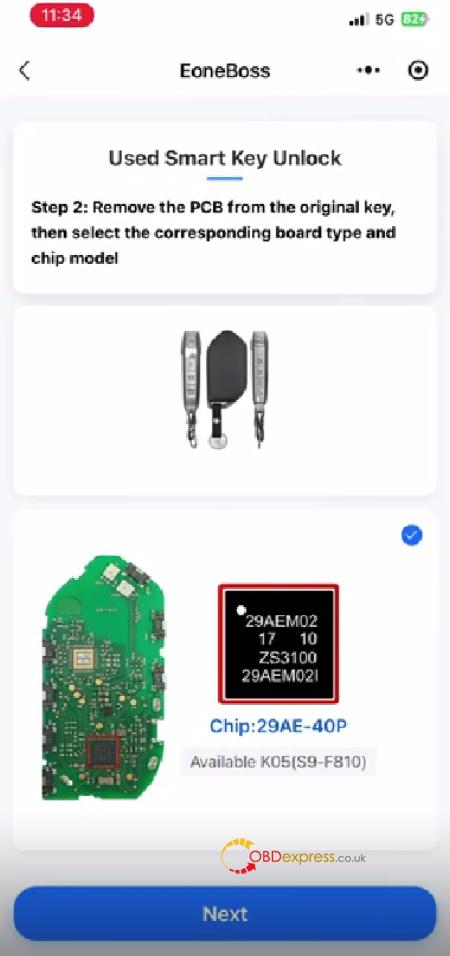
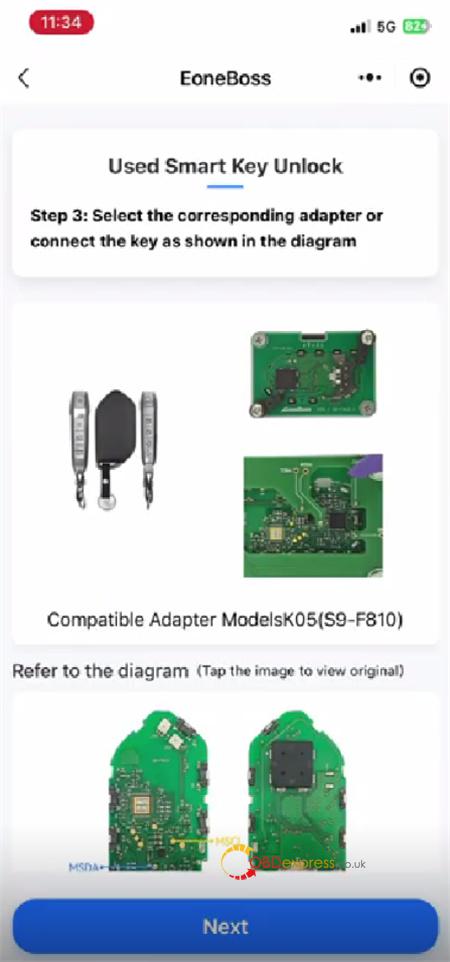
- Review the Pinout Diagram
- The application will display an exact wiring schematic for your specific board.
- Attach the required jumper leads from the key board terminals to the programmer pins based on the illustration. (Note: Solder-free connection adapters will be released in the future, but standard wiring pinouts must be used for now).
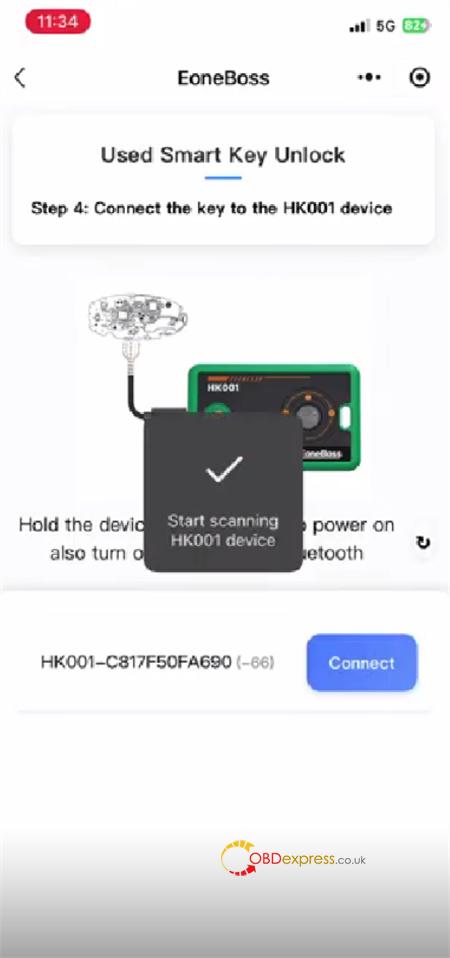
- Pair Your Phone via Bluetooth
- Hold down the power button on HK001 unit for 3 seconds to boot up the hardware.
- Enable Bluetooth on your smartphone.
- Let the app scan for nearby hardware, then tap Connect to establish the wireless link.
- Read and Clear the Transponder Data
- EoneBoss HK001 will automatically analyze the connected PCB to display its chip variant, unique Key ID, and original factory part number.
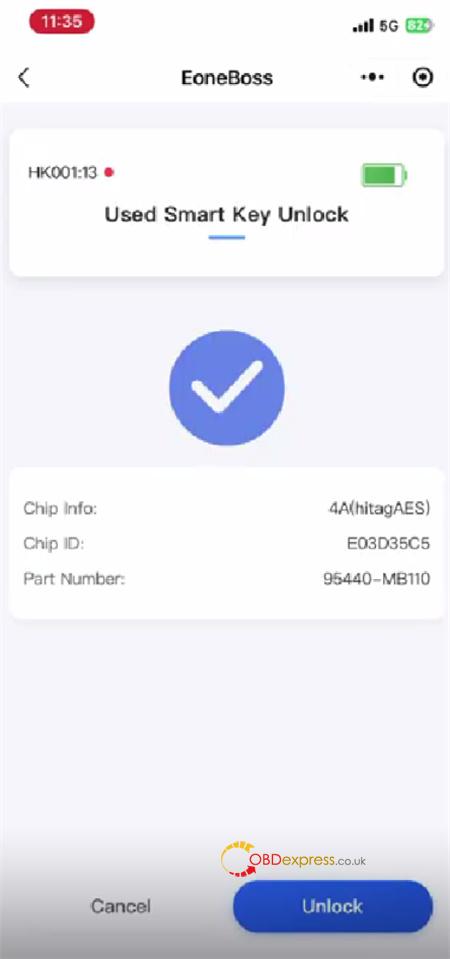
- Verify the data and tap the Unlock button.
- Crucial: Leave the hardware completely still and do not interrupt the power supply while the clearing process runs.
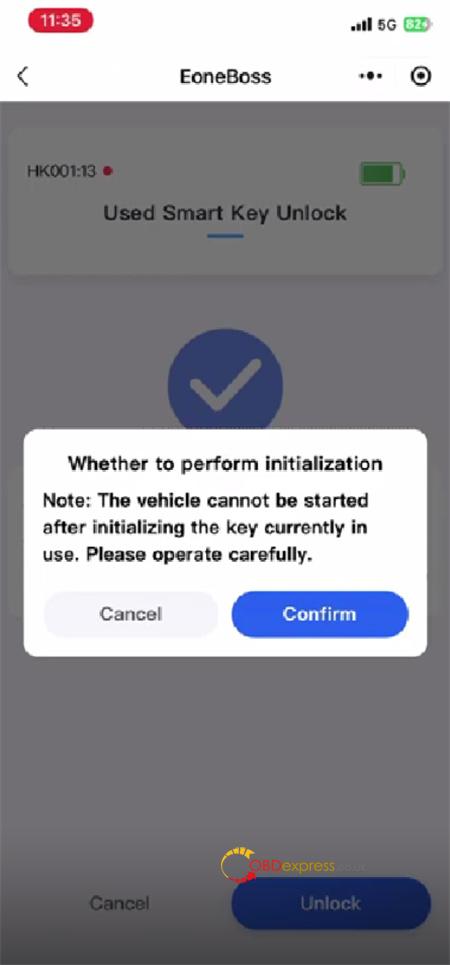
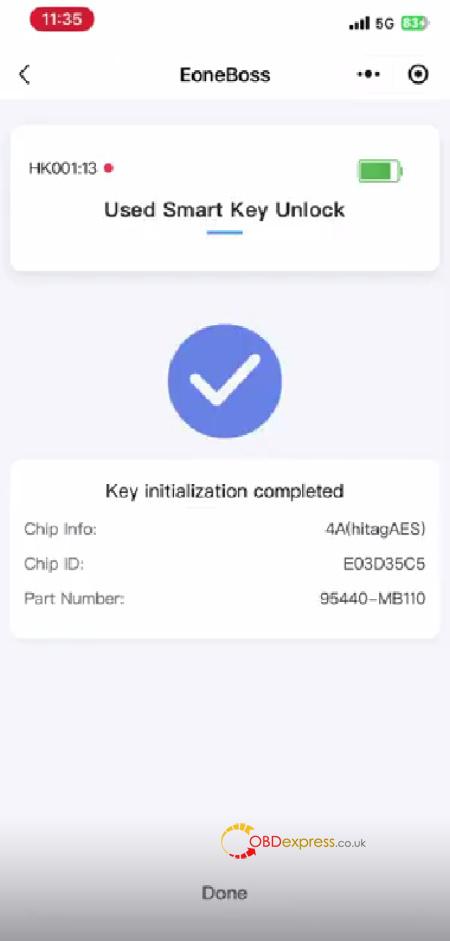
Once the notification confirms a successful reset, the transponder is fully unlocked and ready to be programmed to another vehicle!
Essential Usage Rules & Hardware Limits
To avoid workflow interruptions on your bench, keep these manufacturer rules in mind:
- Unlimited Unlocking: There are absolutely no daily restrictions or token costs when resetting original Hyundai/Kia NXP proximity keys.
- Copy Limits: If you are cloning data onto non-EoneBoss aftermarket NCF29Ax transponders, the software enforces a limit of 5 keys per day. Cloning data onto official EoneBoss remotes remains completely unlimited.
- Unsupported Architecture: The next-generation NCF29AG chipsets cannot be processed by this tool yet.
- Working with 8A Systems? HK001 hardware is dedicated strictly to NXP transponder types. If you need to clear a Hyundai or Kia 8A smart key (Texas Instruments / TI chip), you must use EoneBoss KH002 programmer instead.
Read also:
Eoneboss HK001: 3 Mins to Master Hyundai & Kia Keys – No Solder!
