




This post shows how to read and write BCI CUMMINS CM2350A MPC5674F data using OBDSTR ECU MASTER on bench.
Tools required:
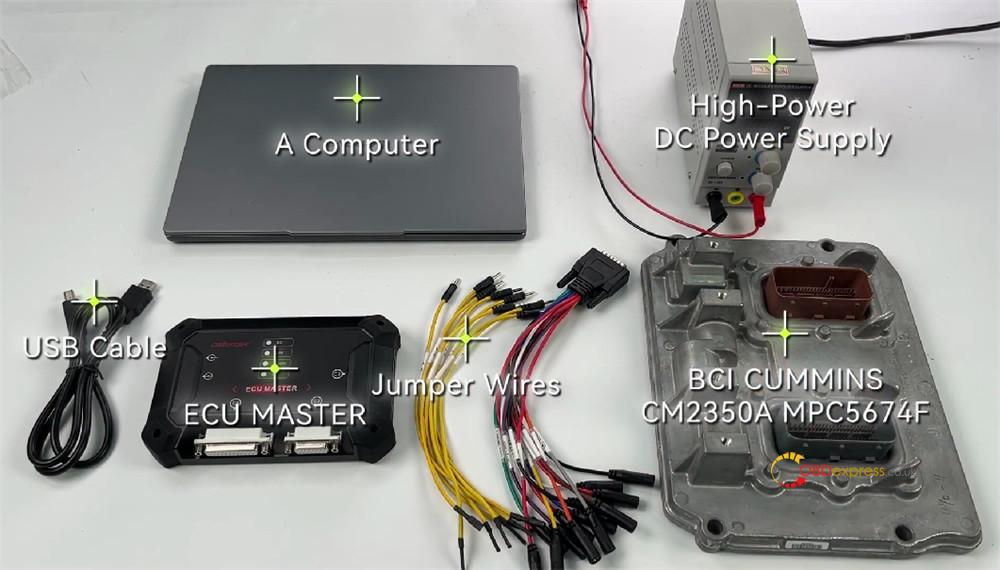
- A computer
- High-power DC Power Supply
- USB cable
- Jumper wires
- BCI CUMMINS CM2350A MPC5674F
- OBDSTAR ECU Master Full Version or Configuration C for HD Truck & Tractor
Procedure:
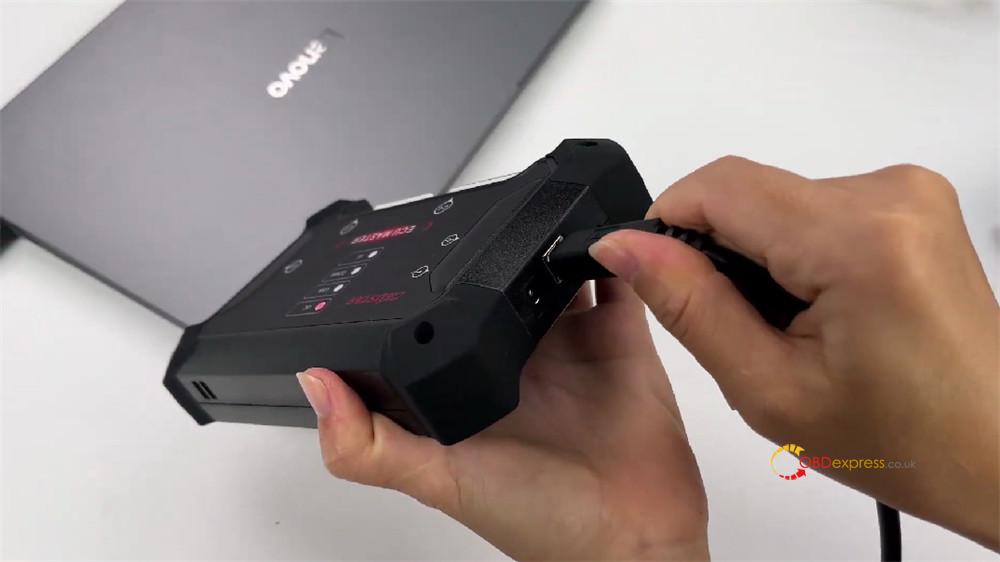
Connect ECU Master to the computer via USB cable
Run ECU Master PC software on WIN10 or above
Ensure the device is registered and update the software to the latest version (click here to check the registration and update guide)
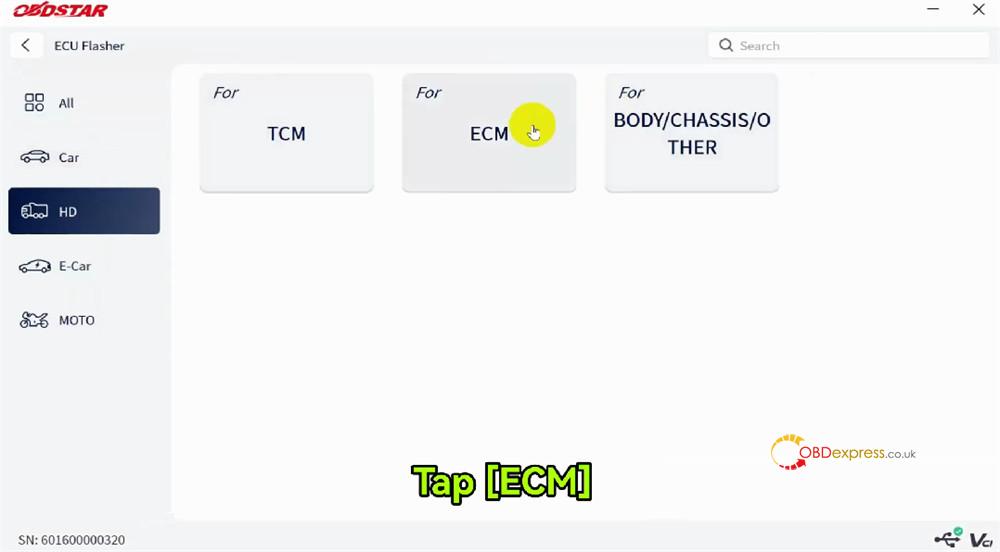
Navigate to ECU Flasher-> HD-> ECM
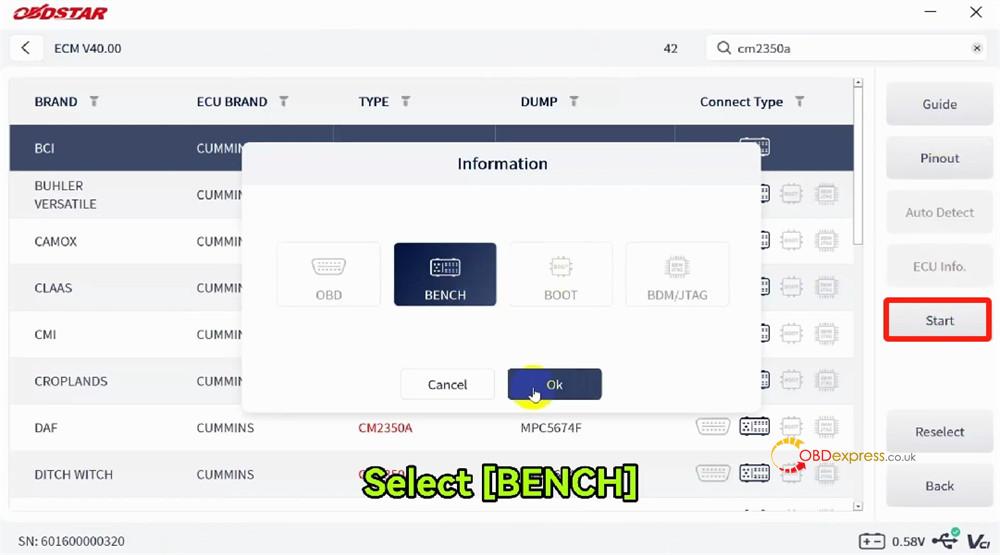
Input cm2350a in the searching box to find the related BCI option
Click “Start”, select “BENCH” and click “OK”
Click “Guide” to check the operation instruction and connection
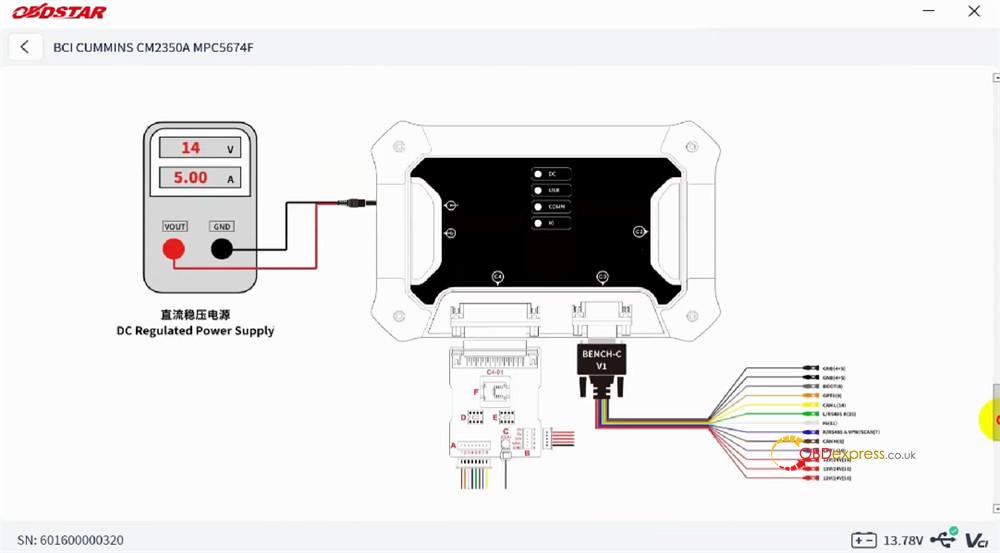
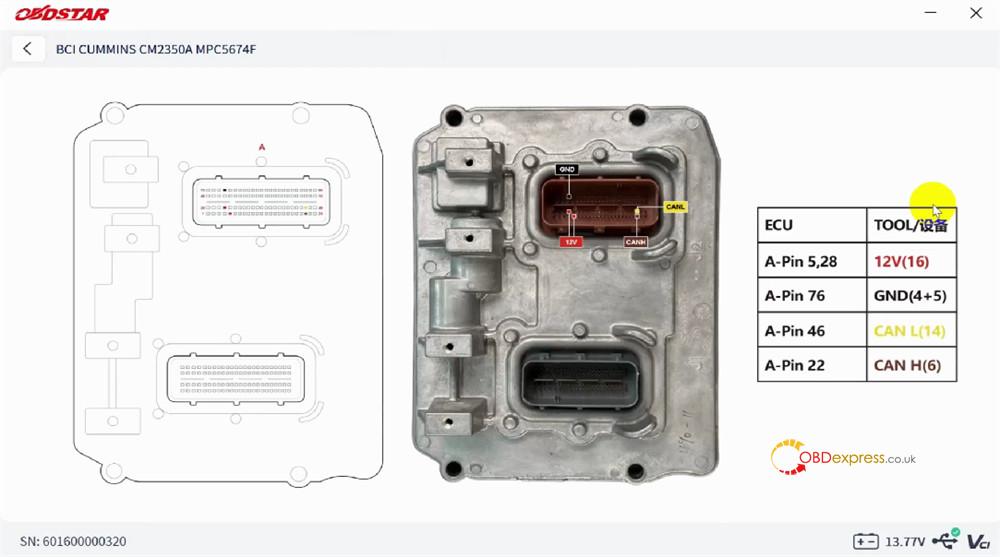
Click “Pinout” and follow it to connect device and ECM correctly
- Pin 5, 28= 12V (16)
- Pin 76= GND (4+5)
- Pin 46= CAN L (14)
- Pin 22= CAN H (6)
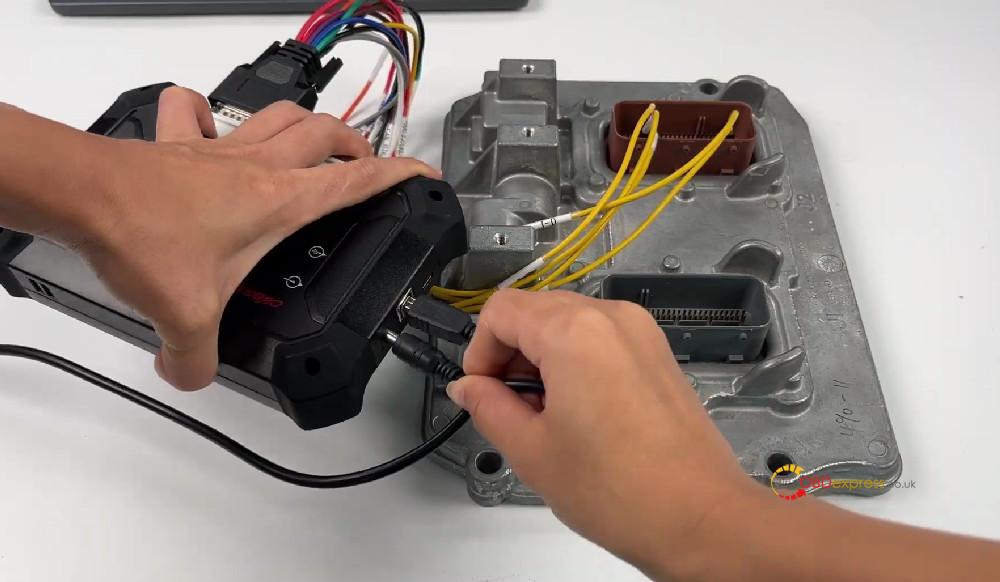
After connection, click “Connect” to connect ECU
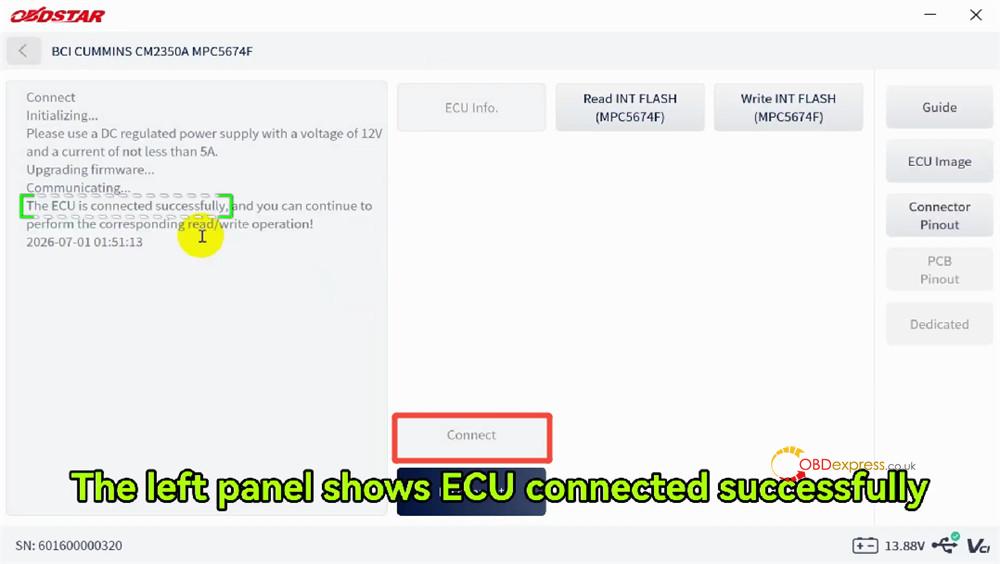
Then click “Read INT FLASH (MPC5674F)”, and save the original data
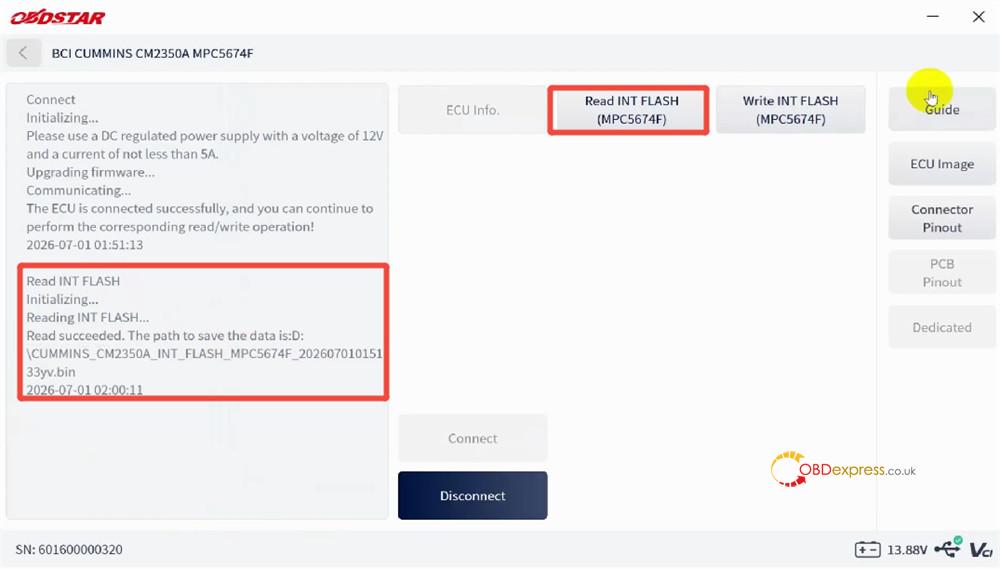
After that, disconnect the original ECM, and connect the donor ECM to OBDSTAR ECU Master ECU Programmer properly
Click “Write INT FLASH (MPC5674F)” and select the original ECM data to write into the new ECM
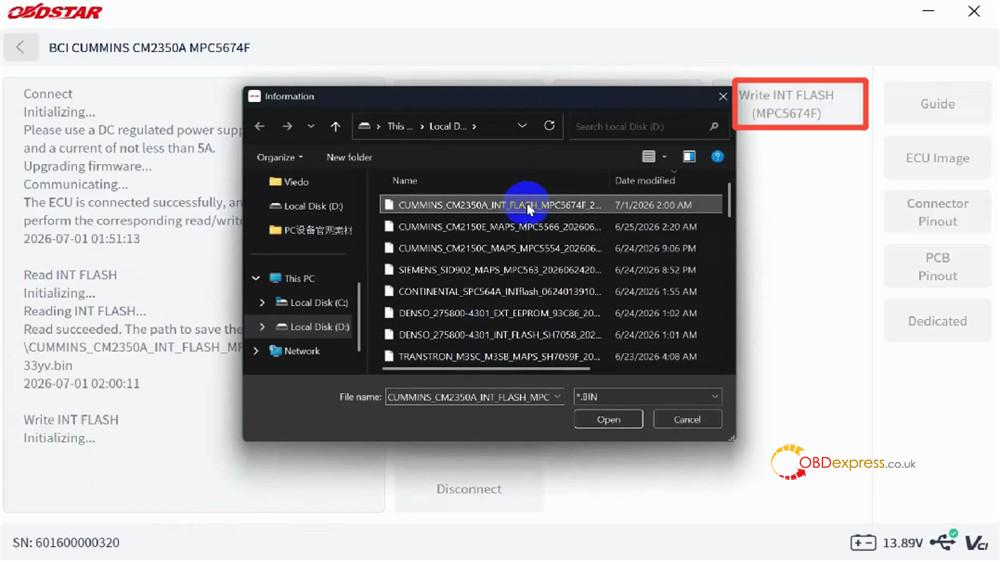
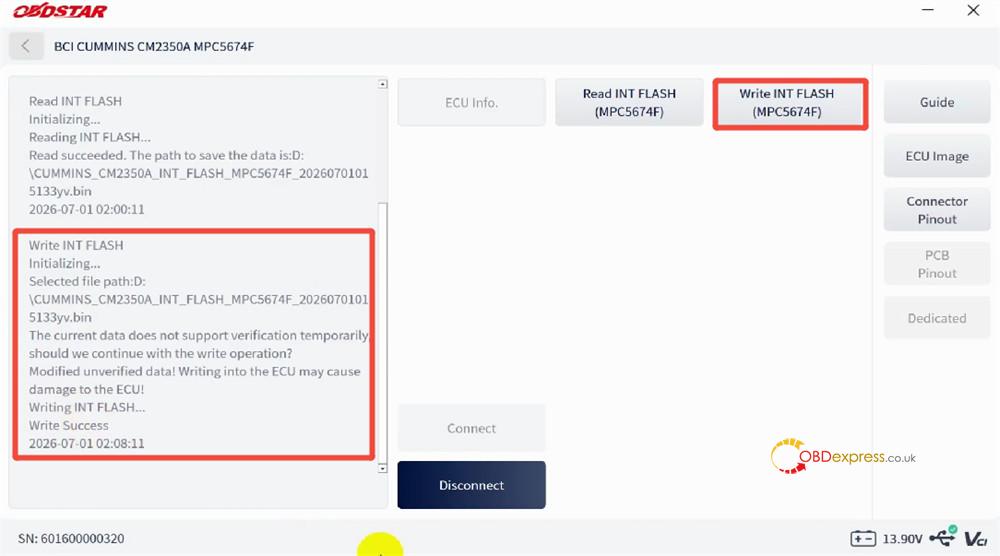
After complete the writing process, click “Disconnect”
Done!
