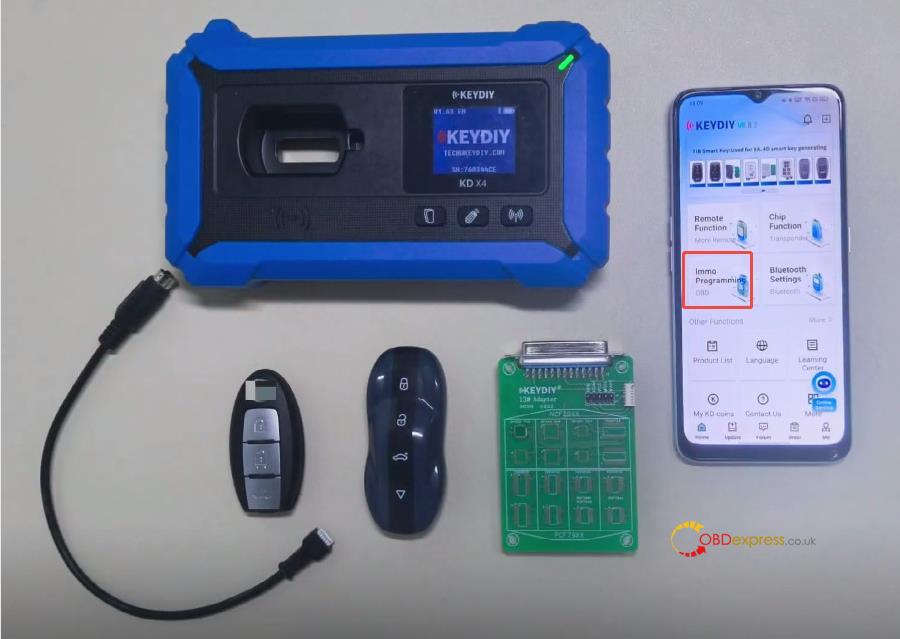
When investing in new automotive key programming and remote generation hardware, coverage is everything. A common question locksmiths and diagnostic technicians ask before pulling the trigger is:
“Can I download the KEYDIY app to check supported vehicle models before actually purchasing the device, or do I need to buy and bind the device first to see this information?”
The short answer is no, you do not need to bind a device first. KEYDIY allows complete transparency before you spend a dime.
Here is exactly how you can verify if KD-MAX or KD-X4 supports your specific vehicle models before making a purchase.
Key Takeaway: No Device Binding Required
You can view all vehicle and remote compatibility details completely free of charge. Binding a physical device is absolutely not required to access this information. You simply need to download the official mobile applications to audit the coverage database.
How to Check KD-MAX Supported Models & Functions
KEYDIY KD-MAX is a premier handheld smart device designed primarily for remote generation, chip cloning, and smart key customization.
If you want to check which vehicle models KD-MAX supports for remote functions:
- The Solution: Download the “Mobile KD” app from the Google Play Store or Apple App Store.
- What you can see: Inside the app, you can freely browse the entire remote generation database to check exactly which vehicle makes, models, years, and button configurations are supported.

Looking for Transponder Programming? Meet KD-X4
While KD-MAX excels at remote generation, if your primary goal is dealing with advanced on-board diagnostic (OBD) vehicle programming and key pairing capabilities, your workflow requires a different tool.
- Our Recommendation: We highly suggest looking into KEYDIY KD-X4 for dedicated programming/pairing tasks.
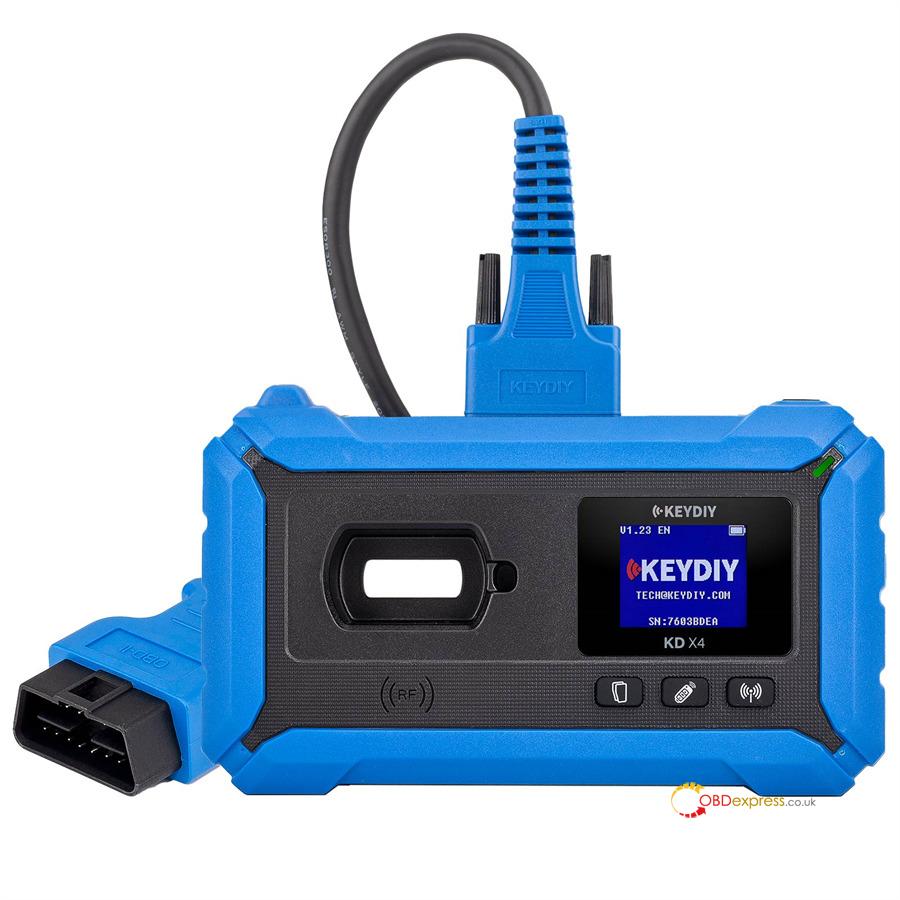
- How to check coverage: Download the corresponding software app and navigate directly to the [IMMO Programming] function menu. From there, you can view the complete, live list of supported vehicle IMMO systems and pairing protocols without needing a registered serial number.