

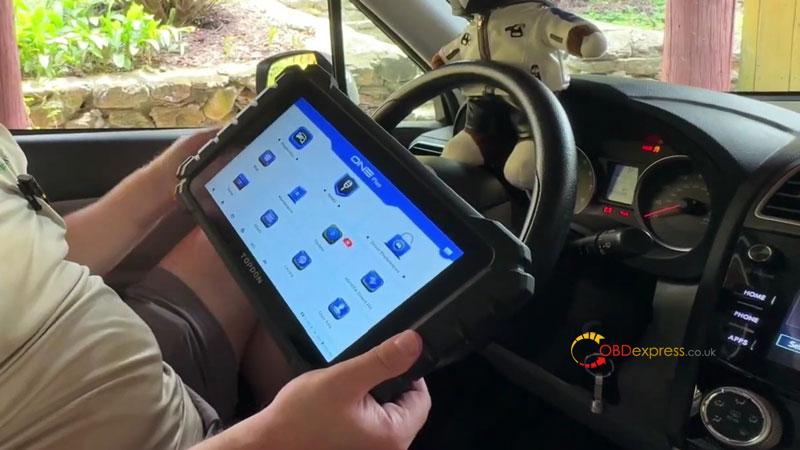
I’ve used enough scan tools to know that a long feature list doesn’t tell you much about how a tablet actually performs in a workshop. After using the Topdon ONE Plus on a 2016 Subaru Forester, I found it to be a solid general-purpose diagnostic tool, particularly for everyday scanning, active tests, live data and service work.
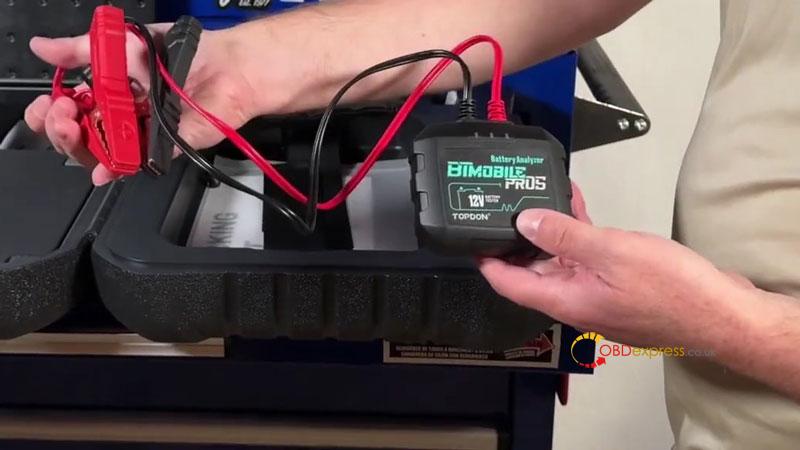
Real Workshop Experience
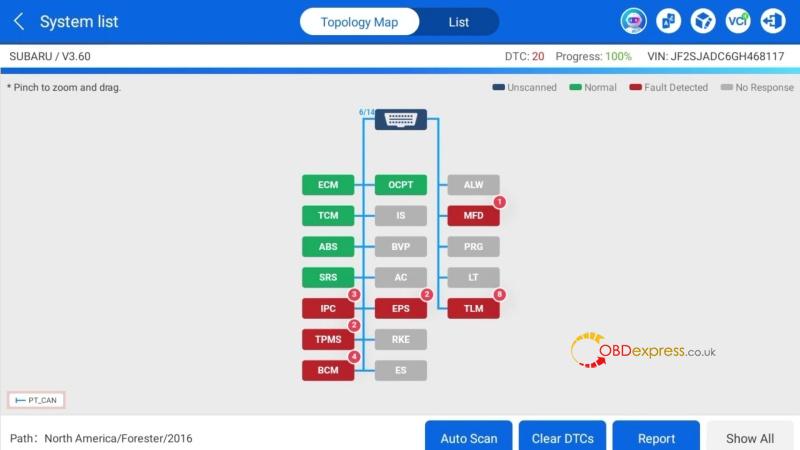
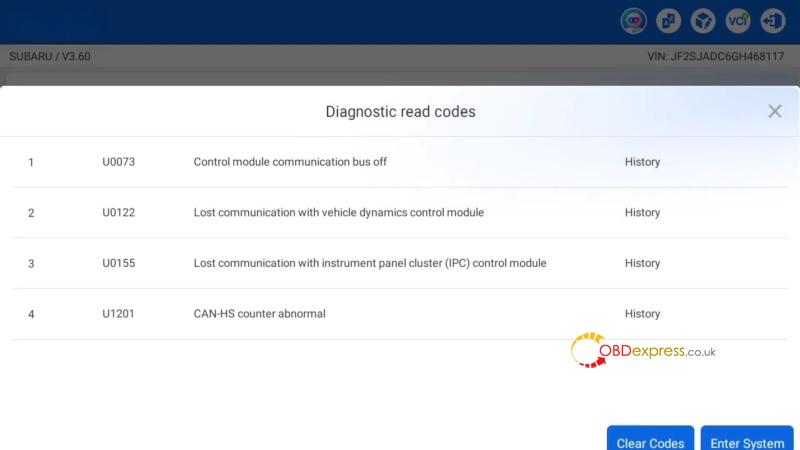
- Full-system scanning: VIN identification and the initial scan were quick. The module list and topology view also made communication issues easier to spot.
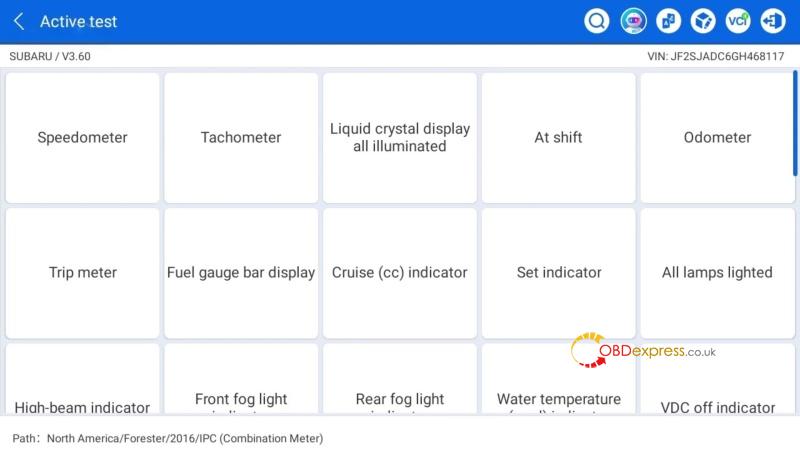
- Active tests: This was one of the more useful parts in real use. I could command things like the fuel pump relay, radiator fan, locks, horn and rear gate instead of relying only on fault codes.
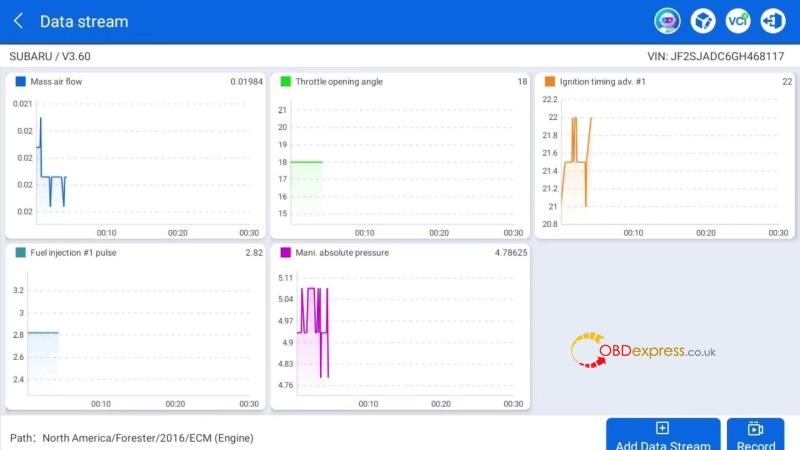
- Live data: Graphing several parameters together made it easier to see changes during diagnosis. For me, this is more useful than simply having a long list of live-data values.
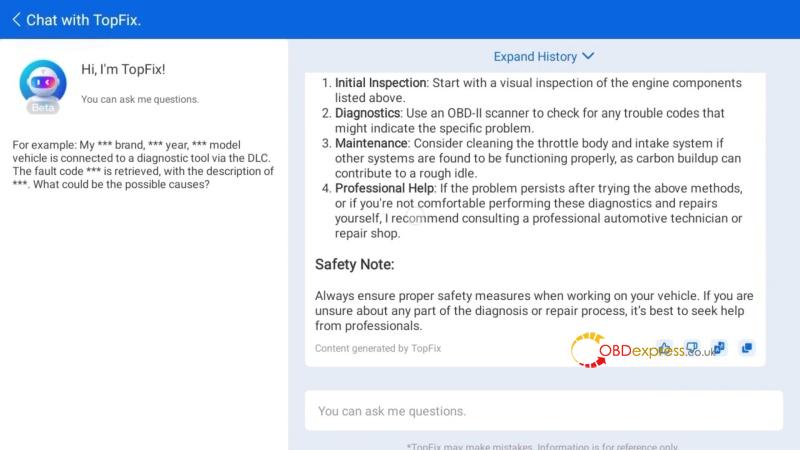
- TopFix AI: Useful as a starting point when chasing a fault. It gives possible causes and repair information rather than just repeating the DTC description. I still treat it as a reference, not a replacement for testing.
- Advanced functions: This is where I would check coverage before buying. ECU coding, module programming and key functions depend heavily on the vehicle. The Subaru I tested didn’t give me the same programming coverage I would expect from a dedicated manufacturer-specific tool.
- Overall experience: After actually using it, I see the ONE Plus as a broad diagnostic workhorse rather than a specialist programming or IMMO tool.
Strengths
Good everyday diagnostics — Full-system scanning is quick and easy to navigate.
Useful topology view — Helpful when checking module communication.
Practical active tests — Good for confirming whether components actually respond.
Usable live data — Graphing makes parameter changes easier to understand.
TopFix AI is helpful — A useful starting point when researching faults.
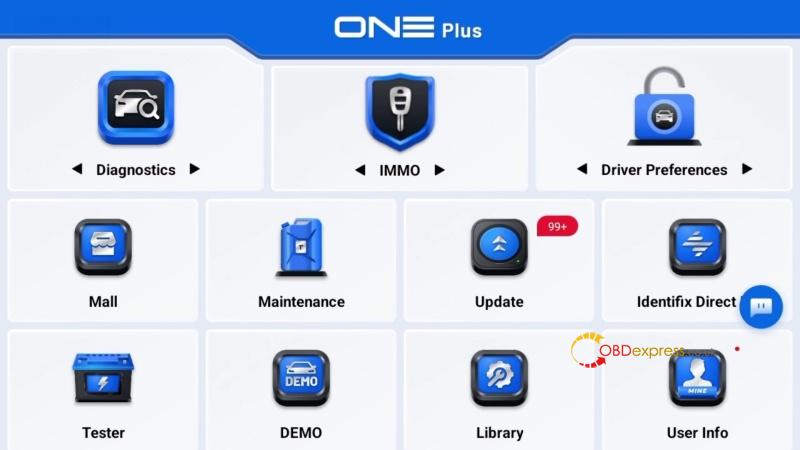
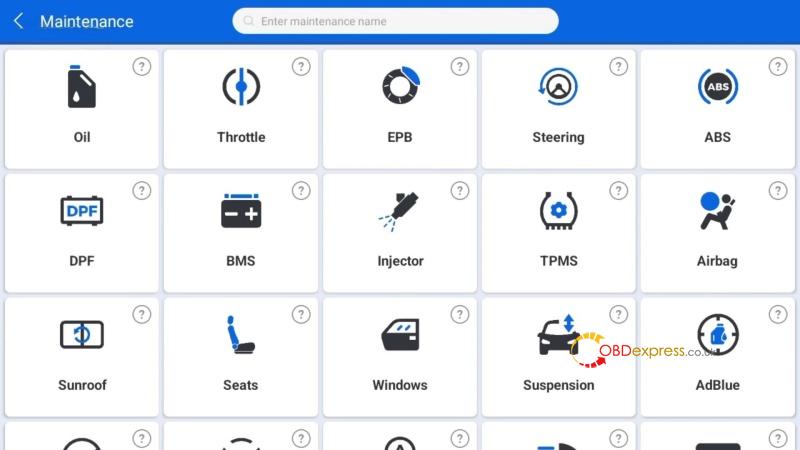
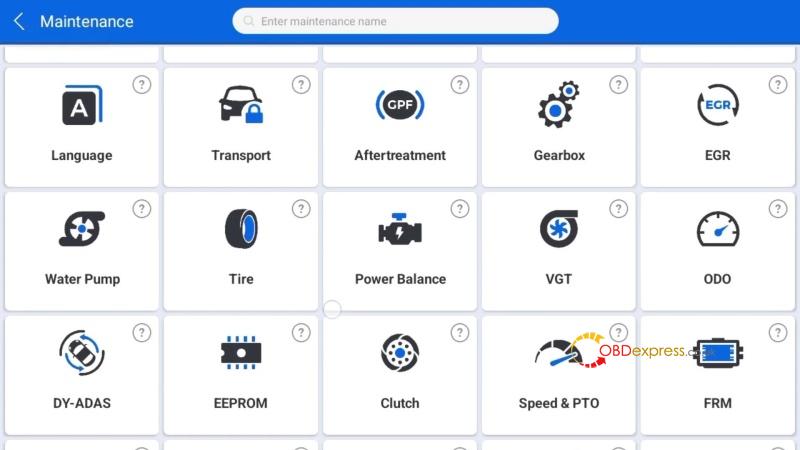
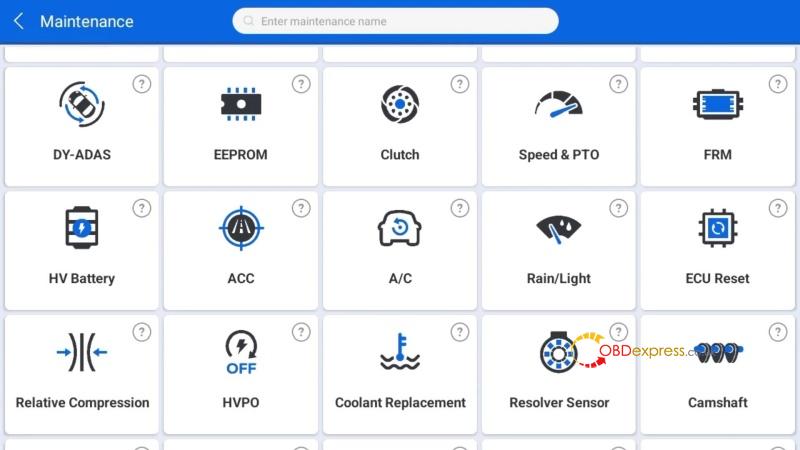
Wide service coverage — Enough routine functions for many workshop jobs.
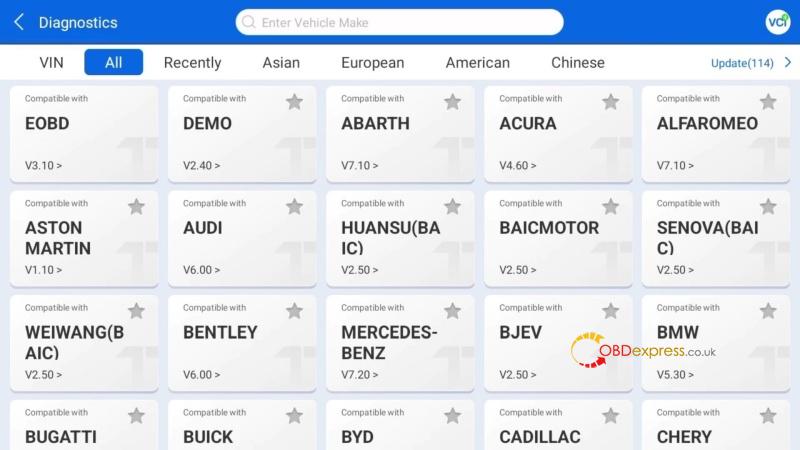
Good newer-vehicle support — CAN-FD, DoIP and J2534 add useful coverage.
Limitations
Programming coverage varies — Don’t assume ECU coding or module programming will work on every vehicle.
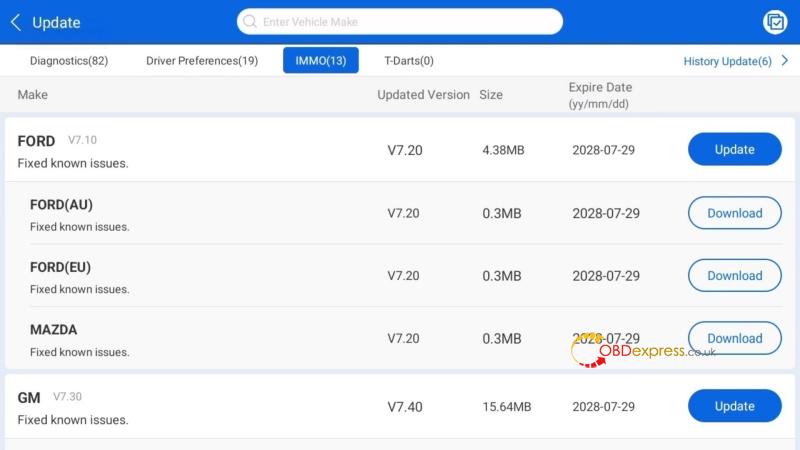
IMMO is not its specialty — Dedicated key tools still make more sense for serious key work.
TPMS is secondary — It doesn’t replace a dedicated TPMS tool. Some functions need extra subscriptions or accessories.
There is a learning curve — The number of functions can make the tablet feel busy at first.
Would I Keep Using It?
Yes, for general diagnostic work. I wouldn’t choose it specifically for advanced IMMO or manufacturer-level programming, but it handles everyday diagnostics, active tests, live data and service work well.
The biggest plus is the cost. Compared with higher-priced brands like Matco, Snap-on and Autel, the ONE Plus offers broad professional-level diagnostic capability at a lower overall cost, and the purchase includes 2 years of free software updates.
For an independent shop, that’s a pretty practical combination: broad coverage without the high ownership cost.
